The Lige smartwatch has emerged as a standout in the wearable tech space, particularly for fitness enthusiasts who demand precision, variety, and real-time feedback. At the heart of its appeal is a powerful feature: 120 dedicated sports modes. These aren’t just numbers—they represent opportunities to track, analyze, and improve performance across a vast spectrum of physical activities. Yet most users only scratch the surface, tapping into a fraction of what’s available. This guide walks you through how to fully leverage every mode, turning your smartwatch from a passive tracker into an active coach.
Understanding the Range of 120 Sports Modes
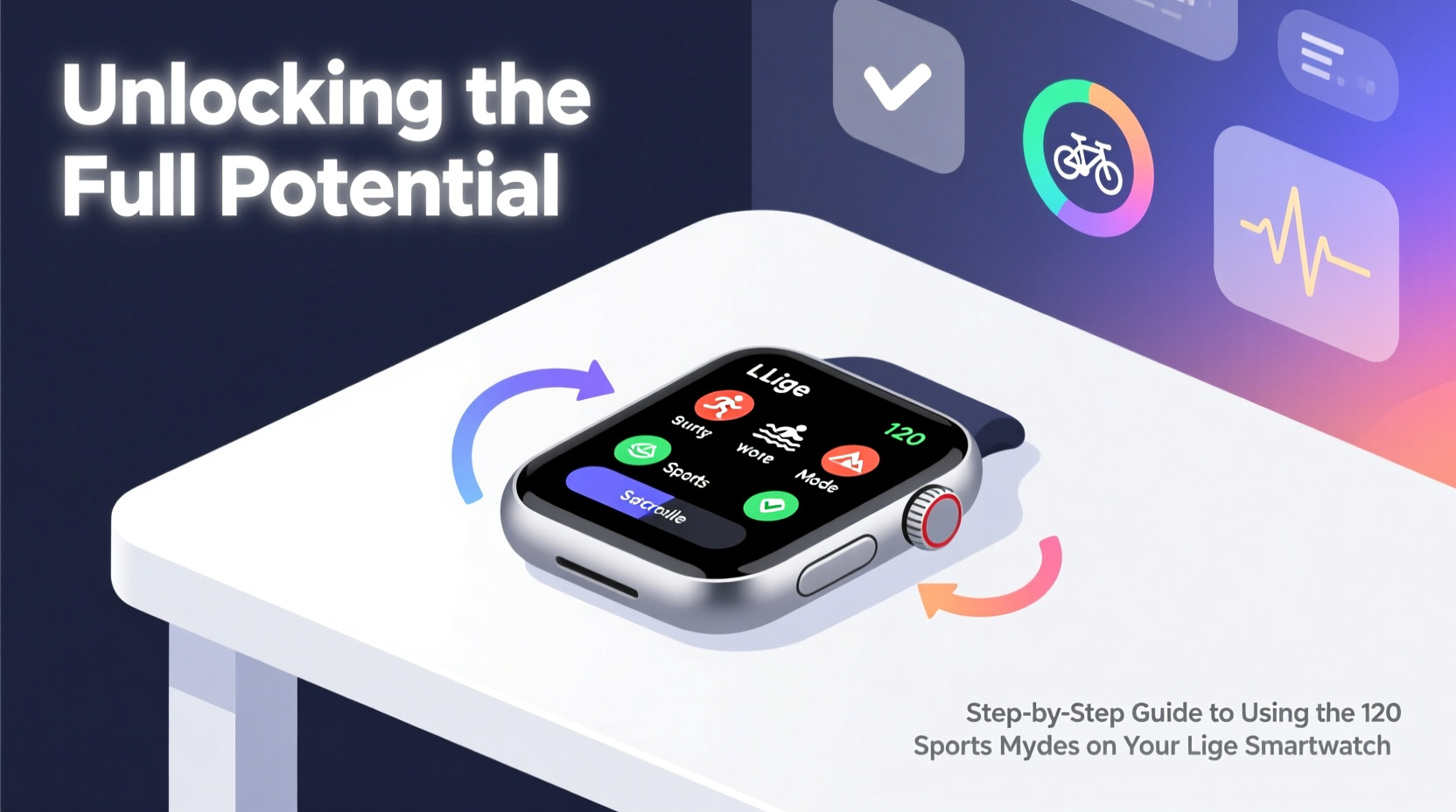
Lige didn’t add 120 sports modes for marketing flair—they serve distinct tracking purposes. From mainstream workouts like running, cycling, and swimming to niche options such as rock climbing, fencing, and even paddleboarding, each mode adjusts sensor focus, data collection intervals, and metrics displayed during the session.
For example:
- Running (Outdoor/Indoor): Tracks pace, cadence, stride length, and elevation gain.
- Yoga: Monitors heart rate variability and session duration without GPS.
- Rowing (Machine/Water): Measures stroke count, power output, and rhythm consistency.
- Dance Fitness: Focuses on calorie burn and movement intensity rather than distance.
The key is selecting the correct mode. Using “Walking” instead of “Hiking” may omit altitude tracking. Choosing “General Exercise” over “Cycling” can lead to inaccurate distance calculations. Precision starts with selection.
Tip: Label less common modes with personal notes in your watch app—e.g., “Mode #73 = Indoor Rowing”—to avoid confusion during workouts.Step-by-Step Guide to Activating and Using Any Sports Mode
Maximizing your Lige smartwatch begins with a consistent activation process. Follow this sequence to ensure accurate data capture every time:
- Prepare Before Your Workout: Charge your watch (minimum 50%), enable GPS if outdoors, and disable battery-saving modes that limit sensor access.
- Navigate to Sports Menu: Press the side button or swipe up from the watch face to open the app drawer. Tap the “Exercise” or “Workout” icon.
- Select the Correct Mode: Scroll through the list or use the search function (if available via companion app) to find your activity. Confirm it matches your planned workout.
- Start Recording: Tap “Start.” The watch will warm up sensors and, if applicable, acquire GPS signal. Wait for confirmation (vibration or on-screen prompt) before beginning.
- Monitor During Activity: Swipe left or right to cycle through real-time metrics. Customize these in the Lige Fit app under “Display Settings” for each mode.
- End and Save: Tap “Finish” when done. The watch syncs data automatically. Review summary in the app within minutes.
This process ensures reliable heart rate monitoring, GPS mapping, and calorie estimation—all critical for long-term progress analysis.
Optimizing Performance with Mode-Specific Tips
Not all sports modes are equal in functionality. Some offer advanced analytics only when used correctly. Below is a comparison of high-utility modes and how to get the most from them:
| Sport Mode | Key Metrics Tracked | Pro Tip |
|---|---|---|
| Trail Running | GPS route, elevation, VO₂ max estimate | Enable “Route Backtrack” in settings to avoid getting lost. |
| Swimming (Pool/Open Water) | Stroke count, SWOLF score, lap time | Calibrate pool length manually for accuracy. |
| Cycling (Outdoor) | Speed, cadence, distance, route map | Pair with a Bluetooth speed/cadence sensor for precision. |
| HIIT Training | Heart rate zones, active seconds, recovery time | Use pre-set interval templates in the app for structured sessions. |
| Golf | Swing detection, distance to hole, course map | Download course maps in advance; works best with GPS-enabled watches. |
Customization is essential. Spend 10 minutes in the Lige Fit mobile app assigning favorite modes to the quick-access carousel. You can also adjust auto-pause, lap triggers, and alert thresholds per sport.
“Using the right sports mode isn’t just about data—it’s about building trust in your device. When athletes see consistent, accurate feedback, they train smarter.” — Dr. Marcus Lin, Sports Biomechanics Researcher, University of Edinburgh
Real-World Example: How Sarah Improved Her Marathon Time
Sarah, a recreational runner from Portland, struggled to break her 4-hour marathon barrier. She owned a Lige smartwatch but used only the default “Running” mode. After consulting a local running coach, she switched to “Outdoor Running (Advanced)” and began leveraging cadence alerts and pace zone notifications.
She customized her display to show real-time heart rate zones and set audible alerts for when she exceeded Zone 3 (aerobic threshold). Over 12 weeks, she logged every long run using the correct mode, reviewed post-run analytics, and adjusted her pacing strategy. On race day, she maintained even splits and finished in 3:42—a 18-minute personal best.
The difference wasn’t new shoes or a different diet. It was using the right mode to gain actionable insights.
Checklist: Maximizing Your 120 Sports Modes
Before every workout, run through this checklist to ensure optimal tracking:
- ✅ Verify the correct sport mode is selected
- ✅ Confirm GPS is enabled (for outdoor activities)
- ✅ Check battery level (minimum 30%)
- ✅ Ensure heart rate sensor is clean and snug on wrist
- ✅ Review custom display layout for relevant metrics
- ✅ Start recording before beginning activity
- ✅ Sync data post-workout and review in Lige Fit app
This routine takes less than two minutes but prevents data loss and measurement errors.
Frequently Asked Questions
Can I create custom sports modes?
No, the 120 modes are pre-programmed. However, you can customize data fields, alerts, and shortcuts within each mode via the Lige Fit app. Future firmware updates may introduce user-defined templates.
Why does my watch show fewer modes than advertised?
If you see fewer than 120, your device may not be updated. Go to the Lige Fit app > Device Settings > Firmware Update. Also, some modes are region-locked due to naming or regulatory differences—check your language and country settings.
Do all modes use GPS?
No. GPS activates only for outdoor-centric modes like running, cycling, hiking, and golf. Indoor activities (e.g., treadmill, elliptical) rely on motion sensors unless manually enabled. To conserve battery, disable GPS for indoor workouts.
Conclusion: Turn Data Into Progress
The 120 sports modes on your Lige smartwatch are more than a spec sheet highlight—they’re tools for transformation. Whether you're training for a triathlon, recovering from injury with low-impact routines, or exploring new fitness hobbies, there’s a mode designed to support your journey. The real power lies not in quantity, but in consistency and correct usage. By selecting the right mode, understanding the metrics, and reviewing your data over time, you turn raw numbers into meaningful progress.
🚀 Ready to unlock your potential? Pick one unused sports mode this week, try it with intention, and log your experience. Small steps lead to big breakthroughs.