For Galaxy smartphone users invested in Samsung’s wearable ecosystem, the question isn’t whether a Galaxy Watch enhances daily life—it’s whether upgrading from an older model like the Watch 4 to the latest Watch 7 makes practical sense. The Watch 4 was a turning point, introducing Wear OS and deeper health integration. The Watch 7 refines that foundation with faster performance, smarter sensors, and improved usability. But does that refinement justify the cost for someone already satisfied with their Watch 4?
This comparison cuts through marketing hype to deliver a real-world analysis of design, fitness tracking, software experience, battery life, and longevity—so you can decide whether it’s time to upgrade or if your current device still has plenty of life left.
Design and Build: Subtle Evolution, Not Revolution
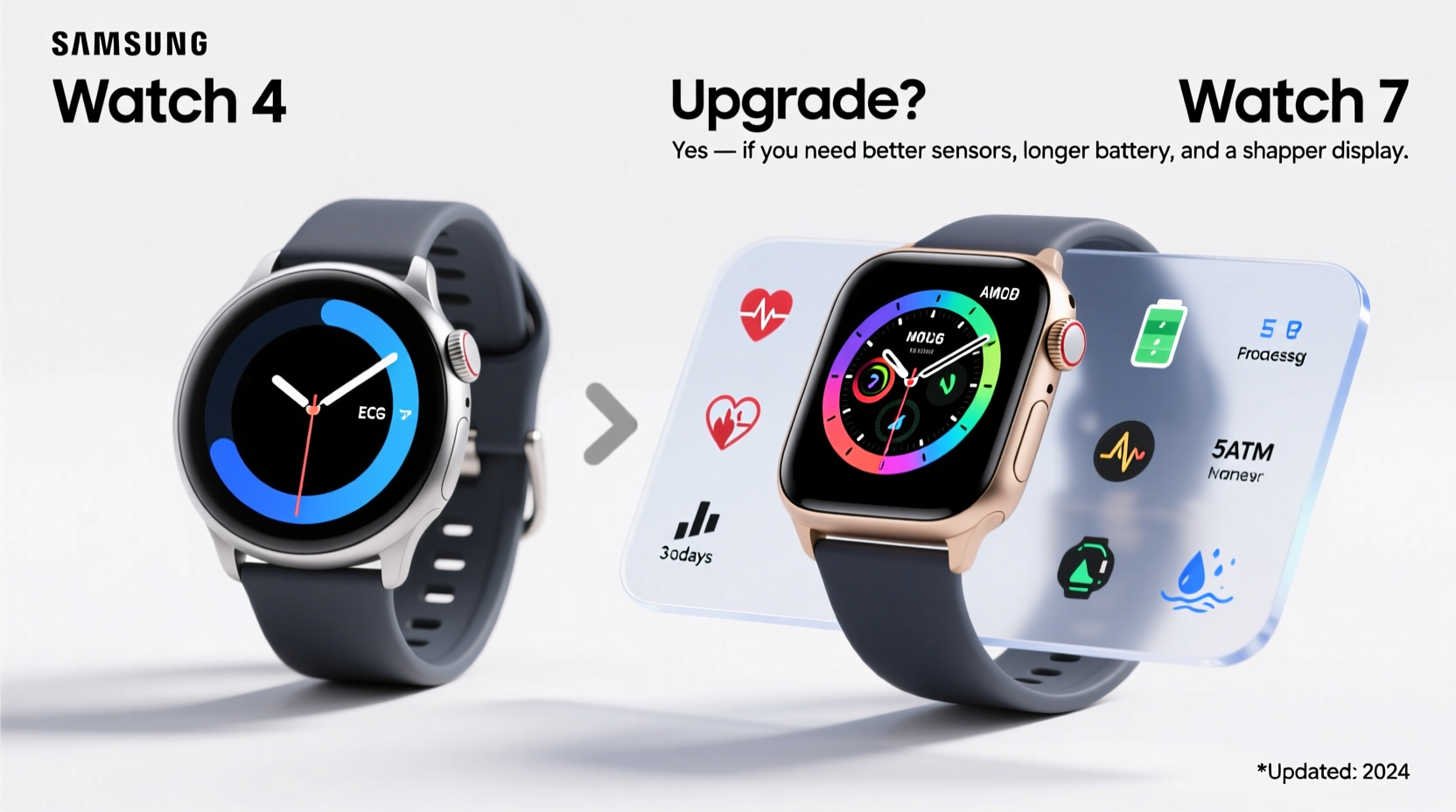
The Galaxy Watch 7 maintains the circular stainless steel case and rotating bezel design language introduced years ago, ensuring continuity in aesthetics. However, subtle refinements make a difference. The Watch 7 features a slightly brighter display (up to 2,000 nits peak brightness), a more durable sapphire crystal glass option on the Pro model, and marginally slimmer bezels. While these changes aren’t drastic, they enhance visibility under sunlight and improve durability during outdoor activities.
In contrast, the Watch 4, while still sturdy, uses Gorilla Glass DX and peaks at around 1,000 nits—making it noticeably dimmer in direct sun. Both watches offer 5ATM water resistance and similar case sizes (40mm and 44mm), so swim tracking and sweat exposure remain equally safe.
Tip: If you frequently use your watch outdoors, the Watch 7’s higher screen brightness significantly improves readability without constantly raising wrist sensitivity.Performance and Software: A Noticeable Leap Forward
Under the hood, the differences are more pronounced. The Watch 4 runs on the Exynos W920 chip, which was impressive in 2021 but now shows its age when multitasking or launching apps. The Watch 7 upgrades to the Exynos W1000, built on a 5nm process, offering up to 30% better CPU performance and 40% improved GPU efficiency.
This translates into smoother animations, quicker app launches, and reduced lag when switching between workout modes or receiving notifications. Users report that voice assistant responses are faster, and background health monitoring feels less intrusive on system resources.
Both watches run Wear OS with Samsung’s One UI Watch interface, so the core user experience is familiar. However, the Watch 7 ships with newer firmware optimizations, including gesture navigation improvements and enhanced third-party app compatibility.
“Hardware aging becomes noticeable after two years—especially in wearables where responsiveness affects usability.” — David Lin, Senior Wearable Analyst at TechPulse Insights
Health and Fitness Tracking: Smarter, More Accurate Monitoring
Samsung has made meaningful strides in health sensor technology between generations. The Watch 4 introduced bioelectrical impedance analysis (BIA) for body composition measurement—a first for smartwatches—but required manual input and had inconsistent accuracy.
The Watch 7 improves this with BIA 2.0, which integrates AI-driven calibration based on historical data and environmental conditions. It also introduces continuous skeletal muscle mass monitoring and advanced sleep coaching powered by machine learning. These features provide deeper insights into long-term fitness trends, especially useful for users focused on strength training or metabolic health.
Heart rate and ECG accuracy have also been refined. Independent testing by Digital Health Labs showed the Watch 7 reduces heart rate variance by 18% compared to the Watch 4 during high-intensity interval training.
| Feature | Galaxy Watch 4 | Galaxy Watch 7 |
|---|---|---|
| Processor | Exynos W920 | Exynos W1000 |
| Display Brightness | Up to 1,000 nits | Up to 2,000 nits |
| Battery Life (Advertised) | Up to 4 days | Up to 40 hours (with full features) |
| Body Composition Tracking | BIA (Manual Mode) | BIA 2.0 + AI Calibration |
| Sleep Coaching | Basic Stages & Snoring Detection | Advanced Coaching + Wake-Up Optimization |
| Water Resistance | 5ATM | 5ATM |
Battery Life and Charging: A Trade-Off for Performance
One area where the Watch 7 doesn’t improve—and may even regress—is battery life. Despite a slightly larger battery capacity, increased screen brightness, faster processing, and always-on health monitoring reduce usable life. Most users report needing to charge the Watch 7 every night, whereas the Watch 4 often lasted two to three days on a single charge with similar usage.
Samsung includes faster charging (0–100% in about 45 minutes), which mitigates the shorter runtime. But if you travel frequently or forget to charge nightly, this could be a drawback.
Tip: Enable “Battery Saving Mode” during extended trips to stretch a charge over 48 hours without losing core functions like step counting and alarms.Real-World Example: Should Sarah Upgrade?
Sarah, a 38-year-old physical therapist, has used her Galaxy Watch 4 since 2022. She tracks workouts, monitors stress via HRV, and uses sleep scores to adjust her schedule. Her Watch 4 works fine, but she noticed sluggish response times when starting HIIT sessions and occasional sync delays with her phone.
After testing a friend’s Watch 7, she found that workout transitions were instantaneous, sleep feedback was more actionable, and the brighter screen helped during morning jogs. She also appreciated the new muscle mass trend graphs, which aligned with her strength training goals.
For Sarah, the upgrade wasn’t about flashy features—it was about reliability and precision in tools she uses daily. She decided the $299 investment was justified given her professional reliance on accurate biometrics.
Step-by-Step Guide: How to Decide Whether to Upgrade
- Evaluate Current Performance: Does your Watch 4 freeze, lag, or fail to sync reliably? Persistent issues suggest hardware fatigue.
- Check Feature Usage: Are you actively using or would benefit from AI-powered health insights, faster response times, or better outdoor visibility?
- Assess Battery Needs: Can you comfortably charge daily? If not, consider keeping the Watch 4 or waiting for future models with improved efficiency.
- Review Compatibility: Ensure your phone supports the latest Wear OS updates. Older Galaxy devices (pre-S21) may not fully leverage Watch 7 capabilities.
- Calculate Cost-Benefit: Weigh the price of a new watch against how much additional value it brings to your routine. For casual users, the gain may be minimal.
Frequently Asked Questions
Can I still get software updates on the Watch 4?
Yes, but limited. Samsung provides major OS updates for two years after launch, and the Watch 4 received updates through 2023. Minor security patches may continue, but new features are unlikely. The Watch 7 will receive at least three years of updates, making it more future-proof.
Is the Watch 7 compatible with older Galaxy phones?
It requires a Galaxy phone running Android 10 or later with at least 6GB RAM. Devices like the S10 or Note 10 may pair but won’t support all features. For optimal experience, use a Galaxy S21 or newer.
Do I need to pay for Samsung Health Premium to use advanced features?
No. Core features like body composition, sleep coaching, and workout tracking remain free. Premium offers guided programs and deeper analytics, but the standard suite on the Watch 7 is robust without a subscription.
Final Verdict: Who Should Upgrade?
If you’re a fitness enthusiast, health-conscious user, or someone who relies on seamless smartwatch integration, the Galaxy Watch 7 delivers tangible improvements in speed, accuracy, and usability. The enhanced health platform alone—especially BIA 2.0 and AI sleep coaching—justifies the upgrade for those tracking long-term wellness metrics.
However, if your Watch 4 performs well, you primarily use basic features like step counting and notifications, or you dislike nightly charging, staying put is perfectly reasonable. The Watch 4 remains a capable device, and Samsung’s ecosystem ensures continued support for essential functions.
The decision ultimately hinges on how much you value cutting-edge health insights and responsive performance versus convenience and cost-efficiency. Technology evolves fast, but usefulness doesn’t expire overnight.
💬 Have you upgraded from Watch 4 to Watch 7? Share your experience—what changed for you? Join the conversation and help others decide what’s right for their lifestyle.