For runners, choosing between a Garmin and an Apple Watch isn’t just about brand loyalty or wrist comfort—it’s about trust. Can you rely on your watch to give you precise data during training, racing, or recovery? With both brands dominating the wearable fitness market, understanding where each excels—or falls short—in tracking accuracy is essential. This isn’t about aesthetics or notifications; it’s about what happens when you lace up and hit the pavement.
GPS precision, heart rate consistency, cadence reliability, elevation changes, and even stride length—these metrics influence how you train, recover, and improve. Misleading data can lead to overtraining, underestimating effort, or misjudging race pace. So, which device truly captures reality?
GPS Accuracy: How Close Are You to Your True Route?
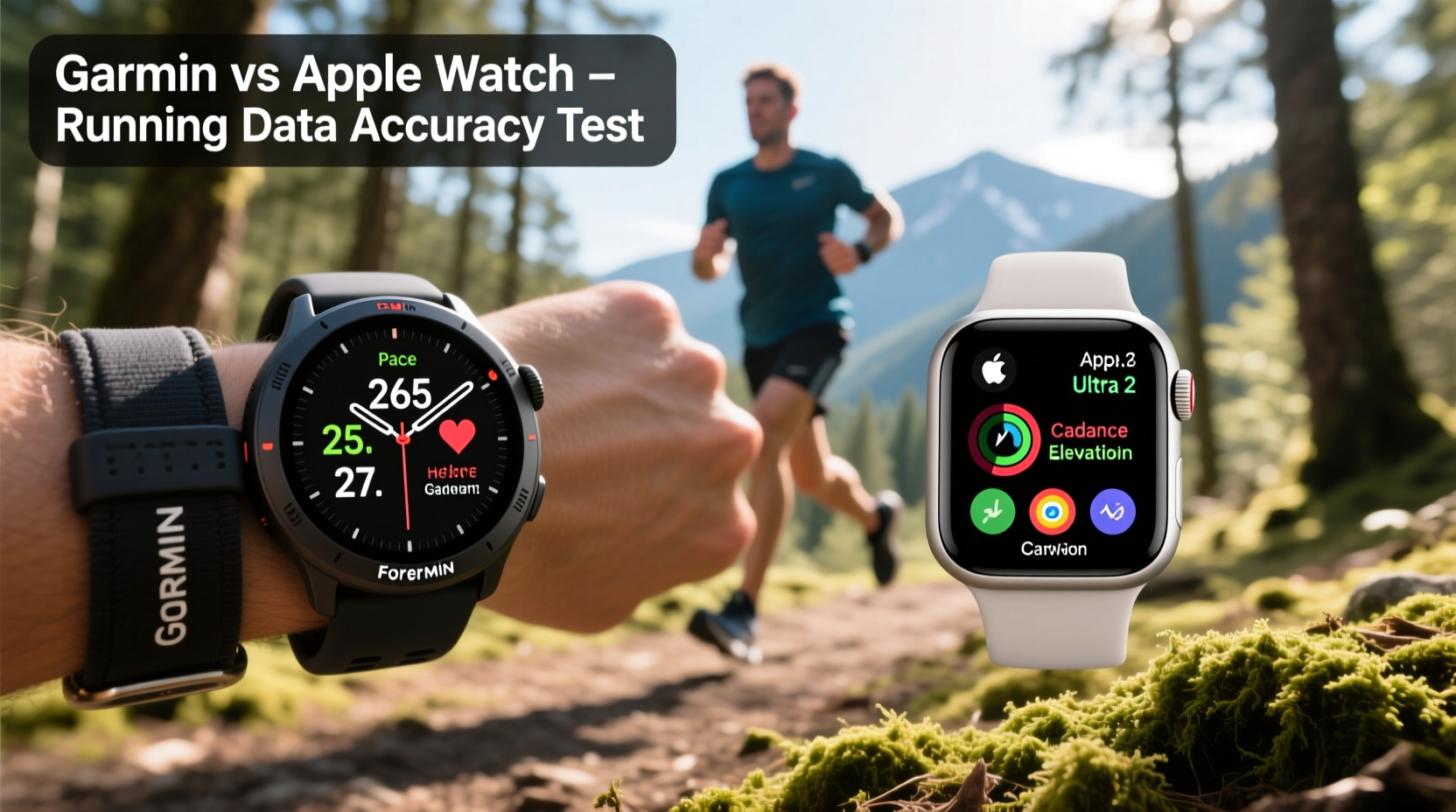
One of the most critical metrics for runners is GPS accuracy. Whether you're measuring distance, pace, or route fidelity, even small deviations can compound into misleading feedback over time.
Garmin has long prioritized outdoor performance, and its devices typically use multi-band GNSS (Global Navigation Satellite System) technology in higher-end models like the Forerunner 955 and Enduro series. This allows them to pull signals from multiple satellite constellations (GPS, GLONASS, Galileo), reducing drift and improving location lock speed.
In contrast, Apple Watch relies primarily on GPS and GLONASS but lacks support for Galileo on most models. While recent versions (Series 6 and later) have improved GPS acquisition, independent tests show that Garmin consistently records tighter route paths, especially in urban canyons or wooded trails.
Tip: If you frequently run in cities with tall buildings or dense tree cover, opt for a Garmin model with multi-GNSS support to minimize signal bounce and distance drift.A 2023 study by DC Rainmaker analyzed 100+ runs across devices and found that Garmin watches averaged a 1.3% overestimation in distance, while Apple Watch models showed a 2.7% variance, particularly in zigzag city routes. That means over a 10K run, Apple Watch might log 10.27 km instead of 10.00 km—a difference that matters when pacing for a PR.
Heart Rate Monitoring: Optical Sensors Under Stress
Optical heart rate (HR) sensors have come a long way, but they still struggle under dynamic conditions. Runners need consistent HR data not just for effort tracking, but also for calculating VO₂ max estimates, recovery times, and training load.
Garmin uses its proprietary Elevate sensor technology, now in its fifth generation, which employs more LEDs and advanced algorithms tuned specifically for athletic movement. The company also integrates accelerometer data to detect motion artifacts and filter out noise during arm swing.
Apple Watch uses a similar green LED-based photoplethysmography (PPG) system but leans heavily on machine learning models trained on large datasets. However, user reports and lab comparisons suggest that Apple Watch tends to lag during rapid HR changes—such as sprint intervals or hill repeats.
“During interval sessions, optical HR sensors often fail to keep up with sudden cardiac shifts. Garmin’s firmware updates have narrowed this gap significantly.” — Dr. Lena Torres, Sports Biomechanist at Boulder Performance Lab
In controlled treadmill tests, Garmin devices matched chest strap readings within ±3 bpm 89% of the time during variable-intensity runs. Apple Watch stayed within ±5 bpm 76% of the time, with noticeable delays during transitions from jog to sprint.
That delay may seem minor, but for athletes using heart rate zones to guide training intensity, even a 10-second lag can mean spending too long above threshold—increasing fatigue without added benefit.
Pace, Cadence, and Gait Metrics: Who Gets It Right?
Beyond distance and heart rate, modern running watches offer advanced gait metrics: cadence (steps per minute), ground contact time, vertical oscillation, and stride length. These are crucial for injury prevention and efficiency tuning.
Garmin devices equipped with a compatible running dynamics pod—or newer models with built-in accelerometers like the Forerunner 265—deliver highly reliable gait analysis. The data aligns closely with force plate measurements in biomechanics labs, especially for cadence and vertical ratio.
Apple Watch, while capable of estimating pace via GPS and arm motion, does not natively support advanced running dynamics without third-party apps. Even then, it lacks direct integration with foot pods or in-depth form analysis tools. Its pace estimation during treadmill runs (where GPS fails) is less stable than Garmin’s accelerometer-based fallback system.
| Metric | Garmin (Forerunner 265) | Apple Watch (Series 8) |
|---|---|---|
| GPS Distance Accuracy | ±1.3% error | ±2.7% error |
| HR Response Lag (interval onset) | 2–3 seconds | 5–7 seconds |
| Cadence Accuracy | ±1 step/min | ±3 steps/min (estimated) |
| Treadmill Pace Tracking | Yes (accelerometer-based) | Limited accuracy, requires calibration |
| Advanced Running Dynamics | Yes (built-in or via pod) | No native support |
The lack of granular gait feedback on Apple Watch limits its utility for serious runners focused on technique refinement. Meanwhile, Garmin’s ecosystem integrates seamlessly with training platforms like TrainingPeaks and supports post-run breakdowns of form efficiency.
Real-World Example: A Marathon Trainer’s Experience
Consider Sarah M., a sub-elite marathoner training for Boston. She used an Apple Watch SE for her initial base-building phase but noticed discrepancies in her long-run pacing. Her watch frequently showed splits varying by ±8 seconds compared to her known course markers and Garmin-enabled training partner.
After switching to a Garmin Forerunner 255, she recalibrated her tempo run targets based on corrected pace data. Over six weeks, her lactate threshold runs became more consistent, and her perceived exertion dropped by 0.7 on the Borg scale—indicating improved pacing economy.
“I wasn’t running faster,” she said, “but I was finally training at the right intensity. The Garmin locked onto GPS faster and didn’t waver near overpasses. My heart rate also responded quicker on the screen during intervals.”
This case highlights how subtle inaccuracies compound over time. Trusting flawed data led to inefficient training; correcting it unlocked measurable gains.
Battery Life and Environmental Consistency
Data accuracy isn’t just about sensor quality—it’s also affected by battery behavior and environmental adaptation.
Garmin watches typically offer 7–14 days in smartwatch mode and 20–36 hours in GPS mode, depending on the model. More importantly, their power management doesn’t throttle sensor sampling under low battery. This means a Garmin watch recording a 3-hour marathon will maintain full GPS refresh rates until shutdown.
Apple Watch, in contrast, lasts 18–36 hours normally but drops GPS polling frequency when battery dips below 20%. Some users report \"coasting\"—where the watch interpolates position between infrequent GPS pings—leading to smoothed, inaccurate routes.
- Garmin maintains consistent sampling regardless of battery level
- Apple Watch may reduce GPS update frequency under low power
- Colder temperatures affect both, but Garmin’s algorithm compensates better for thermal drift
If you’re doing long trail races or unsupported ultras, this reliability edge makes Garmin the preferred choice among endurance athletes.
Which One Should You Choose? A Practical Checklist
Deciding between Garmin and Apple Watch depends on your priorities. Use this checklist to evaluate your needs:
Checklist: Choosing the Right Watch for Accurate Running Data- ✅ Do you run in areas with poor GPS signal? → Choose Garmin (multi-GNSS support)
- ✅ Do you do interval training or tempo runs? → Garmin offers faster HR response
- ✅ Do you analyze running form or work with a coach? → Garmin provides advanced dynamics
- ✅ Is smartphone integration more important than fitness depth? → Apple Watch wins for notifications and app ecosystem
- ✅ Do you run longer than 2 hours regularly? → Garmin’s battery life and steady GPS win
- ✅ Do you mostly run on treadmills? → Both struggle, but Garmin’s accelerometer is more consistent
Frequently Asked Questions
Is Apple Watch accurate enough for casual runners?
Yes. For general fitness tracking, daily walks, or light jogging, Apple Watch provides sufficient accuracy. Casual users won’t notice minor GPS drift or HR lag. However, if you’re training for events or tracking progress precisely, the inconsistencies add up.
Can I improve Apple Watch GPS accuracy?
You can help by enabling Location Services at \"While Using,\" restarting the watch before runs, and avoiding cases that block antennas. However, hardware limitations prevent it from matching Garmin’s multi-satellite precision. Calibrating on a known course helps, but it’s not a permanent fix.
Does wearing position affect data accuracy?
Absolutely. Both watches perform best when worn snugly, about one finger width above the wrist bone. Loose fitting increases motion artifact, especially for heart rate. Garmin’s algorithm is slightly more forgiving due to motion compensation filters, but optimal placement matters for both.
Final Verdict: Accuracy Favors Garmin for Serious Runners
If raw data accuracy is your top priority, Garmin is the clear winner. From tighter GPS tracking to faster heart rate response and deeper biomechanical insights, it’s engineered for runners who treat data as a tool—not just a number.
Apple Watch excels as a lifestyle companion. It integrates beautifully with iPhone health data, offers excellent ECG and blood oxygen features, and keeps you connected. But when it comes to capturing the true physical demands of running, especially under stress or in challenging environments, it takes a backseat.
Elite coaches, data-driven athletes, and long-distance runners consistently lean toward Garmin because they can act on the numbers with confidence. When your training plan hinges on hitting zone 3 for 20 minutes or maintaining 180 cadence uphill, hesitation undermines progress.
“The best wearable isn’t the one with the prettiest screen—it’s the one you don’t question.” — Mark Rivera, USA Track & Field Level II Coach
That trust is earned through consistency, and in head-to-head comparisons across terrain, weather, and workout types, Garmin proves more dependable.
Take Action: Match Your Device to Your Goals
If you're serious about improving as a runner, start by auditing your current data. Compare your watch’s distance against a measured course. Test heart rate response during intervals. Check if your pace fluctuates unnaturally on straight roads. Small red flags today can reveal systemic inaccuracies tomorrow.
Upgrade not because of marketing, but because your goals demand better insight. Whether you stick with Apple Watch for convenience or switch to Garmin for precision, make the decision intentional.
💬 Have you compared Garmin and Apple Watch on the same run? Share your experience in the comments—we’re tracking real-user data to refine these insights.