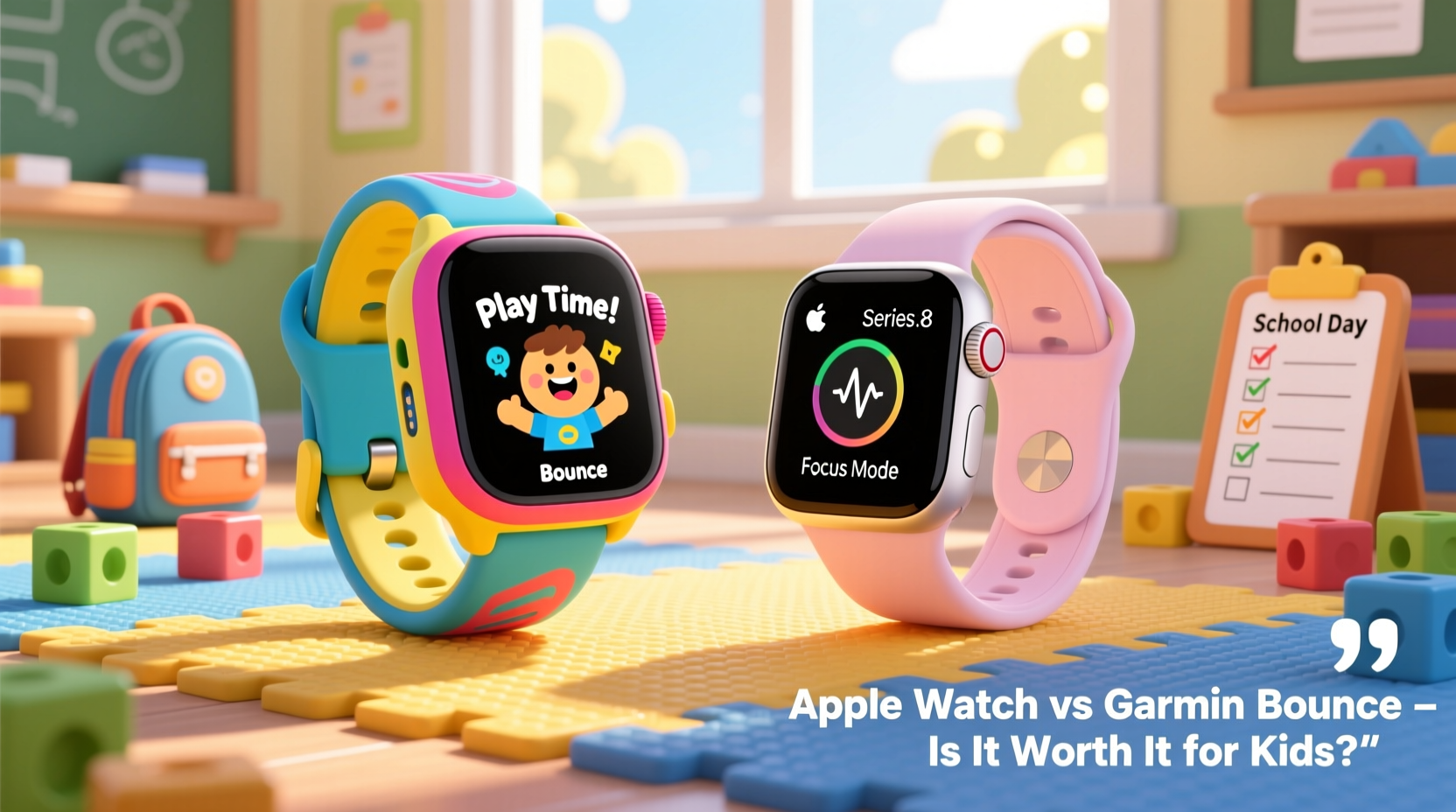
Choosing a smartwatch for your child isn't just about style or tech appeal—it's about safety, usability, and long-term value. Two of the most discussed options in the market are the Garmin Bounce and the Apple Watch. While both offer connectivity and tracking features, they cater to different needs and budgets. For parents weighing whether the Apple Watch is truly worth it compared to the more affordable Garmin Bounce, the decision hinges on understanding what each device offers beyond the surface.
The Apple Watch, especially the SE and newer models with cellular, promises seamless integration with the iPhone ecosystem, advanced health monitoring, and instant communication. The Garmin Bounce, designed specifically for children aged 4–12, focuses on durability, location tracking, and simplified communication—all at a fraction of the cost. But does premium functionality justify the higher price for younger users?
Key Differences in Design and Durability
When selecting a wearable for a child, durability is non-negotiable. Kids are active, prone to drops, splashes, and rough handling. The Garmin Bounce is built with this in mind. It features a rugged, shock-resistant design, a scratch-resistant screen, and is swim-proof (up to 5 ATM). Its silicone band is easy to clean and replace, making it ideal for daily wear across playdates, sports, and school.
In contrast, the Apple Watch—while water-resistant—is not marketed as kid-tough. Even the Apple Watch SE, though sturdier than older models, uses an aluminum or aluminum-nylon build that can show scuffs and dents over time. Parents report cracked screens within months when worn by energetic children, especially without added protective cases.
Tip: If opting for an Apple Watch for a child, invest in a military-grade case and screen protector to reduce damage risk.Parental Control and Safety Features Compared
Safety is the top priority for most parents. Both devices offer GPS tracking, but their implementation differs significantly.
The Garmin Bounce includes real-time GPS tracking via its companion app, allowing parents to set safe zones and receive instant alerts if their child leaves a designated area. It supports two-way calling with up to 10 pre-approved contacts, ensuring only trusted family members or caregivers can reach the child. There’s no access to apps, web browsers, or social media, eliminating distractions and online risks.
The Apple Watch, particularly with cellular, provides precise location tracking through the Find My app and allows calls and messages from approved contacts. However, even with Screen Time restrictions enabled, children can access Siri, third-party apps, and potentially inappropriate content unless meticulously configured. Managing these settings requires ongoing parental oversight.
“Children don’t need full smartphones on their wrists. Simplicity reduces risk and increases focus on safety.” — Dr. Lena Patel, Child Technology Safety Consultant
Feature Comparison: What Each Watch Offers
| Feature | Garmin Bounce | Apple Watch (SE/SE+) |
|---|---|---|
| Price (Starting) | $149.99 | $249 (GPS), $329 (Cellular) |
| Battery Life | Up to 5 days | 18 hours |
| Durability | Rugged, shock & water resistant | Water-resistant, less impact-resistant |
| Communication | Two-way calling (10 contacts) | Full calling, messaging, FaceTime |
| App Access | None | App Store available (with restrictions) |
| GPS Tracking | Real-time with geofencing | Find My app, accurate but no auto-alerts |
| Data Plan Required | No (uses parent’s phone Bluetooth/Wi-Fi) | Yes (for cellular model) |
| Parental Controls | Simple, built-in contact list | Requires setup via Screen Time |
The table highlights a fundamental difference: the Garmin Bounce is purpose-built for children, while the Apple Watch is a general-purpose device adapted for younger users. This distinction affects everything from battery life to ease of use.
Cost Over Time: Hidden Expenses to Consider
The upfront price is only part of the story. The Apple Watch with cellular requires a monthly data plan, typically $10–$15 per month through carriers like Verizon or AT&T. Over two years, that adds $240–$360 in recurring costs—more than the initial price of the Garmin Bounce.
The Garmin Bounce operates using the parent’s smartphone connection via Wi-Fi or Bluetooth. No subscription is needed. While it lacks some advanced features, its low total cost of ownership makes it appealing for families wanting reliable tracking without ongoing fees.
Additionally, repair costs for the Apple Watch are substantially higher. A cracked screen can cost $299+ to fix without AppleCare+, whereas the Garmin Bounce’s replaceable band and resilient body minimize long-term maintenance expenses.
Mini Case Study: The Thompson Family’s Experience
The Thompsons, a family of four in Portland, initially bought an Apple Watch SE for their 9-year-old daughter, Emma, hoping she could stay connected during after-school activities. Within three months, the screen cracked during soccer practice, and they spent $180 on repairs. They also found themselves constantly adjusting Screen Time settings to block games and notifications.
Frustrated, they switched to the Garmin Bounce. “It was a relief,” said Sarah Thompson. “Emma loves the fun watch faces, and we get peace of mind knowing she can call us anytime—but nothing else. Plus, charging once a week instead of every night is a game-changer.”
The family now estimates they’ve saved over $400 in the first year alone, factoring in avoided data plans and repairs.
Step-by-Step Guide: Choosing the Right Watch for Your Child
- Assess Your Child’s Needs: Does your child walk home alone, attend afterschool programs, or participate in sports? Identify core safety concerns.
- Determine Communication Requirements: Do you need voice calls only, or do texts and apps add value? Simpler is often safer.
- Set a Budget: Include not just the device cost, but potential data plans, cases, and repair funds.
- Evaluate Ecosystem Fit: If your household uses Android phones, the Apple Watch won’t work. Garmin Bounce works with both iOS and Android.
- Test Parental Controls: Try setting up restrictions on any device before purchase. If it takes more than 10 minutes to secure, it may be too complex.
- Consider Longevity: Will the device last 1–2 years as your child grows? Can it transition to a teen model later?
FAQ
Can the Garmin Bounce send SOS alerts?
Yes. By holding down the side button, the Garmin Bounce can initiate an SOS alert that sends a message with the child’s location to up to three emergency contacts.
Does the Apple Watch have better fitness tracking for kids?
While the Apple Watch offers more detailed metrics like heart rate trends and activity rings, most children don’t require such precision. The Garmin Bounce tracks steps, active minutes, and sleep—sufficient for promoting healthy habits without over-monitoring.
Is the Apple Watch safe for young kids?
It can be, but only with strict parental controls. Without proper configuration, children may access inappropriate content or spend excessive time on apps. The Garmin Bounce eliminates this risk entirely.
Final Verdict: Is the Apple Watch Worth It for Kids?
The Apple Watch is an exceptional device—for adults. Its power, design, and ecosystem integration make it a leader in the smartwatch space. But for children, especially those under 12, its complexity, fragility, and cost make it hard to justify over alternatives like the Garmin Bounce.
If your goal is simple, reliable communication and location tracking with minimal distractions and long battery life, the Garmin Bounce delivers exactly that. It’s not flashy, but it’s functional, durable, and safe. On the other hand, if your child is tech-savvy, approaching teenage years, and already integrated into the Apple ecosystem, a tightly controlled Apple Watch might serve as a transitional device.
Ultimately, “worth it” depends on your priorities. For most families seeking peace of mind without overspending, the answer leans strongly toward the Garmin Bounce.
🚀 Ready to make a confident choice? Reassess your child’s actual needs—not the marketing hype—and choose the watch that supports safety, simplicity, and smart spending. Share your experience in the comments below to help other parents decide.