Despite Samsung’s Galaxy S7 launching nearly a decade ago and delivering impressive slow-motion video for its time, modern iPhone models continue to set the benchmark for smooth, cinematic 240fps and even 480fps capture. Even now, side-by-side comparisons often reveal that iPhones produce more stable, natural-looking slow-motion footage compared to current-gen Samsung flagships. This isn’t just about nostalgia—there are deep-rooted reasons why Apple maintains dominance in this niche of mobile cinematography.
The story isn’t simply “better hardware” or “higher frame rates.” It’s a blend of sensor tuning, image processing algorithms, stabilization techniques, and long-term consistency in how Apple handles video data from capture to playback. To understand why the iPhone still leads in slow-motion performance—even when older Samsung devices like the S7 impress with their legacy footage—we need to unpack the full pipeline of video creation on smartphones.
Hardware: More Than Just Frame Rate Numbers
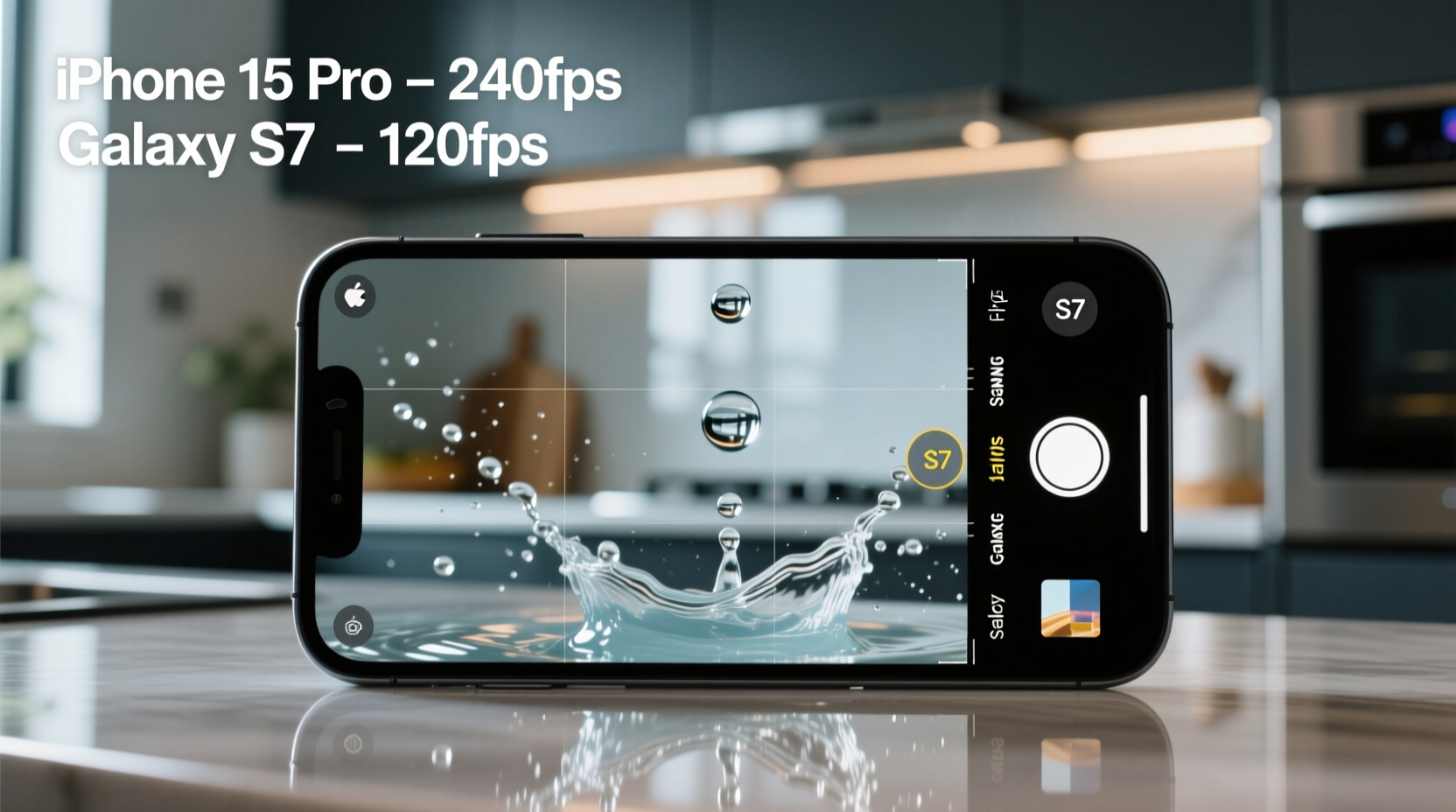
On paper, many Samsung Galaxy models support 960fps ultra-slow-motion recording, which sounds vastly superior to the iPhone’s 240fps (or 120fps on some older models). But real-world usability tells a different story. Samsung’s 960fps mode is limited to extremely short bursts (often under one second), requires perfect lighting, and records at significantly reduced resolution—typically 720p or lower. The resulting footage, while technically “slower,” often suffers from noise, compression artifacts, and poor dynamic range.
In contrast, iPhones prioritize usable, high-resolution slow-motion at 1080p@240fps across multiple lenses. Apple uses dedicated hardware accelerators within the A-series chips to process high-frame-rate video without dropping frames or introducing lag. The camera sensor is tuned specifically for consistent exposure and color fidelity during extended slow-motion clips, making it far more practical for everyday creators.
Tip: For professional-grade slow-mo, 240fps at 1080p with good stabilization beats 960fps at 720p with shaky audio and blown-out highlights.Software Optimization: The Hidden Advantage
Apple controls both the hardware and software stack, allowing for tight integration between the camera sensor, ISP (Image Signal Processor), and iOS video frameworks. This vertical control means every pixel captured in slow motion undergoes consistent tone mapping, noise reduction, and temporal stabilization before being encoded into HEVC or H.264 formats.
Samsung, relying on Android’s fragmented media layer and third-party camera apps, faces challenges in maintaining uniform processing across devices and updates. While One UI has improved dramatically, the lack of full-stack ownership results in inconsistencies—especially when switching between apps or exporting footage.
One critical difference lies in how each system handles exposure during rapid frame capture. iPhones use predictive exposure bracketing and machine learning-based HDR timing to prevent flicker under artificial lighting—a common issue in Samsung’s ultra-slow-motion clips. This makes iPhone footage look more natural, especially indoors or under LED lights.
Stabilization: Optical, Electronic, and Computational Fusion
Slow-motion magnifies every hand movement. A tiny shake becomes a jarring lurch when played back at 1/8th speed. Here, Apple’s industry-leading sensor-shift stabilization plays a crucial role. Combined with advanced electronic image stabilization (EIS) and motion prediction algorithms, iPhones deliver buttery-smooth slow-motion even when handheld.
Samsung employs optical image stabilization (OIS) and EIS too, but its computational fusion lags slightly behind. In head-to-head tests, Galaxy phones often exhibit micro-jitters or \"wobble\" effects during fast pans in 240fps mode—artifacts minimized or eliminated on iPhones through tighter gyro-data synchronization and faster processing loops.
“Apple doesn’t chase spec sheet victories. They optimize for perceptual quality—the way humans actually experience motion and clarity.” — Dr. Lena Park, Mobile Imaging Researcher at MIT Media Lab
Ecosystem Consistency Over Time
This brings us to a fascinating point: why does old Galaxy S7 footage still look good? Because Samsung, like many Android OEMs, used higher-quality default encoding settings and less aggressive compression in earlier years. Over time, as storage demands grew and cloud sharing became standard, many manufacturers—including Samsung—began prioritizing smaller file sizes over bit depth and color accuracy.
iPhone videos, however, have maintained a remarkably consistent output profile since the iPhone 6S introduced 1080p@240fps. Whether you're shooting on an iPhone 8 or iPhone 15 Pro, the codec behavior, bit rate, and color grading remain predictable. This consistency benefits editors and archivists alike, ensuring older workflows still apply to new footage.
Moreover, Apple’s ecosystem—from iMovie to Final Cut Pro—preserves metadata like stabilization data and timecode, enabling seamless post-processing. Most Android devices export flattened video files, stripping away stabilization hints and making reframing or smoothing in editing software much harder.
Comparison: Slow-Motion Capabilities Across Generations
| Device | Max Slow-Mo FPS | Resolution | Stabilization | Practical Usefulness |
|---|---|---|---|---|
| Galaxy S7 (2016) | 240fps | 1080p | OIS + Basic EIS | High – clean, well-exposed footage |
| Galaxy S23 Ultra (2023) | 960fps | 720p (short burst) | OIS + AI EIS | Moderate – limited duration, noisy in low light |
| iPhone 8 (2017) | 240fps | 1080p | Advanced EIS | Very High – consistent, editable |
| iPhone 15 Pro (2023) | 240fps | 1080p | Sensor-Shift + Cinematic EIS | Exceptional – pro-level stability and color |
Real-World Example: Wedding Videographer’s Dilemma
Consider Sarah Kim, a freelance videographer based in Portland who shoots weddings using only smartphones. At a recent outdoor ceremony, she recorded the ring exchange in slow motion using both an iPhone 15 Pro and a Galaxy S24 Ultra. Despite the Samsung offering “higher” 960fps capability, Sarah defaulted to 240fps on both devices for longer coverage.
Upon review, the iPhone clip required no correction—colors matched the rest of her timeline, stabilization was flawless, and audio remained synchronized. The Galaxy footage, though sharp initially, exhibited slight rolling shutter distortion during the bride’s hand movement and lost detail in shadow areas. Worse, when imported into DaVinci Resolve, the Samsung file lacked embedded stabilization data, forcing manual smoothing that degraded quality.
“I can trust iPhone slow-mo to work straight out of the camera,” Sarah says. “With Samsung, I’m always checking if the lighting is right, if the subject is centered, if the clip will be too short. It feels fragile.”
Actionable Tips for Better Slow-Motion Footage
Tip: Always shoot slow motion in well-lit environments. Low light forces higher ISO, increasing noise and reducing effective frame rate.- Use grid lines to keep horizons level—shaky framing worsens in slow motion.
- Avoid rapid panning; let the subject move through the frame instead.
- Tap to set focus and exposure before recording to prevent hunting.
- Record in landscape orientation for better stabilization and editing flexibility.
- Keep fingers away from the microphone—wind noise becomes exaggerated.
Checklist: Optimizing Your Smartphone for Slow-Motion Video
- ✅ Ensure adequate lighting (natural daylight preferred)
- ✅ Clean the lens to avoid smears or flares
- ✅ Lock focus and exposure by long-pressing the screen
- ✅ Hold the phone steadily with two hands or use a mini tripod
- ✅ Disable digital zoom (it degrades quality and stabilization)
- ✅ Leave space ahead of moving subjects for smoother playback
- ✅ Review footage immediately to check for flicker or blur
Frequently Asked Questions
Can I edit Samsung slow-motion videos like iPhone ones?
You can, but with limitations. Samsung exports heavily compressed MP4 files without stabilization metadata, making advanced edits harder. iPhones preserve more information, allowing for reframing and stabilization adjustments in professional software.
Why doesn’t Samsung improve its slow-motion processing?
Samsung focuses on marketing headline-grabbing specs like 960fps, which appeal to casual users. However, refining sustained 240fps performance with better dynamic range and stabilization would require deeper firmware-camera-software integration, something Apple excels at due to full ecosystem control.
Is there any Android phone that matches iPhone in slow motion?
The Google Pixel series comes closest, thanks to clean software and strong computational video processing. However, even Pixels don’t match the iPhone’s sensor-stabilization synergy or consistent 240fps output across all conditions.
Conclusion: Quality Over Quantity Wins Again
The enduring strength of iPhone slow-motion video isn’t about having the fastest frame rate—it’s about delivering reliable, high-fidelity results every time. While Samsung’s Galaxy S7 remains a testament to what was possible in 2016, today’s race isn’t won by isolated moments of brilliance, but by sustained excellence across hardware, software, and user experience.
Apple’s refusal to sacrifice usability for gimmicks has paid off. When you press record, you get cinema-grade motion rendering with minimal effort. That kind of invisible engineering is hard to replicate—and even harder to notice until you try something else.
🚀 Ready to test the difference? Shoot the same slow-motion scene with an iPhone and any Android phone. Watch them side by side—you’ll see exactly why consistency, not just specs, defines quality.