The rise of handheld gaming has brought two dominant players to the forefront: Nintendo Switch and Valve’s Steam Deck. While both devices offer portability and powerful gaming experiences, their approach to indie titles differs significantly. For gamers who prioritize creative, innovative, and often experimental indie games, the choice between these systems isn’t just about hardware—it’s about access, flexibility, and long-term value. This article dives deep into how each platform supports indie developers and what that means for players.
Indie Games on the Nintendo Switch: Curated Excellence
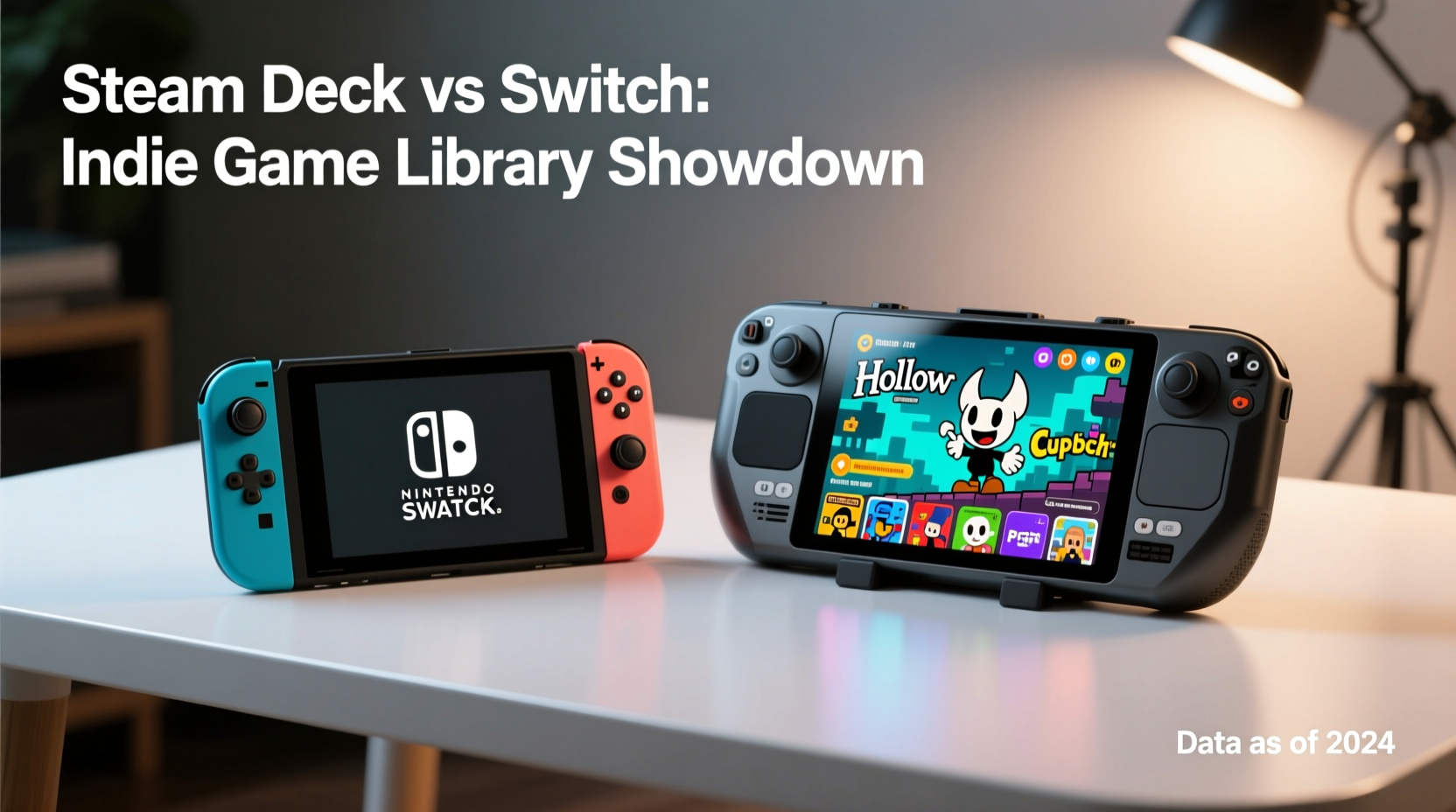
The Nintendo Switch has become a haven for indie developers. Since its 2017 launch, it has hosted thousands of independently developed titles, many of which have found critical and commercial success. Games like Hades, Dead Cells, Stardew Valley, and Celeste not only launched on the Switch but thrived due to its large player base and strong discoverability features.
Nintendo’s eShop is tightly curated, meaning every game undergoes a review process before release. This ensures quality control and prevents low-effort shovelware from flooding the store. However, this gatekeeping also limits some niche or experimental titles that may not meet Nintendo’s standards or regional policies.
Another advantage is the integration with Nintendo’s ecosystem. Indie games benefit from system-level features such as save data cloud backup (with a subscription), local multiplayer via Joy-Cons, and seamless updates. The Switch’s uniform hardware across all models also simplifies optimization—developers don’t need to worry about varying screen resolutions or performance tiers.
Tip: Use the “New Releases” and “Best Sellers” tabs in the Nintendo eShop regularly—many hidden indie gems surface through popularity rather than aggressive marketing.Steam Deck: Open Access and Maximum Choice
The Steam Deck operates on a fundamentally different philosophy: open access. As a PC-based handheld running SteamOS (a Linux distribution), it gives users near-complete freedom over what they can install. This includes every indie title available on Steam—over 50,000 at last count—as well as games from other storefronts like itch.io, Epic Store, and GOG via Proton compatibility.
Unlike the Switch, there’s no approval process for publishing on Steam (aside from basic anti-fraud checks), which allows even solo developers to release games quickly. This openness results in a vastly larger library of indie content, including early access titles, freeware experiments, and genre-bending prototypes that would never appear on a console.
Performance-wise, the Steam Deck’s x86 architecture and higher RAM capacity allow it to run more demanding indie titles smoothly—especially those built with engines like Unity or Unreal that scale well with hardware. Additionally, features like customizable controls, keyboard/mouse support, and community-created mods enhance the indie experience beyond what’s possible on Switch.
“Indie development thrives on experimentation, and the Steam Deck’s open platform removes barriers that traditional consoles impose.” — Lena Park, Developer at Pixel Rift Studios
Library Comparison: Breadth vs. Polish
To understand which device truly offers the better indie library, consider three key factors: quantity, exclusivity, and usability.
| Factor | Nintendo Switch | Steam Deck |
|---|---|---|
| Number of Indie Titles | ~8,000–10,000 | 50,000+ (and growing) |
| Exclusives | Yes – e.g., Oxenfree II, Wylde Flowers | Few – mostly timed exclusives |
| Early Access / Demos | No support | Full support via Steam |
| User Mods | Not supported | Supported via third-party tools |
| Cloud Saves | Requires Nintendo Online ($20/year) | Free via Steam Cloud |
| Store Discovery Tools | Limited filters, algorithm-driven | Advanced tags, user reviews, wishlists |
The Steam Deck clearly wins in terms of raw volume and flexibility. But the Switch counters with superior curation, optimized ports, and exclusive indie collaborations that make certain titles feel tailor-made for the handheld format.
Real Example: Porting \"In Sound Mind\"
When developer We Create Stuff released In Sound Mind, a psychological horror game, they initially launched it on PC and consoles. The Switch version required significant optimization to run on lower hardware, including reduced textures and simplified lighting effects. However, the team praised Nintendo’s dev kits for making the process smooth and predictable.
In contrast, the Steam Deck version required almost no changes—it ran natively out of the box thanks to Proton compatibility. Players could even tweak settings manually for better frame rates. On Reddit, one user shared how they used fan-made texture packs to enhance visuals beyond the original PC release.
This case illustrates a broader trend: Switch ports are polished but constrained; Steam Deck runs nearly everything with minimal effort and maximum customization.
Performance and Playability: How Do They Handle Indie Titles?
While most indie games aren’t graphically intensive, performance still matters—especially for rhythm games, fast-paced platformers, or titles with procedural generation.
- Switch: Capable of stable 30–60 FPS for most 2D and lightweight 3D indies. Handheld mode runs at 720p, docked at 1080p. Some games suffer from loading delays or pop-in due to slower storage.
- Steam Deck: Targets 30–60 FPS at 800p (native resolution). More RAM and faster SSD mean quicker load times. Adjustable performance profiles let users prioritize battery life or visual fidelity.
For example, Enter the Gungeon runs reliably on both systems, but the Steam Deck allows rebinding controls to simulate mouse aiming—a feature unavailable on Switch. Similarly, Outer Wilds benefits from smoother traversal and fewer audio stutters on the Deck despite both versions being technically impressive.
Battery life varies widely depending on the game. On the Switch, indie titles typically deliver 4–7 hours. The Steam Deck averages 3–6 hours for comparable games, though lowering the frame rate cap can extend playtime significantly.
Tip: On Steam Deck, enable “Silent Fan Mode” and limit FPS to 30 in settings-heavy indie games to gain up to 50% more battery life.Step-by-Step: Maximizing Your Indie Game Experience
Whether you own one device or are deciding between them, follow this guide to get the most out of indie gaming on handhelds:
- Start with Wishlist Research: Browse itch.io, r/indiegames, and Steam’s “Hidden Gems” list to identify titles you’d love to play.
- Check Platform Availability: Use websites like howlongtobeat.com or portmaster.dev to see if a game is confirmed on Switch or runs well on Steam Deck.
- Test Performance Early: On Steam Deck, use Verified/Playable status indicators. On Switch, read user reviews for reports of crashes or slowdowns.
- Optimize Controls: Remap buttons where possible. The Steam Deck excels here with full controller customization per game.
- Manage Storage Wisely: Indie games vary in size. Some retro-style pixel art games take under 500MB; others like Hades exceed 10GB. Use microSD cards for expansion on both platforms.
- Explore Beyond the Storefront: On Steam Deck, install LaunchBox or Lutris to organize non-Steam indies. On Switch, stick to official releases unless you’re comfortable with homebrew (not recommended for beginners).
FAQ
Can I play all Steam indie games on the Steam Deck?
Virtually yes. Over 90% of Steam games are marked “Verified” or “Playable” on the Steam Deck. Unplayable titles are usually rare edge cases involving complex DRM or peripheral dependencies.
Are there indie games only available on Switch?
Yes. Some developers choose Switch exclusivity for timed periods or permanently due to marketing deals or technical alignment. Examples include Kirby’s Dream Buffet (indie-adjacent) and narrative adventures like Time Swap.
Is emulation useful for indie games on either device?
On Steam Deck, yes—RetroArch lets you play classic indie-style games from older systems (e.g., GameMaker Studio hits from the 2010s). Switch emulation is limited without modding, which voids warranties and violates terms of service.
Which Should You Choose? A Practical Checklist
Use this checklist to determine which handheld suits your indie gaming preferences:
- ✅ I want access to every indie game ever released → Steam Deck
- ✅ I prefer polished, optimized experiences with physical cartridges → Switch
- ✅ I enjoy modding or tweaking game settings → Steam Deck
- ✅ I play mostly 2D pixel art or turn-based indies → Either works well
- ✅ I value portability and instant boot-up time → Switch
- ✅ I already own a Steam library → Steam Deck unlocks huge value
- ✅ I dislike managing drivers or troubleshooting compatibility → Switch
If you're primarily an indie enthusiast who values discovery, depth, and control, the Steam Deck offers unmatched breadth. If you prefer simplicity, reliability, and a streamlined interface, the Switch remains a top-tier option—especially during sales when indie titles drop to $5–$10.
Final Verdict and Call to Action
The Steam Deck holds a decisive edge in indie game library size, accessibility, and long-term versatility. Its open platform empowers players to explore beyond curated boundaries, embracing the full spectrum of independent creativity—from experimental art projects to fully polished epics. That said, the Nintendo Switch continues to shine with its carefully selected lineup, exclusive partnerships, and seamless user experience.
Ultimately, the “better” library depends on what kind of indie gamer you are. Are you drawn to handcrafted experiences in a trusted environment? The Switch delivers. Do you crave endless variety, mod support, and the ability to play unreleased demos and obscure gems? The Steam Deck is unmatched.
🚀 Ready to dive deeper? Share your favorite indie title and which handheld you play it on—join the conversation and help others discover their next great game!