When shopping for a Samsung tablet, the choice between the premium Galaxy Tab S7 and the more affordable S6 Lite often comes down to budget. On paper, both devices support the S Pen and run Android with Samsung’s One UI, making them seem like close siblings. But beneath the surface, the gap in experience is significant—especially if you plan to use your tablet for more than casual browsing or note-taking. Understanding exactly what you're giving up with the S6 Lite helps determine whether the savings are worth the compromise.
Performance and Hardware: A Clear Divide
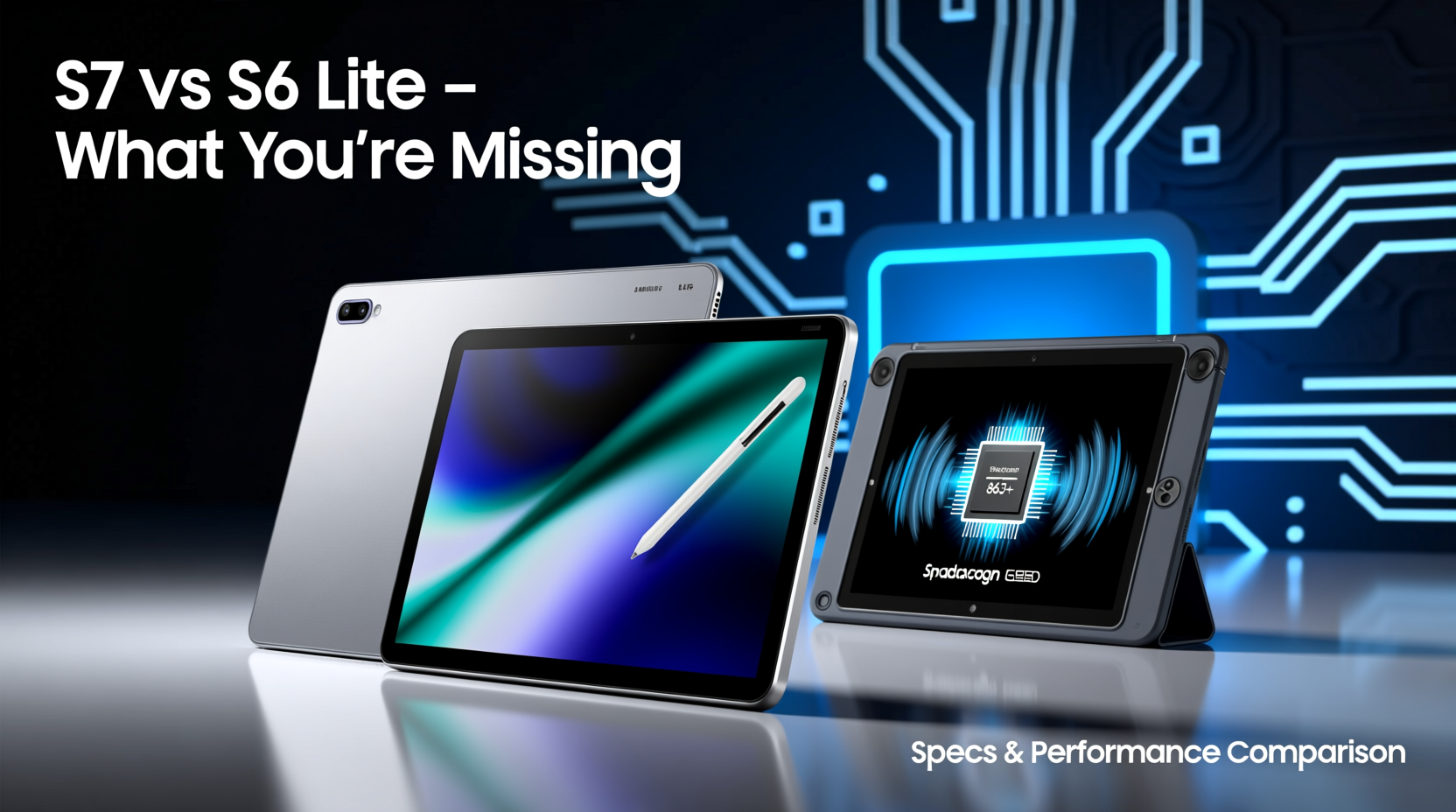
The core difference starts with the chipset. The Tab S7 is powered by the Qualcomm Snapdragon 865+, a flagship-grade processor from its release year. This means smooth multitasking, fast app launches, and reliable performance even when running demanding applications like video editors, 3D modeling tools, or high-end games. In contrast, the S6 Lite uses the mid-range Exynos 9611 (or sometimes the older Snapdragon 720G depending on region), which struggles under heavier loads and shows noticeable lag when switching between multiple apps.
RAM also plays a critical role. The Tab S7 offers 6GB or 8GB of RAM, while the S6 Lite maxes out at 4GB. This limitation affects how many background apps stay active and how quickly the system responds when returning to a previously used app.
“On tablets, RAM isn’t just about speed—it’s about usability. With only 4GB, the S6 Lite forces users into a more linear workflow, constantly reloading apps.” — David Kim, Mobile Device Analyst at TechPulse InsightsTip: If you frequently use split-screen or DeX mode, the Tab S7’s extra RAM ensures a fluid experience without constant reloads.
Display Quality: More Than Just Resolution
The screen is where the difference becomes immediately visible. The Tab S7 features a 11-inch LTPS TFT display with a 120Hz refresh rate and QHD+ resolution (2560 x 1600). Scrolling is buttery smooth, animations feel responsive, and text appears razor-sharp. Whether reading e-books, watching HDR content, or drawing with the S Pen, the visual fidelity enhances every interaction.
The S6 Lite, meanwhile, has a 10.4-inch TFT LCD with a standard 60Hz refresh rate and a lower resolution of 2000 x 1200. While adequate for YouTube or web browsing, the screen feels dated next to modern high-refresh displays. The lack of 120Hz makes touch input feel less immediate, which matters most when writing or sketching.
Color accuracy and brightness also favor the S7. It covers 100% of the DCI-P3 color gamut and peaks at around 500 nits, compared to the S6 Lite’s ~400 nits and narrower sRGB coverage. For anyone editing photos or watching movies in daylight, this gap is tangible.
S Pen Experience: Same Tool, Different Performance
Both tablets include S Pen support, but the experience diverges due to hardware integration. The S Pen itself is nearly identical—same pressure sensitivity (4096 levels) and low-latency design. However, the Tab S7 supports Bluetooth LE, enabling remote functions like camera shutter control or slide navigation during presentations. The S6 Lite’s S Pen lacks this feature.
More importantly, the S7’s 120Hz display reduces perceived latency when writing or drawing. Samsung claims “natural writing” at 28ms response time on the S7, whereas the S6 Lite sits closer to 45ms. Artists and note-takers will notice the delay as a slight disconnect between hand movement and ink appearance.
Design and Build: Premium vs Practical
Aesthetics and durability matter, especially if you carry your tablet daily. The Tab S7 sports an aluminum unibody, giving it a sleek, professional look and improved structural rigidity. It feels solid in hand and resists flexing. The S6 Lite uses a plastic chassis, which keeps weight down (about 467g vs 498g) but feels less premium and more prone to scratches.
Port selection is another differentiator. The Tab S7 includes a USB-C 3.2 port capable of video output and faster data transfer, allowing connection to external monitors via DeX. The S6 Lite has USB-C 2.0, which limits peripheral performance and doesn’t support video-out functionality.
Productivity Features: Where the S7 Shines
If you’re using your tablet as a laptop replacement, the Tab S7 offers capabilities the S6 Lite simply can’t match. Samsung DeX mode transforms the interface into a desktop-like environment with resizable windows, taskbar, and keyboard shortcuts. On the S7, DeX runs smoothly thanks to the powerful processor and ample RAM. On the S6 Lite, DeX is either unavailable or severely limited, depending on firmware version.
For students or professionals, multitasking is essential. The Tab S7 supports up to three active apps simultaneously in split-screen or pop-up view. You can watch a lecture in one corner, take notes in Samsung Notes, and reference a PDF beside them—all without slowdown. The S6 Lite stumbles beyond two apps and often reloads background windows.
📋Comparison Table: Tab S7 vs S6 Lite
| Feature | Tab S7 | S6 Lite |
|---|---|---|
| Processor | Snapdragon 865+ | Exynos 9611 / Snapdragon 720G |
| RAM | 6GB or 8GB | 4GB |
| Display | 11\" QHD+, 120Hz | 10.4\" FHD+, 60Hz |
| Battery | 8000 mAh | 7040 mAh |
| USB Port | USB-C 3.2 (video out) | USB-C 2.0 |
| S Pen Bluetooth | Yes | No |
| DeX Mode | Full desktop experience | Limited or not supported |
| Build Material | Aluminum | Plastic |
| Weight | 498g | 467g |
Checklist: Are You Better Off with the Tab S7?
- Do you edit videos, photos, or documents regularly? → S7
- Will you use split-screen or multitask heavily? → S7
- Do you want the best possible drawing or handwriting experience? → S7
- Are you connecting to external monitors or using DeX? → S7
- Is your primary use social media, light reading, and occasional notes? → S6 Lite may suffice
Real Example: Student vs Creator Use Case
Consider two users: Maya, a university student, and Jordan, a freelance illustrator. Maya uses her tablet for lectures, PDF annotations, and essay writing. She mostly uses one app at a time and values battery life and affordability. For her, the S6 Lite meets her needs without overspending.
Jordan, however, sketches daily, edits client portfolios, and presents work remotely. He relies on low-latency drawing, color-accurate displays, and seamless transitions between Adobe Fresco, Photoshop Express, and email. The S6 Lite’s 60Hz screen and weaker processor introduce friction in his workflow. The Tab S7’s responsiveness, DeX compatibility, and superior display make it a productive tool, not just a consumption device.
Long-Term Value and Software Support
Samsung typically provides four years of major Android OS updates for its flagship tablets. The Tab S7, launched in 2020, received updates up to Android 13 and is eligible for security patches through 2025. The S6 Lite, despite being newer (2022 model), follows the same update policy but may see degraded performance with future OS versions due to its modest hardware.
In practical terms, the S7 is more future-proof. Even as apps become more resource-intensive, it will remain usable longer. The S6 Lite may feel sluggish within two to three years, especially after a major OS upgrade.
❓Frequently Asked Questions
Can I use the S Pen from the S6 Lite on the Tab S7?
Yes, the S Pen is cross-compatible across most recent Samsung tablets. However, the S7 unlocks additional features like Bluetooth controls and lower latency due to hardware optimization.
Is the battery life significantly better on the S7?
Despite having a larger 8000 mAh battery, the S7’s power efficiency is balanced by its higher-resolution, 120Hz display. Real-world usage shows similar endurance—around 10–12 hours of mixed use. The S6 Lite lasts slightly longer in basic tasks due to its less demanding screen.
Should I upgrade from the S6 Lite to the S7?
If you’ve hit performance limits—apps crashing, slow multitasking, or frustration with drawing latency—an upgrade is justified. But if your current usage is light and satisfying, the improvement may not warrant the cost unless productivity is a priority.
🚀Final Thoughts: Know What You’re Compromising
Choosing the S6 Lite over the Tab S7 isn’t just about saving money—it’s a trade-off in responsiveness, versatility, and long-term usability. You’re missing out on a smoother interface, better multitasking, professional-grade display quality, and full DeX functionality. For casual users, these gaps may go unnoticed. But for creators, students managing complex workflows, or anyone treating the tablet as a primary device, the S7 delivers a fundamentally better experience.
If your budget allows, invest in the device that grows with you. Technology should enable, not hinder. The Tab S7 isn’t just faster—it’s designed to keep up with ambition.
💬 Have you made the switch from S6 Lite to S7? Share your experience and let others know what surprised you most.