When it comes to keeping track of keys, wallets, backpacks, or even pets, Bluetooth trackers have become essential tools in our daily lives. Among the most popular options are Samsung’s SmartTag 2 and the Pebblebee Clip. Both promise reliable tracking, long battery life, and user-friendly apps—but which one truly delivers better value? If you're currently using a Pebblebee Clip and wondering whether it's time to switch to the SmartTag 2, this detailed breakdown will help you make an informed decision based on real-world performance, ecosystem integration, durability, and more.
Design and Build Quality
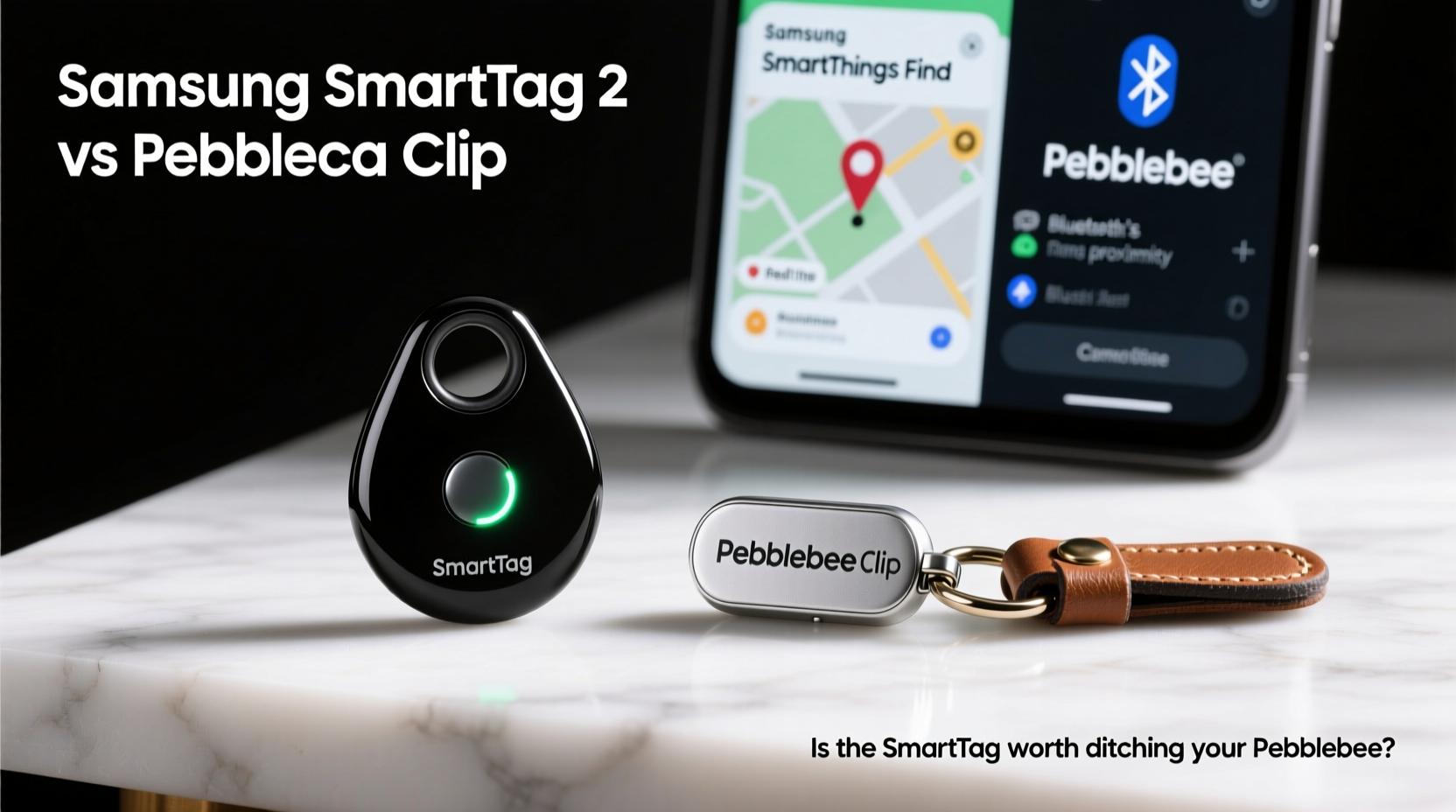
The physical design of a tracker matters more than you might think—especially if it’s clipped to a keychain or tucked into a wallet. The Samsung SmartTag 2 has a minimalist, circular design with a smooth matte finish. It’s slightly larger than a coin but lightweight at just 11 grams. Its IP67 rating ensures resistance to dust and water, making it suitable for everyday wear and tear.
In contrast, the Pebblebee Clip features a rectangular shape with rounded edges and a built-in metal clip, giving it an edge in attachment versatility. Weighing in at 15 grams, it’s marginally heavier but still compact. It also boasts an IPX7 waterproof rating, meaning it can survive short submersions in water—ideal for outdoor use or rainy climates.
Tip: Choose a tracker with a secure attachment method—like a strong clip or loop—to avoid accidental loss during daily use.Tracking Performance and Range
At the heart of any tracker is its ability to locate lost items reliably. Both devices use Bluetooth 5.0 technology, but their performance diverges when tested beyond ideal conditions.
The SmartTag 2 leverages Samsung’s expansive Galaxy Find network—a crowdsourced system that uses millions of nearby Galaxy devices to detect lost tags anonymously. This gives it a significant advantage in urban areas where Galaxy phones are common. Real-world tests show effective detection up to 120 meters (about 390 feet) in open spaces, though walls and interference reduce that indoors.
The Pebblebee Clip relies primarily on direct Bluetooth connection through its companion app. While it supports limited crowd-finding via iOS and Android devices in select regions, its network is far smaller than Samsung’s. Users report consistent connectivity within 60–80 meters under optimal conditions, but performance drops faster in dense environments like office buildings or parking garages.
“Bluetooth trackers are only as good as the ecosystem behind them. A large, active network turns a simple tag into a powerful recovery tool.” — David Lin, IoT Device Analyst at TechMesh Insights
Feature Comparison: Battery Life, Sound, and Smart Integrations
Battery longevity is crucial—nobody wants to replace coin cells every few months. Here’s how they stack up:
| Feature | Samsung SmartTag 2 | Pebblebee Clip |
|---|---|---|
| Battery Type | CR2032 (replaceable) | CR2032 (replaceable) |
| Battery Life | Up to 1 year | Up to 6–8 months |
| Sound Output | 96 dB speaker | 90 dB speaker |
| Smart Home Integration | Works with SmartThings (lights, locks) | Limited third-party IFTTT support |
| Network Size | Galaxy Find Network (~1 billion devices) | Pebblebee Crowd Locate (limited reach) |
| App Experience | Samsung SmartThings (clean UI, multi-platform) | Pebblebee App (functional but less polished) |
The SmartTag 2’s louder speaker makes it easier to locate in noisy environments, while its integration with SmartThings allows automation triggers—such as turning off lights when you leave home or receiving alerts if your tagged bag moves unexpectedly. These features add meaningful utility beyond basic location tracking.
Real-World Use Case: Traveler Loses Backpack in Airport
Consider Sarah, a frequent traveler who uses her Pebblebee Clip on her carry-on backpack. During a layover in Chicago O’Hare, she leaves her bag near a charging station while grabbing coffee. By the time she returns, it’s gone. She opens the Pebblebee app, activates the alarm—and gets nothing. No signal. The last known location shows the terminal, but without crowd-finding robustness, the device remains offline.
Had she been using a SmartTag 2, the outcome could have been different. Another passenger walking by with a Galaxy phone would unknowingly register the tag’s presence and relay its location back to Sarah via the Find Network—even if her own phone was out of range. That passive detection capability often makes the difference between recovery and permanent loss.
Step-by-Step: How to Maximize Tracker Effectiveness
To get the most from either device, follow this practical sequence:
- Attach securely: Use the clip or loop to fasten the tracker firmly to your item—avoid loose placement.
- Name it clearly: Label your tracker descriptively (e.g., “Work Backpack” instead of “Tag 1”).
- Test the sound: Regularly check the speaker volume in quiet and noisy settings.
- Enable network sharing: Turn on community finding features in your app settings.
- Set up geofence alerts: Create departure notifications so you’re warned if you walk away from your tagged item.
- Replace battery proactively: Don’t wait until it dies—swap it every 10–11 months for best results.
Is the SmartTag 2 Worth Ditching Your Pebblebee?
If you're already invested in the Samsung ecosystem—using a Galaxy phone, tablet, or SmartThings-enabled devices—the SmartTag 2 isn’t just an upgrade; it’s a natural evolution. The seamless integration, superior crowd-finding network, longer battery life, and enhanced audio output collectively offer a more reliable and intelligent tracking experience.
However, if you're an iPhone user or prefer standalone simplicity, the Pebblebee Clip still holds merit. It works across platforms, offers decent range, and its built-in clip is arguably more convenient than needing a separate accessory for the SmartTag 2. But even then, Apple’s AirTag outperforms both in iOS-centric environments due to the vast Find My network.
Tip: For non-Samsung users, consider whether brand-specific networks outweigh hardware convenience before switching.Frequently Asked Questions
Can the SmartTag 2 work with iPhones?
Yes, the SmartTag 2 is compatible with iPhones via the SmartThings app. However, it lacks full integration with Apple’s Find My network, limiting its crowd-finding potential compared to AirTags.
Does the Pebblebee Clip have GPS?
No, the Pebblebee Clip does not have built-in GPS. It relies solely on Bluetooth and limited crowd-sourced location updates. True GPS would require more power and increase size and cost.
How accurate is the direction-finding feature on SmartTag 2?
Using Ultra-Wideband (UWB) technology on compatible Galaxy phones (S21 and later), the SmartTag 2 provides precise directional guidance with distance and arrow indicators. Accuracy is typically within 10–20 cm in line-of-sight conditions.
Final Verdict: Upgrade When Ecosystem Matters
The decision to switch from the Pebblebee Clip to the SmartTag 2 ultimately hinges on your tech environment and expectations. For Samsung users, the SmartTag 2 is a clear step forward—offering better battery life, louder alerts, smarter automations, and access to one of the largest device networks in existence. For others, the improvement may be noticeable but not transformative.
If reliability, long-term performance, and peace of mind are priorities, and you own a Galaxy device, upgrading makes sense. But if you're satisfied with moderate functionality and cross-platform flexibility, sticking with the Pebblebee Clip—or exploring alternatives like AirTag—is perfectly valid.
🚀 Ready to optimize your tracking setup? Evaluate your current device usage, test real-world scenarios, and choose the tool that aligns with your lifestyle—not just the specs on paper.