When it comes to capturing high-resolution photos and 4K or even 8K video, your memory card is just as critical as your camera. Samsung has long been a trusted name in storage, and their recent release of the Samsung PRO Ultimate line has stirred debate among content creators. But how does it truly stack up against the proven Samsung EVO Select (marketed as \"Endurance\" in surveillance-focused variants)? More importantly, is the upgrade from an existing Endurance or mid-tier card worth the investment?
This isn't just about raw specs—it's about reliability under pressure, longevity in the field, and value over time. Whether you're a professional videographer, a drone operator, or a weekend warrior with a mirrorless camera, understanding the differences can save you from corrupted files, dropped frames, or unexpected downtime.
Performance Showdown: Speed and Real-World Throughput
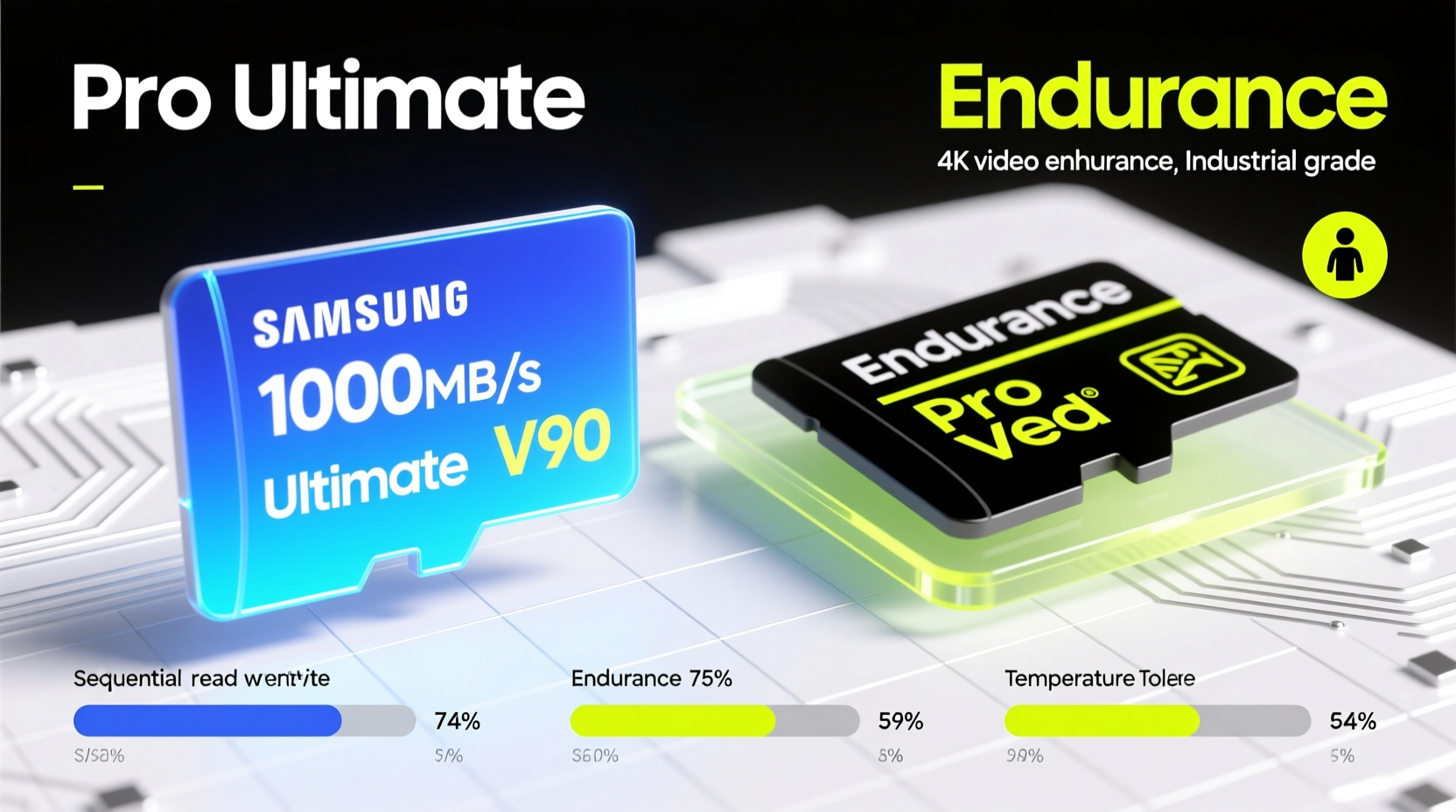
The most immediate difference between the Samsung PRO Ultimate and the Endurance series lies in read and write speeds. The PRO Ultimate is designed for high-performance workflows, while the Endurance line prioritizes sustained recording and durability over burst speed.
| Model | Read Speed | Write Speed | Use Case Focus | Max Temp Tolerance |
|---|---|---|---|---|
| Samsung PRO Ultimate (UHS-I U3) | Up to 170 MB/s | Up to 160 MB/s | Burst photography, 4K/8K video editing | 85°C |
| Samsung Endurance (UHS-I U3) | Up to 100 MB/s | Up to 30 MB/s | Continuous recording (dashcams, security) | 90°C |
The PRO Ultimate’s near-symmetrical read/write speeds make it ideal for rapid photo bursts and fast offloading. In contrast, the Endurance card maintains stable, lower write speeds optimized for constant data streaming—think dashcams running 24/7 or action cameras recording extended sessions.
Tip: If you shoot RAW+JPEG in quick succession or use burst mode frequently, prioritize cards with write speeds above 100 MB/s—like the PRO Ultimate.Durability and Environmental Resistance
Both cards boast impressive ruggedness, but their design goals differ. The Endurance series is built for relentless operation in harsh environments. It's rated for extreme temperatures, water resistance (up to 48 hours in seawater), shock resistance, and X-ray protection. These features are essential for dashcams mounted on windshields exposed to desert heat or winter cold.
The PRO Ultimate, while still durable, leans more toward studio and field photography conditions. It offers IP57 dust and water resistance and survives airport X-rays, but its thermal endurance peaks slightly lower than the Endurance model. However, it compensates with higher endurance ratings in terms of total terabytes written (TBW).
“High-speed cards like the PRO Ultimate aren’t just faster—they’re engineered for repeated write cycles, which matters when you’re shooting hundreds of RAW files daily.” — David Lin, Professional Cinematographer & Storage Consultant
In practical terms, if your device writes small chunks of data continuously (e.g., a home security system), the Endurance card will outlast many consumer-grade options. But if you're regularly filling and reformatting cards during shoots, the PRO Ultimate’s higher TBW rating gives it a longer functional life.
Real-World Use Case: Drone Operator’s Dilemma
Consider Alex, a commercial drone operator who uses a DJI Mavic 3 Pro to capture cinematic footage for real estate clients. He previously relied on Samsung EVO Select cards—affordable and reliable for casual use—but started experiencing intermittent “SD Error” warnings during 5.7K recording sessions.
After switching to the Samsung PRO Ultimate, the errors vanished. His footage now records smoothly, and post-production transfer times dropped by nearly 40%. He also noticed fewer overheating alerts during back-to-back flights in summer conditions.
For Alex, the $30 premium per 128GB card was justified not just by performance, but by reduced risk of losing paid assignments due to technical failure. Meanwhile, he still uses Samsung Endurance cards in his dashcam—where constant writing demands stability over speed.
Which Card Should You Choose? A Decision Checklist
Selecting between the PRO Ultimate and Endurance depends on your specific needs. Use this checklist to determine the right fit:
- Choose PRO Ultimate if:
- You shoot high-bitrate video (4K at 60fps or higher)
- You use burst-mode photography (sports, wildlife)
- You frequently transfer large files to a computer
- Your camera buffer clears slowly with current cards
- You need consistent performance across multiple devices (camera, gimbal, tablet)
- Choose Endurance if:
- You use dashcams, security cameras, or bodycams
- You prioritize long-term reliability over speed
- You operate in extreme climates (desert, arctic, tropical)
- You want maximum lifespan from continuous loop recording
- Budget is a constraint and peak speed isn’t critical
Is the Upgrade Worth It?
For users already invested in Samsung’s ecosystem, upgrading from an older EVO or even a first-gen PRO card to the PRO Ultimate brings tangible benefits. The jump from ~90 MB/s to ~160 MB/s write speed means less waiting between shots, fewer dropped frames in high-bitrate codecs, and faster backups.
However, if you’re coming from a basic card and considering either option, ask yourself: what problem am I trying to solve? If it’s reliability during long recordings, the Endurance remains unmatched. If it’s responsiveness and performance in demanding creative work, the PRO Ultimate delivers.
Additionally, newer firmware optimizations in the PRO Ultimate improve wear leveling and error correction, reducing the likelihood of sudden card failure—a common pain point in older models after 2–3 years of heavy use.
Frequently Asked Questions
Can I use the Samsung Endurance card for professional video recording?
Yes, but with caveats. The Endurance card supports UHS-I U3 and V30 ratings, making it suitable for 4K at moderate bitrates. However, for high-bitrate formats like Apple ProRes or All-I encoding, its ~30 MB/s write speed may cause buffer overflow or recording interruptions. Stick to variable bitrate (VBR) or lower-resolution settings for best results.
Are Samsung PRO Ultimate cards compatible with all cameras?
Virtually all modern DSLRs and mirrorless cameras support UHS-I cards, which both models use. However, some older devices may not recognize newer high-capacity cards (above 128GB) unless updated with firmware. Always check your camera manufacturer’s compatibility list before purchasing.
Do these cards require special formatting?
It’s recommended to format the card in-camera rather than on a computer. This ensures optimal file structure alignment with your device’s firmware. For critical projects, reformat the card before each major shoot to minimize corruption risks.
Final Verdict: When to Upgrade and Why
The Samsung PRO Ultimate isn’t merely a faster version of the Endurance—it’s a different tool for a different job. If your workflow involves high-speed capture, frequent file transfers, or working with large media files, the upgrade is absolutely worth it. The combination of superior write speeds, better heat management, and enhanced longevity makes it a smart investment for professionals.
On the other hand, if you need a set-it-and-forget-it solution for always-on devices, the Endurance line continues to excel. Its specialized engineering for endurance over speed fills a niche that high-performance cards don’t target.
💬 Ready to optimize your gear? Evaluate your current setup: are you bottlenecked by slow cards? Try one PRO Ultimate card on your next project and experience the difference. Share your results—we’d love to hear how the upgrade changed your workflow.