
When Samsung released the 970 EVO, it positioned itself as the successor to the already popular 960 EVO. Both drives are NVMe SSDs built for high-speed computing, but they differ in architecture, performance, and long-term reliability. For users still relying on the 960 EVO, the question arises: Is upgrading to the 970 EVO actually beneficial, or does the older drive still hold up in today’s workloads?
This comparison dives into technical specifications, real-world performance, longevity, and cost-effectiveness to help you make an informed decision—whether you're a power user, gamer, or general consumer.
Architecture and Technology Differences
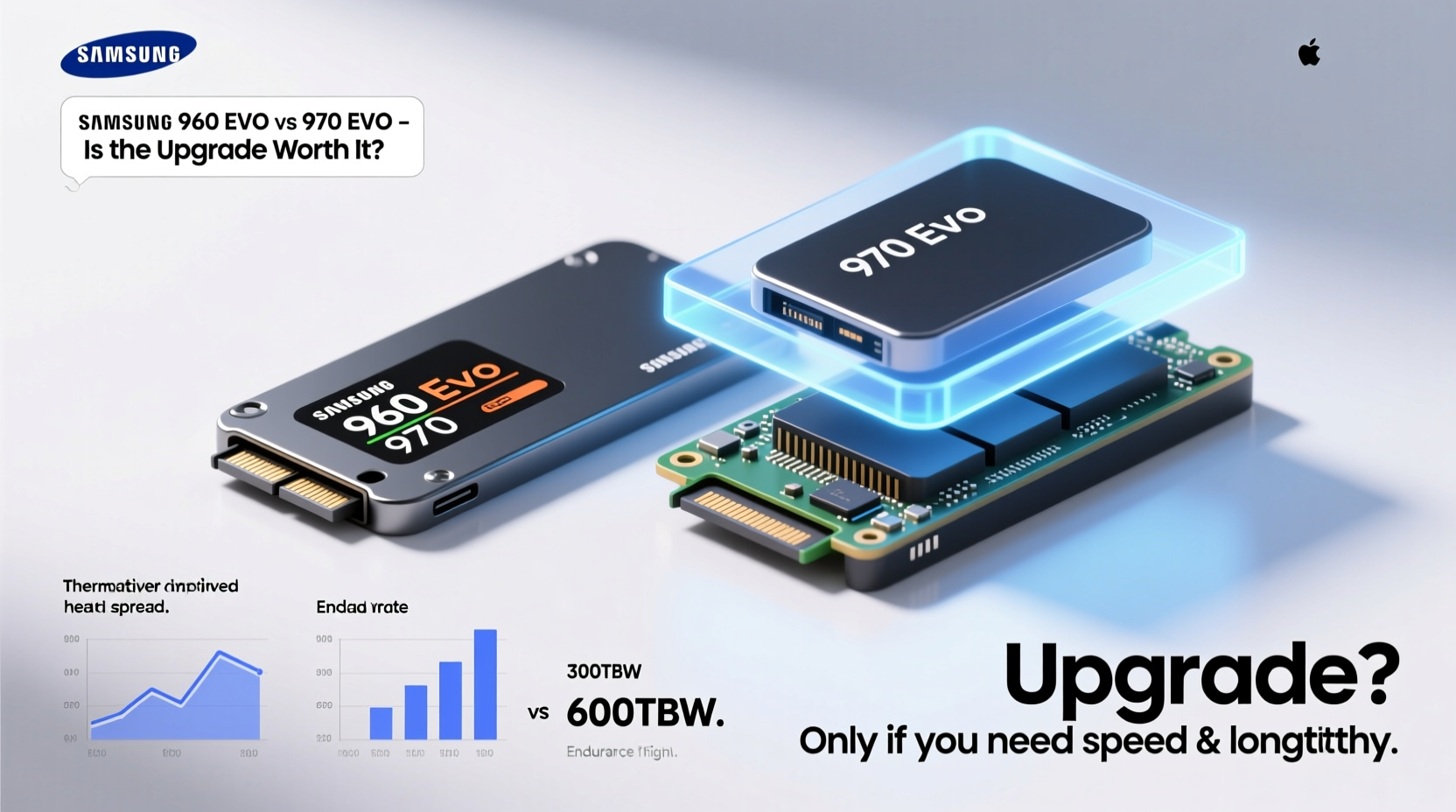
The core distinction between the 960 EVO and 970 EVO lies in their underlying technology. The 960 EVO, launched in 2016, uses Samsung’s 3rd-generation MLC NAND flash memory and the Polaris controller. While fast for its time, it operates on PCIe Gen 3 x4 with sequential read speeds up to 3,200 MB/s and writes up to 1,900 MB/s.
In contrast, the 970 EVO, introduced in 2018, leverages Samsung’s newer Phoenix controller and 64-layer V-NAND TLC (Triple-Level Cell) technology. Despite using TLC instead of MLC, advancements in error correction and caching allow the 970 EVO to achieve higher sustained speeds—up to 3,500 MB/s read and 2,500 MB/s write—making it significantly faster in both everyday tasks and intensive operations like video editing or large file transfers.
One often-overlooked improvement is the firmware optimization in the 970 EVO. It includes better dynamic thermal protection and enhanced garbage collection algorithms, which reduce slowdowns during prolonged use.
Tip: Always monitor SSD temperatures—especially under load. The 970 EVO runs cooler thanks to improved thermal management, but adding a heatsink can further extend performance stability.Performance Comparison: Real-World Benchmarks
Benchmarks tell part of the story, but real-world usage reveals how these drives perform in daily scenarios. Here's a breakdown across key areas:
| Feature | Samsung 960 EVO | Samsung 970 EVO |
|---|---|---|
| Interface | PCIe Gen 3 x4 | PCIe Gen 3 x4 |
| NAND Type | 3D MLC V-NAND | 64-Layer TLC V-NAND |
| Sequential Read | Up to 3,200 MB/s | Up to 3,500 MB/s |
| Sequential Write | Up to 1,900 MB/s | Up to 2,500 MB/s |
| Random 4K Read (IOPS) | 330,000 | 480,000 |
| Random 4K Write (IOPS) | 350,000 | 550,000 |
| Endurance (TBW)* | 100–400 TBW (varies by capacity) | 300–600 TBW |
| MTBF | 1.5 million hours | 1.5 million hours |
*TBW = Total Bytes Written; reflects expected lifetime data writes
The 970 EVO pulls ahead notably in random I/O performance—a critical factor for multitasking, boot times, and application responsiveness. Gamers will notice quicker level loads, while creative professionals benefit from faster project loading and export times.
“While both drives are PCIe 3.0, the 970 EVO’s refined controller and firmware deliver more consistent performance under mixed workloads.” — David Lin, Senior Storage Engineer at TechDrive Labs
Is the 960 EVO Still Good in 2024?
Absolutely. If you're using a 960 EVO today and not experiencing slowdowns, there’s no urgent need to upgrade. For general computing—web browsing, office applications, media playback—the performance difference is negligible. Even modern games load quickly enough on the 960 EVO that most users wouldn’t perceive a meaningful delay.
However, limitations become apparent when dealing with large datasets. Video editors working with 4K timelines may notice longer render previews and export lag compared to the 970 EVO. Similarly, developers compiling large codebases or running virtual machines will see measurable gains with the newer drive.
Lifespan is another consideration. The 960 EVO has lower TBW ratings, meaning it wears out faster under heavy write cycles. If your workload involves constant logging, database operations, or frequent system imaging, the 970 EVO offers better endurance.
Mini Case Study: Freelance Video Editor Upgrade
Jessica, a freelance editor using Adobe Premiere Pro on a 500GB 960 EVO, noticed increasing lag when scrubbing through 4K timelines. After upgrading to a 1TB 970 EVO, her timeline responsiveness improved by nearly 40%, and export times dropped from 12 to 8 minutes on average. She also gained extra space for scratch files and temporary renders. While the 960 EVO wasn’t failing, the upgrade significantly boosted workflow efficiency.
Should You Upgrade? A Step-by-Step Decision Guide
Before investing in a new SSD, follow this practical evaluation process:
- Assess Your Current Performance: Use tools like CrystalDiskMark or AS SSD to benchmark your 960 EVO. Are sequential reads below 2,800 MB/s or writes under 1,500 MB/s? That could indicate wear or throttling.
- Evaluate Workload Demands: Are you regularly transferring files over 10GB, editing high-res media, or running VMs? High-intensity tasks benefit more from the 970 EVO.
- Check Free Space and Health: SSDs slow down when near full capacity. Ensure you have at least 20% free space. Use Samsung Magician to check drive health and remaining lifespan.
- Compare Prices: As of 2024, used 960 EVO drives sell for around $30–$50 (250–500GB), while 970 EVO units range from $60–$90. Determine if the performance jump justifies the cost.
- Consider Future-Proofing: If you plan to keep your system for several more years, the 970 EVO offers better longevity and compatibility with future software demands.
Frequently Asked Questions
Can the 960 EVO handle Windows 11 smoothly?
Yes. The 960 EVO meets and exceeds Microsoft’s minimum SSD requirements for Windows 11. Boot times, app launches, and general responsiveness remain excellent unless the drive is aging or nearly full.
Is the 970 EVO compatible with older motherboards?
Yes, both drives use the standard M.2 2280 form factor and PCIe Gen 3 interface. As long as your motherboard supports NVMe SSDs (most from 2015 onward do), the 970 EVO will work without issues.
Does the 970 EVO last longer than the 960 EVO?
Generally, yes. The 970 EVO has higher TBW ratings across all capacities and improved wear-leveling algorithms. For example, the 500GB 960 EVO is rated for 300 TBW, while the 970 EVO 500GB reaches 300 TBW—and the 1TB version jumps to 600 TBW.
Final Verdict: Upgrade Only If It Makes Sense
The Samsung 960 EVO remains a capable drive for everyday use. Millions of users continue to rely on it without issue. However, the 970 EVO delivers tangible improvements in speed, especially for write-heavy and multitasking environments.
If your 960 EVO is showing signs of slowdown, nearing capacity, or you’ve upgraded your CPU/GPU and want balanced system performance, stepping up to the 970 EVO is a smart move. But if your current setup feels snappy and meets your needs, hold off—your money might be better spent elsewhere, like adding more RAM or a secondary storage drive.
Technology evolves fast, but obsolescence isn’t always immediate. The 960 EVO proves that well-built hardware can endure far beyond its release cycle. Respect its legacy, but know when to move forward.
🚀 Ready to evaluate your SSD? Run a quick benchmark today and share your results in the comments—let’s see how the 960 and 970 EVOs are performing in real systems.