Lige Smart Glasses blend style and technology, offering hands-free access to calls, music, and voice assistants through sleek, wearable eyewear. But like any Bluetooth-enabled device, pairing them with your smartphone can sometimes be tricky. Whether you're setting them up for the first time or resolving recurring connectivity issues, understanding the nuances of their integration is essential for a smooth experience. This guide walks you through every step—from initial setup to advanced troubleshooting—with actionable advice grounded in real-world use.
Understanding Your Lige Smart Glasses
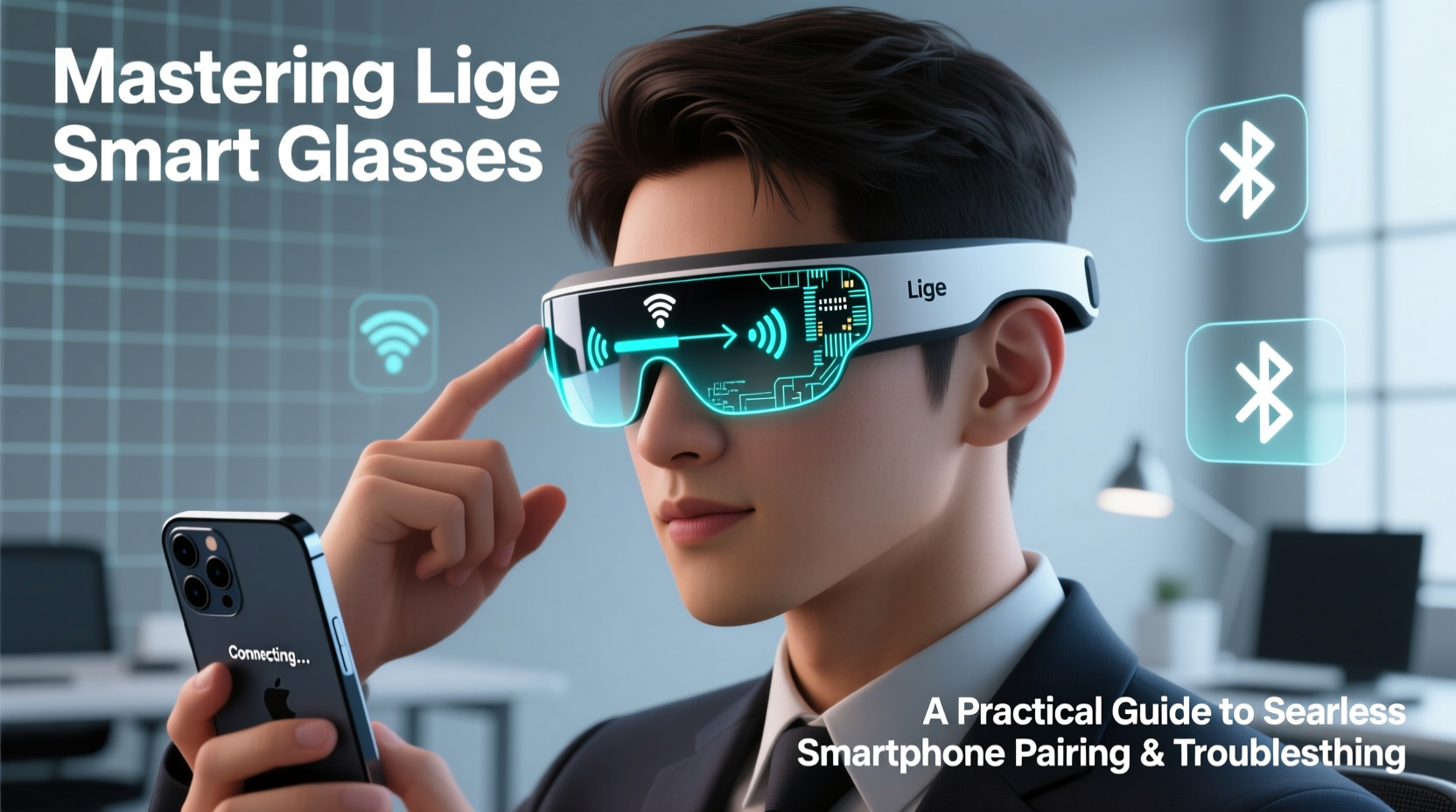
Lige Smart Glasses are designed for users who want tech integration without compromising on fashion. Embedded speakers, microphones, and Bluetooth 5.0 (or higher, depending on model) allow for wireless audio streaming and call handling. These glasses connect to smartphones just like wireless earbuds, but their form factor introduces unique challenges: limited physical controls, smaller batteries, and sensitivity to positioning during pairing.
Before diving into setup, confirm your model’s specifications. Most Lige models support iOS and Android, but firmware compatibility can vary. Check the user manual or Lige’s official website to verify Bluetooth version, supported codecs (like AAC or SBC), and battery life expectations.
Tip: Fully charge your Lige Smart Glasses before first use—low battery can prevent successful pairing.Step-by-Step Guide to Pairing with Your Smartphone
Successful pairing starts with preparation. Follow this timeline to ensure a clean connection:
- Charge the glasses completely using the provided case or charging cable.
- Enable Bluetooth on your smartphone and ensure no other devices are actively connected.
- Power on the glasses by pressing and holding the touch-sensitive temple button for 5–7 seconds until you hear “Power On” or see a blinking LED.
- Enter pairing mode: Continue holding the button until you hear “Pairing” or the LED flashes blue and red alternately.
- Select the device from your phone’s Bluetooth menu. The device name typically appears as “Lige_SmartGlasses” or similar.
- Confirm connection. Once paired, you should hear an audio cue like “Connected,” and your phone will display the device as active.
If the glasses don’t appear in your list, try forgetting any previous Lige devices from your Bluetooth settings and restart the process.
Common Pairing Issues and Immediate Fixes
- Device not showing up? Restart both the glasses and phone Bluetooth. Interference from Wi-Fi or other devices can block discovery.
- Connection drops after pairing? Ensure the glasses are within 3 feet of your phone during setup. Walls or metal frames can disrupt signals.
- No audio through glasses? Check your phone’s audio output settings—some Android devices default to media audio on the phone speaker even when Bluetooth is connected.
“Bluetooth pairing success often hinges on signal clarity and timing. Users should treat the first 60 seconds after power-on as the critical window.” — Rajiv Mehta, Senior Wireless Systems Engineer
Optimizing Connection Stability
Even after successful pairing, intermittent disconnects can occur. These are often due to environmental interference, outdated firmware, or incorrect usage habits.
Firmware Updates and App Integration
Some Lige models support companion apps (available on iOS and Android) that provide firmware updates, EQ settings, and battery monitoring. If your model supports one, download it immediately after pairing. Firmware updates frequently resolve known bugs affecting connection stability.
Without an app, rely on over-the-air (OTA) updates pushed automatically when the glasses are connected to a trusted device. Keep your phone’s operating system updated, as newer OS versions often include Bluetooth stack improvements.
Environmental Best Practices
| Situation | Recommended Action |
|---|---|
| Urban environments with high Bluetooth traffic | Move to a quieter area during initial pairing |
| Wearing near metal-framed glasses or hearing aids | Test positioning; slight head angle changes can improve signal |
| Using in a car or public transit | Re-pair after exiting if persistent dropouts occur |
| Hot or humid conditions | Avoid prolonged exposure; heat affects battery and Bluetooth performance |
Troubleshooting Persistent Connectivity Problems
When standard pairing fails repeatedly, deeper intervention may be needed. Use the following checklist to diagnose and resolve stubborn issues.
Troubleshooting Checklist
- ✅ Charge both glasses and phone to at least 50%
- ✅ Disable Bluetooth on nearby devices (watches, earbuds)
- ✅ Forget the Lige device from your phone’s Bluetooth list
- ✅ Factory reset the glasses (see below)
- ✅ Update your phone’s OS and restart it
- ✅ Test pairing with a second smartphone to isolate the issue
How to Factory Reset Lige Smart Glasses
If all else fails, a factory reset clears stored pairing data and restores default settings. The method varies slightly by model, but generally follows this pattern:
- Turn off the glasses completely.
- Press and hold the control button for 15–20 seconds.
- Wait for the LED to flash red and blue simultaneously, then release.
- The glasses will power off and reboot into pairing mode automatically.
After resetting, attempt pairing again from a clean slate.
Real-World Example: Commuter Struggles with Dropouts
Mark, a daily commuter in Chicago, purchased Lige Smart Glasses for hands-free podcast listening during his train rides. Initially thrilled, he soon noticed frequent audio interruptions between stations. After trying multiple re-pairings, he realized the issue wasn’t the glasses—but his phone’s Bluetooth priority settings.
His Android phone was set to automatically switch audio back to the built-in speaker when another app interrupted playback. By adjusting the “Bluetooth audio” settings and disabling “Absolute Volume” in Developer Options, Mark restored stable audio flow. He also began restarting his glasses each morning, preventing memory buildup from overnight standby.
This case highlights that problems aren’t always with the hardware. User settings, background processes, and usage patterns play a significant role.
Frequently Asked Questions
Can I pair Lige Smart Glasses with two phones at once?
No, Lige Smart Glasses support only one active connection at a time. However, they can store multiple paired devices in memory. To switch phones, disconnect from the first device and manually select the glasses from the second phone’s Bluetooth menu.
Why do my glasses keep turning off unexpectedly?
This is usually due to low battery or the auto-power-off feature (typically activated after 5–10 minutes of inactivity). Ensure the glasses are fully charged and avoid leaving them idle while powered on. If the issue persists, perform a factory reset.
Are Lige Smart Glasses waterproof?
Most models are splash-resistant (IPX4 rating), meaning they can handle light rain or sweat, but they are not submersible. Avoid wearing them in heavy rain or while showering, as moisture can damage internal components and disrupt connectivity.
Maximizing Long-Term Usability
To get the most out of your Lige Smart Glasses, adopt a few consistent habits. Store them in their protective case when not in use to preserve battery and prevent accidental button presses. Clean the temples gently with a dry microfiber cloth—avoid alcohol-based cleaners that can degrade coatings.
Use them in moderation. Continuous streaming drains the battery quickly and generates heat, which over time can reduce component lifespan. Take breaks between extended sessions, especially in warm environments.
“Smart glasses are an emerging category where user behavior directly impacts performance. Treat them like precision electronics, not passive accessories.” — Dr. Lena Torres, Wearable Technology Researcher at MIT Media Lab
Final Thoughts
Mastering Lige Smart Glasses isn’t just about getting them to work—it’s about making them work reliably, day after day. With proper pairing techniques, awareness of environmental factors, and proactive troubleshooting, these devices can become a seamless extension of your digital life. Whether you're walking through a busy city, taking calls on the go, or enjoying music outdoors, a stable connection transforms convenience into confidence.
🚀 Ready to optimize your smart glasses experience? Re-pair your Lige glasses today using this guide, and share your success story or questions in the comments below.