
If you're holding an iPhone 14 and wondering whether the iPhone 15 deserves your attention — and your money — you're not alone. Every year, Apple rolls out a new flagship with incremental improvements, and the line between meaningful upgrades and marketing hype blurs a little more. The iPhone 15 isn’t a radical departure from its predecessor, but it does bring changes that could matter — depending on how you use your phone.
This isn't about chasing the latest gadget for bragging rights. It's about value: what you gain, what you lose, and whether those gains justify the cost. Let’s cut through the noise and assess whether upgrading from the iPhone 14 to the iPhone 15 is a smart move — or if you’re simply falling for Apple’s well-crafted upgrade cycle.
Design and Build: Subtle Shifts With Real Impact
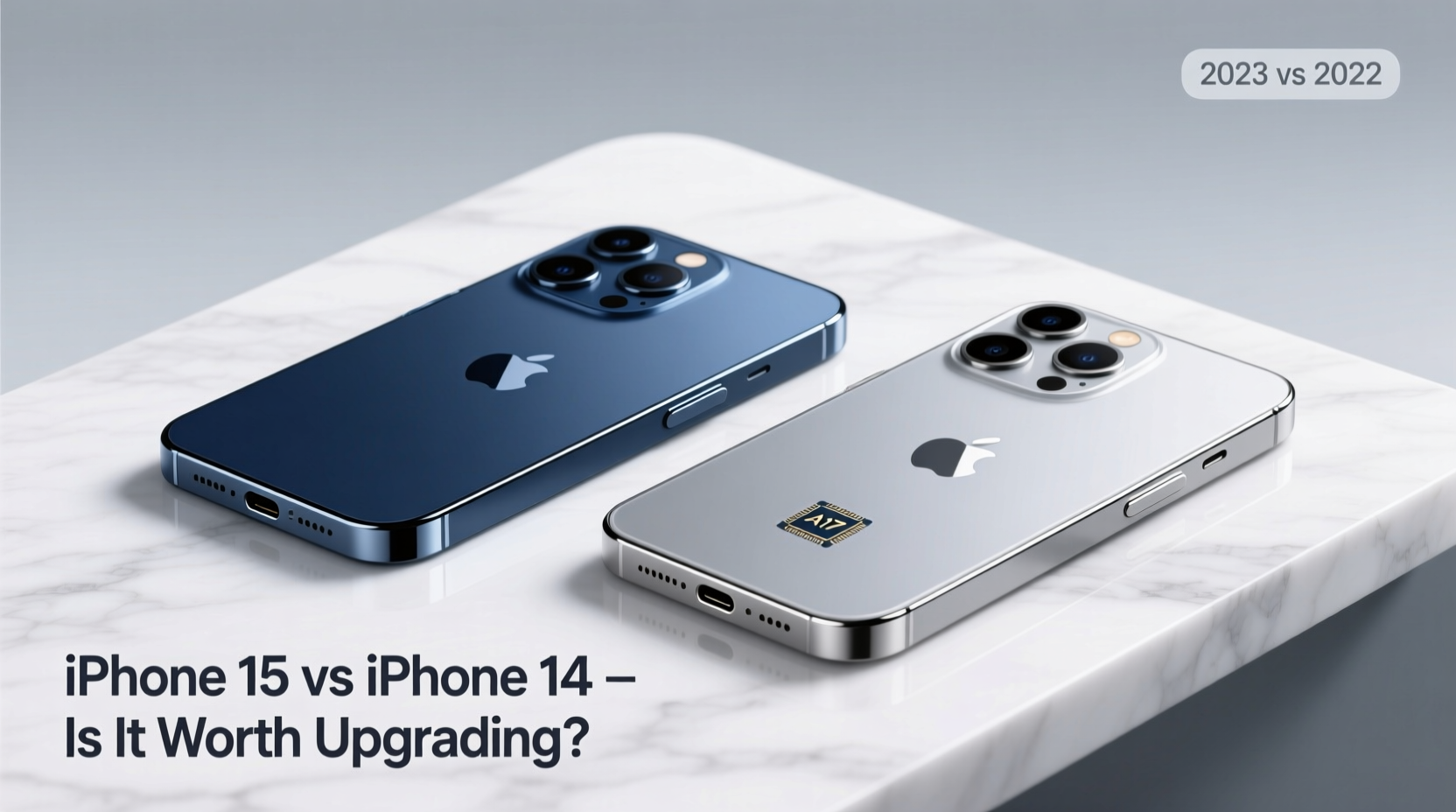
The most noticeable change in the iPhone 15 series is the shift to a titanium frame on the Pro models — lighter, stronger, and more premium-feeling than the stainless steel used in the iPhone 14 Pro. But even the base iPhone 15 gets a design refresh: a curved edge-to-edge display replacing the flat screen of the iPhone 14, making it more comfortable to hold and swipe across.
The USB-C port replaces Lightning across all iPhone 15 models, finally aligning Apple with EU regulations and universal charging standards. While this seems overdue, it brings real benefits: faster data transfer (on Pro models with USB 3), easier cable compatibility, and fewer chargers cluttering drawers.
Tip: If you own multiple Apple devices, switching to USB-C simplifies your charging ecosystem — one cable can now power your iPhone, iPad, and MacBook.Performance: A Marginal Leap, Not a Revolution
The iPhone 15 runs on the A16 Bionic chip (same as iPhone 14 Pro), while the iPhone 15 Pro steps up to the new A17 Pro chip — built on a 3nm process. This brings measurable improvements: up to 20% faster CPU performance, 15% faster GPU, and better energy efficiency. For most users, even intensive ones, the A16 remains extremely capable. You won’t feel “slowed down” by an iPhone 14 in 2024.
However, the A17 Pro opens the door to console-level gaming on iOS, supporting full-fidelity ports of titles like *Resident Evil Village* and *Death Stranding*. If mobile gaming is a priority, this is a genuine leap. Otherwise, the performance boost is more about future-proofing than present-day necessity.
“Most users won’t notice a day-to-day difference between the A16 and A17 Pro unless they’re pushing graphics-intensive apps or planning to keep their phone for five years.” — David Ng, Senior Tech Analyst at MobileInsight Group
Camera Upgrades: Who Actually Benefits?
The camera system sees the most compelling improvements. The iPhone 15 inherits the 48MP main sensor from the Pro model of the previous generation, meaning even the base model now captures significantly sharper daylight photos and offers 2x lossless zoom without cropping.
The iPhone 15 Pro takes it further with a new 5x tetraprism telephoto lens, enabling 5x optical zoom — a major advantage for travel, wildlife, or concert photography. The iPhone 14 Pro maxes out at 3x. Night mode has also improved across both front and rear cameras, with brighter, cleaner low-light shots.
But here’s the reality: if you mostly share photos on social media or text them to friends, the iPhone 14’s camera is still excellent. The jump to 48MP matters most when cropping or printing large images.
Camera Comparison Table
| Feature | iPhone 14 | iPhone 15 | iPhone 15 Pro |
|---|---|---|---|
| Main Sensor | 12MP | 48MP | 48MP |
| Telephoto Zoom | 3x optical | No telephoto | 5x optical |
| Front Camera | 12MP | 12MP (improved low light) | 12MP + autofocus |
| Portrait Mode | Supported (rear only) | Supported (front & rear) | Supported (front & rear, LiDAR enhanced) |
Battery Life and Charging: Small Gains, Big Implications
Battery life on the iPhone 15 is slightly improved — about 1 to 2 hours more under typical use compared to the iPhone 14, thanks to the more efficient A16 chip and minor battery capacity increases. The real story, though, is USB-C. While the base iPhone 15 supports USB 2 speeds (slower charging and data transfer), the iPhone 15 Pro supports USB 3, enabling up to 10Gbps transfer rates. That means you can offload 4K video to a drive in seconds, not minutes.
Charging speed remains capped at around 20W with USB-C, so don’t expect overnight miracles. But third-party fast chargers are now more accessible and affordable due to standardization.
Mini Case Study: Sarah, Travel Photographer
Sarah upgraded from an iPhone 14 Pro to an iPhone 15 Pro for a two-week trip through Patagonia. She needed reliable low-light performance, long battery life, and the ability to quickly back up high-res photos. The 5x zoom let her capture distant wildlife without disturbing it. USB 3 allowed her to transfer hundreds of RAW files to a portable SSD each evening using a single cable. For her workflow, the upgrade paid off immediately — not because the phone looked newer, but because it solved real logistical problems.
Should You Upgrade? A Practical Checklist
Before hitting “Buy,” ask yourself the following. Check off any that apply:
- ✅ I rely heavily on zoom photography (5x on Pro is a game-changer)
- ✅ I want USB-C for universal charging across devices
- ✅ I play graphics-heavy games or use pro creative apps
- ✅ My iPhone 14 is showing signs of wear (battery health below 80%)
- ✅ I value a lighter, more comfortable design (especially Pro models)
- ✅ I plan to keep my phone for 4+ years and want longer software support
If three or more apply, the upgrade makes sense. If not, you’re likely being gently nudged by Apple’s polished marketing — not a functional need.
Frequently Asked Questions
Will the iPhone 15 get updates longer than the iPhone 14?
Both phones will receive iOS updates for approximately 5–6 years from release. Since the iPhone 15 is newer, it will technically be supported longer — likely until 2029 or beyond. But the iPhone 14 will still be updated through at least 2028.
Is the USB-C port on all iPhone 15 models the same?
No. The base iPhone 15 uses USB 2.0 speeds (slow data transfer). The iPhone 15 Pro models use USB 3.0 with significantly faster transfer rates — important for professionals moving large files.
Can I use my old Lightning accessories with the iPhone 15?
You can, with a USB-C to Lightning adapter. However, Apple no longer includes one in the box, and many third-party accessories (like car chargers or docks) may require replacement or adapters.
Final Verdict: Upgrade Only If It Solves a Problem
The iPhone 15 is not a must-have upgrade for iPhone 14 owners. It refines rather than reinvents. The titanium build, USB-C, improved cameras, and Pro-specific features like the A17 chip and 5x zoom are meaningful — but only if they address actual pain points in your daily use.
For early adopters and tech enthusiasts, the allure is understandable. But for most people, the iPhone 14 remains a powerful, fully capable smartphone in 2024 and beyond. Upgrading now may feel satisfying, but it’s hard to justify financially unless you’re leveraging the new features.
Apple excels at making us feel like we’re falling behind — but progress shouldn’t be measured by release cycles. It should be measured by utility. If your iPhone 14 still takes great photos, lasts all day, and runs your apps smoothly, keep using it. There’s no shame in skipping a generation. In fact, it might be the smartest tech decision you make all year.
🚀 Still on the fence? Try renting an iPhone 15 for a week or testing one at an Apple Store. Real-world use beats specs every time. Share your experience in the comments — your insight could help someone else avoid buyer’s remorse.