For photographers and casual shooters alike, the evolution of smartphone cameras has redefined what’s possible in mobile imaging. The jump from the iPhone 13 to the iPhone 16 represents three generations of refinement—each bringing incremental but meaningful improvements. But if you're still using an iPhone 13, is upgrading to the iPhone 16 truly justified by the camera alone? The answer depends on your expectations, shooting habits, and how much you value advancements in computational photography.
The iPhone 13 launched with a solid dual-camera system: 12MP main and ultra-wide sensors, Night mode, Deep Fusion, and Smart HDR 4. At the time, it set a benchmark for consistency and color accuracy. Fast forward to the iPhone 16, and Apple has pushed further into AI-powered processing, sensor upgrades, and optical enhancements. Let’s break down exactly what’s changed—and whether those changes translate into tangible benefits for everyday photo-taking.
Camera Hardware: What’s Under the Lens?
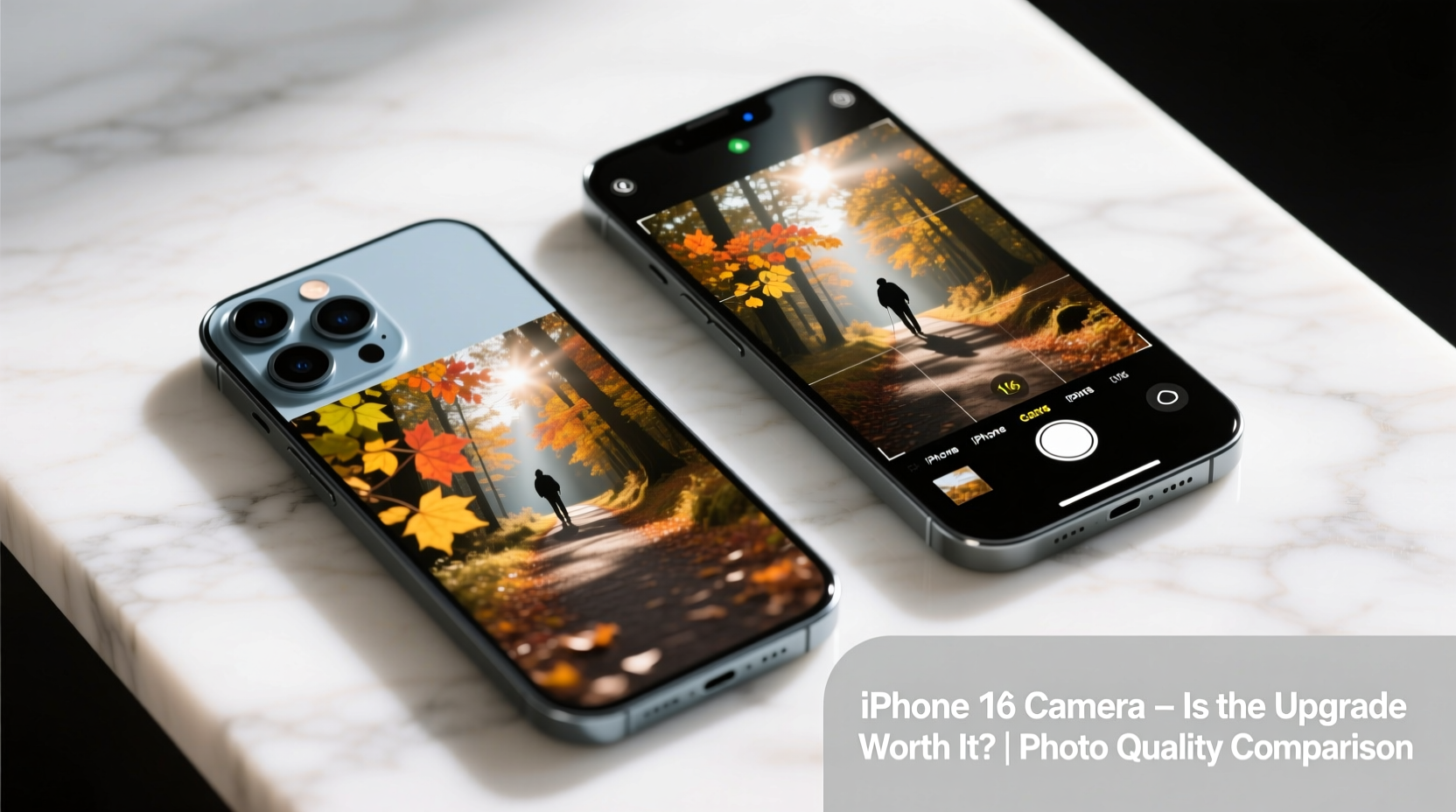
The foundation of any great photo starts with hardware. While both phones retain a dual-camera setup (main + ultra-wide) on standard models, the internal specs have evolved significantly.
| Feature | iPhone 13 | iPhone 16 |
|---|---|---|
| Main Sensor Size | 1/1.7\" | 1/1.14\" (larger) |
| Pixel Size | 1.9µm | 2.4µm (binning) |
| Aperture (Main) | f/1.6 | f/1.5 |
| Telephoto Zoom (Digital) | 3x max (digital) | 5x optical zoom (Pro models), 10x digital |
| Sensor-Shift Stabilization | Main only | Main and ultra-wide (Pro) |
| Photonic Engine | Yes | Next-gen with AI fusion |
The larger sensor in the iPhone 16 allows more light capture, which directly improves dynamic range and low-light performance. Combined with a wider aperture, this means better detail retention in shadows and reduced noise in dim environments. On paper, the leap is clear—but real-world results matter more than specs.
Tip: In low light, stabilize your phone against a surface or use Night mode even in moderately lit scenes—it often produces richer tones than standard shots.Image Quality: Daylight, Low Light, and Everything Between
In daylight, both phones deliver excellent results with accurate skin tones, natural contrast, and crisp textures. However, subtle differences emerge upon close inspection. The iPhone 16 applies a more refined tone curve, preserving highlight detail in skies and clouds without overprocessing. Its improved HDR algorithm blends exposures more seamlessly, especially in high-contrast backlit situations.
Low-light photography is where the iPhone 16 pulls ahead. Thanks to its larger sensor and next-generation Night mode, images taken after dark show noticeably less grain, better color fidelity, and finer texture in fabrics and facial features. Shadows are lifted cleanly, and there’s less “glow” around bright light sources like street lamps or neon signs.
Portrait mode has also matured. The iPhone 16 uses machine learning to detect edges with higher precision—especially around complex elements like glasses, hair, or pets. Background blur (bokeh) is more natural, and depth mapping errors are rare. Additionally, portrait lighting effects now adapt dynamically based on ambient conditions, reducing the artificial look that sometimes plagued earlier models.
“Smartphones are no longer just capturing moments—they’re interpreting them. The latest iPhones don’t just take photos; they predict intent.” — Dr. Lena Torres, Computational Imaging Researcher at MIT Media Lab
Software & AI Enhancements: Beyond the Sensor
Apple’s shift toward AI-driven image processing has accelerated with the iPhone 16. The new Photonic Engine integrates deeper with the A18 chip to analyze scenes before capture, adjusting white balance, exposure, and focus in real time. One standout feature is Cognitive Tone Mapping, which adjusts midtones based on perceived subject importance—brightening faces slightly even when they’re not the primary focal point.
The iPhone 16 introduces Smart Frame Assist, a subtle framing guide powered by on-device AI that suggests slight adjustments to composition when it detects unbalanced horizons or cluttered backgrounds. It doesn’t override your control—just nudges you toward stronger compositions.
Another major addition is Photo Finish Mode, allowing users to adjust the exact moment a photo was captured *after* pressing the shutter. This is particularly useful for action shots—say, freezing a child mid-laugh or catching a pet mid-jump—by selecting the optimal frame from a burst sequence.
Real-World Example: Family Beach Trip
Consider Sarah, a parent who used her iPhone 13 for years to document family outings. During a sunset beach walk, she often struggled with blown-out skies or underexposed silhouettes. With the iPhone 16, the same scene now balances the golden sky and shadowed figures naturally. She also captured a spontaneous moment of her daughter jumping over a wave. Using Photo Finish Mode, she selected the peak of the jump from five frames—something impossible on her old device.
She didn’t change her technique; the phone simply gave her more flexibility and better results out of the box.
Is the Upgrade Worth It? A Practical Checklist
Deciding whether to upgrade shouldn't hinge solely on megapixels or marketing claims. Ask yourself the following:
- Do you frequently shoot in low light (indoors, evenings, concerts)?
- Are you frustrated by slow autofocus or inconsistent HDR?
- Do you share photos professionally or on social media where quality matters?
- Have you maxed out your iPhone 13’s storage due to high-res videos?
- Are you excited by AI-assisted tools that enhance creativity without complexity?
If you answered “yes” to two or more, the upgrade likely offers meaningful returns. If you mostly take well-lit, casual snapshots and print rarely, the iPhone 13 remains entirely capable.
Tip: Before upgrading, try exporting full-resolution photos from your iPhone 13 and view them on a large screen. You may be surprised at how well they hold up.Frequently Asked Questions
Can the iPhone 16 replace a dedicated camera?
For most amateur and even semi-professional needs, yes—especially with its improved zoom, low-light performance, and editing tools. However, serious photographers will still prefer DSLRs or mirrorless systems for manual control, lens variety, and RAW file flexibility.
Does the iPhone 16 support ProRAW and ProRes video?
Yes, but only on iPhone 16 Pro and Pro Max models. These formats offer greater post-processing latitude and are ideal for creators editing on Mac or iPad. The base iPhone 16 supports Smart HDR and HEIF but not full ProRAW.
Will my old lenses and accessories work?
Most third-party clip-on lenses and cases remain compatible due to similar dimensions and camera placement. However, newer MagSafe alignment rings may offer tighter integration with iPhone 16-specific accessories.
Making the Decision: A Step-by-Step Guide
- Assess Your Current Usage: Review your last 50 photos. Are they sharp? Well-exposed? Do they reflect what you saw?
- Test Limitations: Shoot a challenging scene (e.g., candlelit dinner, fast-moving pet). Compare results with friends using newer iPhones.
- Evaluate Workflow Needs: Do you edit heavily? Share online? Print large? Higher bit-depth and Log video matter more here.
- Check Battery & Performance: Camera upgrades often come with faster processors and better battery life—bonus benefits if your iPhone 13 is slowing down.
- Calculate True Cost: Factor in trade-in value. Many carriers offer discounts when upgrading from older models.
Final Verdict
The camera upgrade from iPhone 13 to iPhone 16 is evolutionary, not revolutionary—but evolution adds up. For everyday users, the gains in low-light clarity, portrait accuracy, and intelligent processing make a noticeable difference. For creative enthusiasts, features like Photo Finish Mode and enhanced computational HDR open new possibilities without requiring technical expertise.
If your iPhone 13 still performs well, there’s no urgent need to switch purely for camera reasons. But if you’re due for a refresh, the iPhone 16 delivers a smarter, sharper, and more reliable photographic experience. The upgrade isn’t about fixing flaws—it’s about expanding potential.
💬 What do you value most in a smartphone camera? Share your thoughts—low light, zoom, portraits, or simplicity—and help others decide if the iPhone 16 is the right step forward.