In 2024, the tablet market is more competitive than ever. Samsung’s Galaxy Tab A8 offers solid performance at an aggressive price point, while Apple continues to sell millions of its iPad 9th generation units despite newer models being available. On paper, the specs might suggest parity or even an edge for Samsung’s offering—but consumers consistently lean toward the iPad. Why?
The answer isn’t just about hardware. It’s about ecosystem longevity, software support, app optimization, and real-world usability that transcends benchmark scores. To understand this enduring preference, we need to look beyond raw specifications and examine how these devices perform in everyday life—from student note-taking to remote work, creative projects, and media consumption.
Performance and Hardware: A Closer Look
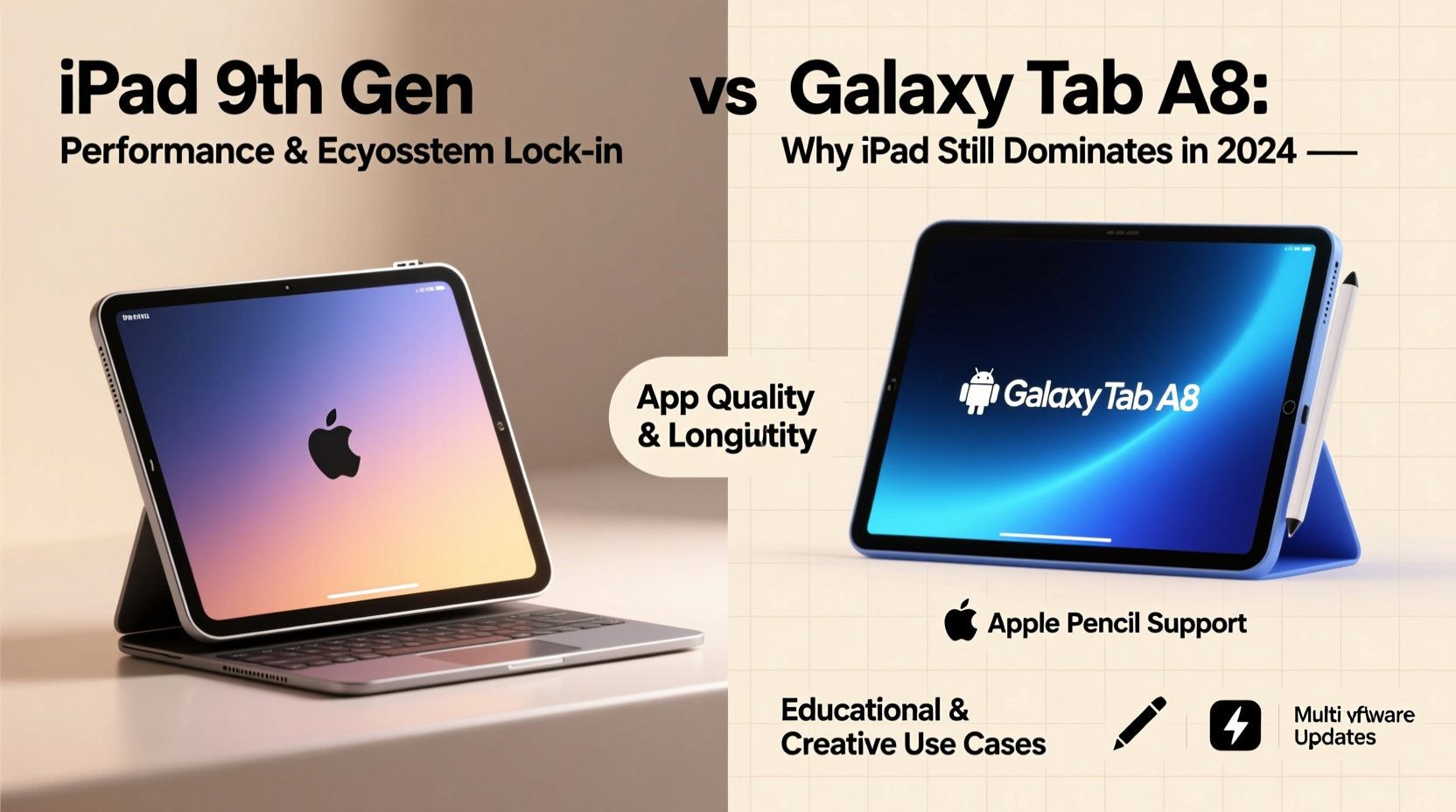
The iPad 9th Gen runs on Apple’s A13 Bionic chip, a processor first introduced in 2019 but still capable of handling multitasking, video editing, and demanding apps with ease. In contrast, the Galaxy Tab A8 uses the MediaTek Helio G99, a competent mid-range chip designed primarily for streaming and light productivity.
While both tablets feature 10.2”–10.5” displays with similar resolutions, the iPad maintains superior color accuracy and brightness consistency. More importantly, Apple controls both hardware and software, allowing for tighter integration that enhances responsiveness and efficiency—even with older silicon.
Tip: When comparing tablets, prioritize long-term software updates over short-term performance gains.Ecosystem and Software Longevity
One of the most compelling reasons users continue to choose iPads in 2024 is Apple’s commitment to long-term software support. The iPad 9th Gen launched with iPadOS 15 and is expected to receive updates through at least 2027. That means six years of security patches, feature upgrades, and compatibility with new apps.
Samsung typically provides four years of OS updates and five years of security patches for select devices, including the Tab A8. However, real-world rollout delays and fragmented carrier support often mean users don't get timely access to new Android versions. For many, especially parents buying for children or professionals needing reliability, waiting months—or never receiving—an update is unacceptable.
“Apple’s consistent update cycle gives users peace of mind. You’re not just buying a device—you’re buying several years of relevance.” — David Lin, Mobile Technology Analyst at TechPulse Insights
App Optimization and User Experience
iPadOS benefits from a vast library of apps specifically designed for larger screens. Whether it’s Procreate for artists, Notability for students, or LumaFusion for mobile editors, developers optimize their iOS applications to take full advantage of the iPad’s capabilities.
Android tablets, while improving, still face challenges with app scaling and interface design. Many popular Android apps default to phone layouts, forcing users into awkward split-screen modes or stretched interfaces. Even Google’s own productivity suite sometimes feels like an afterthought on non-Pixel tablets.
This gap in user experience becomes apparent during extended use. Typing emails, annotating PDFs, or managing spreadsheets feels smoother on iPadOS due to consistent touch targets, intuitive gestures, and responsive keyboard integration—especially when paired with accessories like the Smart Keyboard Folio.
Detailed Comparison: iPad 9th Gen vs Galaxy Tab A8
| Feature | iPad 9th Gen | Galaxy Tab A8 |
|---|---|---|
| Processor | Apple A13 Bionic | MediaTek Helio G99 |
| Operating System | iPadOS (upgradable to iPadOS 17+) | Android 12 (upgradable to Android 16) |
| Software Support Until | ~2027 (estimated) | ~2026 (OS), ~2027 (security) |
| Rear Camera | 12MP (supports Center Stage) | 8MP |
| Front Camera | 12MP Ultra Wide (Center Stage) | 2MP |
| Battery Life | ~10 hours | ~12 hours |
| Pencil Support | 1st-gen Apple Pencil ($99) | S Pen included (basic functionality) |
| Keyboard Support | Smart Keyboard Folio (sold separately) | Folio Keyboard (sold separately) |
| Starting Price (2024) | $329 | $269 |
Note: While the Galaxy Tab A8 has a slight battery life advantage and includes a stylus, the iPad’s camera system enables advanced features like automatic framing during video calls—a critical benefit for remote learners and hybrid workers.
Real-World Use Case: Maria, High School Teacher
Maria teaches English at a public high school and needed a reliable tablet for grading essays, hosting virtual office hours, and creating interactive lessons. She considered both the iPad 9th Gen and the Galaxy Tab A8. Initially drawn to the lower price of the Samsung device, she ultimately chose the iPad.
“I tried the Tab A8 at a store,” she said. “The screen looked fine, but when I opened Google Docs, the formatting was off, and the keyboard kept popping up randomly. On the iPad, everything just worked. I can plug it into my projector, annotate student papers with the Pencil, and join Zoom calls where my face stays centered even if I move around.”
For Maria, the decision wasn’t about prestige—it was about saving time and reducing frustration during already busy days. Two years later, her iPad still receives regular updates and performs as well as it did on day one.
Step-by-Step: How to Choose the Right Tablet in 2024
- Define your primary use case: Will you use it mainly for reading, streaming, writing, drawing, or teaching?
- Check software update policy: Prioritize devices with at least five years of guaranteed updates.
- Test app compatibility: Try opening your most-used apps (e.g., Microsoft Office, Adobe Scan, Zoom) on both platforms.
- Consider accessory costs: Factor in the price of a stylus and keyboard if you plan to type or draw frequently.
- Evaluate ecosystem fit: If you already own an iPhone or Mac, the iPad offers seamless Handoff, AirDrop, and iCloud syncing.
- Read long-term reviews: Look for feedback from users who’ve had the device for 18+ months.
FAQ: Common Questions Answered
Is the iPad 9th Gen outdated in 2024?
No. Despite launching in 2021, the iPad 9th Gen remains Apple’s entry-level education-focused device and continues to receive full software support. Its A13 chip outperforms many current mid-tier Android processors in sustained tasks and app responsiveness.
Does the Galaxy Tab A8 offer better value?
On paper, yes—especially if you only need basic functions like YouTube, web browsing, and light gaming. But if you rely on your tablet for productivity, creativity, or education, the iPad’s superior app ecosystem and longer support window deliver greater long-term value.
Can I replace a laptop with either of these tablets?
Limitedly. With a keyboard attachment, the iPad 9th Gen can handle email, document editing, and presentations reasonably well. However, neither tablet replaces a full laptop for complex workflows involving multiple windows, file management, or specialized software.
Final Thoughts: Why iPads Still Dominate
The persistence of iPad sales in 2024 isn’t nostalgia or brand loyalty—it’s rooted in tangible advantages. Consumers aren’t fooled by spec sheets. They care about which device will still function smoothly two, three, or four years down the line. They want fewer bugs, faster app launches, and confidence that their investment won’t become obsolete after a single OS change.
Apple’s control over its ecosystem ensures stability. Developers prioritize iPad app development because of its large, engaged user base. Schools standardize on iPads because they’re easier to manage at scale. Creators trust them because tools like GarageBand, Procreate, and Final Cut Rush are built for the platform.
The Galaxy Tab A8 is a decent option for casual users on a tight budget. But for anyone who depends on their tablet for learning, working, or creating, the iPad 9th Gen delivers a level of polish, longevity, and peace of mind that few Android tablets can match.
💬 What matters most to you in a tablet—price, performance, or long-term usability? Share your thoughts and help others make informed decisions in 2024 and beyond.