Smart TVs are among the most expensive and frequently used devices in modern homes. Their high-resolution displays deliver stunning visuals, but they also attract dust, fingerprints, and smudges that can degrade image quality over time. Cleaning a smart TV screen may seem straightforward, but doing it incorrectly can result in permanent streaks, clouding, or even micro-scratches on delicate anti-glare or matte coatings. Many people reach for paper towels and household glass cleaners—only to discover hazy residue or faint swirl marks after wiping. The good news is that with the right tools, technique, and timing, you can keep your screen pristine without risking damage.
This guide walks through every aspect of safely cleaning your smart TV screen, from identifying your screen type to selecting appropriate cleaning solutions and avoiding common pitfalls. Whether you have a 4K OLED, a QLED panel, or a budget-friendly LED model, these steps apply universally and preserve both clarity and longevity.
Understand Your Screen Type Before You Clean
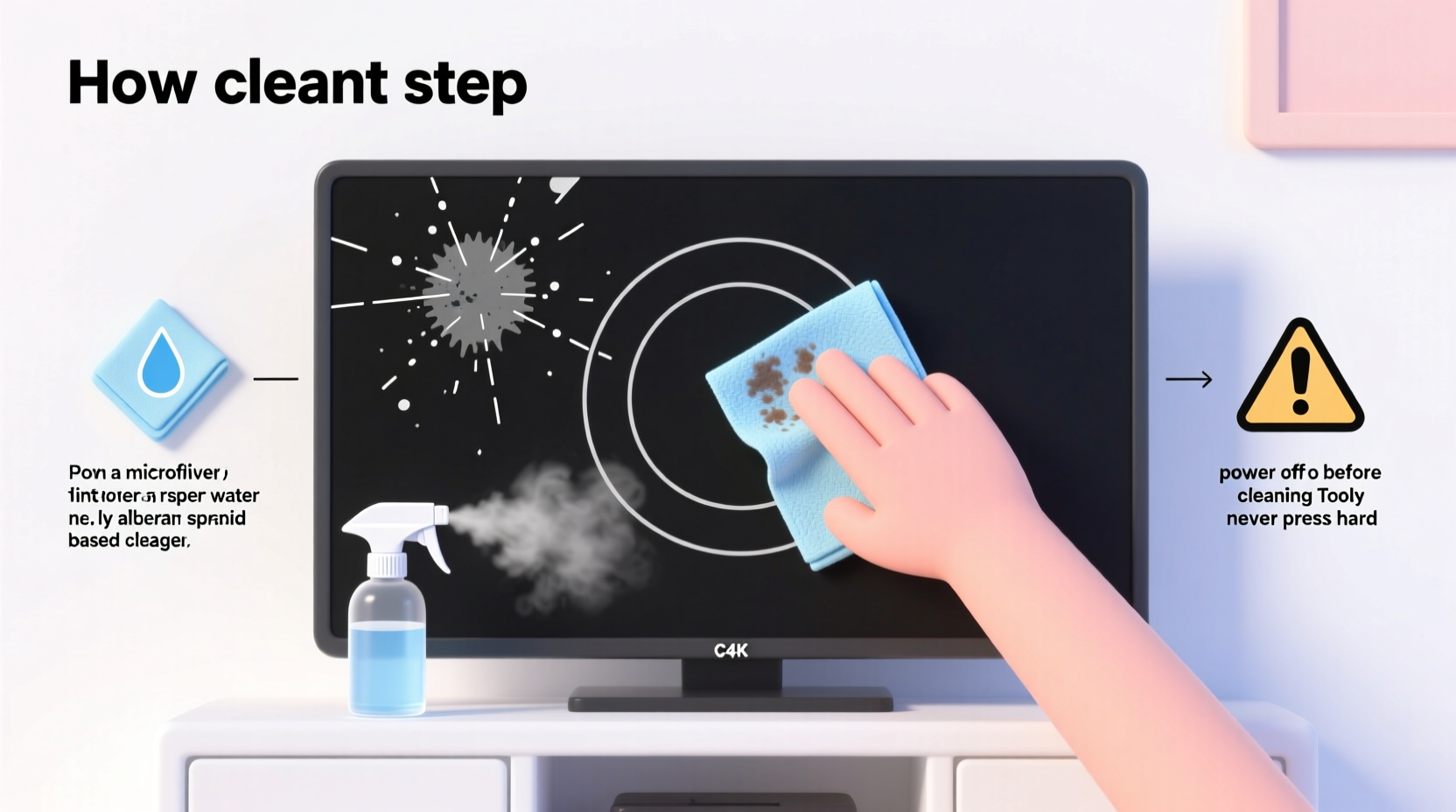
Not all TV screens are created equal. The type of display technology and surface coating determines how it should be cleaned. Using the wrong method on a sensitive OLED panel, for example, could compromise its self-emissive pixels or degrade the anti-reflective layer.
Most modern smart TVs fall into one of three categories:
- OLED (Organic Light-Emitting Diode): Known for deep blacks and vibrant colors. These screens often have soft, matte anti-reflective coatings that are highly susceptible to chemical damage and abrasion.
- QLED (Quantum Dot LED): Brighter and more durable than OLED, but still typically feature coated surfaces to reduce glare.
- LED/LCD: The most common type. While generally sturdier, many still include anti-fingerprint or anti-glare treatments that require gentle care.
Always consult your TV’s user manual before cleaning. Some manufacturers explicitly warn against alcohol-based cleaners or ammonia-containing products. Samsung, for instance, advises against using any liquid directly on the screen, while LG cautions that abrasive cloths can permanently mar OLED panels.
“OLED screens are incredibly sensitive. Even a slightly damp microfiber cloth with improper pressure can leave temporary water marks or affect pixel performance.” — David Tran, Senior Display Technician at VisionTech Repair
The Right Tools: What You Should and Shouldn’t Use
Using inappropriate materials is the leading cause of streaks and scratches. Below is a detailed comparison of common cleaning tools and their safety level for smart TV screens.
| Tool / Product | Safety Level | Why It’s Safe or Risky |
|---|---|---|
| Microfiber Cloth (Dry) | ✅ High | Ideal for removing dust and light smudges without scratching. Must be clean and lint-free. |
| Distilled Water + Microfiber Cloth | ✅ High | Slightly dampened cloth removes stubborn marks. Never spray water directly on screen. |
| Isopropyl Alcohol (70% or less, diluted) | ⚠️ Moderate (Use with caution) | Can be used sparingly on non-OLED screens. Avoid on matte finishes; may strip coatings. |
| Commercial Electronics Cleaner | ✅ High (if labeled safe for LCD/OLED) | Formulated specifically for screens. Look for ammonia-free and alcohol-free options. |
| Paper Towels | ❌ Unsafe | Abrasive fibers cause micro-scratches, especially when dry. Leave lint and residue. |
| Household Glass Cleaners (e.g., Windex) | ❌ Unsafe | Contain ammonia and alcohol, which degrade anti-reflective coatings and cause hazing. |
| Finger or Clothing | ❌ Unsafe | Fingers transfer oils; clothing fabrics are too rough and may carry grit. |
Step-by-Step Guide to Streak-Free, Scratch-Free Cleaning
Cleaning your smart TV screen properly involves more than just wiping it down. Follow this six-step process to ensure optimal results every time.
- Power Off and Unplug the TV
Turn off the TV and disconnect it from power. A dark screen makes smudges and dust far more visible, allowing you to see what needs attention. It also prevents electrical risks if moisture accidentally seeps near vents. - Remove Loose Dust First
Use a dry microfiber cloth to gently wipe the screen in straight, horizontal lines. Avoid circular motions, which can spread dust unevenly. Hold the cloth taut with both hands to maintain consistent pressure. - Prepare a Safe Cleaning Solution (If Needed)
If fingerprints or oily spots remain, lightly dampen a corner of the microfiber cloth with distilled water. For tougher grime, mix one part distilled water with one part isopropyl alcohol (70% or lower), but only if your manufacturer permits it. Never use tap water—it contains minerals that leave behind white streaks. - Apply Moisture to the Cloth, Not the Screen
This cannot be overstated. Spraying liquid directly onto the screen risks seepage into the bezel, potentially damaging internal components or causing short circuits. Always dampen the cloth first, then wring it thoroughly until it’s barely moist. - Wipe Gently in One Direction
Starting from the top, wipe downward using light, even strokes. Do not press hard—modern screens don’t require force. If using a damp cloth, follow immediately with a dry section of the microfiber to prevent drying marks. - Let Air Dry and Inspect
Allow the screen to air dry for 30–60 seconds before turning the TV back on. Check under different lighting angles to confirm no streaks remain. Repeat only if absolutely necessary.
Avoid These Common Cleaning Mistakes
Even well-intentioned cleaning efforts can backfire. Here are some frequent errors and how to avoid them:
- Using a wet cloth: Excess moisture can pool at the bottom of the screen or leak into the frame, leading to clouding or electrical issues.
- Cleaning too aggressively: Pressing too hard or scrubbing in circles can create fine scratches invisible at first but noticeable over time.
- Skipping regular maintenance: Infrequent cleaning leads to buildup, requiring more aggressive wiping later—which increases risk.
- Using old or dirty cloths: A microfiber cloth used months ago may harbor dust, sand, or dried cleaner that acts like sandpaper.
- Cleaning while the TV is warm: Heat expands the screen surface. Wiping a warm screen can trap moisture or cause uneven evaporation, resulting in streaks.
“We’ve seen dozens of warranty claims denied because users cleaned their OLED TVs with Windex. The coating damage wasn’t covered—because it was clearly user-induced.” — Lena Park, Customer Support Lead at EliteHome Electronics
Real Example: How One Family Ruined Their New TV (And How They Fixed It)
The Thompson family purchased a high-end 65-inch OLED TV for movie nights. Within two weeks, fingerprints from their kids were all over the screen. Frustrated, Mr. Thompson grabbed a glass cleaner and a paper towel from the kitchen. He sprayed generously and wiped vigorously in circular motions. Immediately, he noticed rainbow-like haze across the center. Panicked, he wiped again—making it worse.
They contacted customer support, who advised them to stop using chemicals and switch to a dry microfiber cloth. Over the next few days, they gently wiped the screen daily with a clean cloth, reducing the haze by about 70%. However, faint clouding remained due to coating degradation. The technician confirmed the damage was irreversible but preventable.
Lesson learned: The Thompsons now keep a labeled microfiber cloth in their entertainment cabinet and clean the screen weekly with minimal touch—only when needed.
Tip: Set a monthly reminder on your phone to inspect and clean your TV screen. Regular light cleaning prevents heavy buildup and reduces the need for liquids.FAQ: Common Questions About Cleaning Smart TV Screens
Can I use vinegar to clean my TV screen?
No. Vinegar is acidic and can erode anti-reflective coatings, especially on OLED and QLED screens. It may also react with residues and leave a cloudy film. Stick to distilled water or approved electronics cleaners.
How often should I clean my smart TV screen?
Light dusting with a dry microfiber cloth once a week is ideal. Full cleaning—only when smudges appear—should happen every 2–4 weeks, depending on usage and environment. Homes with pets or children may need more frequent attention.
Are screen cleaning kits worth buying?
Yes, if they contain high-quality, lint-free microfiber cloths and screen-safe solution. Brands like Zeiss, Whoosh!, and LensPen offer reliable kits designed specifically for TVs and monitors. Avoid cheap generic sets—they often include low-grade fabrics that scratch.
Final Checklist: Clean Your TV Safely Every Time
Before each cleaning session, run through this quick checklist to ensure safety and effectiveness:
- ✅ Power off and unplug the TV
- ✅ Use a clean, soft microfiber cloth (dedicated only for screens)
- ✅ Test cleaning solution on an inconspicuous area first (like the bezel)
- ✅ Dampen cloth—not screen—with distilled water or approved cleaner
- ✅ Wipe gently in straight lines, top to bottom
- ✅ Dry immediately with a second clean cloth if needed
- ✅ Store the cloth in a sealed bag to prevent dust accumulation
Conclusion: Protect Your Investment with Proper Care
Your smart TV is more than a device—it’s a centerpiece of home entertainment. Keeping the screen clean enhances picture quality, prolongs lifespan, and maintains resale value. By understanding your screen type, using the correct tools, and following a careful, consistent routine, you eliminate the risk of streaks and scratches entirely.
Start today: Locate a proper microfiber cloth, discard any household cleaners near your TV stand, and perform a gentle cleaning using only distilled water if needed. Small habits make a lasting difference. Share this guide with family members to ensure everyone treats your screen with the care it deserves.
💬 Have a cleaning tip that worked wonders for your TV? Share your experience in the comments and help others keep their screens crystal clear!