
In an era where energy costs are rising and environmental concerns are growing, consumers are turning to smart home technology in search of solutions. Among the most popular devices are smart plugs—small, Wi-Fi-enabled outlets that promise to make any appliance “smart.” But beyond remote control and voice commands, do they actually help reduce electricity consumption? Or are they merely convenient gadgets with exaggerated claims? The truth lies somewhere in between, shaped by how they’re used, what appliances they power, and whether users take full advantage of their capabilities.
Smart plugs don’t generate energy savings on their own. Instead, they serve as tools—ones that can either amplify wasteful habits or significantly cut phantom loads when applied strategically. Understanding their true potential requires separating marketing hype from measurable impact.
How Smart Plugs Work (and Where They Save Energy)
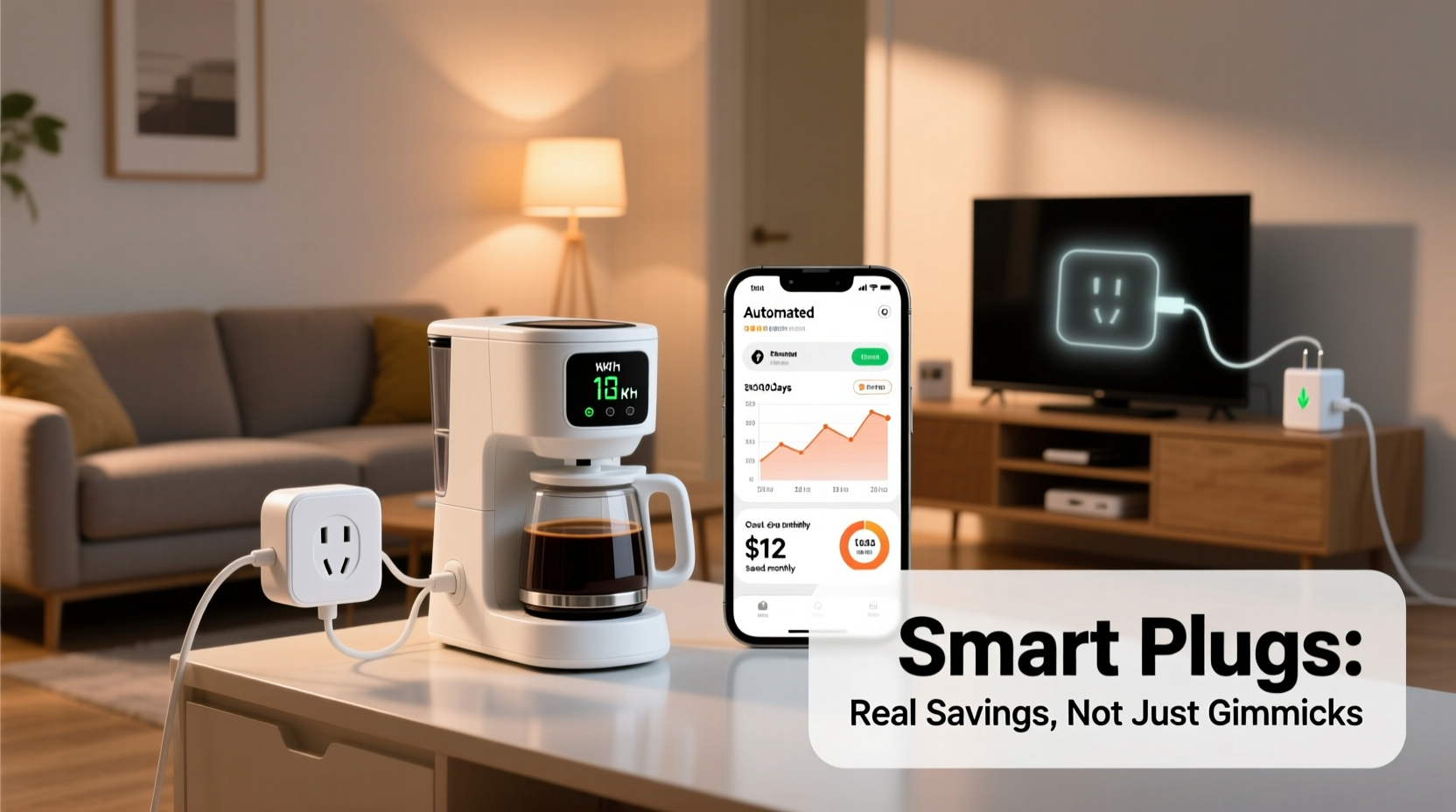
A smart plug sits between a wall outlet and an electrical device, acting as a digital switch. Once connected to your home Wi-Fi network, it allows you to turn the device on or off remotely via smartphone app or voice assistant like Alexa or Google Assistant. Many models also include features such as scheduling, energy monitoring, and automation based on time, motion, or other triggers.
The key to energy savings isn’t simply owning a smart plug—it’s leveraging its functions to eliminate unnecessary power draw. Most modern electronics continue consuming electricity even when turned off—a phenomenon known as \"phantom load\" or \"vampire power.\" Devices like televisions, game consoles, coffee makers, and phone chargers may appear inactive but still pull small amounts of power 24/7.
According to the U.S. Department of Energy, phantom loads account for about 5% to 10% of residential electricity use—roughly $100 to $200 annually per household. A smart plug can interrupt this constant draw by cutting power completely when not needed.
Tip: Use smart plugs with high-idle devices like entertainment systems, desktop computers, and kitchen appliances to prevent continuous low-level energy consumption.Real-World Scenarios: When Smart Plugs Deliver Value
Not all appliances benefit equally from being plugged into a smart outlet. The biggest savings come from managing devices that:
- Have standby modes
- Are frequently left on accidentally
- Operate on predictable schedules
- Consume moderate to high wattage
Consider a home office setup with a desktop computer, monitor, printer, speakers, and lamp. Even when powered down, these devices collectively draw 30–50 watts in standby mode. Left running 24/7, that’s up to 40 kWh per month—about $6 at average U.S. rates. By connecting them to a single smart plug and setting a schedule to cut power after work hours, you could save over $70 per year across multiple setups.
“Automation is the missing link in energy-conscious homes. Smart plugs give people control without requiring constant attention.” — Dr. Alan Torres, Energy Efficiency Researcher at MIT Sustainable Systems Lab
Mini Case Study: Reducing Weekend HVAC Waste
Sarah, a software engineer in Denver, installed smart plugs on her space heaters during winter months. She worked from home Monday through Thursday but traveled on weekends. Previously, she’d forget to unplug the heater before leaving, wasting energy for two days straight.
After installing a smart plug with scheduling, she programmed it to shut off every Friday at 9 AM and restart Sunday evening. Over six winter months, her electric bill dropped by an average of 12%, with nearly half attributed to eliminating weekend heater use. The $35 investment paid for itself in under four months.
Limitations and Common Misconceptions
Despite their utility, smart plugs aren't universally effective. Some common misconceptions include:
- They reduce energy use automatically. Without proper configuration, they function no differently than regular outlets.
- All devices should be on smart plugs. Low-wattage items like lamps or phone chargers contribute minimally to overall consumption.
- They work with everything. High-draw appliances like air conditioners, microwaves, or refrigerators often exceed plug wattage limits (typically 15A / 1800W).
Moreover, some users report confusion around energy monitoring accuracy. While many smart plugs estimate power usage, not all provide precise kilowatt-hour readings. Cheaper models may only offer on/off functionality without measurement, limiting their value for cost tracking.
Do’s and Don’ts of Using Smart Plugs for Energy Savings
| Do | Don’t |
|---|---|
| Use with entertainment centers, gaming consoles, and home offices | Plug in major appliances exceeding 1500W |
| Set schedules to align with actual usage patterns | Assume all smart plugs measure energy accurately |
| Group related devices on one plug to maximize cutoff efficiency | Leave critical devices (e.g., medical equipment) on automated cutoffs |
| Use automations triggered by location or routines (e.g., “when I leave home”) | Expect significant savings from low-power accessories like LED nightlights |
Step-by-Step Guide to Maximizing Energy Savings
To ensure your smart plugs deliver tangible results, follow this practical implementation plan:
- Inventory Your Devices: Identify which appliances remain plugged in constantly and check their standby power using a watt meter (or manufacturer specs).
- Prioritize High-Impact Devices: Focus on those drawing more than 5 watts in standby or used intermittently (e.g., coffee maker, soundbar, printer).
- Choose the Right Plug: Select models with energy monitoring and scheduling (e.g., TP-Link Kasa HS110, Wemo Mini, or Eve Socket for HomeKit users).
- Install and Test: Plug in the device, connect via app, and verify remote control works. Run a baseline test to see current energy draw.
- Create Schedules or Automations: Set rules like “turn off daily at 11 PM” or “shut down when phone leaves geofence.”
- Monitor Usage Monthly: Review app data to confirm reductions and adjust timing if needed.
- Expand Strategically: Add additional plugs only where justified by prior energy audits.
Cost-Benefit Analysis: Are They Worth the Investment?
Most quality smart plugs range from $15 to $30 each. To determine payback period, consider both direct savings and indirect benefits:
- Direct Savings: Eliminating 50 watts of phantom load 12 hours daily saves ~22 kWh/year (~$2.60 at $0.12/kWh). This would take over a decade to recoup a $30 investment—making standalone savings modest.
- Indirect Gains: Preventing accidental all-day operation (e.g., space heaters, fans, or irons) can avoid spikes of hundreds of watts. One prevented incident could justify the cost.
- Behavioral Awareness: Real-time feedback increases energy consciousness, often leading to broader conservation habits.
For households with multiple high-idle devices or inconsistent usage patterns, deploying 3–5 smart plugs can yield annual savings of $75–$150—achieving ROI within 3–6 months. However, for minimalist users with efficient appliances, the financial return may never materialize.
Checklist: Is a Smart Plug Right for You?
- ✅ Do you have devices that draw noticeable standby power?
- ✅ Do you frequently forget to unplug appliances?
- ✅ Can you automate routines based on time, presence, or voice?
- ✅ Are you willing to spend 15–30 minutes setting up and optimizing?
- ✅ Do you already use a smart home ecosystem (Alexa, Google, Apple Home)?
If you answered yes to three or more, smart plugs are likely a worthwhile addition. Otherwise, simpler solutions like manual power strips may suffice.
Frequently Asked Questions
Can smart plugs really save electricity?
Yes—but only when used intentionally. They enable precise control over when devices receive power, allowing users to eliminate standby consumption and prevent overuse. Passive ownership yields little benefit.
Are smart plugs safe for long-term use?
Reputable brands certified by UL or ETL are generally safe for continuous operation. Avoid daisy-chaining or overloading circuits, and inspect periodically for heat buildup. Never use with appliances requiring constant refrigeration or moisture control.
Do smart plugs work during power outages?
No. After a blackout, most smart plugs will remain off until manually reset or restored via automation once power returns. Some models allow customization of post-outage behavior in settings.
Final Verdict: Practical Tool, Not Magic Bullet
Smart plugs are neither revolutionary energy savers nor pointless gimmicks. Their value depends entirely on user behavior and application context. In homes with scattered, high-idle electronics and inconsistent habits, they offer a simple, scalable way to regain control over wasted power. For others, especially those already diligent about unplugging or using efficient devices, the marginal gains may not justify the expense or complexity.
Their greatest strength lies in automation and awareness—not raw efficiency. By transforming passive outlets into active decision points, smart plugs shift energy use from unconscious to intentional. That psychological nudge, paired with precise scheduling, can lead to meaningful reductions over time.
“The future of energy conservation isn’t bigger solar panels—it’s smarter defaults. Devices like smart plugs put better choices on autopilot.” — Laura Chen, Senior Analyst at Rocky Mountain Institute🚀 Ready to take control of your energy use? Start with one smart plug on your most forgetful device. Track the change, learn from the data, and scale wisely. Small actions, automated consistently, create lasting impact.