
OLED TVs deliver stunning picture quality with perfect blacks, infinite contrast, and vibrant colors. But even the best display can fall short without the right supporting gear. While high-end home theater setups often come with steep price tags, many budget-friendly accessories can significantly improve your viewing experience. From optimizing sound to reducing glare and streamlining control, the right additions transform a good setup into a great one—without requiring a luxury budget.
Why Accessories Matter for OLED TVs
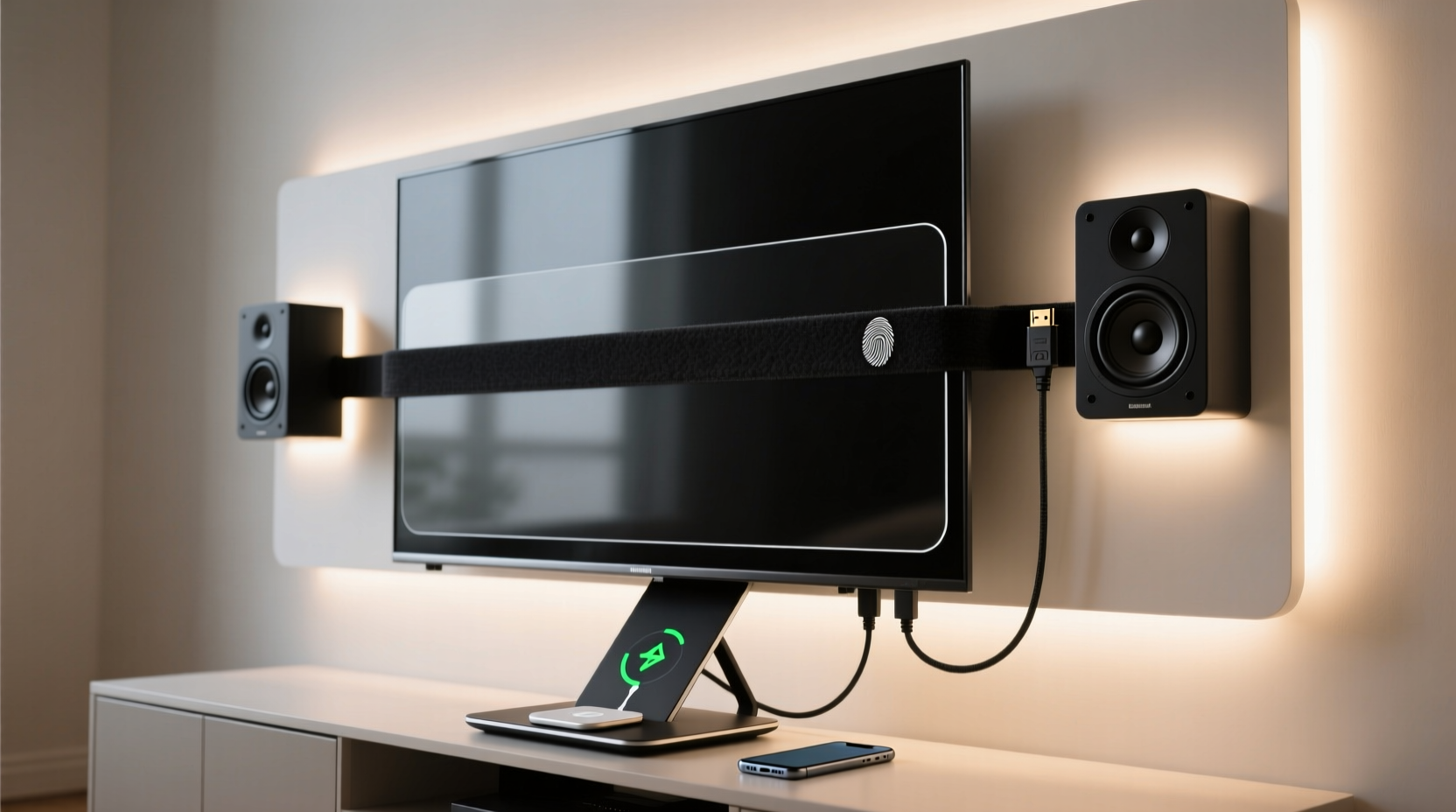
An OLED panel excels in image fidelity, but its thin design often means compromised built-in speakers. Additionally, ambient lighting, cable clutter, and suboptimal positioning can diminish the immersive potential of your screen. The beauty of modern accessories lies in their ability to address these limitations affordably. You don’t need a full surround sound system or motorized blackout shades to enjoy a theater-like experience at home. Strategic upgrades in audio, mounting, lighting, and control systems offer noticeable improvements at accessible price points.
“Accessories are the silent partners of premium displays. A $2,000 OLED paired with thoughtful, low-cost enhancements often outperforms a more expensive TV with poor supporting components.” — David Lin, AV Integration Specialist
Top 5 Affordable OLED TV Accessories That Make a Difference
Below are five categories of accessories that deliver measurable improvements while remaining under $150 each. Each recommendation focuses on value, ease of installation, and real-world performance gains.
1. Soundbar with Virtual Surround
OLED TVs prioritize slim profiles, which limits speaker size and bass response. A compact soundbar fills this gap effectively. Models under $100 now support virtual surround sound, dialogue enhancement, and Bluetooth streaming.
- Recommended: TCL Alto 8i ($89) – Clear vocals, Dolby Audio support, easy HDMI ARC setup.
- Budget Pick: Roku Streambar ($69) – Combines decent audio with built-in streaming, ideal for cutting cable.
2. Anti-Glare Screen Filter
OLEDs perform best in dark rooms, but daytime viewing can suffer from reflections. An anti-glare filter reduces ambient light interference without sacrificing contrast or color accuracy—a critical advantage over cheaper matte coatings that dull the image.
- Top Pick: Peerless-AV High-Performance Anti-Glare Filter ($119 for 55”–65” sizes).
- Alternative: NuShield DayVue (custom-cut, ~$130) – Triple-layer film that repels fingerprints and UV rays.
These filters use micro-louver technology to narrow the viewing angle slightly while blocking overhead and side lighting—ideal for living rooms with large windows.
3. Full-Motion Wall Mount
Even if you use a stand, a wall mount improves viewing ergonomics and frees up floor space. Full-motion mounts allow tilt, swivel, and extend functions, letting you adjust the screen to avoid glare or optimize sightlines from different seating positions.
- Best Value: VideoSecu ML601B2 ($59) – Supports up to 80” TVs, easy tool-free leveling, and secure locking mechanisms.
Installing a mount ensures your OLED sits flush when desired or angles slightly downward for better eye alignment, especially in multi-tiered seating areas.
4. Smart LED Bias Lighting
Bias lighting—placed behind the TV—reduces eye strain and enhances perceived contrast. When calibrated correctly, it tricks the brain into seeing deeper blacks and more balanced colors. Smart RGB strips like the Govee Glide Wall Light add dynamic effects synced to on-screen content.
| Product | Price | Key Features |
|---|---|---|
| Govee Glide Hexa | $79 | App control, music sync, custom shapes, 16 million colors |
| Lifx Z Strip | $99 | No hub needed, Wi-Fi direct, excellent white accuracy |
| Philips Hue Play Bar (used) | $120 (refurb) | Works with Hue ecosystem, precise ambience matching |
Set the color temperature to match your TV’s white point (usually 6500K) for the most natural effect. Avoid bright or shifting colors during movies unless used subtly for ambiance.
5. Universal Remote with Macro Support
Reducing remote clutter simplifies the viewing experience. A programmable universal remote eliminates the need to juggle multiple devices. Look for models with macro buttons that trigger multi-device actions with one press.
- Top Choice: Logitech Harmony Elite (available refurbished ~$100) – Controls up to 15 devices, includes rechargeable handset and hub.
- Budget Option: GE 33709 Universal Remote ($25) – Simple setup, dedicated input macros.
A single “Watch Movie” button can power on the TV, switch inputs, launch your streaming box, and turn on the soundbar—streamlining your routine.
Step-by-Step: Optimizing Your Setup in Under an Hour
You can upgrade your OLED experience quickly with a logical sequence of actions:
- Evaluate your viewing environment – Note sources of glare, seating distance, and speaker placement.
- Install the wall mount or reposition the stand – Align the center of the screen with seated eye level (~42” from floor).
- Attach the anti-glare filter – Clean the screen thoroughly first; apply slowly to avoid bubbles.
- Set up the soundbar – Connect via HDMI ARC for two-way control and optimal audio return.
- Install bias lights – Measure and cut LED strips to fit the back edges; use double-sided tape.
- Program your universal remote – Start with basic power and input macros, then refine over time.
This process takes less than 60 minutes and yields immediate perceptual improvements in comfort and immersion.
Mini Case Study: Transforming a Living Room Setup
Mark, a remote worker in Denver, purchased a 55” LG C2 OLED for mixed use—streaming, gaming, and video calls. His initial setup had the TV on a low console, speakers facing backward into a bookshelf, and afternoon sunlight reflecting off the screen. He spent $210 total on upgrades: a $59 full-motion mount, $89 TCL soundbar, and $62 Govee LED kit.
After installation, he noticed clearer dialogue during news segments, reduced eye fatigue during long Netflix binges, and eliminated glare even at noon. Friends commented on the “cinema feel” of his living room. Most importantly, he avoided upgrading to a projector or adding window treatments—saving hundreds.
Checklist: Essential Accessories for Every OLED Owner
Before enjoying your OLED to its fullest, confirm you’ve addressed these key areas:
- ✅ Improved audio with a soundbar or speaker system
- ✅ Reduced screen glare using a filter or strategic positioning
- ✅ Ergonomic viewing height and angle (wall-mounted or adjustable stand)
- ✅ Ambient lighting behind the TV for visual comfort and contrast boost
- ✅ Simplified control via a universal remote or smart home integration
- ✅ Cable management to reduce clutter and protect connections
FAQ
Do I really need a soundbar for an OLED TV?
Yes, most OLEDs have downward-firing or edge-mounted speakers with limited volume and clarity. A soundbar restores balance, especially for dialogue and bass-heavy scenes, making it one of the most impactful upgrades.
Can I use regular LED strips instead of bias lighting kits?
You can, but purpose-built bias lights offer better diffusion, uniform brightness, and color accuracy. Standard strips may create hotspots or emit overly cool/warm tones that disrupt image perception.
Will an anti-glare filter damage my OLED screen?
No. High-quality filters use static-cling or ultra-thin adhesive edges that leave no residue. They are designed specifically for sensitive screens and can be removed safely.
Final Thoughts and Next Steps
The magic of OLED technology doesn’t end at the panel. True viewing excellence comes from how well the entire ecosystem supports it. With under $300 in carefully chosen accessories, you can dramatically enhance sound, comfort, clarity, and convenience—turning your living room into a personalized media sanctuary.
🚀 Start small: pick one accessory from this list and install it this weekend. Notice the difference, then build from there. Share your setup upgrades in the comments—your experience could inspire someone else’s next smart buy.