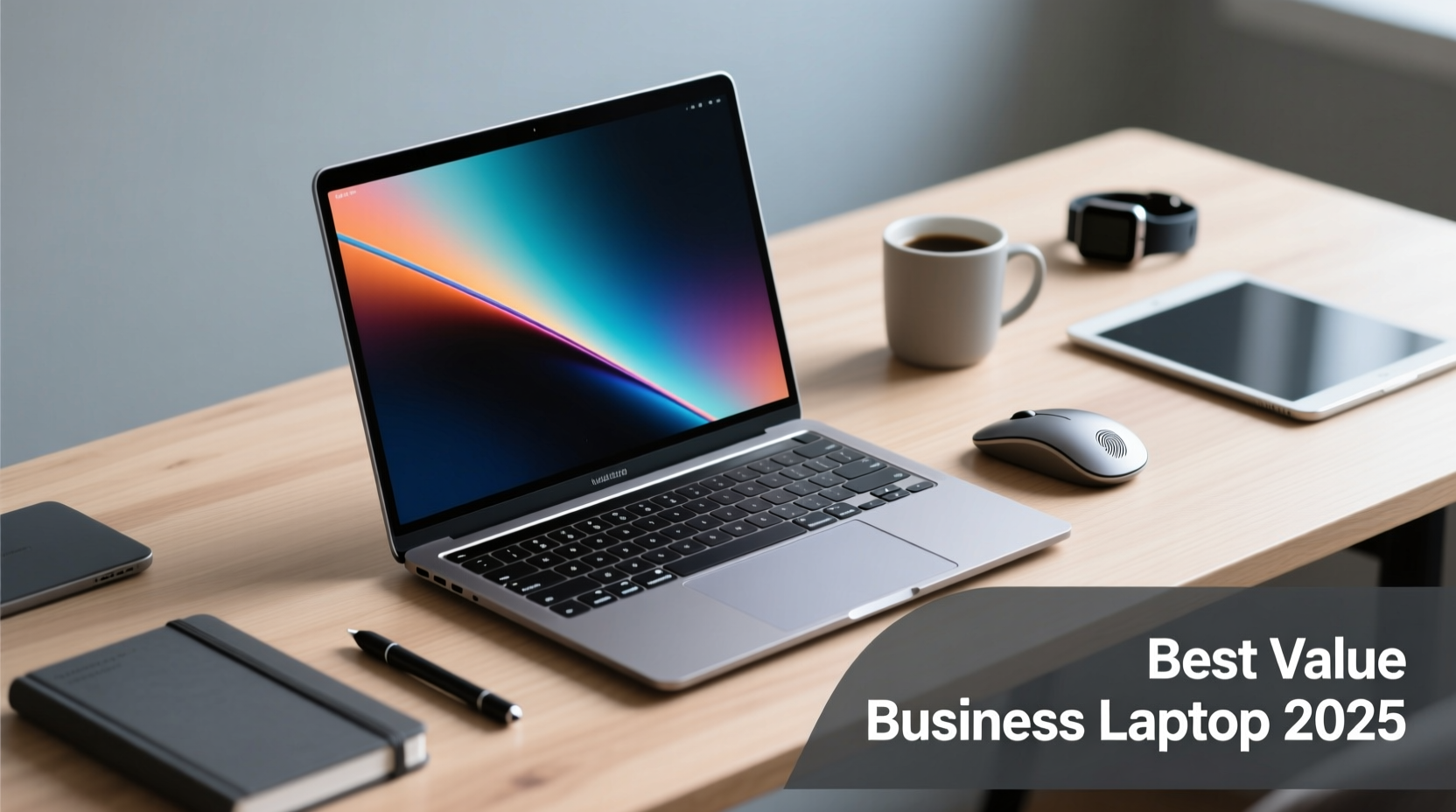
In today’s hybrid work environment, a reliable business computer must do more than just run software—it needs to adapt seamlessly between office desks, coffee shops, client meetings, and remote workspaces. For entrepreneurs, freelancers, and small-to-mid-sized businesses, balancing performance, portability, and price is essential. The good news? You don’t need to sacrifice style or functionality to stay within budget. Today’s market offers several high-value options that deliver professional aesthetics, robust multitasking capabilities, and long-term durability—all at accessible price points.
Why Affordability Doesn’t Mean Compromise
Historically, budget-friendly business laptops were seen as underpowered or poorly built. That perception has changed. Advances in component efficiency, increased competition among manufacturers, and smarter design have made it possible to get machines with solid-state drives (SSD), full HD displays, durable chassis, and modern processors for under $700. These devices support everyday business applications like Microsoft 365, video conferencing, CRM tools, and cloud-based collaboration platforms without lag or frustration.
What defines a truly effective business computer isn’t just raw power—it’s versatility. A device that transitions smoothly from spreadsheet analysis to a client presentation, fits comfortably in a briefcase, charges quickly, and maintains battery life through a full workday is worth its weight in productivity.
“Affordable doesn’t mean disposable. The right mid-tier business laptop can last four years or more with proper care—making it one of the smartest investments a growing team can make.” — David Lin, IT Consultant & Small Business Tech Advisor
Key Features to Prioritize on a Budget
When shopping for an affordable business computer, focus on these non-negotiables:
- Processor: Look for Intel Core i5 (12th Gen or newer) or AMD Ryzen 5 5000/7000 series. Avoid Celeron or older Pentium chips—they struggle with multitasking.
- RAM: 8GB is the minimum; 16GB is ideal if you frequently use multiple browser tabs, spreadsheets, and communication apps simultaneously.
- Storage: Always choose SSD over HDD. Aim for at least 256GB, preferably 512GB for future-proofing.
- Build Quality: Aluminum or magnesium alloy bodies resist wear better than plastic. Check hinge stability and keyboard feedback.
- Port Selection: At least two USB-A ports, one USB-C (preferably with charging support), HDMI, and headphone jack improve connectivity without relying on dongles.
- Battery Life: Target 8+ hours of real-world usage. Don’t trust manufacturer claims—look for independent reviews.
Top Affordable Picks: Performance Meets Professional Design
The following models strike an excellent balance between cost, capability, and corporate-ready appearance. All are priced under $700 (as of Q2 2024) and suitable for most business workflows.
| Model | Price Range | CPU | RAM / Storage | Notable Feature |
|---|---|---|---|---|
| Lenovo ThinkPad E14 Gen 5 | $649 | AMD Ryzen 5 7530U | 16GB / 512GB SSD | Legendary keyboard, MIL-STD durability |
| Dell Latitude 5440 | $699 (refurbished) | Intel Core i5-1335U | 16GB / 512GB SSD | Enterprise-grade security, docking support |
| HP EliteBook 840 G5 (Refurb) | $520 | Intel Core i7-8650U | 16GB / 512GB SSD | Lightweight, premium aluminum body |
| Acer TravelMate P2 | $629 | Intel Core i5-1235U | 8GB / 512GB SSD | Spill-resistant keyboard, TPM 2.0 security |
| ASUS ExpertBook B3 | $679 | Intel Core i5-12450H | 16GB / 512GB SSD | Rugged design, military-grade testing |
These models are not only functional but designed to project professionalism. Their understated finishes—matte black, silver, or dark gray—blend well in boardrooms and coworking spaces alike. Most include webcam privacy shutters, noise-canceling microphones, and anti-glare screens, which enhance both security and usability during virtual meetings.
Real-World Use Case: A Freelance Designer’s Setup
Samantha Reyes, a freelance graphic designer based in Austin, TX, needed a dependable machine that could handle Adobe Creative Cloud while fitting into her tight startup budget. She purchased a refurbished Lenovo ThinkPad E14 Gen 5 for $599. “I was skeptical about going refurbished,” she said, “but this thing boots faster than my old MacBook, the keyboard is incredible for long typing sessions, and the screen handles color grading surprisingly well.”
She uses the laptop for client Zoom calls, editing mockups, managing invoices, and even light video rendering. After eight months of daily use, including travel and café work, the battery still lasts six hours on average. “It looks sleek, works flawlessly, and didn’t break the bank. I’d recommend it to any solopreneur.”
Step-by-Step Guide: Choosing Your Business Computer on a Budget
Follow this practical sequence to ensure you select the best machine for your needs without overspending:
- Define Your Workload: Are you mostly using email and spreadsheets? Or do you run design, coding, or video tools? Match the hardware to your actual usage.
- Set a Realistic Budget: Include taxes, potential accessories (like a case or mouse), and warranty upgrades.
- Research Refurbished Options: Visit official outlets like Dell Outlet, HP Renew, or Lenovo Certified Refurbished. Filter by CPU, RAM, and warranty length.
- Compare Independent Reviews: Sites like PCMag, Laptop Mag, and TechRadar often test real-world battery life and thermal performance—critical for sustained use.
- Check Upgrade Potential: Can you add more RAM later? Is storage expandable? Machines with user-accessible panels offer longer lifespans.
- Test Keyboard and Trackpad: If possible, visit a store or check return policies. Comfort impacts productivity over time.
- Purchase with Warranty: Always opt for at least a one-year warranty. Extended coverage is worth the extra $50–$100.
Frequently Asked Questions
Can I run Microsoft 365 smoothly on a budget laptop?
Yes. Any modern laptop with an Intel Core i5 or Ryzen 5 processor, 8GB RAM, and SSD storage will run Word, Excel, Outlook, and Teams efficiently. For larger Excel files or frequent PowerPoint animations, 16GB RAM provides smoother performance.
Is a refurbished business laptop reliable?
When purchased from a certified refurbisher (especially manufacturer-certified), yes. These units are tested, cleaned, repaired if needed, and come with warranties. Many are former corporate lease returns with low usage and excellent condition.
Do affordable business laptops have good webcams?
Most now include 1080p cameras with decent low-light performance and built-in privacy features. While not studio quality, they’re significantly better than older 720p models. Pair with good lighting for optimal results in client calls.
Final Checklist Before Buying
- ✅ Confirmed SSD storage (not eMMC or HDD)
- ✅ Minimum 8GB RAM (16GB preferred)
- ✅ Full-size backlit keyboard
- ✅ At least one USB-C port with power delivery
- ✅ Webcam privacy shutter or switch
- ✅ Windows 11 Pro (for business features like BitLocker)
- ✅ Minimum one-year warranty included
Conclusion: Smart Investment, Lasting Value
Finding the best business computer on a budget isn’t about cutting corners—it’s about making informed choices that align with real-world demands. Today’s affordable options offer professional styling, responsive performance, and enterprise-level durability, enabling individuals and teams to operate efficiently without overspending. Whether you're launching a startup, expanding your freelance toolkit, or outfitting a small office, the right machine can elevate your workflow, reinforce your brand image, and support growth over time.
🚀 Ready to upgrade your business tech? Start comparing certified refurbished models today and experience how affordability and excellence can go hand in hand.