A trailer is often the first—and sometimes only—impression your project makes. Whether it’s for a film, documentary, video game, or book, a well-crafted trailer can generate excitement, communicate tone, and drive engagement. Yet many creators treat trailers as an afterthought, tacking them on at the end without a clear strategy. The most effective trailers are not just summaries; they are mini-stories engineered to hook attention within seconds and leave viewers wanting more.
This guide breaks down the process of creating a compelling trailer into actionable steps, from concept to final cut. By understanding narrative structure, pacing, sound design, and audience psychology, you can transform raw footage into a powerful promotional tool.
Understand the Purpose of Your Trailer
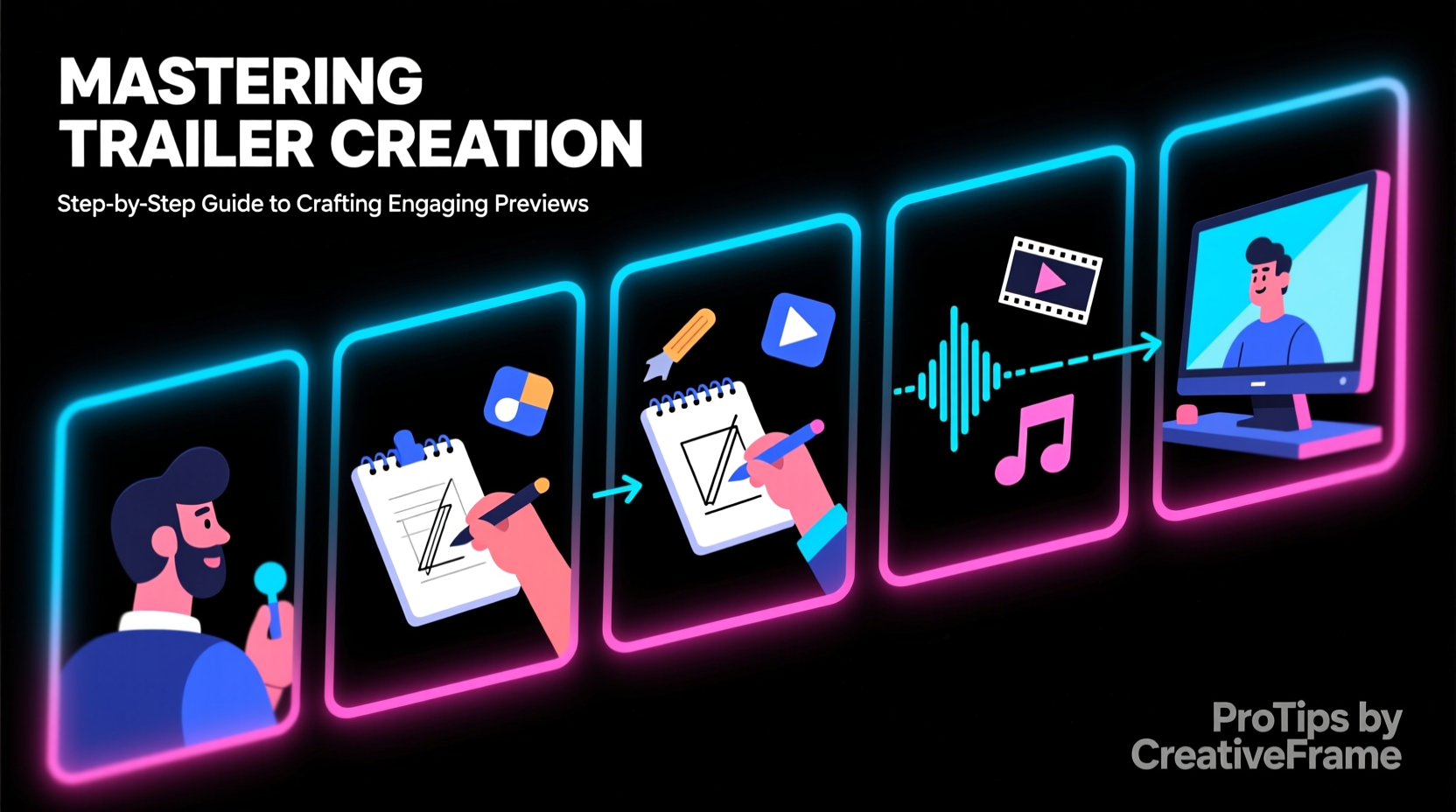
A trailer isn’t a condensed version of your full work—it’s a strategic preview designed to sell an experience. Before editing begins, clarify what you want the trailer to achieve:
- Generate buzz: Aimed at early exposure, often using mystery or striking visuals.
- Inform and attract: Highlights plot, characters, or features clearly for wider appeal.
- Target a niche: Appeals to a specific audience through genre cues or insider references.
The goal isn't completeness but curiosity. A great trailer raises questions: Who is this character? What happens next? Why should I care?
Tip: Start by asking: “What emotion do I want viewers to feel at the end?” Then build every decision around that.Structure Your Trailer Like a Mini-Movie
Successful trailers follow a three-act structure similar to storytelling in film:
- Act 1 – Setup (0–30 seconds): Introduce the world, main character(s), and central conflict. Use strong opening visuals or dialogue to grab attention immediately.
- Act 2 – Rising Tension (30–90 seconds): Reveal stakes, escalate action, and tease key moments. Avoid spoilers—hint at drama without resolution.
- Act 3 – Climax & Title Reveal (last 15–30 seconds): Deliver a powerful moment—a visual punch, emotional line, or dramatic beat—followed by the title and release information.
This arc keeps viewers engaged and mirrors the emotional journey of the full project. For example, the teaser for *Inception* opens with a quiet, mysterious scene, builds through layered dream sequences, and ends with the iconic spinning top wobble—leaving audiences unsettled and intrigued.
Timing Matters: The 2-Minute Rule
Most theatrical trailers run between 2 minutes 15 seconds and 2 minutes 30 seconds. Online versions (especially for social media) should be shorter—ideally under 90 seconds. Platforms like Instagram or TikTok favor 15- to 60-second cuts optimized for silent autoplay.
| Platform | Ideal Length | Key Focus |
|---|---|---|
| Theatrical Release | 2:15 – 2:30 | Narrative depth, music swell, title card impact |
| YouTube / Vimeo | 1:30 – 2:00 | Clear premise, shareability, call-to-action |
| Instagram / Facebook | 30 – 60 sec | Visual hook in first 3 seconds, text overlays |
| TikTok / Reels | 15 – 30 sec | Pacing, trending audio, immediate payoff |
Choose and Edit Footage Strategically
Select clips not for their quality alone, but for their ability to serve the trailer’s emotional arc. Prioritize moments that convey:
- Character motivation
- Central conflict
- Unique visuals or settings
- Dramatic turning points (without revealing outcomes)
Avoid chronological order. Trailers thrive on juxtaposition—cutting from silence to explosion, intimacy to chaos—to create rhythm and surprise.
“The best trailers don’t tell the story—they make you hungry for it.” — Sarah Chen, Award-Winning Film Trailer Editor
Use jump cuts, montages, and quick transitions to maintain momentum. However, ensure clarity: viewers should always understand who is involved and what’s at stake, even if details are sparse.
Sound Design: The Invisible Driver of Emotion
Music and sound shape perception more than visuals. A haunting score can turn a mundane scene into something ominous; a sudden silence before a crash amplifies tension.
- Tempo: Match music pacing to the trailer’s acts—slow build, rising intensity, climactic drop.
- Voiceover: Use sparingly. A single line of narration (“Some legends are born in fire”) can set tone more effectively than exposition.
- SFX: Gunfire, footsteps, breaking glass—layer sounds to enhance immersion, especially in silent-viewing contexts.
Step-by-Step Guide to Creating Your Trailer
Follow this timeline to craft a polished, audience-ready trailer:
- Week 1: Define Goals & Audience
Identify target demographics and decide on the trailer’s primary objective (e.g., festival submissions, crowdfunding, wide release). - Week 2: Assemble Raw Materials
Gather high-quality video clips, audio files, voice recordings, and graphics. Organize by scene type (action, dialogue, establishing shots). - Week 3: Write a Trailer Script
Draft a shot list based on the three-act structure. Include timecodes, dialogue snippets, and music cues. - Week 4: Create a Rough Cut
Edit footage in sequence using software like Adobe Premiere Pro, Final Cut Pro, or DaVinci Resolve. Focus on timing and flow. - Week 5: Refine Audio & Visuals
Add music, sound effects, color grading, and text overlays. Adjust pacing so no segment feels sluggish. - Week 6: Test & Iterate
Show the trailer to a small, diverse group. Ask: “What do you think this is about?” and “Did anything confuse you?” Revise accordingly. - Week 7: Export & Distribute
Render multiple versions (full length, short cut, silent-friendly) and upload across platforms with optimized titles and tags.
Common Mistakes to Avoid
Even experienced creators fall into traps that weaken a trailer’s impact. Watch out for these pitfalls:
| Do’s | Don’ts |
|---|---|
| Show emotional highs and lows | Reveal the ending or major plot twists |
| Use bold typography and clean title cards | Crowd screens with too much text |
| Highlight unique aspects of your project | Include generic stock footage that misrepresents content |
| End with a strong call-to-action (release date, website, hashtag) | Let the trailer fade out quietly without resolution |
Mini Case Study: How a Documentary Trailer Went Viral
In 2022, independent filmmaker Lena Torres released a 90-second trailer for her documentary *Voices Beneath the Dam*, about displaced communities affected by hydroelectric projects. With limited budget, she focused on three elements: a child’s voice singing over drone shots of flooded villages, sparse subtitles instead of narration, and a crescendoing cello score.
The trailer was shared widely on environmental forums and reached over 300,000 views in two weeks. Festival programmers cited the trailer’s emotional precision as a deciding factor in selection. “I didn’t try to explain everything,” Torres said. “I wanted people to feel the loss before they understood the facts.”
Frequently Asked Questions
Can I use copyrighted music in my trailer?
No, unless you have explicit permission or a license. Unauthorized use can lead to takedowns or legal action. Always use royalty-free, Creative Commons, or properly licensed tracks.
How do I make a trailer without finished footage?
Create a concept trailer using storyboards, animatics, or existing b-roll. Many successful campaigns (like indie games or Kickstarter films) use placeholder visuals to generate early interest.
Should I include reviews or quotes?
Only if they’re from credible sources and add value. A quote like “A masterpiece!” is weak. “One of the boldest directorial debuts in years” — *Film Monthly* carries weight.
Final Checklist Before Publishing
- ✅ Hook in the first 3 seconds
- ✅ Clear sense of genre and tone
- ✅ Music supports, not overwhelms, the visuals
- ✅ No spoilers revealed
- ✅ Title and release info displayed clearly
- ✅ Multiple formats exported for different platforms
- ✅ Tested with unbiased viewers for feedback
Conclusion
Creating a compelling trailer is both an art and a science. It demands storytelling instinct, technical skill, and audience awareness. But with deliberate planning and attention to emotional rhythm, anyone can craft a preview that doesn’t just inform—but ignites.
💬 Now it’s your turn. Take one scene from your project and build a 30-second teaser around it. Share it with someone whose opinion you trust. Refine. Repeat. Great trailers aren’t made in a day—but they start with a single cut.