Remote engine activation has evolved from a luxury feature to a standard convenience in modern vehicles. Whether you're warming up the cabin on a frosty winter morning or cooling the interior before a summer drive, automatic vehicle starting offers comfort and efficiency. Yet, many drivers underutilize this technology due to confusion about setup, security concerns, or inconsistent performance. Mastering auto-start functionality requires more than pressing a button—it demands understanding system requirements, proper usage habits, and awareness of limitations.
This guide breaks down the essentials of remote engine activation, offering actionable strategies to ensure reliable, safe, and efficient use across various driving conditions and vehicle models.
Understanding Remote Start Systems: How They Work
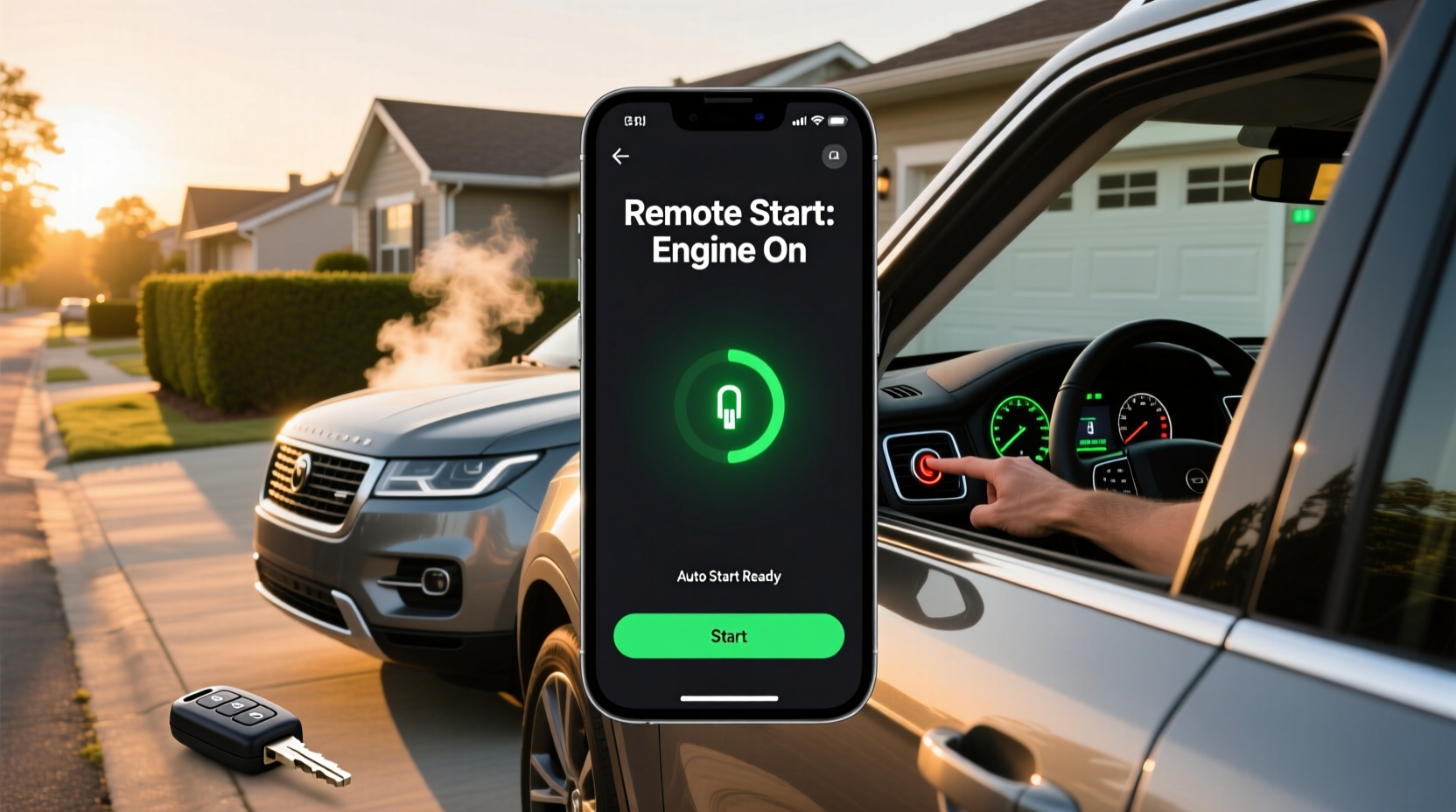
Remote engine starters allow drivers to ignite their vehicle’s engine without being inside the car. These systems communicate via radio frequency (RF) signals between a key fob, smartphone app, or integrated telematics platform (like GM’s OnStar or Ford’s SYNC). Once activated, the engine runs for a preset duration—typically 10 to 15 minutes—before automatically shutting off unless the driver enters the vehicle.
Modern auto-start systems are tightly integrated with vehicle security protocols. They require authentication through encrypted signals and will not activate if the car is in gear, the hood is open, or if there's an unauthorized entry attempt. This prevents theft while enabling legitimate remote access.
Tip: Always verify that your transmission is in \"Park\" and the doors are locked before attempting a remote start—this satisfies most system safety checks.Step-by-Step Guide to Activating Remote Engine Start
While procedures vary slightly by manufacturer, the following sequence applies to most factory-installed and aftermarket systems:
- Ensure prerequisites are met: The vehicle must be parked, in “Park” mode, with the parking brake engaged and all doors securely closed and locked.
- Exit the vehicle: Move at least 15–30 feet away to avoid interference and confirm no one remains inside.
- Press and hold the remote start button: On key fobs, this is often a circular arrow symbol. Hold for 2–3 seconds until the lights flash and the engine turns over.
- Wait for confirmation: Headlights flashing twice or hazard lights blinking indicate successful startup. Some apps provide push notifications.
- Enter the vehicle when ready: Insert the key fob into the ignition slot or keep it within range (for smart key systems) and press the brake to drive normally.
If the engine fails to start, double-check that the battery isn’t low, the signal isn’t obstructed, and recent maintenance hasn’t triggered a fault code.
Optimizing Performance: Practical Tips for Seamless Operation
To maximize reliability and convenience, adopt these best practices:
- Maintain strong key fob batteries: Weak batteries reduce signal strength and can prevent activation beyond short distances.
- Use smartphone integration when possible: Apps like MyHyundai, Uconnect, or BMW Connected offer greater range, scheduling options, and status updates.
- Schedule pre-conditioning: Many EVs and hybrids allow scheduled climate control and engine warm-up through infotainment settings.
- Avoid repeated attempts: Most systems lock out after two failed tries to prevent battery drain. Wait 20 seconds before retrying.
- Store spare key fobs properly: Keep backups away from electronic interference (e.g., microwaves, routers) to preserve battery life.
“Remote start systems are only as effective as their user’s routine. Consistency in positioning, timing, and maintenance ensures long-term reliability.” — Marcus Lin, Automotive Technology Specialist at AutoTech Insights
Do’s and Don’ts of Remote Engine Activation
| Do’s | Don’ts |
|---|---|
| Always lock your vehicle before remote starting | Never leave the engine running unattended in enclosed spaces (e.g., garages) |
| Use remote start to defrost windows in cold weather | Don’t attempt remote start if the check engine light is on |
| Test the system monthly to ensure functionality | Avoid using in high-interference zones (near power lines, large metal structures) |
| Leverage geofencing features in connected car apps | Don’t rely solely on remote start if battery is below 25% |
Troubleshooting Common Issues
Even well-maintained systems encounter hiccups. Below are frequent problems and solutions:
- No response from vehicle: Check key fob battery, ensure doors are locked, and confirm the vehicle isn’t in valet mode.
- Engine starts but shuts off immediately: This often indicates a security override—ensure the correct key fob is present upon entry.
- App fails to connect: Refresh the connection, restart your phone, or reinstall the app if needed. Also verify your subscription service (e.g., SiriusXM Guardian) is active.
- Range is limited: Signal blockage from buildings or terrain may interfere. Try repositioning yourself or upgrading to a repeater module if frequently used from afar.
Real-World Example: Winter Commute Optimization
Jamal, a software engineer in Minneapolis, uses remote engine activation daily during winter months. His 2023 Toyota RAV4 Hybrid allows him to schedule cabin heating via the Toyota app at 7:45 AM, synced with his alarm. By the time he leaves the house at 8:15, the windshield is clear, and the interior is warm. He avoids scraping ice and gains nearly five minutes in his morning routine. Over a three-month winter season, this adds up to over 7 hours saved—not just in time, but in reduced wear from cold starts and defroster strain.
He attributes the system’s reliability to monthly testing, keeping his phone updated, and ensuring his garage door doesn’t block the RF signal path.
Essential Checklist for Reliable Remote Starting
Before relying on auto-start regularly, complete this checklist:
- ✅ Confirm your vehicle supports factory or approved aftermarket remote start
- ✅ Register for any required app or subscription service (e.g., FordPass, myChevrolet)
- ✅ Test the system in daylight first to observe feedback (lights, sounds)
- ✅ Program preferred climate settings to activate with engine start
- ✅ Educate all household drivers on safety protocols and usage limits
- ✅ Schedule annual diagnostics to ensure starter motor and battery health
Frequently Asked Questions
Can remote start damage my engine?
No—when used correctly, remote start does not harm the engine. Modern vehicles are designed to handle short idle periods safely. However, excessive idling (beyond 15 minutes) contributes to carbon buildup and should be avoided.
Is remote engine activation secure?
Yes. Factory systems use rolling encryption codes and require authenticated devices. Aftermarket units should meet Car Security Industry Association (CSIA) standards. Never use third-party apps not endorsed by your manufacturer.
Why does my remote start fail sometimes?
Intermittent failures are usually due to weak fob batteries, poor signal reception, or safety interlocks (e.g., brake pedal depressed, hood ajar). Regular maintenance and awareness of environmental factors improve consistency.
Maximize Convenience with Confidence
Mastering remote engine activation transforms daily driving into a smoother, more comfortable experience. From icy mornings to sweltering afternoons, the ability to precondition your vehicle enhances both safety and efficiency. By understanding how the system works, following best practices, and proactively addressing issues, you unlock a level of automotive convenience once reserved for science fiction.
The technology is already in your hands—now it’s time to use it wisely.
🚀 Ready to optimize your commute? Test your remote start today, update your app, and share your tips in the comments to help others get the most from their vehicles!