In today’s always-connected world, a dying phone battery can feel like an emergency. Airports, cafes, malls, and transit hubs now offer free USB charging stations as a convenience. But behind this seemingly harmless service lies a hidden threat: cybercriminals are increasingly exploiting these ports to steal data or install malware. While public charging stations provide a lifeline when your device runs low, they also open the door to digital risks that most users don’t even consider.
The practice of plugging into an unknown USB port may seem innocuous—after all, you're just recharging. However, many modern charging cables carry both power and data. This dual function means that every time you connect your phone to a public USB port, you could be granting access to your personal information. Understanding the dangers and adopting safer habits is essential in protecting your privacy and security.
The Hidden Dangers of Public Charging Stations
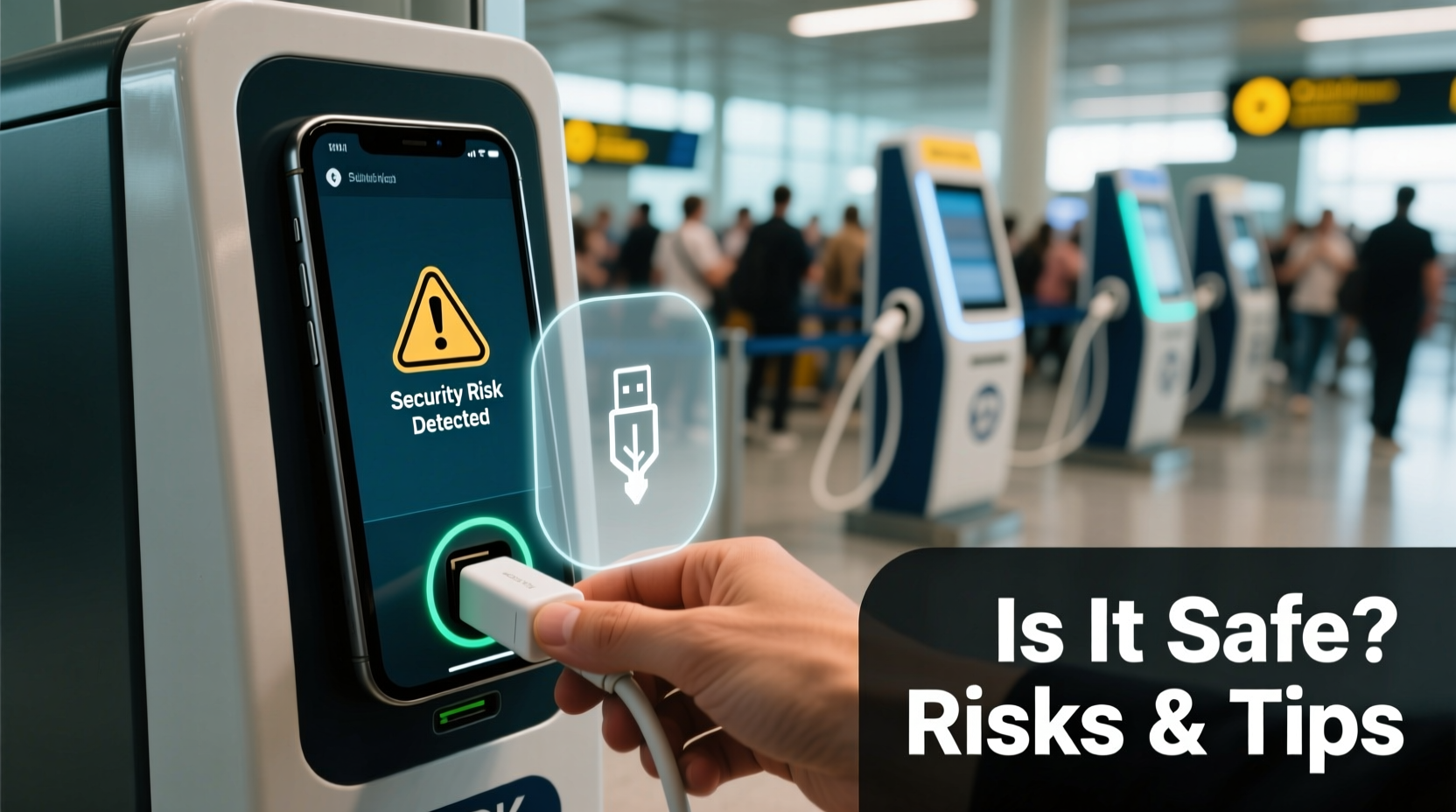
Public charging kiosks are often unsecured and lack oversight, making them prime targets for cyberattacks. The primary threat associated with these stations is known as \"juice jacking.\" This term refers to a malicious attack where a compromised charging station not only delivers power but also establishes a data connection to your device. Once connected, attackers can silently extract sensitive data such as contacts, photos, messages, login credentials, or even install malware that persists after disconnection.
Juice jacking was first demonstrated by cybersecurity researchers at DEF CON in 2011, but it remained largely theoretical until recent years. In 2019, the Miami Beach police department issued a warning about tampered USB ports in public areas. More recently, security firms have documented real-world attempts involving modified charging stations embedded with rogue hardware capable of man-in-the-middle attacks.
Beyond deliberate hacking, there are other risks:
- Firmware manipulation: Some devices automatically trust new connections, allowing attackers to push malicious firmware updates.
- Phishing via notifications: Fake prompts may appear asking you to “trust” the connected device, mimicking legitimate system alerts.
- Physical tampering: Ports may be fitted with skimming devices similar to those used on ATMs.
“Anytime you plug into an unknown USB port, you’re potentially giving someone else control over your device.” — Dr. Linus Wang, Cybersecurity Researcher at MITRE Corporation
How Juice Jacking Works: A Technical Breakdown
To understand why public USB charging is risky, it helps to know how USB connections work. Most USB cables—especially USB-A and USB-C—have multiple pins designed to transmit both electrical power and digital data. When you plug your phone into a computer or smart charging station, the device negotiates whether the connection will be for charging only or include file transfer and debugging capabilities.
On iOS devices, connecting to a new computer triggers a prompt: “Trust This Computer?” If you tap “Trust,” your iPhone unlocks full data access to that machine. Android devices behave differently depending on model and OS version, but many default to “File Transfer” mode unless manually changed.
An attacker can modify a public charging station by installing a small embedded computer (like a Raspberry Pi or Rubber Ducky) inside the kiosk. When you plug in, the device pretends to be a trusted computer and either:
- Automatically copies files if permissions are already granted,
- Exploits vulnerabilities to bypass permission prompts,
- Installs malware that logs keystrokes or activates remote access.
These attacks can happen in seconds. Even if you only charge for five minutes, it's enough time for automated scripts to extract critical data or deploy persistent threats.
Tip: Never select “Trust” or “Allow” when prompted after connecting to a public USB port—even if the message looks official.Safer Alternatives: How to Charge Without Compromising Security
Avoiding public charging stations entirely isn't always practical. Travel delays, long commutes, or forgotten chargers make these kiosks tempting. Fortunately, several strategies allow you to recharge safely without exposing your data.
Use AC Power Outlets Instead of USB Ports
If the charging station offers standard wall outlets, use your own AC adapter and cable. These deliver power only and do not support data transfer, eliminating the risk of juice jacking. Always carry a compact travel charger for this purpose.
Carry a USB Data Blocker (Charge-Only Adapter)
A USB data blocker—also called a “USB condom”—is a small inline device that fits between your cable and the charging port. It physically disconnects the data pins while allowing power to flow. These cost between $10 and $20 and are available from reputable brands like PortaPow and SyncStop.
Use Portable Power Banks
Investing in a high-capacity portable charger ensures you’re never stranded without power. Modern power banks can charge smartphones multiple times and fit easily in a bag. For frequent travelers, models with built-in cables or wireless charging add extra convenience.
Enable Airplane Mode While Charging
If you must use a public USB port, turn on Airplane Mode and disable Wi-Fi and Bluetooth. This reduces the attack surface by limiting background communication. On iPhones, also disable “USB Accessories” in Settings > Face ID & Passcode to prevent unauthorized access via Lightning port.
“We recommend treating public USB ports the same way you’d treat public Wi-Fi—assume they’re compromised.” — U.S. Cybersecurity and Infrastructure Security Agency (CISA)
Do’s and Don’ts: Quick Reference Table
| Do | Don’t |
|---|---|
| Use AC outlets with your own wall charger | Plug directly into public USB ports without protection |
| Use a USB data blocker/charge-only cable | Click “Trust” or “Allow” on unexpected prompts |
| Charge using your personal power bank | Leave your phone unattended while charging |
| Keep your device locked with a passcode | Use damaged or suspicious-looking charging stations |
| Update your OS regularly to patch security flaws | Store sensitive documents on your phone unnecessarily |
Real-World Example: A Traveler’s Close Call
Consider the case of Sarah M., a business consultant traveling through Chicago O’Hare Airport. Her phone dropped to 3% during a layover, and she spotted a branded charging station near Gate B17. She plugged in using her own cable, unaware that the USB port had been tampered with weeks earlier.
Within seconds, a hidden script initiated a backup of her phone via the USB connection. Because she had previously synced her iPhone with a work laptop, the system recognized the charging station as a trusted device. Over the next two minutes, over 500 photos, emails, and contact records were copied to the attacker’s storage module.
It wasn’t until days later—when strange login alerts appeared on her cloud account—that IT security flagged the breach. Forensic analysis traced the intrusion back to the airport charging port. Though no financial loss occurred, confidential client notes were exposed, leading to internal disciplinary action.
Sarah now carries a power bank and uses a USB data blocker. “I thought I was being smart by using a ‘brand-name’ station,” she said. “But I learned the hard way that appearances mean nothing when it comes to digital safety.”
Step-by-Step Guide to Safe Charging in Public
Follow this sequence whenever you need to charge on the go:
- Assess the options: Look for AC power outlets instead of USB ports.
- Use your own charger: Plug your wall adapter into the outlet and connect your phone.
- No outlet available? Use a portable power bank if charged.
- If USB is unavoidable: Insert a USB data blocker between the port and your cable.
- Lock your device: Ensure it’s password-protected and set to lock immediately.
- Enable Airplane Mode: Disable connectivity to reduce exposure.
- Monitor the screen: Watch for any pop-ups asking to “Trust” the computer.
- Disconnect promptly: Unplug as soon as charging begins or completes.
Frequently Asked Questions
Can wireless charging kiosks also be dangerous?
Wireless charging pads found in airports or furniture (like tables at Starbucks) are generally safer because they transmit power through electromagnetic induction, not data cables. However, ensure the pad isn’t combined with a USB port that could trick you into plugging in. Also, avoid placing cards with RFID chips (e.g., credit cards, passports) near wireless chargers, as heat or interference may damage them.
Are all public USB ports unsafe?
Not all are actively malicious, but the risk exists wherever physical access isn’t controlled. Even well-maintained stations can be compromised overnight. The safest approach is to assume any public USB port is potentially hostile and take preventive measures accordingly.
Does turning off my phone eliminate the risk?
Partially. While a powered-off device is less vulnerable, some phones still enable limited USB functionality when off (e.g., Samsung’s Download Mode or fastboot on Android). To be fully secure, use a data blocker or avoid USB altogether.
Final Thoughts: Stay Powered and Protected
Public charging stations offer undeniable convenience, but convenience should never come at the cost of your digital security. As cyber threats evolve, so must our habits. The few seconds it takes to connect your phone could lead to hours—or worse, years—of damage if sensitive data falls into the wrong hands.
By carrying simple tools like a power bank or USB data blocker, you reclaim control over your charging experience. Treat every unknown port with healthy skepticism. Lock your device, disable unnecessary connections, and stay alert to prompts that seem out of place.
Your smartphone holds more personal information than any wallet ever could. Protect it not just with passwords and biometrics, but with smart, proactive behaviors in public spaces. With the right precautions, you can stay powered up—without powering down your peace of mind.
🚀 Ready to charge smarter? Pack a USB data blocker today and share this guide with fellow travelers. One small step can prevent a major security breach.