If you’ve opened Instagram recently and found yourself scrolling endlessly through short-form videos—dancing, tutorials, memes—you’re not imagining it. Your feed is no longer dominated by the photo posts from friends, artists, or accounts you follow. Instead, Reels have taken over. This shift isn’t accidental. Instagram’s algorithm has been restructured to prioritize video content, especially Reels, in an effort to compete with platforms like TikTok. While some users enjoy the entertainment value, others miss the slower, more personal rhythm of static images and curated updates.
The good news: you’re not powerless. Although Instagram doesn’t offer a “photo-only” toggle, there are effective strategies to reduce Reels and restore balance to your feed. Understanding why this change happened—and what you can do about it—is key to reclaiming a feed that reflects your interests, not just what the algorithm thinks will keep you engaged.
Why Instagram Is Pushing Reels So Hard
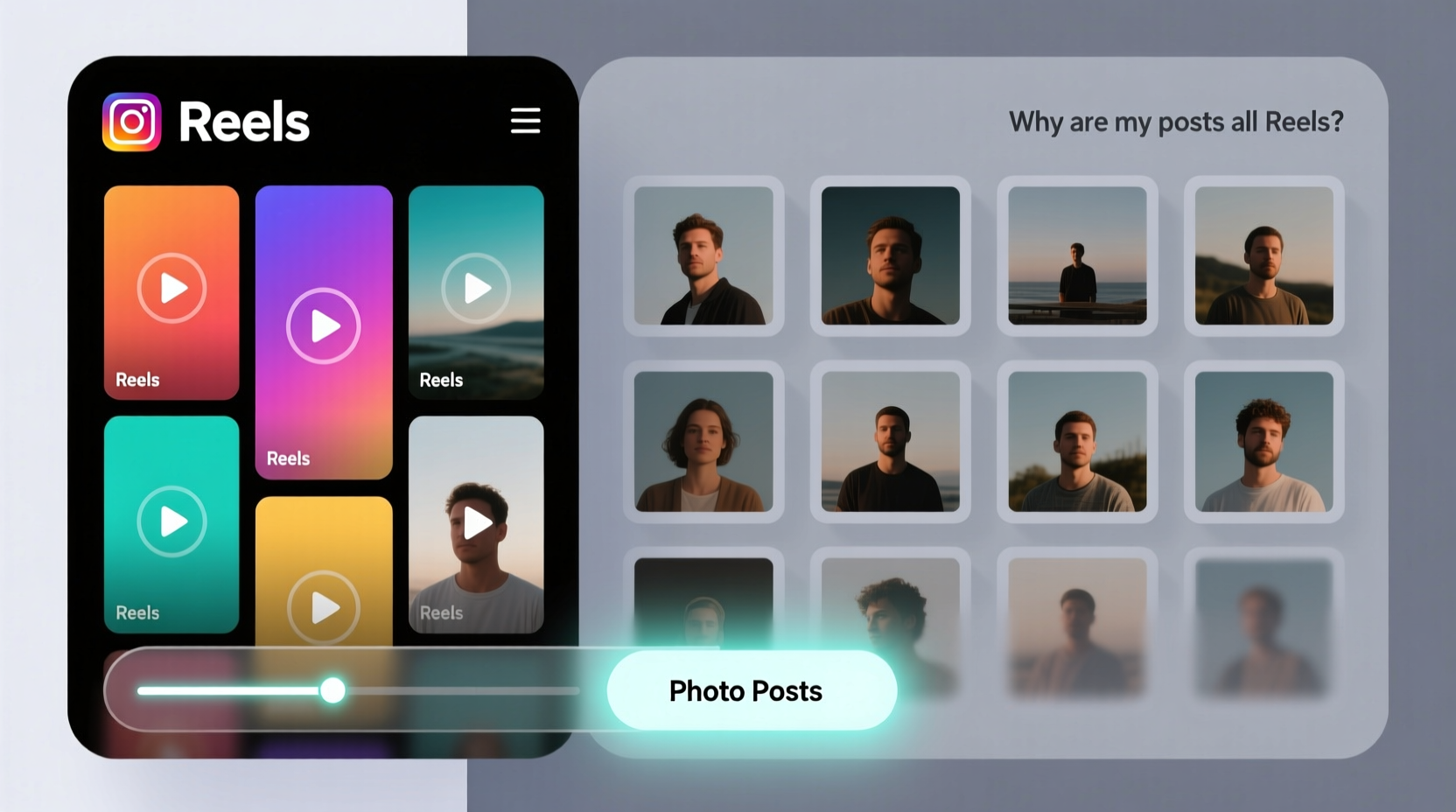
Instagram began shifting toward video in 2021, but the transformation accelerated dramatically in 2023 and 2024. The platform, owned by Meta, made a strategic decision to mimic TikTok’s success by prioritizing short-form video across the app. Internal company reports and public statements from executives confirm that video drives higher engagement, longer session times, and increased ad revenue—all metrics Instagram is judged on.
In a 2023 interview, Adam Mosseri, Head of Instagram, acknowledged user frustration:
“We know people come to Instagram for different reasons—some for photos, some for Reels. But we also know that video is where the industry is heading. Our goal is to serve content that keeps people on the platform, and right now, that’s Reels.” — Adam Mosseri, Head of Instagram
This explains why even if you don’t follow many Reels creators, your feed is flooded with them. The algorithm promotes content based on predicted engagement, not just who you follow. If Instagram thinks you’ll watch, like, or share a Reel—even one from an account you’ve never seen before—it will show up prominently.
Additionally, Instagram rewards creators who post Reels with greater visibility. Many photographers, artists, and lifestyle bloggers now feel pressured to make videos instead of sharing still images. As a result, even trusted accounts contribute to the Reels-dominated experience.
How the Algorithm Decides What You See
Your Instagram feed isn’t chronological. It’s powered by a machine learning system that ranks posts based on several signals:
- Interest: How likely are you to engage with this type of content?
- Recency: How new is the post?
- Relationship: How often do you interact with the poster (likes, comments, DMs)?
- Frequency: How often do you open the app?
- Following: How many accounts do you follow?
- Usage: How long do you spend on each session?
Reels score high on “interest” because they’re designed to be addictive—auto-playing, full-screen, and often set to trending audio. Even if you skip them quickly, the algorithm may interpret brief views as engagement, reinforcing their presence in your feed.
Photo posts, while meaningful, often require more active attention. A single image doesn’t autoplay or grab attention in the same way. As a result, unless you consistently engage with photo content, the algorithm assumes you prefer Reels.
Tip: Your behavior trains the algorithm. If you want to see fewer Reels, avoid watching them passively—even for a few seconds.Step-by-Step Guide to Reduce Reels and Restore Photo Posts
You can’t eliminate Reels entirely, but you can significantly reduce their presence. Follow these steps to rebalance your feed:
- Clear Your Explore Page History
The Explore page influences your main feed. Tap the magnifying glass, go to Explore, tap the three lines in the top-right, and select “Clear search history.” Then, long-press on Reels you don’t like and tap “Not Interested.” - Mark Reels as “Not Interested”
When a Reel appears in your feed, tap the three dots in the top-right corner and select “Not Interested.” This tells Instagram you don’t want similar content. Do this consistently for at least a week. - Engage More with Photo Posts
Like, comment on, and save photo posts from accounts you care about. The more you interact with still images, the more the algorithm will prioritize them. - Use the Following Feed
Switch to the “Following” tab occasionally. Tap the Instagram logo in the top-left of your feed to access a reverse-chronological list of posts only from accounts you follow—no Reels from strangers, no recommendations. Use this daily to reinforce your preference for organic content. - Follow More Photographers and Static Content Creators
Increase the number of accounts that primarily post photos. The more photo-based content you follow, the higher the chance it will appear in your main feed. - Adjust Your Time of Use
Avoid opening Instagram during peak Reels-distribution hours (typically evenings and weekends). Early mornings or weekday afternoons often yield fresher, less video-heavy feeds. - Reset Your Interests (via Ads Preferences)
Go to Settings > Ads > Ad Topics. Turn off topics related to “Entertainment,” “Trending,” or “Short Videos.” While this affects ads more than organic content, it signals broader preferences to Meta’s systems.
Do’s and Don’ts: Managing Your Instagram Experience
| Action | Do | Don't |
|---|---|---|
| When seeing a Reel | Tap \"Not Interested\" or skip immediately | Watch passively, even for a few seconds |
| Engaging with content | Like, comment, and save photo posts | Double-tap Reels out of habit |
| Browsing habits | Use the Following feed regularly | Spend long sessions on the Explore page |
| Following accounts | Follow more photographers and visual artists | Only follow viral Reels creators |
| App usage | Take breaks to reset algorithmic patterns | Scroll for hours without intention |
Real Example: How Sarah Regained Her Photo-Centric Feed
Sarah, a landscape photographer and long-time Instagram user, noticed her feed had become almost entirely Reels by early 2024. She followed 450 accounts—mostly fellow artists, travel photographers, and small galleries—but rarely saw their work anymore. Instead, she was bombarded with dance challenges and product unboxings from accounts she didn’t follow.
Frustrated, she decided to take action. For seven days, she used only the Following feed in the morning, spent five minutes liking and commenting on photo posts, and marked every Reel as “Not Interested.” She unfollowed 30 Reels-heavy accounts and followed 15 new photographers whose work she admired.
Within two weeks, her main feed shifted noticeably. Photo posts returned to the top third of her scroll, and Reels from unfamiliar creators dropped by over 60%. “It felt like getting my Instagram back,” she said. “I didn’t realize how much I missed seeing real moments—sunsets, street scenes, candid portraits—until they started appearing again.”
Checklist: Reclaim Your Instagram Feed in One Week
Weekly Action Plan:- ✅ Spend 5–10 minutes daily using the Following feed
- ✅ Mark at least 5 Reels per day as “Not Interested”
- ✅ Like and comment on 10 photo posts from followed accounts
- ✅ Unfollow 3–5 Reels-dominant accounts
- ✅ Follow 5 new photo-focused creators
- ✅ Avoid passive scrolling on Explore or Reels tab
- ✅ Take one full day off Instagram to reset algorithmic tracking
Frequently Asked Questions
Will turning off Reels completely ever be possible?
As of now, Instagram does not offer a setting to disable Reels entirely. However, user feedback has led to incremental improvements, such as better “Not Interested” options. Continued pressure from the community may lead to more granular controls in the future.
Does using the Following feed help the algorithm learn my preferences?
Yes. While the Following feed itself is algorithm-free, your activity within it—such as likes and time spent—can influence your main feed. Regular use signals to Instagram that you value content from accounts you follow, not just viral material.
Why do I still see Reels from accounts I follow, even if they usually post photos?
Many creators now post Reels to maintain visibility. Instagram promotes these videos more heavily, even if they come from typically photo-based accounts. You can’t stop them from posting Reels, but you can reduce their prominence in your feed by engaging less with video and more with their photo content.
Conclusion: Take Back Control of Your Digital Space
Your Instagram feed should reflect what you care about—not just what keeps you scrolling. While Reels are here to stay, they don’t have to dominate your experience. By understanding how the algorithm works and making intentional choices, you can restore the balance between video and photo content.
It takes consistency, not perfection. Small actions—marking Reels as “Not Interested,” engaging with photos, using the Following feed—add up over time. Instagram adapts to your behavior. If you show it that you value still images, thoughtful captions, and authentic moments, it will begin to respond.
Don’t accept the feed you’re given. Shape the one you want.
💬 Did these tips help you see more photo posts? Share your experience in the comments—your story might inspire someone else to take back their feed.