Programmable LED light sequences are a marvel of modern lighting design, used in everything from holiday displays to stage performances and architectural accents. When properly configured, they deliver smooth, precise animations that captivate audiences. But nothing undermines that experience faster than skipped frames—those jarring stutters or jumps in the animation that break immersion and suggest instability. If your lights start skipping frames specifically during firmware updates or after memory resets, you're not dealing with random glitches. You're seeing symptoms of deeper technical issues rooted in timing, memory management, and system initialization.
This behavior isn't just annoying—it can compromise entire installations, especially in synchronized environments like concerts or public art pieces. The root causes are often misunderstood, misdiagnosed as \"bad pixels\" or \"cheap controllers.\" In reality, the problem lies in how the device handles state transitions when firmware is applied or volatile memory is cleared. Understanding these mechanisms is key to preventing frame loss and ensuring reliable performance.
How Firmware Updates Disrupt Timing Integrity
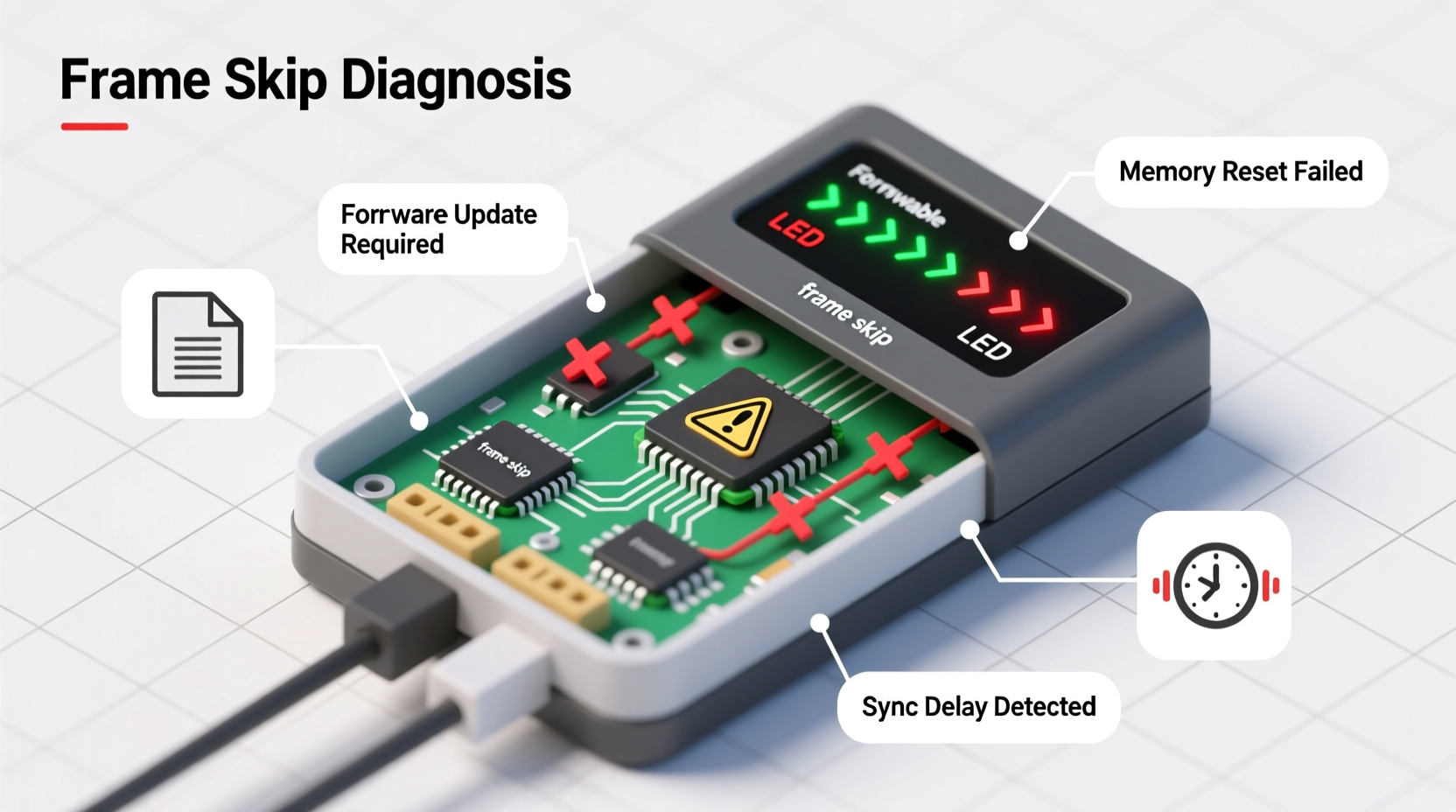
Firmware is the embedded software that governs how your lighting controller interprets commands, manages data flow, and synchronizes output. During an update, the microcontroller temporarily halts normal operations to write new code into its flash memory. This process interrupts real-time execution, which directly affects frame delivery.
Most programmable LED systems rely on strict timing protocols such as WS2812B’s one-wire protocol, where each bit must be transmitted within a narrow time window (typically 300–900 nanoseconds). Any delay caused by interrupt servicing or CPU reinitialization can stretch signal timing beyond acceptable thresholds, leading to corrupted data packets and missed frames.
Additionally, some controllers do not buffer incoming animation data during updates. If your sequence is being streamed live via Wi-Fi or DMX, any interruption means lost frames with no recovery mechanism. Even locally stored sequences may fail to resume correctly if the update alters memory mapping or playback logic.
Tip: Always schedule firmware updates during off-hours or maintenance windows—never during active shows or public displays.The Hidden Impact of Memory Reset on Animation State
A memory reset—whether triggered manually, through power cycling, or automatically after a failed boot—clears volatile RAM and sometimes reinitializes non-volatile storage. For lighting systems, this includes clearing animation buffers, frame counters, and synchronization flags.
When memory is wiped, the controller loses track of:
- Which frame was last displayed
- Pending transitions or fade states
- Network sync offsets (in multi-node setups)
- Playback position in looping sequences
As a result, the system may restart at frame zero or enter a default idle state, creating the illusion of \"skipped\" frames—even though the frames weren’t skipped so much as never played due to lost context.
This is particularly problematic in distributed systems using multiple controllers. One unit might reset while others continue playing, causing desynchronization across zones. Without a global clock or external sync signal, recovery is nearly impossible without manual intervention.
“Memory integrity between reboots is critical for seamless playback. Systems without persistent state tracking will always struggle with continuity.” — Dr. Lin Zhao, Embedded Systems Engineer, LumiCore Labs
Step-by-Step Guide to Prevent Frame Loss During System Transitions
To maintain frame accuracy during firmware updates and resets, follow this structured approach:
- Back up current firmware and configuration
Before updating, save a copy of the existing firmware and all settings. Use manufacturer tools or CLI utilities to export profiles, ensuring quick restoration if needed. - Use controllers with dual-bank firmware support
Opt for hardware that supports A/B firmware partitioning. These allow background updates without interrupting operation, switching only after verification. - Enable non-volatile state storage
Configure your system to store playback position and animation state in EEPROM or flash memory. This allows resumption from the last known frame after reboot. - Implement pre-update sync locking
In networked systems, pause all outputs before initiating updates. Use a central master node to coordinate freeze-and-resume cycles. - Test updates in staging mode
Deploy updates first on isolated test rigs. Monitor timing jitter and frame consistency using oscilloscopes or logic analyzers. - Verify post-reset handshake protocols
Ensure all nodes broadcast readiness signals after boot. Use heartbeat messages to confirm synchronization before resuming playback.
Common Hardware and Software Pitfalls
Certain design choices exacerbate frame-skipping issues. Below are frequent culprits observed in both DIY and commercial-grade systems:
| Pitfall | Effect on Frame Integrity | Solution |
|---|---|---|
| Lack of real-time operating system (RTOS) | Interrupt latency delays pixel updates | Migrate to platforms with RTOS support (e.g., ESP32-IDF instead of Arduino loop) |
| Blocking I/O during update | Halts LED output while writing firmware | Use asynchronous update methods or secondary processors |
| No frame buffering | Lost frames during interruptions | Add circular buffer capable of holding 2–3 seconds of animation |
| Unreliable power delivery | Voltage drops cause brownout resets | Use regulated power supplies and bulk capacitors near controllers |
| Poor bootloader design | Extended boot times increase downtime | Optimize boot sequence; disable unnecessary diagnostics |
Case Study: Municipal Holiday Display Synchronization Failure
In late 2022, a city installed a large-scale holiday lighting display along its main boulevard. The installation used 47 individually addressable LED strips controlled by ESP8266-based nodes, each running custom firmware over Wi-Fi.
During a routine mid-season firmware update intended to fix a color calibration bug, several nodes began skipping frames intermittently. Onlookers reported flickering patterns and sudden jumps in animation—especially noticeable in slow-motion snowfall effects.
Investigation revealed two root causes:
- The OTA (over-the-air) update process did not pause the animation engine, causing partial frame transmission during CPU lockup.
- After reboot, nodes resumed playback from frame zero rather than restoring their previous position from SPIFFS storage.
The team implemented a fix involving:
- A centralized update manager that sent a “freeze” command before initiating OTA.
- Modified firmware that saved frame index every 500ms to flash.
- Bootloader enhancement to check for valid playback state before starting animation.
Post-fix, no further frame skips occurred—even during subsequent updates. The lesson? Real-world reliability depends not just on code quality but on how state is preserved across disruptions.
Troubleshooting Checklist: Stop Skipped Frames Now
If you’re currently experiencing frame skips during firmware or reset events, go through this checklist systematically:
Checklist:- ✅ Confirm whether skipped frames occur only during or immediately after update/reset
- ✅ Check if all nodes reboot simultaneously in multi-controller setups
- ✅ Verify power supply stability under load (use multimeter during boot)
- ✅ Review firmware changelog—did recent update modify timing routines?
- ✅ Test with minimal animation (solid color sweep) to isolate issue
- ✅ Enable debug logging to capture timestamps around reset events
- ✅ Ensure clock source (internal/external) remains stable post-boot
- ✅ Validate that animation buffer repopulates fully after initialization
Frequently Asked Questions
Can I prevent skipped frames without changing hardware?
Yes, in many cases. Software-level fixes include implementing persistent state saving, optimizing boot sequences, and using buffered output drivers. However, if your controller lacks sufficient RAM or has high interrupt latency, hardware limitations may require eventual upgrades.
Why do only some of my lights skip frames after a reset?
This usually indicates inconsistent boot timing across devices. Some units initialize faster than others, causing them to start playback ahead of peers. Network congestion or weak Wi-Fi signals can also delay command delivery to specific nodes. Consider adding a synchronization handshake routine that ensures all devices are ready before beginning animation.
Is there a way to resume exactly where a sequence left off?
Absolutely—but it requires deliberate design. Store the current frame number, animation ID, and timestamp in non-volatile memory before shutdown or update. Upon restart, read this data and seek to the correct position in the animation buffer. For streaming systems, use a server-side playback tracker that clients query on reconnect.
Expert Recommendations for Long-Term Stability
Leading engineers in the field emphasize proactive system design over reactive troubleshooting. Here are three principles adopted by professional installers:
- Design for graceful degradation: If an update fails, fall back to a safe mode with basic functionality rather than erratic behavior.
- Log everything: Record boot times, update durations, and frame delivery metrics. Over time, logs reveal patterns invisible during single-event analysis.
- Simulate failure scenarios: Regularly test resets and interrupted updates in controlled conditions. Systems that perform well under stress are more reliable in production.
Modern lighting ecosystems are increasingly complex, integrating wireless communication, remote management, and dynamic content. As such, resilience cannot be an afterthought—it must be engineered in from the start.
Conclusion: Build Reliability Into Every Frame
Skipped frames during firmware updates or memory resets aren't inevitable—they're signals of underlying weaknesses in system architecture. Whether you're managing a backyard light show or a city-wide display, treating these glitches as mere annoyances risks larger failures down the line. By understanding the interplay between firmware lifecycle, memory persistence, and real-time performance, you can eliminate these disruptions at their source.
The most reliable systems don’t just play lights smoothly—they recover seamlessly from changes and interruptions. That level of polish comes from attention to detail: choosing the right hardware, writing resilient code, and testing under real-world conditions.
💬 Have you solved a stubborn frame-skip issue? Share your experience, tools, or configurations in the comments—your insight could help others achieve flawless lighting performance.