It’s a familiar scene: you plug in your phone, only to pick it up minutes later and find it uncomfortably warm—sometimes even too hot to hold. While a slight temperature increase during charging is normal, excessive heat can signal deeper issues and may compromise both performance and longevity. Understanding why this happens—and what you can do about it—is essential for protecting your device and ensuring years of reliable use.
Modern smartphones are powerful mini-computers packed into compact frames. When charging, multiple systems work simultaneously: the battery absorbs energy, the processor manages power flow, and background apps continue running. This convergence of activity generates heat. But when temperatures rise beyond safe thresholds, internal components suffer stress, battery chemistry degrades faster, and in extreme cases, permanent damage or safety risks emerge.
The Science Behind Phone Heating During Charging
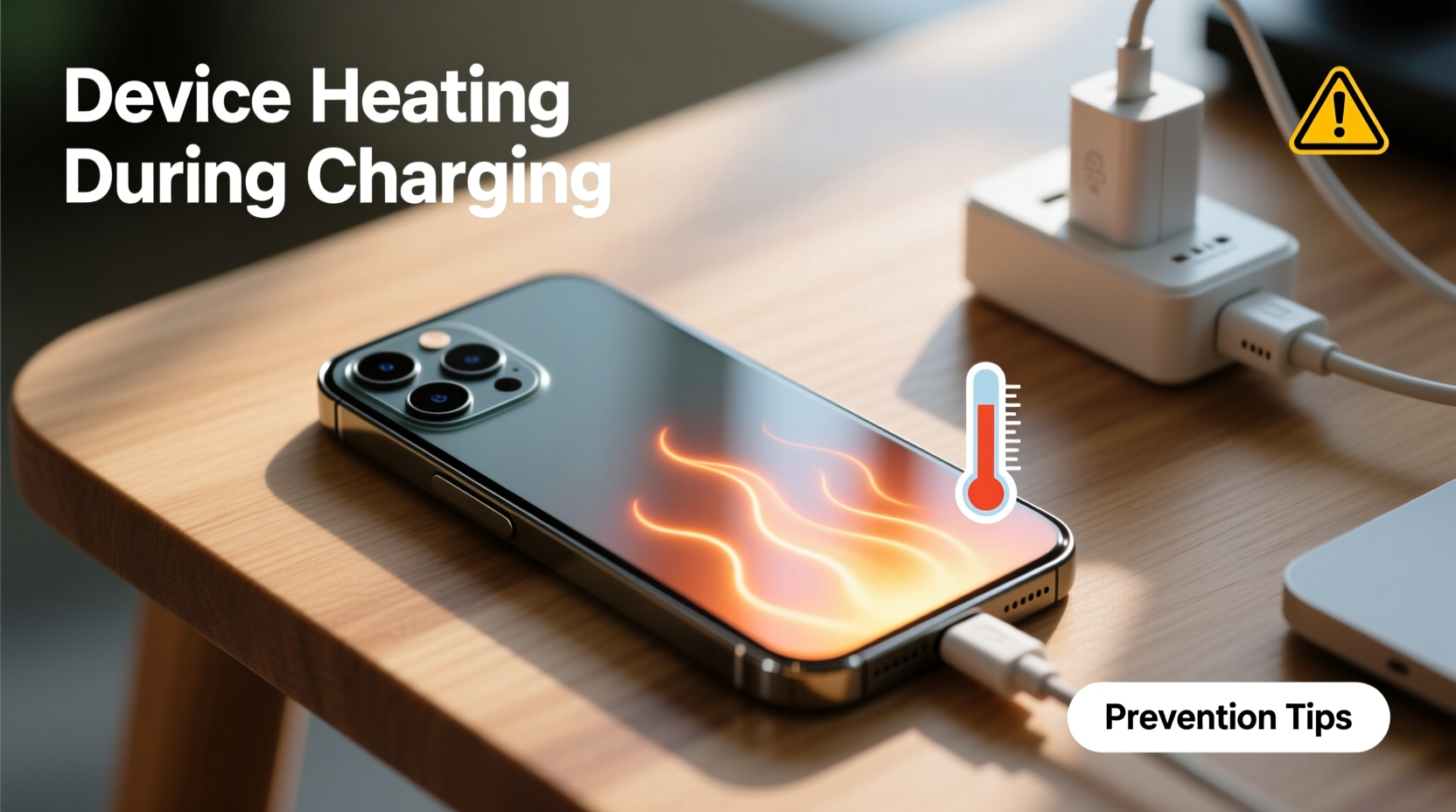
Heat generation during charging stems from electrochemical and electrical processes within the phone. At its core, charging involves moving ions between the anode and cathode inside a lithium-ion battery. This process isn’t 100% efficient; some energy is lost as heat due to internal resistance—a phenomenon known as \"Joule heating.\"
Additionally, fast-charging technologies amplify this effect. While convenient, delivering high voltage or current in a short time increases thermal output. The phone’s power management system must regulate this flow, often using additional circuitry that also produces heat. Combine this with ambient temperature, case insulation, and software activity, and it’s easy to see how temperatures can spike.
According to Dr. Lin Zhao, a materials scientist specializing in battery technology at MIT:
“Every lithium-ion battery experiences thermal stress during charge cycles. Repeated exposure to high temperatures accelerates capacity loss and increases the risk of thermal runaway.” — Dr. Lin Zhao, Battery Research Scientist
Thermal runaway, though rare in consumer devices, refers to a dangerous feedback loop where rising temperature causes further chemical reactions, leading to swelling, leakage, or in extreme cases, fire.
Common Causes of Excessive Heat During Charging
Not all heat is created equal. Some factors are unavoidable, but many stem from user habits or equipment choices. Identifying these triggers is the first step toward prevention.
- Using non-certified or low-quality chargers: Cheap adapters may deliver inconsistent voltage, forcing the phone to work harder to stabilize input, generating excess heat.
- Fast charging without adequate cooling: While designed to be safe, prolonged use of fast charging—especially while using the phone—can overwhelm thermal dissipation.
- Charging while using resource-heavy apps: Gaming, video streaming, or GPS navigation during charging forces both the CPU and battery to operate under load, increasing heat output significantly.
- Poor ventilation: Placing the phone under pillows, on beds, or inside thick cases traps heat and prevents natural cooling.
- High ambient temperatures: Charging in direct sunlight or hot environments (like a car in summer) reduces the phone’s ability to cool itself.
- Battery aging: As batteries degrade, their internal resistance increases, making them less efficient and more prone to heating.
How Heat Damages Your Phone Over Time
Short-term warmth might seem harmless, but chronic overheating has cumulative consequences. The most vulnerable component is the battery. Lithium-ion cells begin to degrade noticeably when consistently exposed to temperatures above 35°C (95°F). Studies show that keeping a battery at 40°C for a year can reduce its capacity by up to 35%, compared to just 4% loss at 25°C.
Other components are also at risk:
| Component | Impact of Overheating | Long-Term Risk |
|---|---|---|
| Battery | Reduced capacity, slower charging, swelling | Shortened lifespan, replacement needed |
| Processor (CPU/GPU) | Throttling, reduced performance | Permanent slowdown, instability |
| Display | Color distortion, temporary ghosting | Premature pixel degradation |
| Internal Adhesives | Weakening of screen and camera seals | Water resistance compromised |
Repeated thermal cycling—expansion and contraction of materials—also stresses solder joints and microconnections, potentially leading to intermittent failures or complete hardware breakdowns months or years later.
Step-by-Step Guide to Safer Charging Habits
Preventing overheating doesn’t require drastic changes. Small, consistent adjustments can dramatically improve your phone’s thermal health. Follow this sequence to minimize risk:
- Remove the case before charging: Especially if it’s made of silicone, leather, or thick plastic, which insulate heat. Let the phone breathe during charging sessions.
- Use original or certified charging accessories: Stick to manufacturer-provided cables and adapters, or MFi (for iPhone) and USB-IF certified options for Android.
- Charge in a cool, open area: Avoid carpets, beds, and direct sunlight. A hard surface like a desk or table allows better airflow.
- Turn off or enable Airplane Mode: If you don’t need connectivity, switching off radios reduces background activity and heat generation.
- Avoid using the phone while charging: Postpone gaming, video calls, or navigation until the battery reaches at least 80%.
- Monitor temperature: If the phone feels hot, unplug it and let it cool down before resuming the charge.
- Limit fast charging to necessary times: Use standard charging overnight or when you have several hours, reserving fast charging for emergencies.
Real-World Example: The Case of the Swollen Battery
Consider the experience of Maria T., a freelance photographer in Austin, Texas. She routinely charged her smartphone while editing photos on location. Working outdoors in summer heat, she often left her phone plugged into a portable charger inside a protective rugged case.
Within nine months, she noticed the screen no longer sat flush with the frame. The back cover bulged slightly. A technician diagnosed a swollen battery—caused by repeated charging under high thermal stress. The combination of direct sun, poor ventilation, and continuous usage had pushed the battery beyond safe operating limits.
Maria replaced the phone at significant cost. More importantly, she changed her habits: now she removes the case when charging, avoids editing during charging, and uses a shaded, ventilated spot. Her next phone has lasted over two years with no battery issues.
This scenario illustrates how everyday convenience can lead to avoidable damage when thermal safety is overlooked.
Checklist: Prevent Phone Overheating While Charging
To make implementation effortless, here’s a quick-reference checklist you can follow daily:
- ✅ Use only certified chargers and cables
- ✅ Remove phone case before charging
- ✅ Charge on a hard, flat surface
- ✅ Keep away from direct sunlight or heat sources
- ✅ Avoid heavy app usage while charging
- ✅ Disable unnecessary features (Bluetooth, hotspot)
- ✅ Limit fast charging to urgent situations
- ✅ Monitor device temperature regularly
- ✅ Replace old or damaged cables immediately
- ✅ Enable battery protection modes (if available)
Many modern phones include built-in safeguards. For example, iPhones reduce charging speed when overheating is detected, and Samsung devices feature Adaptive Fast Charging that adjusts power based on temperature. However, relying solely on software protections isn’t enough—proactive user behavior remains critical.
Frequently Asked Questions
Is it normal for my phone to get warm while charging?
Yes, a slight increase in temperature is normal, especially during fast charging. However, if the phone becomes too hot to hold comfortably, emits a burning smell, or shows a warning message, it’s overheating and should be unplugged immediately.
Can a hot phone explode while charging?
While extremely rare, lithium-ion batteries can fail catastrophically under severe conditions—such as physical damage, manufacturing defects, or sustained overheating. Using genuine accessories and avoiding extreme temperatures greatly reduces this risk.
Does wireless charging make phones hotter than wired charging?
Generally, yes. Wireless charging is less efficient than wired, losing more energy as heat. Phones often run 5–10°C hotter during wireless charging, especially if the case isn’t removed or the charger lacks cooling features.
Protecting Your Investment Starts with Temperature Control
Your smartphone is one of your most valuable tools—both functionally and financially. Letting it overheat repeatedly during charging undermines its reliability, safety, and lifespan. The good news is that most overheating issues are preventable with informed habits and quality equipment.
Start today by auditing your current charging routine. Are you using the right cable? Is your phone buried under blankets? Do you game while charging? Each small change adds up to meaningful protection. Over time, these practices preserve battery health, maintain peak performance, and reduce the need for costly repairs or early replacements.
💬 Have you experienced phone overheating? Share your story or tips in the comments—your insight could help others avoid the same pitfalls.