
Renewing a driver’s license should be a straightforward process, especially in an age where most government services offer digital options. Yet many drivers find themselves unable to complete the renewal online despite meeting what they believe are all the necessary criteria. The frustration is real—especially when you're faced with long DMV wait times or last-minute surprises. Understanding the reasons behind failed online renewals empowers you to take corrective action and avoid delays.
While online renewal systems vary by state, several recurring issues prevent eligible-seeming applicants from completing the process digitally. From outdated documentation to unresolved legal matters, the barriers are often administrative rather than technical. This guide breaks down the most frequent causes, offers solutions, and provides a clear path forward so you can get back on track.
Common Reasons You Can’t Renew Online
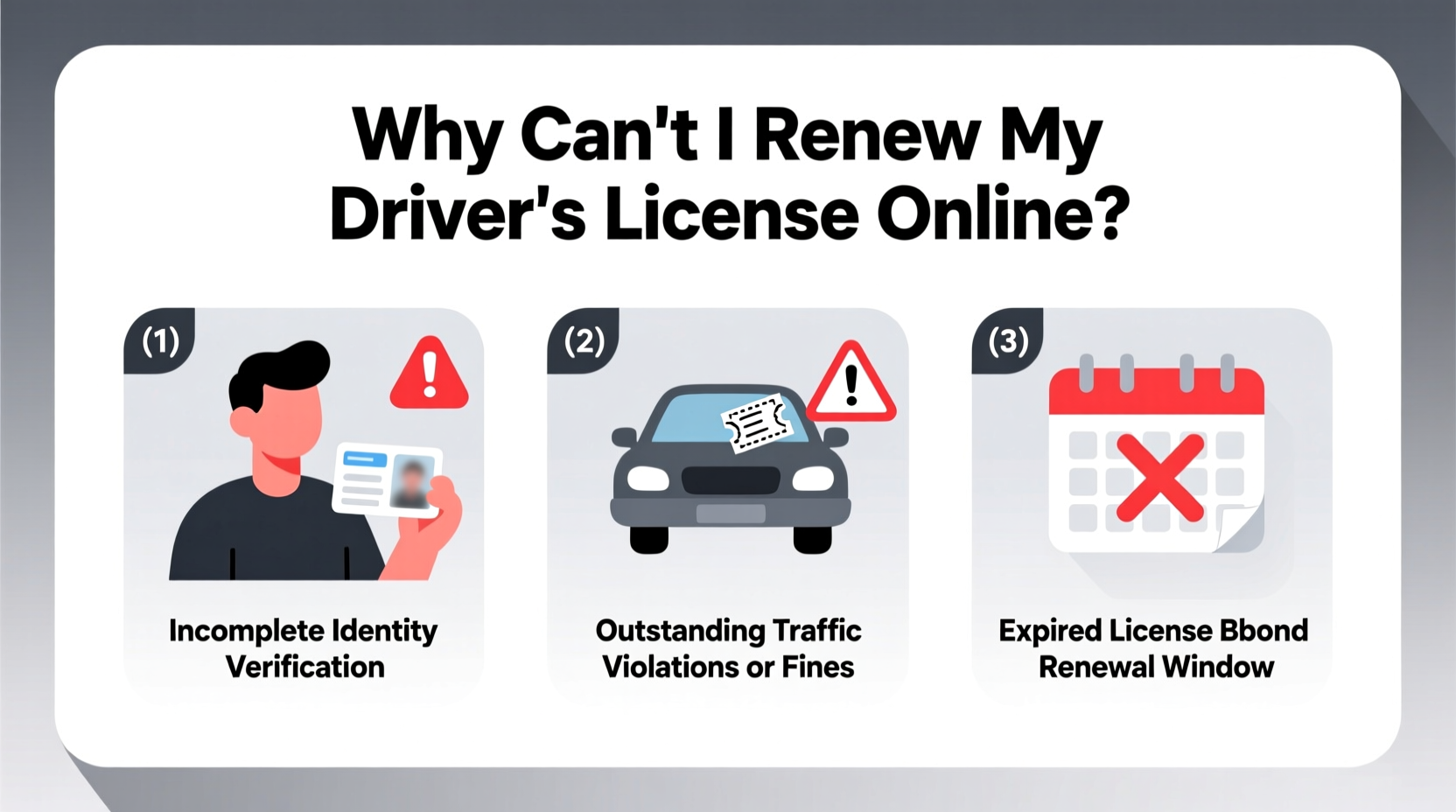
Each state sets its own rules for online license renewal, but certain conditions consistently disqualify applicants from using the digital portal. Knowing these in advance helps you prepare properly and avoid last-minute setbacks.
- Outstanding tickets or suspensions: Unresolved traffic violations, unpaid fines, or suspended registration can block any renewal attempt.
- Medical or vision concerns: If there’s a record of vision issues or medical conditions affecting driving ability, in-person verification may be required.
- ID verification failure: Online systems rely on matching your identity against existing records. Discrepancies in name spelling, address, or Social Security number can halt the process.
- Recent legal name change: Even if legally updated, your DMV profile may not reflect the change until you submit supporting documents in person.
- Expired too long: Most states only allow online renewal within a specific window—typically up to one year before expiration and no more than 6–12 months after.
- Non-compliant license type: Commercial driver’s licenses (CDL), hazardous materials endorsements, or temporary permits often require in-person processing.
Step-by-Step: Troubleshooting Your Online Renewal Attempt
If your renewal was denied online, follow this structured approach to identify and fix the issue:
- Review the error message carefully. Most portals provide a reason code or brief explanation. Note it down for reference.
- Log into your DMV account (if available) and verify personal details like address, name, and date of birth.
- Check for holds or restrictions on your driving record through the DMV’s public lookup tool.
- Contact your local DMV via phone or chat support with your driver’s license number and error details.
- Gather required documents such as proof of identity, residency, or legal name change if needed.
- Schedule an in-person appointment if online resolution isn’t possible.
This methodical process prevents wasted trips and ensures you arrive at the DMV fully prepared.
State-Specific Eligibility: What Varies Across the U.S.
Not all states allow online renewal under the same conditions. Some require a vision test every other cycle; others mandate photo updates in person periodically. The table below highlights key differences among selected states:
| State | Online Renewal Allowed? | Max Grace Period After Expiry | In-Person Required For |
|---|---|---|---|
| California | Yes (most cases) | No grace period* | Name changes, photo updates, Real ID upgrade |
| Texas | Yes (if eligible) | Up to 2 years | Failed online ID check, CDL, prior denial |
| New York | Limited cases | Grace period varies | First renewal, non-Standard license, vision issues |
| Florida | Yes (every other cycle) | 1 year | Odd-numbered renewal cycles, address changes |
| Illinois | Yes (with exceptions) | Up to 3 years | Real ID application, new residents |
*Note: California does not offer a grace period for expired licenses, though late renewals are accepted with penalties.
“Over 60% of failed online renewals stem from mismatched personal data or unresolved administrative flags that could have been cleared with a simple pre-check.” — Sarah Lin, State DMV Operations Consultant
Mini Case Study: Maria’s Renewal Roadblock
Maria, a resident of Arizona, attempted to renew her license online two weeks before expiration. The system rejected her application without explanation. Frustrated, she called the DMV helpline and learned that a recent move had not been updated in their system, and her voter registration address didn’t match her driver’s license record. Additionally, she had resolved a speeding ticket six months earlier, but the court had delayed reporting the payment clearance.
After submitting a utility bill as proof of address and contacting the court clerk for a payment confirmation letter, Maria reapplied successfully three days later. Her experience underscores the importance of cross-agency coordination and proactive record verification.
Essential Checklist Before Attempting Online Renewal
Use this checklist to ensure you’re ready to renew online—and increase your chances of success:
- ✅ License is not expired beyond your state’s allowable window
- ✅ No outstanding tickets, suspensions, or court orders
- ✅ Current address is registered with the DMV
- ✅ Name on license matches legal documents (e.g., marriage certificate, court order)
- ✅ Vision screening not required during this cycle
- ✅ You hold a standard Class C license (not CDL or restricted)
- ✅ You have a valid credit/debit card and email address for confirmation
- ✅ Your photo is due for renewal only if allowed online
Frequently Asked Questions
Can I renew online if my license has already expired?
It depends on your state. Many states allow online renewal within 6–12 months after expiration, but some—including California—do not permit renewal once expired, even by one day. Check your state’s policy immediately to avoid further complications.
Why did my online renewal fail even though I’ve done it before?
Past success doesn’t guarantee future eligibility. Changes such as moving out of state temporarily, updating your Social Security record, or receiving a medical flag—even if resolved—can alter your status. System updates may also tighten verification protocols.
Do I need a Real ID to renew online?
Not necessarily. You can often renew a standard license online without Real ID compliance. However, if you want a Real ID, most states require in-person visits with original documents like a birth certificate or passport.
Final Steps: What to Do When Online Isn’t an Option
If, after troubleshooting, you still can’t renew online, don’t delay. Visit your local DMV with the following:
- A printed copy of your renewal notice or denial message
- Proof of identity (birth certificate, passport)
- Proof of residency (utility bill, lease agreement)
- Payment for renewal fees (check accepted forms)
- Any court clearance documents or medical clearance forms, if applicable
Many DMVs now offer online appointment scheduling, reducing wait times significantly. Walk-ins are often served last.
Conclusion
Being unable to renew your driver’s license online doesn’t mean you’re stuck—it means the system is protecting accuracy and safety. By understanding the common pitfalls, verifying your eligibility, and preparing the right documentation, you can resolve issues efficiently and either complete the renewal digitally or streamline your in-person visit.
💬 Did you recently overcome a license renewal hurdle? Share your story in the comments to help others navigate the process with confidence.