Thursday Night Football (TNF) has become a staple of the NFL season, offering fans a midweek dose of gridiron action. With traditional broadcast models evolving, more viewers are turning to digital platforms to catch every snap, sack, and touchdown. Whether you're a die-hard fan or a casual viewer looking to stay updated, knowing how to stream TNF reliably—and affordably—can make all the difference. This guide covers everything from official streaming services to smart viewing strategies that ensure you never miss a play.
Where to Watch Thursday Night Football in 2024
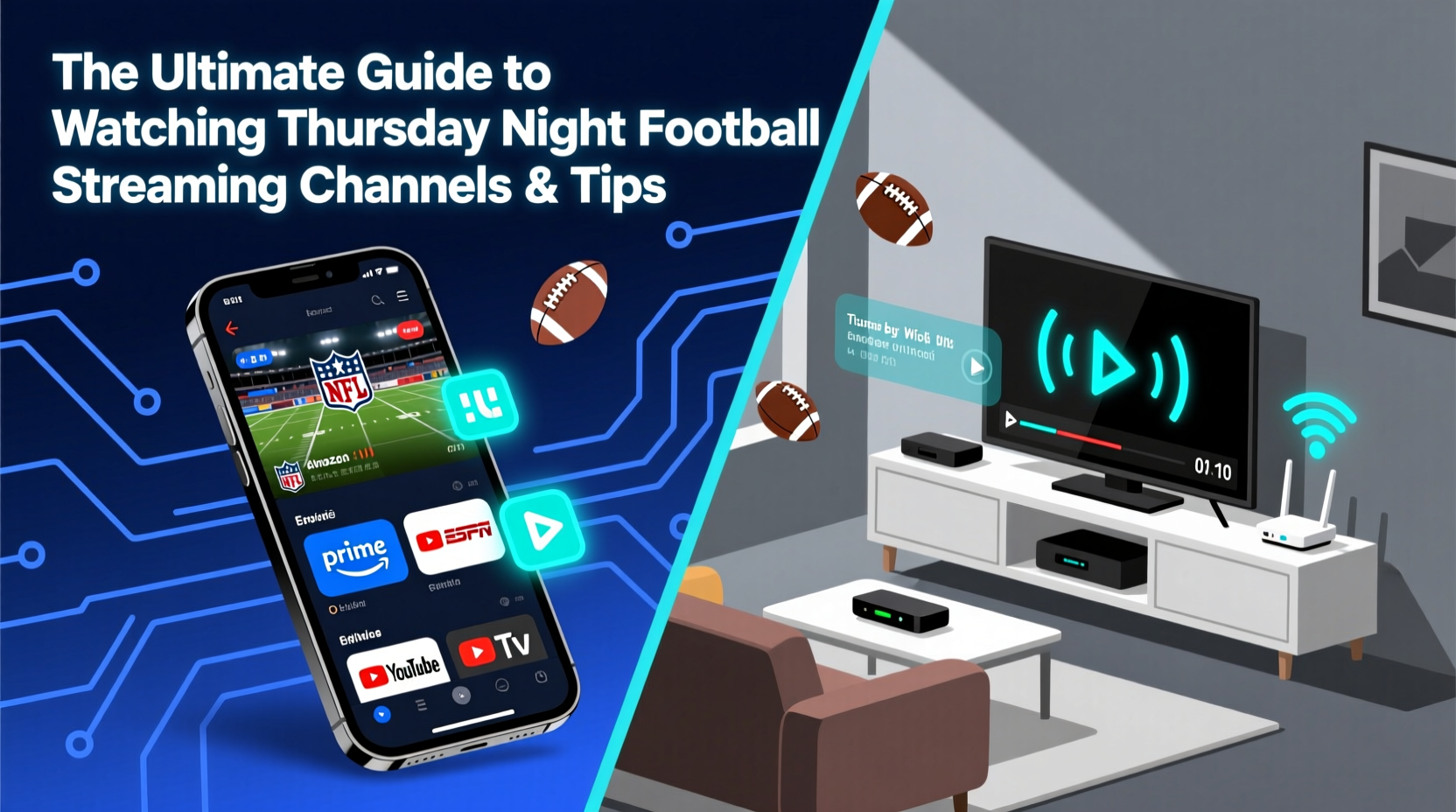
The landscape for Thursday Night Football has shifted dramatically in recent years. No longer confined to over-the-air networks like FOX or NFL Network, TNF is now primarily streamed through Amazon Prime Video as part of an exclusive multi-year deal. This change marks a significant shift toward digital-first sports consumption.
As of the 2023 season and continuing into 2024, Amazon Prime Video holds exclusive national rights to all Thursday Night Football games. This means that unless you’re watching via a local broadcast exception (such as select preseason games or regional coverage), Prime Video is your go-to platform.
In addition to Prime Video, some games may be simulcast on free ad-supported platforms like Pluto TV’s NFL channel, and select markets might receive limited over-the-air coverage via Fox affiliates. However, for guaranteed access to every game—including playoffs and special events—Prime Video remains the most consistent option.
Tip: If you don’t already have a Prime account, take advantage of Amazon’s 30-day free trial to watch a full month of TNF at no cost.Streaming Devices and Setup Tips for Optimal Viewing
Having the right subscription is only half the battle. To enjoy a seamless viewing experience, your hardware and internet setup must support high-quality video streaming without buffering or lag.
Amazon Prime Video supports a wide range of devices, including:
- Smart TVs (Samsung, LG, Vizio, etc.) with built-in Prime Video apps
- Streaming sticks and boxes (Roku, Amazon Fire Stick, Apple TV, Chromecast)
- Gaming consoles (PlayStation, Xbox)
- Mobile devices (iOS and Android phones/tablets)
- Web browsers (Chrome, Safari, Firefox)
To maximize picture quality, ensure your device supports HD or 4K resolution and that your internet speed meets recommended thresholds. For smooth HD streaming, aim for at least 5 Mbps; for 4K, a minimum of 15 Mbps is advised.
| Device Type | Recommended Internet Speed | Max Resolution Support |
|---|---|---|
| Standard Smart TV | 5 Mbps | 1080p HD |
| Amazon Fire Stick 4K | 15 Mbps | 2160p (4K UHD) |
| Roku Ultra | 15 Mbps | 4K HDR |
| iPad Pro / iPhone 15 | 10 Mbps | 1080p–4K (app dependent) |
| Laptop (Chrome/Firefox) | 8 Mbps | 1080p |
“Reliable connectivity is just as important as having the right app. A strong Wi-Fi signal can prevent mid-game interruptions during critical moments.” — Jordan Lee, Streaming Technology Analyst at BroadbandInsight
Step-by-Step Guide to Setting Up Your TNF Stream
Follow this simple process to get ready for kickoff:
- Verify Game Schedule: Check the official NFL website or Amazon’s TNF page to confirm the date, time, and teams playing.
- Ensure Prime Membership: Log into your Amazon account and confirm active Prime membership or start a free trial if eligible.
- Install the App: Download the Prime Video app on your preferred device (TV, phone, tablet, etc.).
- Connect to Stable Internet: Use Ethernet when possible, or position your router close to your streaming device for optimal Wi-Fi strength.
- Launch & Play: Open the app, search “Thursday Night Football,” and begin streaming 10–15 minutes before kickoff.
- Enable Closed Captioning (Optional): Useful in noisy environments or for following along with commentary.
- Use Multi-Screen Mode (if available): On tablets or phones, split-screen features allow you to track stats while watching.
Expert Tips for Enhancing Your Viewing Experience
Watching TNF isn’t just about catching the game—it’s about enjoying it fully. These pro-level tips help elevate your routine into a true fan experience.
Tip: Schedule recordings using your DVR or cloud service (like YouTube TV or Hulu + Live TV) even if you plan to stream live—this lets you rewatch key plays later.- Join Live Chats: Platforms like Prime Video often integrate real-time fan chats during games. Engaging with other viewers adds social energy to solo watch parties.
- Use Second Screens: Pair your stream with the NFL Mobile app for live stats, player tracking, and instant replay highlights not shown on the main feed.
- Optimize Audio: Connect your TV to a soundbar or surround system. Clear audio helps you catch analyst insights and crowd reactions that enhance immersion.
- Avoid Peak Congestion: Start your stream early. Many users report minor delays in the first five minutes due to server load at kickoff.
Real Example: How One Fan Never Misses a Game
Mark T., a software engineer in Denver, travels frequently for work but refuses to miss any TNF action. His solution? A portable setup combining a compact smart monitor, a Fire Stick, and a mobile hotspot.
“I keep everything in a small bag,” he says. “When I’m in a hotel, I plug in, connect to Wi-Fi—or use my hotspot if needed—and stream TNF like I’m at home. I even bring noise-canceling headphones so I can watch late games without disturbing others.”
His strategy includes scheduling alerts two hours before each game and pre-loading the Prime Video app on multiple devices. By treating game night like a priority event, Mark maintains consistency regardless of location.
Frequently Asked Questions
Can I watch Thursday Night Football without cable?
Yes. Amazon Prime Video streams all TNF games nationally without requiring a cable subscription. You only need a Prime account and a compatible device.
Is there a way to watch TNF for free?
Limited options exist. Some games appear on Pluto TV’s free NFL channel, and Amazon offers a 30-day free trial. Local over-the-air broadcasts via antenna may also carry select games, depending on your market.
Are replays available after the game?
Yes. Full game replays, condensed versions, and highlights are available on Prime Video and the NFL app shortly after the broadcast ends.
Final Checklist Before Kickoff
Before each Thursday night game, run through this quick checklist to ensure everything runs smoothly:
- ✅ Confirm game time and teams (account for time zone differences)
- ✅ Ensure your Amazon Prime membership is active
- ✅ Test your internet connection (aim for ≥15 Mbps for 4K)
- ✅ Charge remote controls and streaming devices
- ✅ Close background apps that consume bandwidth
- ✅ Invite friends or join a virtual watch party for added fun
- ✅ Have snacks and drinks ready—once it starts, you won’t want to leave!
Enjoy Every Snap Without the Hassle
Thursday Night Football doesn’t have to come with stress. With the right tools, preparation, and mindset, you can enjoy professional-grade viewing from anywhere. From leveraging Amazon Prime’s robust platform to optimizing your home network and engaging with the broader fan community, modern technology puts the power in your hands. Don’t let technical hiccups or access issues sideline your season.
💬 Got a favorite TNF streaming hack or ritual? Share your story in the comments and help fellow fans improve their game day experience!