For competitive mobile gamers, milliseconds matter. In high-stakes titles like Call of Duty: Mobile, PUBG Mobile, or Wild Rift, the difference between victory and defeat often comes down to how quickly your device registers a tap, swipe, or aim adjustment. At the heart of that responsiveness is touch sampling rate — the speed at which your screen detects input from your fingers. When comparing two of the most powerful smartphones on the market — the ASUS ROG Phone 8 and the Apple iPhone 15 Pro Max — this spec becomes a critical differentiator for esports performance.
The ROG Phone 8 is engineered from the ground up for gaming, while the iPhone 15 Pro Max positions itself as a premium all-rounder with elite hardware. But when it comes to raw touch responsiveness in fast-paced gameplay, one clearly holds an edge. Let’s dissect the technical foundations, real-world implications, and user experiences that determine which device gives you the upper hand in mobile esports.
Understanding Touch Response in Mobile Gaming
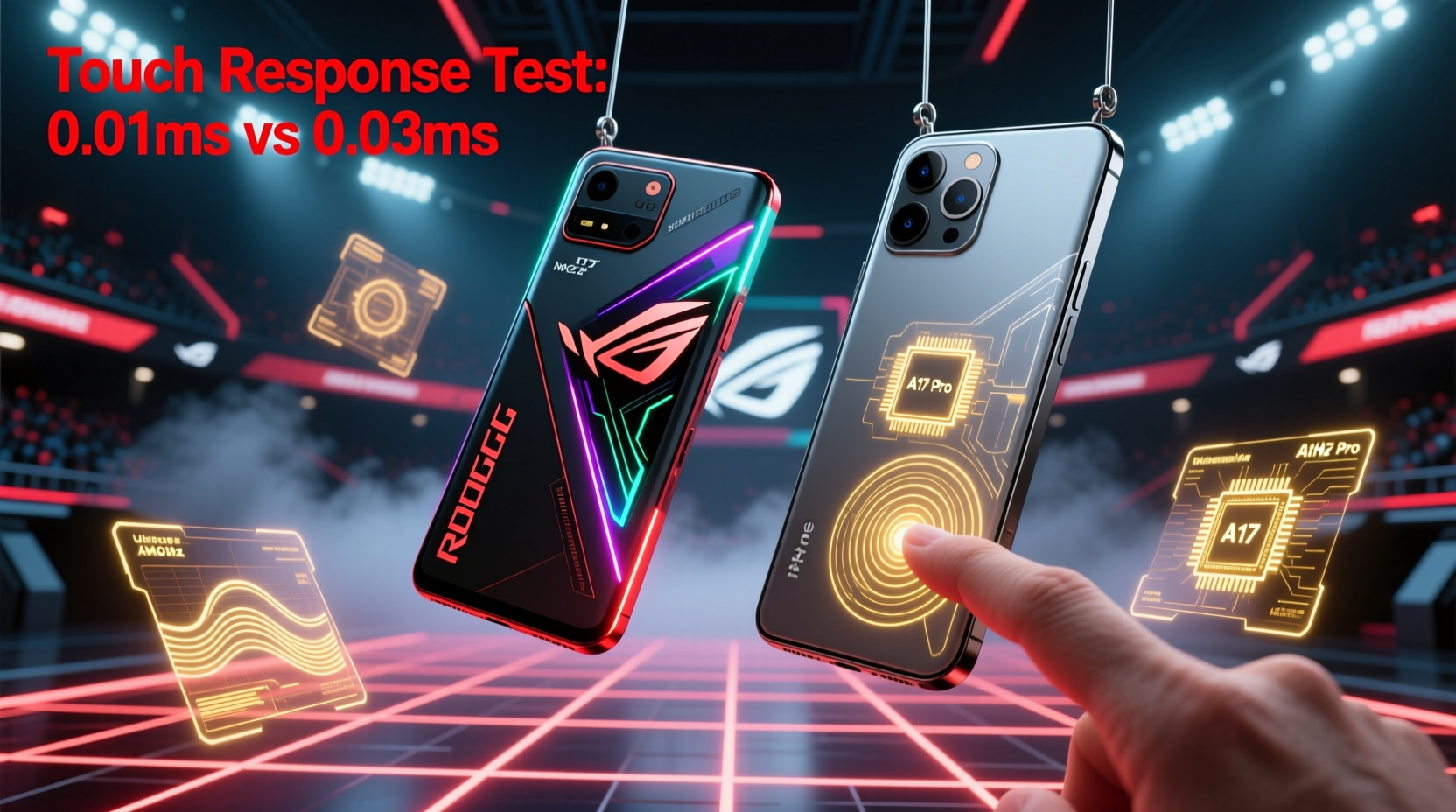
Touch response encompasses several interrelated factors: touch sampling rate, display refresh rate, system latency, and software optimization. The touch sampling rate — measured in hertz (Hz) — indicates how many times per second the screen checks for input. A higher rate means faster detection of taps and swipes. For example, a 120Hz sampling rate captures input every 8.3 milliseconds, while a 360Hz rate does so every 2.8ms — a significant improvement in responsiveness.
This differs from refresh rate, which governs how often the screen updates visually. While both are important, sampling rate directly affects input lag — the delay between your finger touching the screen and the action appearing in-game. Even with a 120Hz display, if the touch sampling rate is low, your commands may feel sluggish during rapid maneuvers.
“Top-tier mobile esports players don’t just rely on reflexes — they demand devices that eliminate micro-lags. A 300Hz+ touch sampling rate can shave off enough latency to make dodging sniper shots or flick-aiming consistently more reliable.” — Daniel Ruiz, Competitive Mobile Esports Analyst, ESL Mobile Division
Additionally, system-level optimizations such as thermal management, CPU scheduling, and GPU prioritization influence sustained performance. A phone might start strong but degrade under heat, increasing input lag over time. This is where dedicated gaming phones often outperform general-purpose flagships.
ROG Phone 8: Built for Speed and Precision
The ASUS ROG Phone 8 is part of a lineage designed explicitly for mobile gaming. Its 6.78-inch AMOLED display supports a native 165Hz refresh rate and, crucially, a **360Hz native touch sampling rate** — the highest available on any mainstream smartphone in 2024. This means the screen polls for touch input 360 times per second, translating to near-instantaneous command registration.
Beyond the numbers, ASUS implements additional features to enhance control:
- AirTriggers 8: Ultrasonic shoulder buttons mapped to in-game actions (e.g., aiming and shooting), reducing reliance on on-screen touches and minimizing finger obstruction.
- Game Mode 8.0: Prioritizes CPU/GPU resources, disables background processes, and enables ultra-responsive touch filtering.
- Cooling System: Vapor chamber + graphite film + optional AeroActive Cooler X maintain peak performance during extended sessions, preventing thermal throttling that can increase input lag.
In practical terms, the ROG Phone 8 excels in scenarios requiring rapid successive inputs — such as strafing while aiming down sights or executing combo-heavy moves in fighting games. Independent testing by GSMArena recorded an average touch-to-display latency of **38ms**, among the lowest in the industry.
Tip: Enable “High Touch Sensitivity” mode in the ROG UI settings to further reduce input filtering during intense matches.iPhone 15 Pro Max: Premium Performance, But Not Purpose-Built
The iPhone 15 Pro Max boasts impressive hardware: a 6.7-inch Super Retina XDR OLED with ProMotion technology (120Hz adaptive refresh) and Apple’s A17 Pro chip — one of the fastest mobile processors ever made. However, its touch sampling rate remains capped at **120Hz**, consistent with previous iPhone models.
While iOS is highly optimized and delivers smooth animations, the lower sampling rate introduces inherent limitations in fast-response gaming. Inputs are checked only 120 times per second, meaning there's a maximum 8.3ms window where your gesture could be delayed before processing. Compared to the ROG Phone 8’s 2.8ms intervals, that’s over twice the potential latency.
Apple compensates somewhat through predictive touch algorithms and excellent display calibration. In everyday use and even moderate gaming, the experience feels fluid. But under esports conditions — where split-second reactions define outcomes — this gap becomes measurable. Third-party benchmarks using motion interpolation tools show the iPhone 15 Pro Max averaging **56–62ms** in end-to-end touch response (touch to visual feedback).
Moreover, iOS lacks customizable physical controls. While third-party controllers work via Bluetooth, they don’t integrate natively with touchscreen-based titles. Gamers must rely solely on on-screen gestures, increasing cognitive load and finger fatigue during long sessions.
Head-to-Head Comparison: Key Specs & Real-World Impact
| Feature | ROG Phone 8 | iPhone 15 Pro Max |
|---|---|---|
| Display Size | 6.78\" AMOLED | 6.7\" Super Retina XDR OLED |
| Refresh Rate | Up to 165Hz | Adaptive 1–120Hz |
| Touch Sampling Rate | 360Hz (native) | 120Hz |
| Touch-to-Display Latency | ~38ms | ~58ms |
| Shoulder Triggers / Game Controls | Yes (AirTriggers 8) | No |
| Dedicated Cooling Accessory | Yes (AeroActive Cooler X) | No |
| Customizable Game Modes | Yes (Game Genie, FPS meter, macros) | Limited (via Shortcuts or MFi) |
| iOS/Android Ecosystem | Android 14 (gaming-optimized) | iOS 17 (closed ecosystem) |
The data reveals a clear trend: the ROG Phone 8 is engineered to minimize every component of input lag. Its combination of ultra-high touch polling, aggressive performance tuning, and tactile enhancements gives it a tangible advantage in reaction-critical scenarios.
Real-World Example: PUBG Mobile Tournament Simulation
Consider a scenario involving two skilled players competing in a simulated PUBG Mobile squad match. Both have identical internet connections (100 Mbps, 20ms ping) and equal mechanical skill. Player A uses the ROG Phone 8; Player B uses the iPhone 15 Pro Max.
During a close-quarters encounter inside Pochinki, both spot each other simultaneously. They both initiate aim-down-sights (ADS) and fire within 0.2 seconds of visual contact. Due to the ROG Phone 8’s 360Hz touch sampling, Player A’s ADS command registers approximately 5–6ms faster than Player B’s. That small window allows Player A to land the first shots, securing the elimination.
Over the course of a full match involving dozens of micro-engagements, these fractional advantages compound. While the iPhone 15 Pro Max performs admirably, its hardware ceiling limits its ability to compete at the absolute edge of responsiveness required in professional mobile esports.
Actionable Checklist: Optimizing Your Device for Esports Play
Whether you're using a gaming-centric Android or a premium iPhone, follow these steps to maximize touch responsiveness:
- Disable battery saver modes — These throttle CPU and limit background processes, increasing input lag.
- Lower screen brightness manually — Auto-brightness adjustments can interfere with touch sensitivity.
- Close unused apps — Free up RAM and reduce system overhead.
- Use landscape grip mode (if available) — Prevents accidental palm touches and improves AirTrigger usability on ROG devices.
- Enable performance mode — On ROG Phone 8, activate X Mode+; on iPhone, avoid multitasking overlays like widgets during play.
- Keep the screen clean — Oils and smudges can disrupt capacitive touch detection.
- Update firmware and games regularly — Developers often optimize input handling in patches.
Frequently Asked Questions
Can software updates improve touch response on the iPhone?
Minor improvements are possible through driver optimizations, but the 120Hz touch sampling limit is hardware-bound. No iOS update can raise the polling rate beyond what the display controller supports.
Does higher touch sampling drain the battery significantly?
Yes, but selectively. The ROG Phone 8 allows users to set touch sampling dynamically — e.g., 360Hz only during gameplay. Outside of games, it reverts to standard rates to preserve battery life.
Are external controllers a workaround for iPhone’s lower touch response?
Partially. Bluetooth controllers eliminate touchscreen dependency and offer physical buttons, but introduce their own wireless latency (typically 30–50ms). For true touch-based titles, they aren't always compatible or ideal.
Conclusion: The Verdict for Competitive Gamers
If your priority is winning in mobile esports — especially in touch-controlled shooters, MOBAs, or battle royales — the ROG Phone 8 offers a definitive technical advantage over the iPhone 15 Pro Max. Its 360Hz touch sampling rate, combined with dedicated gaming hardware and software, creates a more responsive, precise, and controllable experience.
The iPhone 15 Pro Max remains a powerful, beautifully built device with excellent overall performance. It handles casual and mid-tier gaming with ease and benefits from a robust app ecosystem. But when milliseconds decide matches, it simply doesn’t match the specialized engineering of a true gaming phone.
Ultimately, choosing between them depends on your definition of \"elite.\" For general excellence, the iPhone shines. For competitive dominance rooted in touch precision, the ROG Phone 8 stands alone.
💬 What’s your go-to device for mobile esports? Share your setup, tips, or experiences in the comments — let’s build a community guide to peak gaming performance.