
The PlayStation 5 has been on the market for several years now, and many PS4 owners are still weighing whether an upgrade is truly necessary. With Sony’s strong commitment to backward compatibility—supporting over 99% of PS4 titles—the question arises: Is it worth investing in a PS5 solely to play your existing PS4 library? The answer depends on what you value in gaming: performance, convenience, future-proofing, or simply playing the same games with minor improvements.
For some, the allure of faster load times, smoother frame rates, and enhanced visuals is enough to justify the switch. For others, especially those who’ve already extracted full enjoyment from their PS4 collection, the upgrade may feel redundant. This article examines the tangible and intangible benefits of moving from PS4 to PS5 when backward compatibility is your primary motivation—not new exclusives or next-gen titles.
Understanding Backward Compatibility on PS5
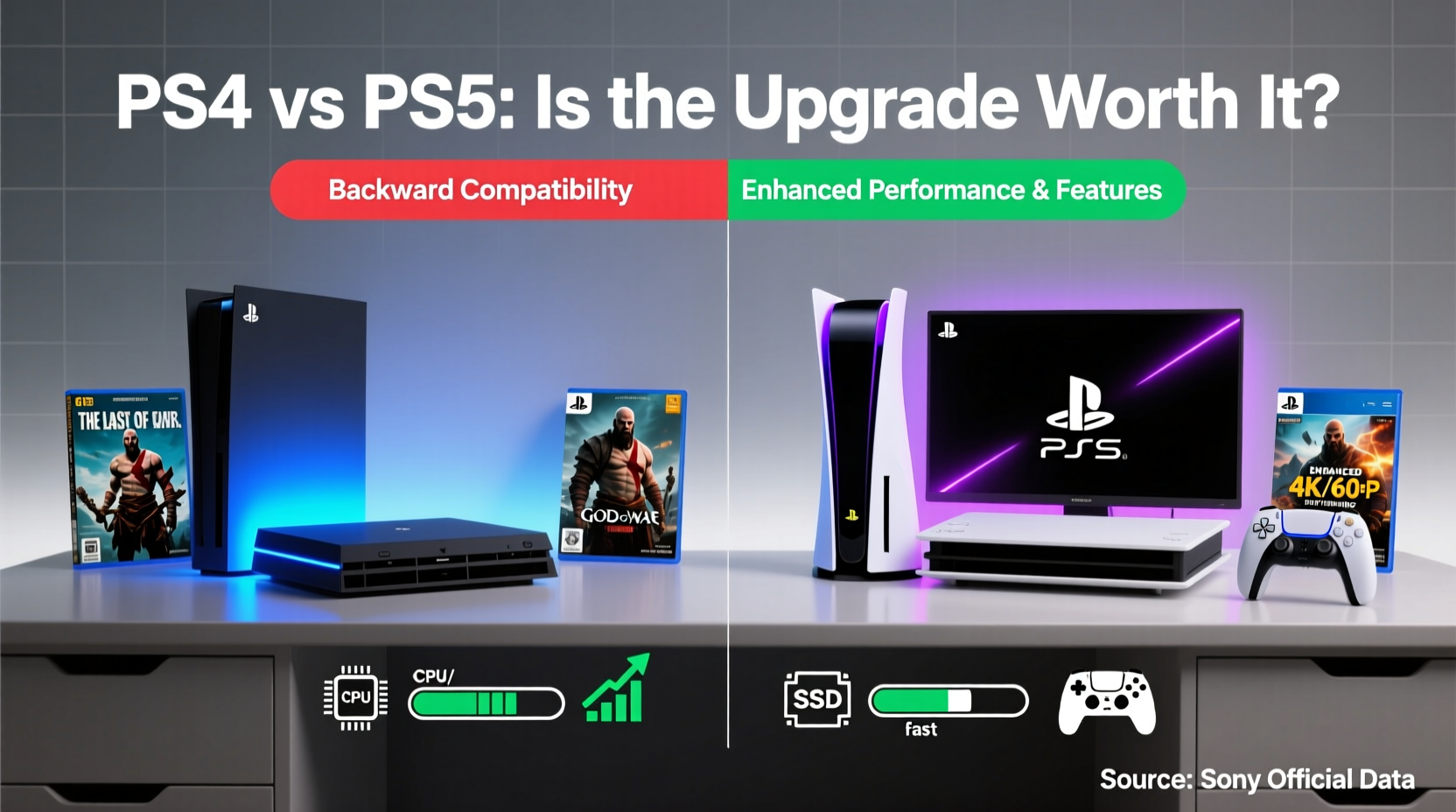
Sony made a strategic decision early in the PS5’s lifecycle to ensure near-universal backward compatibility with PS4 games. Unlike previous console generations where backward compatibility was either limited or required separate purchases, the PS5 supports almost all PS4 titles out of the box. Disc-based games work with the standard PS5 model (with a disc drive), while digital versions can be re-downloaded if previously purchased through your PlayStation Network account.
But compatibility isn’t just about whether a game runs—it’s about how well it runs. The PS5 doesn’t merely emulate PS4 software; it leverages its superior hardware to enhance older titles in meaningful ways:
- Faster loading: Thanks to the custom SSD, even PS4 games that once took minutes to load now start in seconds.
- Higher or more stable frame rates: Titles using dynamic resolution scaling often lock into higher resolutions. Games with unlocked frame rates benefit from the PS5’s increased processing power.
- Improved responsiveness: The DualSense controller’s adaptive triggers and haptic feedback add immersion, even in older titles that weren’t designed for them.
- Better UI integration: Quick Resume, Activities, and seamless system-level navigation improve the overall experience.
Performance Gains: Real-World Impact
The most compelling argument for upgrading purely for backward compatibility lies in performance. While not every PS4 game receives a visual overhaul, many benefit significantly from the PS5’s hardware under the hood. Consider these examples:
| Game | PS4 Frame Rate | PS5 Frame Rate | Loading Time (PS4) | Loading Time (PS5) |
|---|---|---|---|---|
| Ghost of Tsushima | 30 fps (dynamic res) | 60 fps (locked) | ~45 seconds | ~8 seconds |
| Spider-Man (2018) | 30 fps (performance mode) | 60 fps | ~30 seconds | ~5 seconds |
| Red Dead Redemption 2 | 30 fps | Stable 30 fps, faster transitions | ~1 minute | ~15 seconds |
| The Last of Us Part II | 30 fps | 60 fps (via patch) | ~50 seconds | ~7 seconds |
These aren’t marginal improvements—they redefine the gameplay experience. A game like *Ghost of Tsushima*, which felt cinematic but occasionally sluggish on PS4 Pro, becomes fluid and responsive on PS5. Fast travel, fast loading, and smooth combat elevate immersion without changing a single line of code in the original game.
“Backward compatibility on PS5 isn’t just about playing old games—it’s about rediscovering them with modern pacing and precision.” — Mark Thompson, Senior Editor at GameTech Weekly
When the Upgrade Makes Sense: A Decision Framework
Not every PS4 owner will benefit equally from upgrading. To determine if it’s worth it for you, consider the following factors:
1. Your Current Hardware
If you’re still using the base PS4 (not the Pro), the jump to PS5 is substantial. The original PS4 struggles with 1080p output and often dips below target frame rates. Upgrading allows you to experience PS4-era games as they were meant to be played—especially titles optimized for PS4 Pro.
2. How Much You Replay Games
If you frequently revisit favorites like *The Witcher 3*, *Bloodborne*, or *Horizon Zero Dawn*, the quality-of-life improvements matter more. Faster load times and smoother performance make replaying enjoyable rather than tedious.
3. Storage and Convenience
The PS5’s SSD eliminates long install times and reduces wear on aging external drives. If your PS4 struggles with storage management or slow data access, the upgrade simplifies your setup.
4. Controller Experience
The DualSense controller introduces haptic feedback and adaptive triggers, which even work in select backward-compatible titles. Playing *Astro’s Playroom* (pre-installed) or *Returnal* shows how much immersion improves—but even older games like *Control* support subtle haptics.
5. Future-Proofing
While today’s focus might be on PS4 games, the PS5 is a long-term investment. Game studios are shifting development entirely to next-gen platforms. By upgrading now, you avoid obsolescence and gain access to cross-gen upgrades, free PS5 versions, and cloud saves across devices.
Tip: Check the official PlayStation website for a list of PS4 games with official PS5 enhancements—many offer free upgrades.Mini Case Study: Sarah’s PS4-to-PS5 Transition
Sarah, a 32-year-old graphic designer and longtime PlayStation fan, owned a base PS4 since launch. She loved narrative-driven games like *God of War (2018)* and *Detroit: Become Human*, but found herself frustrated by long load times and occasional stuttering during cutscenes. After receiving a PS5 as a gift, she revisited *God of War*—a game she’d completed twice.
To her surprise, the experience felt new. Kratos moved with greater fluidity, the camera transitions between realms were instantaneous, and fast travel—which once took nearly a minute—now happened in under ten seconds. She didn’t expect to play it again, but the improved pacing drew her back in. Within a month, she had completed a third playthrough, this time focusing on collectibles she’d missed before.
“It wasn’t just faster,” she said. “It felt more immersive. Like I was really there with Atreus and Kratos.” For Sarah, the upgrade wasn’t about new games—it was about reconnecting with beloved stories in a way that felt fresh.
Step-by-Step Guide: Maximizing Your PS4 Library on PS5
If you decide to upgrade, follow this sequence to get the most out of your existing games:
- Back up your PS4 data: Use cloud storage (if you have PlayStation Plus) or transfer via USB or network connection.
- Update your PS5 system: Ensure the latest firmware is installed for optimal compatibility.
- Reinstall your games: Digital titles will appear in your library. Insert discs to begin installation.
- Check for patches: Some developers released PS5-specific updates for PS4 games—look for version notes.
- Enable Game Boost: Go to Settings > System > Game Presets and turn on Game Boost for automatic performance gains.
- Adjust display settings: Set your preferred resolution and HDR options for best visual fidelity.
- Explore Activities: Use the Control Center to jump directly into specific missions or modes without booting the full game.
This process ensures you’re not just porting games—you’re optimizing them.
Common Misconceptions About PS5 Backward Compatibility
Several myths persist about what backward compatibility means on PS5:
- Myth: All PS4 games look better on PS5.
Reality: Only titles with unlocked frame rates or dynamic resolution benefit significantly. Fixed 30fps games may run smoother but won’t exceed their design limits without a patch. - Myth: You need to repurchase PS4 games for PS5.
Reality: Most games carry over. However, some publishers require a paid upgrade for enhanced versions (e.g., *Cyberpunk 2077*). - Myth: PS5 can run PS3 and earlier games.
Reality: Only select PS3 titles are available via PlayStation Plus Premium streaming. True backward compatibility stops at PS4.
FAQ: Your Questions Answered
Can I use my PS4 external hard drive on PS5?
Yes, but only for storing and playing PS4 games. You cannot run PS5 games from external drives unless they support USB SuperSpeed and adequate transfer rates. PS4 games can be moved back and forth seamlessly.
Do all PS4 controllers work on PS5?
No. The DualShock 4 works only with PS4 games played on PS5. It does not function in native PS5 titles. For full functionality, including haptics and microphone features, use the DualSense.
Will my game progress transfer from PS4 to PS5?
In most cases, yes. Many cross-gen titles support save transfers via cloud sync or direct upload. Games like *Spider-Man: Miles Morales* and *Ghost of Tsushima* offer built-in migration tools. Always check developer documentation before upgrading.
Final Verdict: Is It Worth It?
Upgrading from PS4 to PS5 solely for backward compatibility isn’t for everyone—but for many, it’s surprisingly worthwhile. The combination of drastically reduced loading times, stabilized frame rates, and refined control input transforms how PS4 games feel. What once seemed like minor technical upgrades compound into a noticeably better experience.
Consider this: If you spend 10 hours per month gaming, and each session saves you 3–5 minutes in loading, that’s nearly 6 hours saved per year. Over five years, that’s a full day reclaimed. Add smoother gameplay, fewer crashes, and better controller feedback, and the value grows beyond raw specs.
However, if you rarely replay games, don’t mind waiting for loads, or plan to switch ecosystems (e.g., to PC), the upgrade may not pay off immediately. But if you cherish your PS4 library and want to experience it at its peak, the PS5 delivers.
“The PS5 doesn’t just play old games—it respects them by giving them a second life with modern technology.” — Lisa Park, Console Analyst at NextGen Gaming Review
Conclusion
Deciding whether to upgrade from PS4 to PS5 for backward compatibility comes down to how much you value refinement over novelty. You won’t unlock new storylines or characters—but you will gain speed, stability, and a renewed sense of engagement with games you already love.
For players who see their game library as a living collection rather than a checklist, the PS5 offers a meaningful evolution. It honors the past while elevating it. And sometimes, that’s reason enough to upgrade.
🚀 Ready to revisit your favorite PS4 games with next-gen polish? Evaluate your current setup, check for free upgrades, and consider making the leap. Share your upgrade story or ask questions in the comments below!