Smart home technology has transformed how we live—offering convenience, energy efficiency, and enhanced security. From voice-controlled assistants to automated lighting and climate systems, these devices simplify daily routines. But as their presence grows, so do concerns about leaving them powered on 24/7, especially overnight. While most modern devices are engineered for continuous operation, persistent use introduces subtle but significant risks related to cybersecurity, electrical safety, and long-term device health. Understanding these risks—and knowing how to mitigate them—is essential for maintaining both comfort and safety in a connected home.
Understanding the Risks of Overnight Device Operation
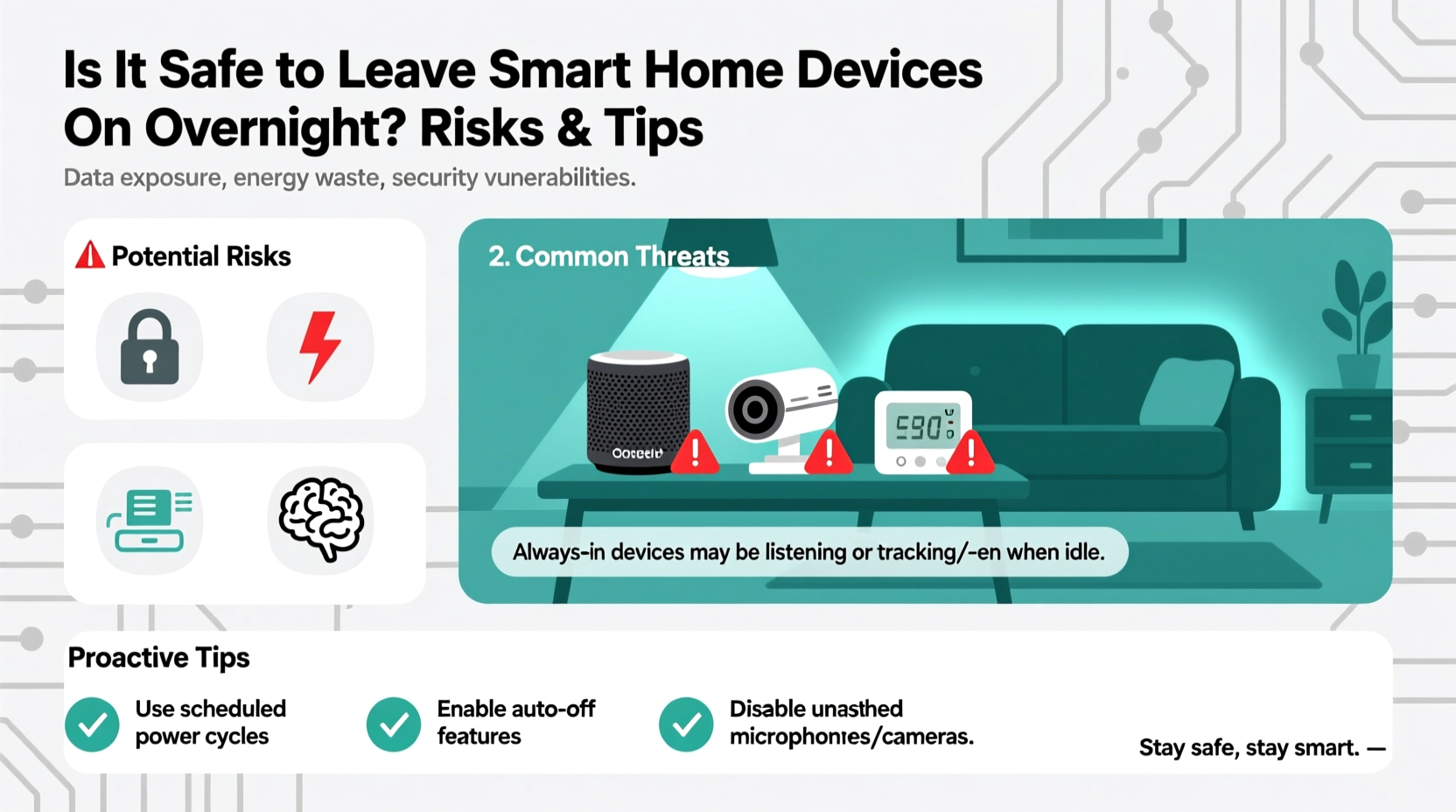
Leaving smart home devices on overnight isn't inherently dangerous, but it does increase exposure to certain vulnerabilities. The primary concerns fall into three categories: cybersecurity threats, fire hazards, and performance degradation over time.
Cybersecurity Exposure: Devices that remain online continuously are more susceptible to remote attacks. Hackers can exploit weak passwords, unpatched firmware, or insecure network configurations to gain access to cameras, microphones, or even door locks. A compromised smart thermostat, for example, could be used as an entry point into your broader home network.
Electrical and Fire Risks: While rare, faulty power supplies, overheating components, or substandard manufacturing can lead to electrical malfunctions. Smart plugs, chargers, and older-generation hubs are particularly prone if left plugged in for extended periods without supervision.
Device Longevity and Performance: Constant operation can wear out internal components faster, especially in poorly ventilated areas. Devices like smart speakers with always-on microphones may experience reduced audio quality or responsiveness over time due to thermal stress.
Tip: Regularly update device firmware and router security settings to minimize vulnerability windows.Common Devices and Their Nighttime Risk Profiles
Not all smart devices pose the same level of risk when left on overnight. Some are designed specifically for round-the-clock use, while others require more careful management.
| Device Type | Safety Level (Overnight) | Key Risks | Recommended Precautions |
|---|---|---|---|
| Smart Thermostats | High | Minimal physical risk; data privacy concerns | Ensure encrypted communication; disable unused remote access |
| Security Cameras | Moderate | Hacking, unauthorized recording, bandwidth overload | Use local storage; enable two-factor authentication |
| Smart Plugs & Outlets | Low–Moderate | Overheating, surge damage, fire hazard with high-wattage appliances | Avoid daisy-chaining; unplug non-essential loads at night |
| Voice Assistants (e.g., Alexa, Google Home) | High | Privacy leaks, unintended recordings, eavesdropping | Disable mic when not needed; review voice history regularly |
| Smart Lights | High | Negligible fire risk; minor energy waste | Use scheduling to turn off automatically |
| Smart Locks | Moderate | Battery failure, lockout, remote tampering | Maintain backup keys; monitor battery levels weekly |
This table highlights that while many devices are safe to operate overnight, proactive oversight is crucial. High-risk items like smart plugs should be evaluated based on what they control—running a space heater through one overnight, for instance, is strongly discouraged.
Real-World Example: A Breach Through an Unsecured Camera
In early 2023, a family in Ohio reported hearing strange voices coming from their nursery camera at 2 a.m. The device, a budget Wi-Fi camera linked to a generic app, had no two-factor authentication enabled. After checking logs, they discovered someone from another country had accessed the feed using default login credentials (“admin/admin”) that were never changed during setup.
The intruder didn’t gain access to other devices, but the psychological impact was significant. The family disconnected all smart devices temporarily and consulted a cybersecurity expert. The fix was simple: change default passwords, update firmware, and isolate IoT devices on a separate network. However, the incident underscores how a single overlooked setting can compromise household safety—even when the device itself functions perfectly.
“Many consumers assume their devices are secure out of the box. That’s rarely true. Default settings are often the weakest link.” — Dr. Lena Patel, Cybersecurity Researcher at MIT Computer Science Lab
Step-by-Step Guide to Securing Smart Devices Overnight
Rather than turning everything off—which defeats the purpose of automation—a smarter approach involves strategic configuration and monitoring. Follow this sequence to ensure your smart home remains functional and secure throughout the night.
- Segment Your Network: Use your router to create a dedicated guest or IoT network. This isolates smart devices from computers and phones containing sensitive data.
- Update Firmware Monthly: Check each device’s app or manufacturer portal for updates. Enable auto-updates where available.
- Change Default Credentials: Replace factory usernames and passwords immediately after installation. Use strong, unique combinations.
- Enable Two-Factor Authentication (2FA): Apply 2FA to all accounts linked to smart devices, especially cloud-based services.
- Schedule Non-Essential Devices to Power Down: Use smart plugs or built-in timers to shut off entertainment systems, lamps, or kitchen gadgets after bedtime.
- Review Access Logs Weekly: Many apps allow you to see recent login activity. Investigate any unfamiliar locations or timestamps.
- Physically Disable Microphones/Cameras When Possible: Slide the mute switch on voice assistants or cover camera lenses manually if privacy is a top concern.
Checklist: Nightly Smart Home Safety Routine
To maintain peace of mind without sacrificing convenience, adopt this quick nightly checklist:
- ✅ Ensure security cameras are active and recording to local storage or end-to-end encrypted cloud.
- ✅ Confirm smart locks are engaged and batteries are above 30%.
- ✅ Mute or power down voice assistants in private rooms (bedrooms, bathrooms).
- ✅ Turn off smart outlets connected to non-essential appliances (coffee makers, TVs).
- ✅ Verify that children’s smart toys are disconnected from Wi-Fi unless required.
- ✅ Run a quick network scan via your router app to detect unknown devices.
This routine takes less than two minutes but significantly reduces exposure to preventable risks. Over time, it becomes second nature—like locking the front door.
Energy Consumption and Environmental Impact
Beyond safety, leaving devices on overnight contributes to \"vampire power\"—energy consumed by electronics in standby mode. While individual devices draw minimal power, a full smart home ecosystem can collectively add 5–10% to your monthly electricity bill.
For example, a smart speaker uses about 2–3 watts continuously. Multiply that by four units in different rooms, and you're looking at nearly 300 kWh per year—equivalent to running a refrigerator for a month. Pair that with smart bulbs left on accidentally or heating systems cycling unnecessarily due to poor sensor calibration, and the environmental footprint grows.
To reduce waste:
- Use motion sensors or geofencing to trigger lights only when needed.
- Set thermostats to eco-mode during sleeping hours.
- Invest in energy-monitoring smart plugs to track real-time usage.
Frequently Asked Questions
Can hackers really access my smart home at night?
Yes, though not necessarily because it's nighttime. Automated bots constantly scan IP addresses for vulnerable devices. If your system lacks updated firmware or strong passwords, it can be compromised at any hour. However, nighttime breaches are harder to detect since users are less likely to be actively monitoring feeds or alerts.
Should I unplug my smart hub every night?
No, unless there's a specific maintenance reason. Hubs are designed for continuous use and often coordinate critical functions like alarms or emergency notifications. Instead of unplugging, focus on securing the hub with firewall settings, regular updates, and restricted admin access.
Are smart devices more likely to fail if left on all the time?
Prolonged operation can shorten lifespan, especially in devices with moving parts (like robotic vacuums) or those exposed to heat buildup (such as routers in enclosed spaces). Most modern electronics handle constant use well, but proper ventilation and periodic reboots (once a month) help maintain performance and stability.
Final Thoughts: Balancing Convenience and Caution
Leaving smart home devices on overnight is generally safe—if done thoughtfully. The technology is built for endurance, but its security depends largely on user behavior. Default settings, outdated software, and poor network hygiene are far greater threats than continuous operation itself.
The goal isn’t to eliminate connectivity but to manage it intelligently. By applying layered protections—network segmentation, scheduled shutdowns, and vigilant monitoring—you preserve the benefits of automation while minimizing risk. Think of it as digital housekeeping: small, consistent actions that compound into long-term safety and reliability.
“The safest smart homes aren’t the ones with the most devices, but the ones where owners take ownership of their digital environment.” — Carlos Mendez, IoT Security Consultant🚀 Ready to optimize your smart home? Audit one device tonight—update its password, check its firmware, and decide whether it truly needs to stay on all night. Small steps today build a safer, smarter home tomorrow.