Robot vacuums have transformed household cleaning into a hands-free, automated task. With smart scheduling features, many users set their devices to clean while they're at work or asleep. But is it truly safe to leave a robot vacuum running unattended? As convenience meets autonomy, understanding the potential risks—and how to mitigate them—is essential for both safety and peace of mind.
While modern robot vacuums are engineered with multiple safety features, no device is entirely risk-free. Electrical faults, overheating, navigation errors, and pet interactions can all introduce hazards—especially when no one is around to intervene. This article examines the real dangers, outlines proven precautions, and provides actionable guidance so you can use your robot vacuum confidently, even when you're not at home.
Understanding the Risks of Unattended Operation
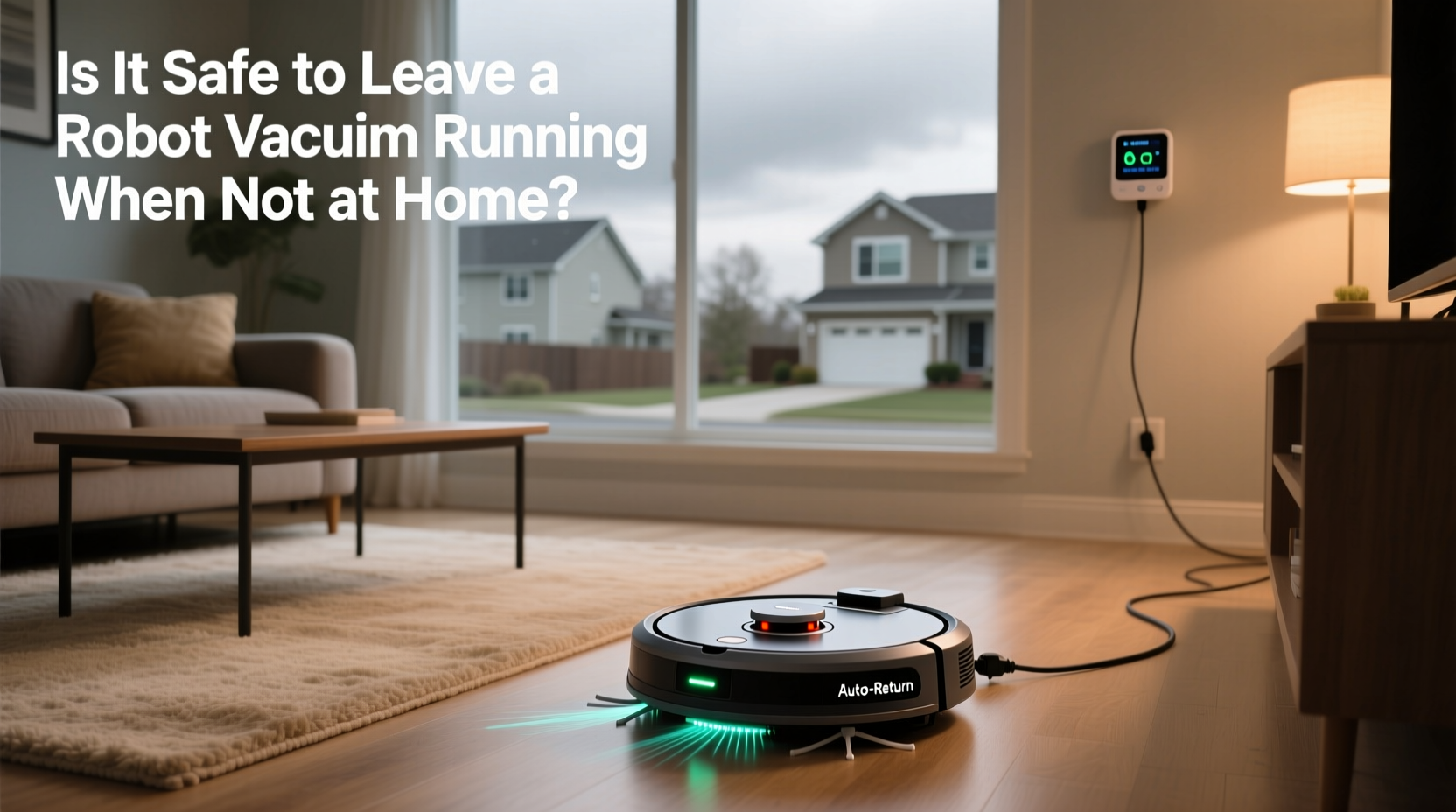
Leaving any electrical appliance running without supervision carries inherent risks. Robot vacuums operate on lithium-ion batteries, navigate autonomously, and interact with cluttered environments—each factor contributing to potential issues if not properly managed.
Fire and Overheating Hazards
Lithium-ion batteries power most robot vacuums, offering high energy density in compact form. However, these batteries can overheat, especially if damaged, improperly charged, or exposed to extreme temperatures. Though rare, battery thermal runaway—a condition where rising temperature causes further heating—can lead to fire.
In 2022, the U.S. Consumer Product Safety Commission issued warnings about certain robotic vacuums due to overheating incidents during charging cycles. While manufacturers have since improved thermal management systems, older models or third-party chargers may still pose risks.
Obstruction and Tangled Cords
Robot vacuums rely on sensors and algorithms to avoid obstacles. However, loose cords, curtains, or small rugs can become entangled in wheels or brushes. If the motor continues to strain against resistance, it may overheat or cause mechanical failure. In homes with pets, chewed wires or pulled cords increase this danger.
Pet and Child Interactions
If you return home to find your cat riding your Roomba or your toddler poking at its moving parts, you’ve witnessed the unpredictable nature of autonomous devices in dynamic households. When left alone, a robot vacuum might startle pets, get stuck under furniture, or inadvertently push small objects into hard-to-reach areas. In rare cases, curious children or animals could be injured by rotating brushes or pinch points.
Navigation Failures and Property Damage
Despite advanced mapping technology, robot vacuums can misinterpret their surroundings. A dropped phone charger, an open drawer, or a poorly secured rug can trigger erratic behavior. Some users report their robots climbing onto beds, knocking over potted plants, or getting trapped in bathrooms—leading to unnecessary wear or damage.
Tip: Always remove loose cables, small toys, and tripping hazards before starting an unattended cleaning cycle.Key Precautions for Safe Unattended Use
You don’t need to abandon scheduled cleaning to stay safe. With proper setup and preventive measures, you can minimize risks significantly. The goal is not elimination—because zero risk is unrealistic—but reduction to acceptable levels through smart habits and device awareness.
Choose a Reputable Model with Modern Safeguards
Newer robot vacuums from brands like iRobot, Roborock, Ecovacs, and Shark include multiple layers of protection:
- Overheat detection that shuts down the motor if internal temperatures rise abnormally.
- Automatic cliff and drop sensors to prevent falls down stairs.
- Obstacle avoidance using LiDAR or AI-powered cameras.
- Battery management systems that prevent overcharging and deep discharge.
When purchasing, prioritize models with UL certification or equivalent safety standards in your region.
Maintain Your Device Regularly
A well-maintained robot vacuum is less likely to malfunction. Dust buildup in brushes or filters increases motor strain, raising the risk of overheating. Follow this monthly maintenance checklist:
Checklist: Monthly Robot Vacuum Maintenance- Empty dustbin after every 2–3 runs.
- Clean main brush and side brushes weekly; remove hair tangles.
- Wipe sensors with a microfiber cloth to ensure accurate navigation.
- Inspect wheels for debris or wear.
- Replace filters every 2–3 months (or as recommended).
- Check battery health—replace if runtime drops below 50% of original.
Secure the Environment Before Scheduling
Before leaving home, spend five minutes preparing your space:
- Tuck away power cords and headphone cables.
- Close bathroom and closet doors to prevent entry into confined spaces.
- Secure loose rugs that could bunch up or trip the robot.
- Remove fragile items from low shelves.
- Ensure charging dock is on a hard, flat surface with clearance on all sides.
“Automation should enhance safety, not compromise it. A robot vacuum is only as reliable as the environment it operates in.” — Dr. Alan Torres, Home Robotics Safety Researcher, MIT Media Lab
Real-World Example: A Near-Miss Incident
Sarah, a software engineer in Austin, scheduled her robot vacuum to run every weekday at noon while she worked remotely. One afternoon, her dog knocked over a water glass near the charging base. She returned hours later to find the robot had attempted to clean the damp area, shorting a circuit in its wheel motor. Though no fire occurred, the unit emitted smoke and stopped working.
After contacting customer support, Sarah learned that moisture ingress—even from a small spill—could compromise internal electronics. She now sets reminders to check for spills and keeps the robot docked away from kitchen and dining areas. “I love the convenience,” she says, “but I realized I was treating it like magic instead of a machine.”
This case illustrates how seemingly minor oversights can escalate when no one is present to respond. It also highlights the importance of placement and environmental monitoring.
Do’s and Don’ts: Safe vs. Risky Practices
| Do’s ✅ | Don’ts ❌ |
|---|---|
| Use manufacturer-approved chargers and docks. | Use third-party batteries or modified firmware. |
| Schedule cleaning during daylight hours for easier monitoring via app alerts. | Run cycles overnight or during long trips without prior testing. |
| Enable app notifications for errors, jams, or shutdowns. | Ignore repeated error messages or restart attempts. |
| Keep the charging station on non-flammable flooring (tile, hardwood). | Place the dock on thick carpet or near curtains/furniture. |
| Test unattended runs gradually—start with 30-minute sessions. | Leave the robot unsupervised for full cycles immediately after setup. |
Step-by-Step Guide to Safe Scheduling
If you’re planning to leave your robot vacuum running while away, follow this sequence to reduce risk and build confidence in your setup:
- Assess Your Model’s Age and Condition: Units older than three years or with degraded batteries should not be left unattended. Check for recalls or firmware updates.
- Perform a Manual Run First: Observe one full cleaning cycle at home. Note any navigation issues, loud noises, or overheating signs.
- Clear the Floor Thoroughly: Remove cords, pet toys, and clutter. Close off high-risk zones using virtual walls or no-go zones in the app.
- Set Up Real-Time Alerts: Enable push notifications in the companion app for jams, errors, or completion status.
- Start with Short, Daytime Runs: Schedule a 20–30 minute session while you’re nearby but not actively watching. Gradually extend duration as reliability improves.
- Monitor Remotely via App: During longer absences, check the app periodically to confirm operation status, especially if your model supports live camera feeds (e.g., Roborock with Cam).
- Establish a Shutdown Routine: Program the robot to return to the dock and power down completely after cleaning. Avoid continuous standby modes.
Frequently Asked Questions
Can a robot vacuum cause a house fire?
While extremely rare, yes—faulty batteries, charging issues, or motor overheating can potentially lead to fire. Most incidents involve older models, counterfeit accessories, or improper maintenance. Modern units with built-in thermal cutoffs and UL certification have minimal fire risk when used correctly.
Should I unplug my robot vacuum when not in use?
It’s not necessary for daily use, but advisable during extended absences (e.g., vacations). The charging dock consumes standby power and remains electrically active. For maximum safety, unplug it after the robot completes charging or during thunderstorms.
Are Wi-Fi-connected robot vacuums safer for unattended use?
Yes, in many ways. Connected models send real-time alerts for obstructions, errors, or shutdowns. You can remotely pause or stop the device via smartphone. Some even offer live video monitoring, allowing immediate intervention if something goes wrong.
Final Thoughts: Balancing Convenience and Caution
Leaving a robot vacuum running when not at home is generally safe—if you take deliberate steps to ensure it is. Technology has advanced to include robust safeguards, but human oversight remains critical. Think of your robot vacuum not as a \"set and forget\" appliance, but as a semi-autonomous tool that thrives under thoughtful management.
The safest users are those who combine smart device selection with consistent maintenance and environmental preparation. By treating automation with respect rather than blind trust, you gain the benefits of convenience without compromising safety.
💬 Have you experienced an unexpected issue with your robot vacuum? Share your story or best practice in the comments—your insight could help others clean smarter and safer.