In today’s digital landscape, video is not just an option—it’s a necessity. Whether you're building a brand, teaching a skill, or sharing a story, the ability to create compelling video content can set you apart. But producing a great video isn’t about expensive gear or Hollywood-level editing. It’s about clarity, connection, and consistency. This guide walks through the essential steps to craft videos that resonate, engage, and leave a lasting impression.
1. Define Your Purpose and Audience
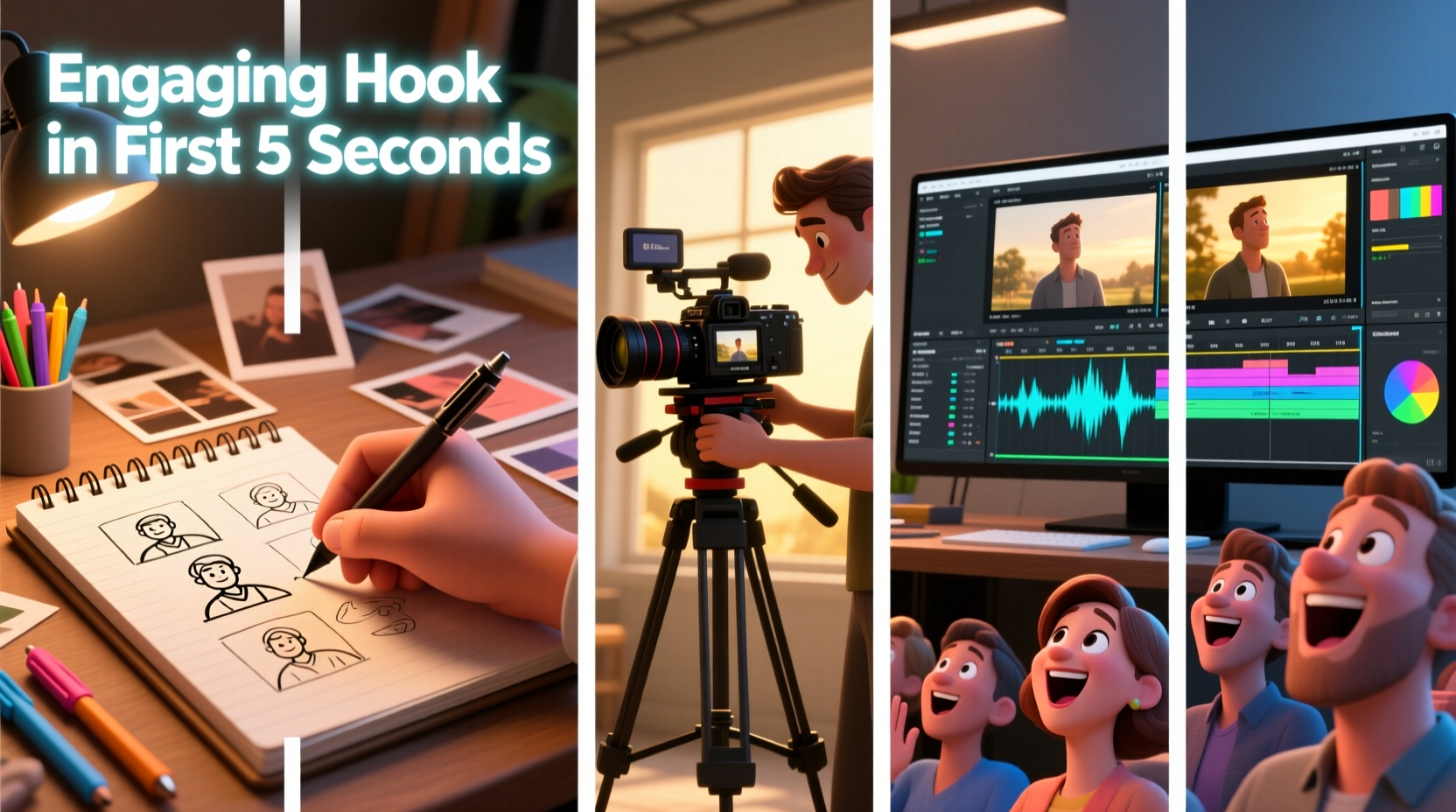
Every powerful video starts with intention. Before touching a camera, ask: What do I want this video to achieve? Is it to educate, inspire, sell, or entertain? Equally important: Who am I speaking to?
A viewer who feels seen is far more likely to watch until the end. Identify your audience’s pain points, interests, and preferred tone. Are they professionals seeking quick insights? Parents looking for relatable advice? Gamers wanting energetic commentary? Tailoring your message to their mindset increases relevance and impact.
Tip: Write down your ideal viewer’s profile—age, goals, challenges, and where they spend time online. Refer to it during scripting and editing.2. Craft a Strong Script and Story Structure
A script is the backbone of any effective video. Even casual vlogs benefit from structure. Begin with a hook—something that grabs attention in the first 5 seconds. Then move into the core message, supported by examples, data, or storytelling. End with a clear takeaway or call to action.
Use the classic narrative arc: setup (introduce the problem), confrontation (explore challenges or solutions), and resolution (offer value or next steps). This rhythm keeps viewers engaged and gives your content emotional weight.
“People forget facts, but they remember stories. If you want your message to stick, wrap it in a story.” — Ira Glass, Host of *This American Life*
Scripting Checklist
- Start with a compelling hook
- Keep sentences short and conversational
- Include transitions between sections
- End with a clear CTA (subscribe, comment, visit link)
- Time yourself reading aloud—aim for pacing that feels natural
3. Plan and Shoot with Intention
Great visuals don’t require a film crew. They require planning. Start with a shot list: what scenes, angles, or b-roll footage will support your message? Use wide shots for context, close-ups for emotion, and cutaways to maintain visual interest.
Lighting is non-negotiable. Natural light near a window often works best. Avoid backlighting (e.g., bright windows behind you) unless you have a fill light. For audio, use an external microphone if possible—a smartphone lapel mic costs under $20 and drastically improves clarity.
| Element | Do | Don't |
|---|---|---|
| Lighting | Use soft, front-facing natural light | Shoot with harsh overhead lights or strong backlight |
| Audio | Record in quiet spaces; use external mics | Rely on built-in camera microphones in noisy rooms |
| Framing | Leave space above the head; align eyes at top third | Cut off the top of the head or frame too tightly |
| Background | Keep it simple and relevant | Use cluttered or distracting environments |
Mini Case Study: The DIY Educator
Sarah, a woodworking instructor, noticed her YouTube videos had high drop-off rates after 30 seconds. She revised her approach: she began each video with a close-up of a finished project and said, “This shelf took me two hours—and cost under $20. Here’s how you can build one too.” Views increased by 65%, and average watch time doubled. The change wasn’t in production quality—it was in clarity and immediate value.
4. Edit for Pace and Purpose
Editing shapes the viewer’s experience. Trim pauses, filler words, and redundant sections. Aim for tight pacing—most online videos should feel brisk without rushing the message.
Use cuts, zooms, and text overlays to emphasize key points. Add background music at low volume to enhance mood, but ensure it doesn’t compete with speech. Tools like DaVinci Resolve (free) or Adobe Premiere Rush offer intuitive interfaces for beginners.
Tip: Watch your rough cut without sound. If the visuals alone don’t tell the story, add more b-roll or on-screen text.Post-Production Checklist
- Sync audio and video cleanly
- Cut out verbal stumbles and long pauses
- Add subtitles for accessibility and silent viewing
- Include branded intro/outro (keep under 5 seconds each)
- Export in 1080p or higher, using MP4 format for compatibility
5. Optimize for Discovery and Engagement
A great video unseen is a missed opportunity. Titles, thumbnails, and descriptions determine whether people click. Use clear, benefit-driven titles: “How to Fix a Leaky Faucet in 10 Minutes” beats “Plumbing Tips #3.”
Thumbnails should be high-contrast, include readable text, and feature expressive faces when appropriate. In the description, summarize the video, include relevant keywords, and link to related content or resources.
Engagement begins after upload. Pin a thoughtful comment to prompt discussion. Respond to early comments to boost algorithmic visibility. Share strategically—don’t spam, but do post where your audience already gathers.
Real Example: The Fitness Creator’s Turnaround
Jamal posted workout videos for months with little traction. He analyzed top-performing fitness content and noticed most used bold thumbnail text like “LOSE BELLY FAT FAST” paired with intense facial expressions. He redesigned his thumbnails, rewrote titles to highlight results, and added timestamps in descriptions. Within four weeks, his click-through rate rose from 2% to 8%, and new subscribers increased threefold.
FAQ
How long should my video be?
It depends on purpose and platform. Educational content on YouTube averages 7–12 minutes. Instagram Reels and TikTok thrive under 60 seconds. Always prioritize value over length—cut anything that doesn’t serve the viewer.
Do I need professional equipment to start?
No. A smartphone with a stable mount, good lighting, and a quiet space is enough for high-quality content. Invest in gear only after validating your concept and audience demand.
Why aren’t my videos getting views?
Lack of visibility often stems from weak hooks, unclear titles, or poor discoverability. Audit your thumbnails and first 10 seconds. Ask: Would you click this if you saw it in a feed? Refine based on real user behavior, not personal preference.
Conclusion
Creating great videos isn’t about perfection—it’s about progress. Start small, focus on serving your audience, and refine with every upload. The most impactful content often comes from authenticity, clarity, and a willingness to improve. Master the fundamentals of purpose, scripting, shooting, editing, and optimization, and you’ll build a body of work that informs, inspires, and connects.
🚀 Ready to create your next video? Pick one tip from this guide—rewrite your script’s opening line, adjust your lighting, or redesign your thumbnail—and apply it today. Small changes lead to big results.