
Finding and managing the Reels you’ve liked on Facebook can feel like searching for a needle in a digital haystack—especially as your interactions grow over time. Unlike posts or photos, liked Reels aren’t immediately visible in a dedicated section, making retrieval tricky. But with the right approach, you can regain control of your engagement history, curate your preferences, and even rediscover content that inspired or entertained you months ago.
This guide breaks down exactly how to locate your liked Reels across devices, organize them effectively, and maintain a cleaner, more intentional social media experience—all without relying on third-party tools or complex workarounds.
Navigating Your Activity Log: The Central Hub
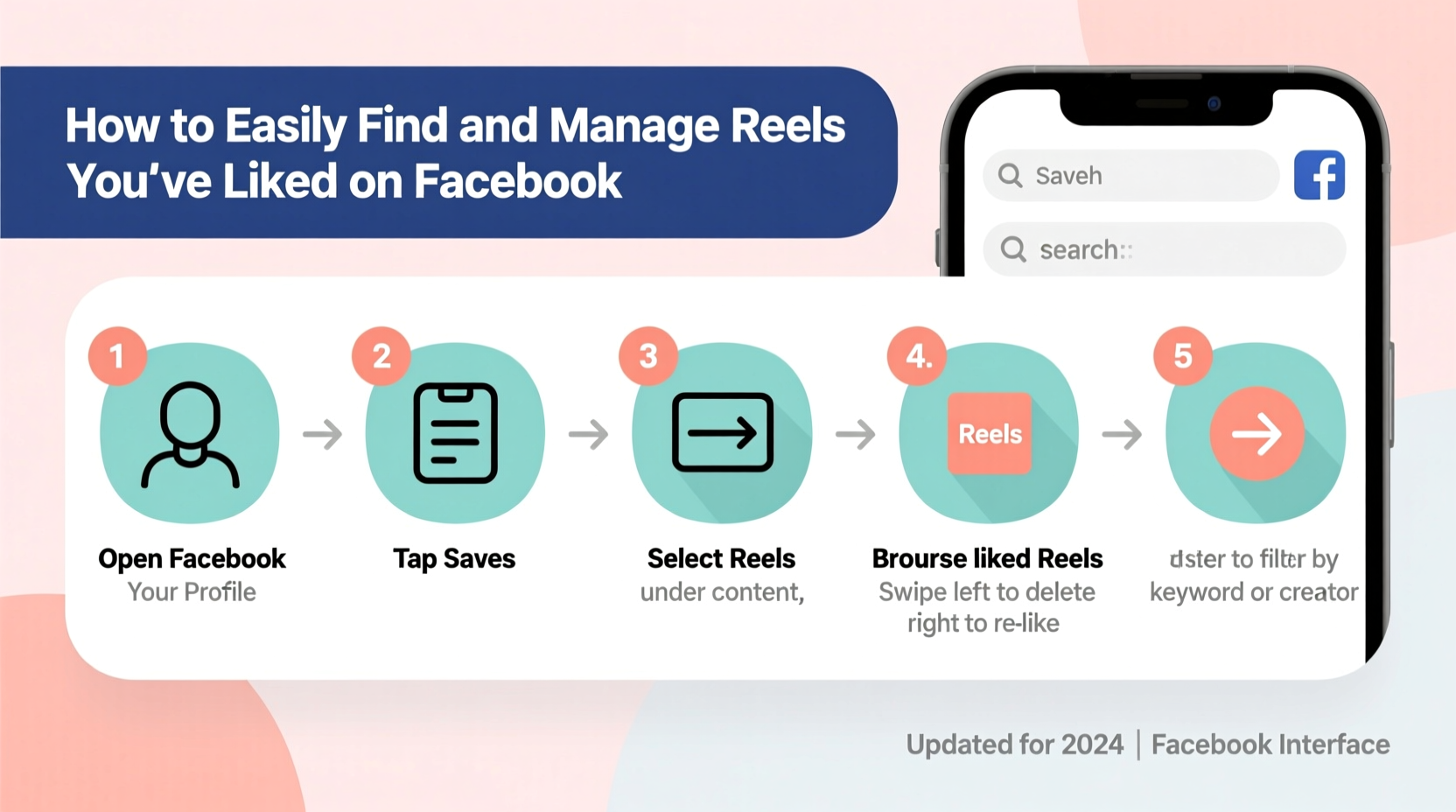
Your Facebook Activity Log is the backbone of content management on the platform. It records every interaction you’ve made, including likes, comments, shares, and reactions to Reels. To access it:
- Log in to Facebook via a web browser (recommended for full functionality).
- Click your profile picture in the top-right corner.
- Select “Your Profile” from the dropdown menu.
- Below your cover photo, click “More” and then choose “Activity Log.”
Once inside the Activity Log, use the left-hand sidebar to filter by type. Click “Interactions,” then select “Likes and Reactions.” This view displays every post, comment, and Reel you’ve ever liked—sorted chronologically by default.
Tip: Use the search bar within the Activity Log to type keywords related to creators, topics, or captions. For example, searching “travel tips” may help surface a Reel you liked from six months ago.Locating Liked Reels on Mobile Devices
The Facebook mobile app offers limited visibility into past likes compared to desktop, but it’s still possible to find liked Reels with some navigation finesse.
On iOS or Android:
- Open the Facebook app and tap your profile picture in the top-left corner.
- Tap “More” beneath your name, then select “Activity Log.”
- Tap “Filter” at the top, then choose “Likes and Reactions.”
- Scroll through the list to find Reels. Look for video thumbnails and the word “Reel” under the poster’s name.
Note that the mobile interface does not currently allow keyword searches within the Activity Log, making retrieval slower. For best results, perform deep dives on a desktop browser when possible.
Why You Can’t See Liked Reels in a Dedicated Section
As of now, Facebook does not offer a standalone “Liked Reels” tab. This differs from Instagram, where users can access a curated collection of saved and liked Reels under their profile. On Facebook, all likes are grouped together regardless of content type, which creates friction for users seeking specific media formats.
“Users increasingly expect granular control over their digital footprints. Platforms that fail to provide intuitive access to engagement history risk alienating power users.” — Dr. Lena Torres, Digital Behavior Researcher at the Center for Social Media Studies
Managing and Curating Your Likes
Finding your liked Reels is only half the battle. Managing them—removing outdated likes, organizing favorites, and refining your digital footprint—is equally important for maintaining a personalized feed.
To unlike a Reel:
- In the Activity Log, hover over the entry (on desktop) and click the three dots.
- Select “Unlike Post” to remove your reaction.
- Confirm the action. The Reel will no longer appear in your likes list.
Consider periodically reviewing your likes to declutter. Old likes on irrelevant or outdated content can influence your algorithmic recommendations, leading to a less relevant feed.
Do’s and Don’ts of Managing Reel Likes
| Do | Don’t |
|---|---|
| Review likes quarterly to keep your engagement history clean | Assume liked Reels are private—they’re visible to friends unless privacy settings restrict them |
| Use the desktop Activity Log for faster navigation and search | Rely solely on mobile for finding older likes—it lacks search functionality |
| Unfollow accounts that clutter your Reels feed, even if you liked one of their videos | Forget that unliking a Reel doesn’t notify the creator |
| Bookmark valuable Reels externally (e.g., save links in a notes app) | Expect Facebook to automatically categorize Reels separately from other content |
Real Example: Recovering a Forgotten Tutorial Reel
Sarah, a small business owner, remembered liking a Facebook Reel months ago that demonstrated a quick bookkeeping hack using Excel. She wanted to revisit it but couldn’t recall the creator’s name or exact topic. Using her desktop browser, she accessed her Activity Log, filtered by “Likes and Reactions,” and typed “Excel” into the search bar. Within seconds, she found the Reel—posted by a financial coach named Jamal—and saved the method to her internal training guide.
This scenario highlights the importance of using precise keywords and leveraging desktop tools. Without the search function, Sarah might have spent hours scrolling through hundreds of likes.
Step-by-Step Guide to Organizing Your Liked Reels
Follow this timeline to efficiently manage your Reel engagement:
- Week 1: Access your Activity Log on desktop. Filter by “Likes and Reactions.” Scan the first 50 entries to gauge volume.
- Week 2: Search for key terms (e.g., “recipe,” “fitness,” “DIY”) to identify valuable Reels. Open them in new tabs and save useful ones externally.
- Week 3: Un-like Reels that no longer interest you. Focus on removing outdated trends or repetitive content.
- Week 4: Adjust your feed preferences. Unfollow accounts that consistently post Reels you no longer enjoy, even if you once liked a video.
- Ongoing: Repeat the process every 90 days to maintain a clean, relevant engagement history.
FAQ: Common Questions About Liked Reels
Can someone see the Reels I’ve liked?
Yes, depending on your privacy settings. By default, your likes are visible to Friends. You can change this by editing individual entries in your Activity Log or adjusting global privacy settings under “Settings & Privacy” > “Privacy Shortcuts.”
Does unliking a Reel notify the creator?
No. Facebook does not send notifications when someone removes a like. The action is entirely private and has no impact on the creator’s insights or visibility.
Why don’t my liked Reels show up in Facebook’s “Favorites” or “Saved” sections?
Liking a Reel is different from saving it. “Saved” items are manually archived for later viewing and appear in a dedicated folder. Likes are passive reactions and do not transfer to your Saved collection. To preserve a Reel long-term, save it explicitly after liking.
Conclusion: Take Control of Your Digital Engagement
Your interaction history on Facebook—especially with fast-moving content like Reels—shapes what you see, learn, and share. By mastering the Activity Log, using strategic searches, and regularly curating your likes, you transform passive scrolling into intentional engagement. No longer are your favorite moments lost in the algorithmic flow.
Start today: open your Activity Log, find one Reel you liked months ago, and decide whether it still adds value. Remove the rest. Small actions compound into a cleaner, more meaningful social media experience.
🚀 Ready to reclaim your digital space? Audit your liked Reels this week and share your experience in the comments—what did you rediscover? What surprised you?