
Gaming has evolved from a niche hobby into a mainstream form of entertainment, with millions of players immersed in rich digital worlds. For those who own a PlayStation 4, receiving a new game can be more than just a gift—it’s an invitation to adventure, competition, or relaxation. But gifting games isn’t as simple as picking any title off the shelf. The right game can spark joy; the wrong one might gather digital dust. To truly delight a gamer, thoughtfulness, timing, and a bit of strategy matter. Whether you're shopping for a casual player or a hardcore enthusiast, these clever approaches ensure your gift hits the right note.
Understand the Gamer’s Play Style
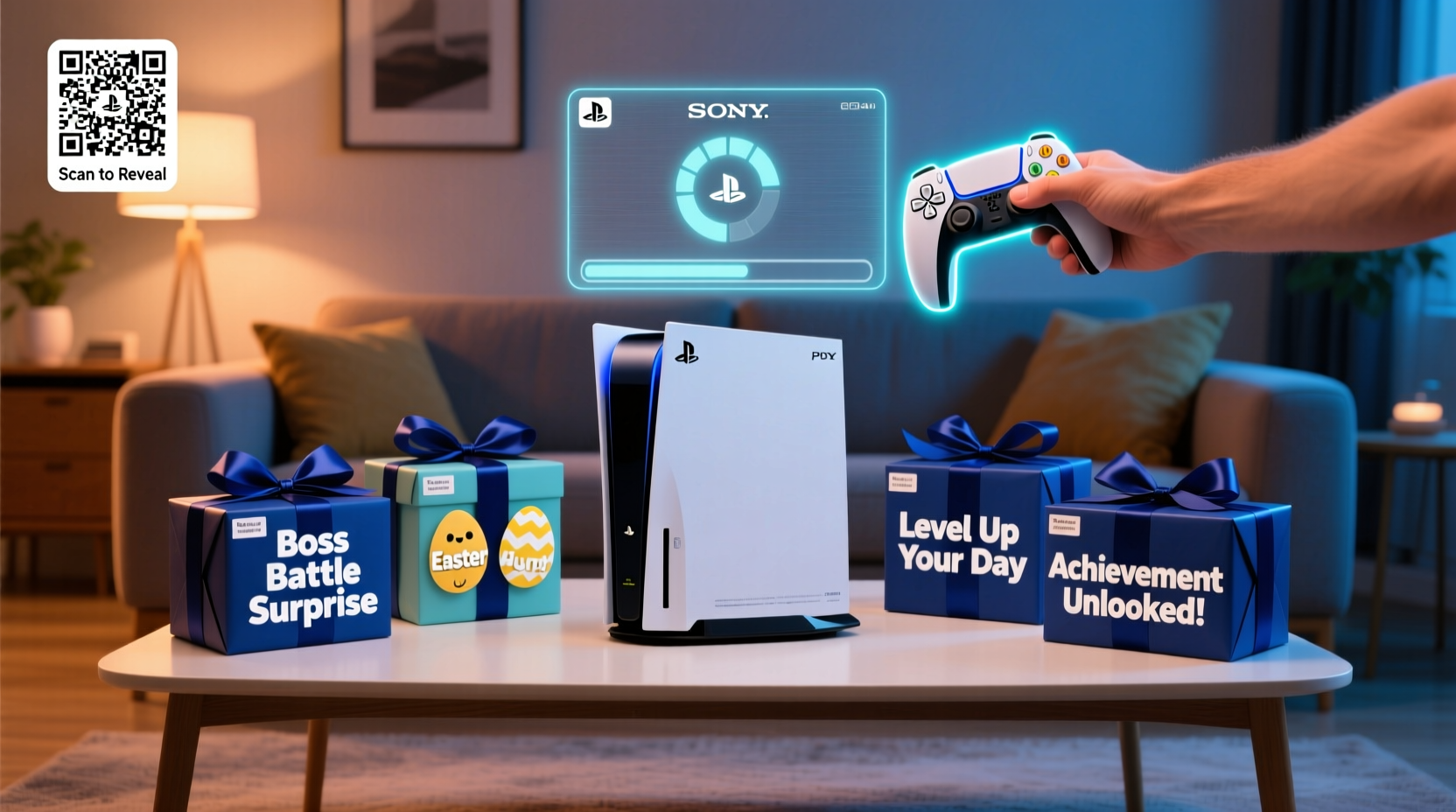
Not all gamers enjoy the same genres or experiences. Some thrive on fast-paced shooters, while others prefer slow-burn narratives or creative sandbox adventures. Before selecting a game, consider the recipient's preferences. Do they replay classics? Are they obsessed with multiplayer rankings? Or do they binge story-driven RPGs over weekends?
Observe their current library or ask subtle questions about recent play sessions. If they’ve mentioned *The Last of Us Part II* or spent hours on *Spider-Man*, lean into narrative-rich action-adventure titles. If they’re always online with friends, consider multiplayer standouts like *Destiny 2* or *Fortnite*. Matching the game to their habits shows you’ve paid attention—and that effort is often appreciated more than the gift itself.
Tip: If unsure, opt for critically acclaimed games with broad appeal, such as *God of War (2018)* or *Horizon Zero Dawn*.Gift Digital Codes Instead of Physical Copies
While physical discs have nostalgic value, digital gift cards or game codes are often more practical. Most PS4 users store their libraries digitally, avoiding clutter and disc swaps. Plus, digital gifts can be delivered instantly—perfect for last-minute presents or surprise deliveries on birthdays.
Purchase PlayStation Store gift cards from retailers like Amazon, Best Buy, or directly through Sony’s website. Alternatively, buy a specific game code if you’re confident in your selection. These codes can be printed, emailed, or even creatively embedded in handmade cards or puzzles.
Step-by-Step: Sending a Digital Game Gift
- Visit the official PlayStation Store or an authorized retailer.
- Select “Gift” option when purchasing a game or wallet credit.
- Enter the recipient’s email address associated with their PSN account.
- Add a personalized message (e.g., “Your next adventure starts now!”).
- Choose delivery date—use this to schedule surprises.
- Complete purchase. The recipient receives an email with redemption instructions.
This method eliminates guesswork about console compatibility and ensures immediate access—especially useful if the recipient doesn’t use physical media often.
Create a Themed Gaming Experience
Elevate your gift beyond the software by pairing the game with complementary items. A themed package transforms a simple game into an immersive experience. For example:
- Gift Uncharted 4: A Thief’s End with a vintage-style journal, a treasure map print, and a compact binocular toy.
- Pair Resident Evil 7 with blackout candles, a survival-themed snack box, and a cryptic letter sealed with wax.
- Combine Gran Turismo Sport with a miniature die-cast car model and a custom racing number plate.
These bundles show creativity and deepen engagement. Even if the extras are low-cost, the presentation makes the gift feel special and memorable.
“Gamers remember how a gift made them feel, not just what it was. A well-thought-out bundle creates anticipation and excitement.” — Jordan Lee, Gaming Lifestyle Blogger at PixelHaven
Avoid Common Gifting Mistakes
Even well-intentioned gifts can miss the mark. Here’s a quick checklist to avoid common pitfalls:
Checklist: Smart Game-Gifting Habits- ✅ Check if the game is already on their wishlist
- ✅ Confirm region compatibility for digital codes
- ✅ Avoid pre-owned or resold codes (risk of invalidation)
- ✅ Don’t assume they want multiplayer-focused games
- ✅ Steer clear of games with high difficulty unless requested
Also, beware of re-gifting old titles without context. While classics like *Bloodborne* remain beloved, giving a game someone has likely already played—or worse, already owns—can feel careless. When in doubt, go for newer releases or remastered editions with updated visuals and features.
Do’s and Don’ts at a Glance
| Do | Don’t |
|---|---|
| Check their PSN profile (if public) for wishlist or recently played games | Assume all gamers like violent or competitive titles |
| Give wallet credit so they can choose their next game | Buy DLC without knowing which base game they own |
| Time the gift around game anniversaries or seasonal events | Ignore language or subtitle options in non-English regions |
| Include a handwritten note explaining why you chose the game | Use generic packaging with no personal touch |
Real Example: The Surprise Birthday Unlock
Mark wanted to surprise his sister, Lena, a longtime PS4 player, on her birthday. Instead of simply handing her a game, he created a scavenger hunt across their childhood home. Each clue referenced a game she loved—like “Where we used to hide during zombie outbreaks” (leading to the basement, echoing *The Last of Us*) or “The room where heroes get their rest” (her bedroom, referencing RPG save points).
The final clue led to a tablet displaying a video message from Mark, revealing a digital code for *Ghost of Tsushima*. He included a small wooden torii gate ornament and a sleeve of limited-edition art cards. Lena later said it was her favorite birthday gift ever—not because of the game’s price, but because of the emotional connection and effort behind it.
Frequently Asked Questions
Can I gift a PS4 game to someone in another country?
Yes, but with caution. Digital games are often region-locked, meaning a U.S.-based PlayStation Store code may not work on a Japanese or European account. Always match the region of the gift card or code to the recipient’s PSN account region. Wallet credit is safer than direct game gifts for cross-border giving.
What if they already own the game?
If you gift a full game via code and they already own it, Sony does not offer refunds or exchanges for digital purchases due to user error. This is why gift cards or wallet top-ups are often safer—they let the recipient choose freely. If you're set on a specific title, check their publicly shared wishlist or activity feed first.
Are PlayStation Plus subscriptions good gifts?
Absolutely. A PS Plus subscription unlocks online multiplayer, monthly free games, and cloud saves. It’s one of the most practical and widely appreciated gifts. Choose 3-month or 12-month plans based on your budget. Many gamers delay renewals, so a timely subscription gift removes that burden and enhances their experience immediately.
Make Every Gift Feel Personal
The best gifts don’t just entertain—they resonate. Gamers spend hours in virtual worlds because those spaces offer escape, challenge, and connection. When you gift a game, you’re offering more than software; you’re giving time, emotion, and possibility. By tailoring your approach—whether through digital convenience, thematic touches, or personal insight—you transform a simple transaction into a meaningful gesture.
Think beyond the title. Consider the moment they’ll open it, the story they’ll dive into, the memories they might make. That’s where true delight lives.
🚀 Ready to level up your gifting game? Start with one thoughtful idea from this guide—craft a themed package, send a surprise digital code, or plan a playful reveal. Share your creative PS4 gift stories in the comments and inspire fellow gift-givers!