For gamers who regularly engage in extended play sessions—often lasting several hours or even entire weekends—the right mouse can mean the difference between comfort and chronic discomfort. While gaming mice are engineered for speed, precision, and responsiveness, ergonomic mice are designed with posture, hand alignment, and long-term physical health in mind. As marathon gaming becomes more common, especially in competitive esports and immersive RPGs, the debate over which mouse type better reduces wrist strain grows more urgent. This article examines both options in depth, comparing their design philosophies, real-world performance, and impact on musculoskeletal health.
The Anatomy of Wrist Strain in Long Gaming Sessions
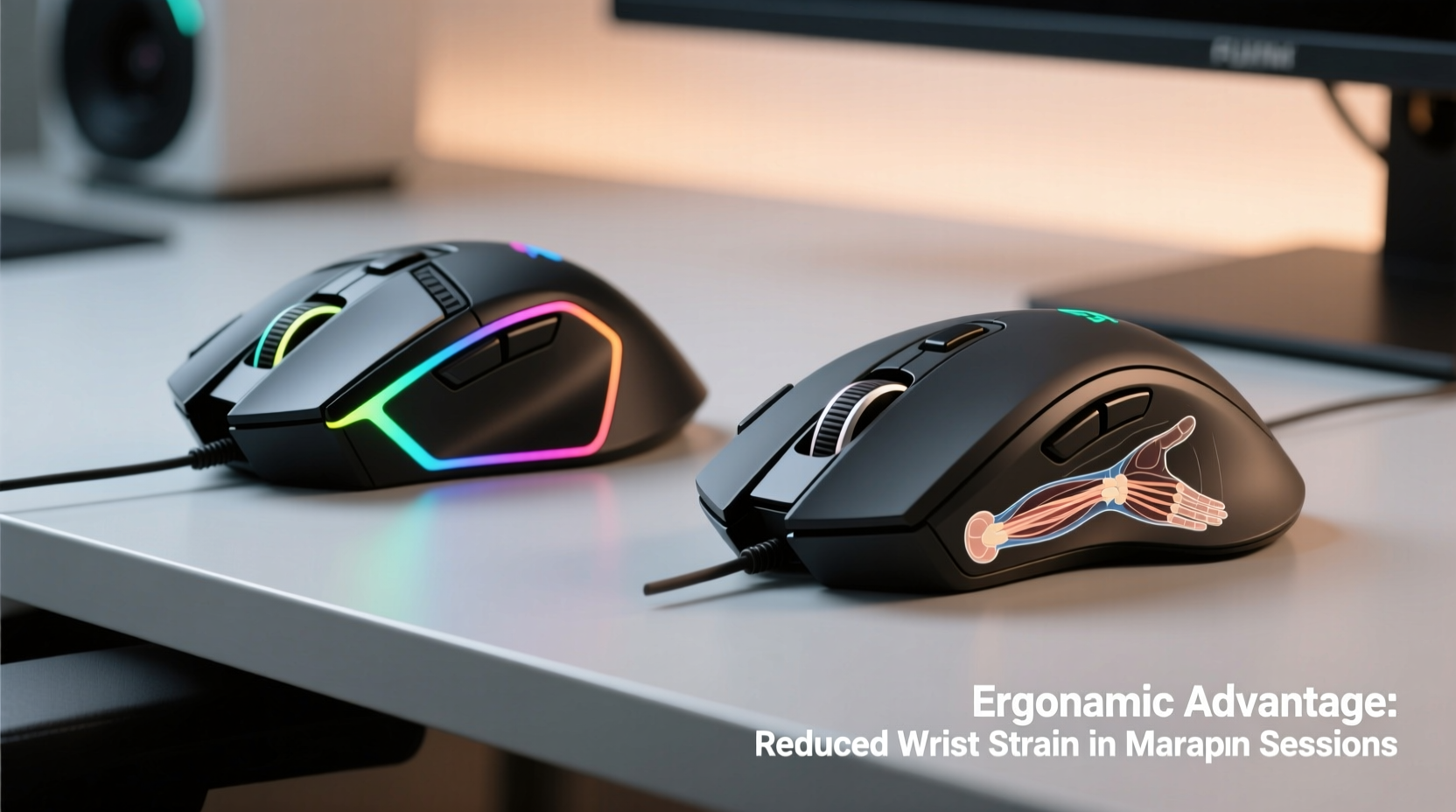
Wrist strain during prolonged computer use typically stems from repetitive motion, poor ergonomics, and sustained unnatural postures. The human hand and forearm aren’t naturally aligned with a flat desk and a standard mouse. Over time, this misalignment causes tension in the tendons of the wrist, particularly the flexor and extensor groups, increasing the risk of conditions like carpal tunnel syndrome, tendonitis, and ulnar deviation.
Gaming marathons amplify these risks. Unlike casual browsing or office work, gaming involves rapid, repeated clicks, constant micro-adjustments, and high alertness that often leads users to maintain tense grips and static hand positions for hours. A 2022 study published in the Journal of Occupational Health Psychology found that individuals engaging in more than four hours of daily mouse-intensive activity had a 63% higher incidence of wrist pain compared to those using mice less than two hours per day.
“Prolonged mouse use without proper ergonomic support can lead to cumulative trauma disorders. The key isn't just movement—it's how the hand is positioned during that movement.” — Dr. Lena Torres, Occupational Therapist and Human Factors Specialist
Gaming Mice: Performance at a Physical Cost?
Gaming mice are built for one primary purpose: performance. They feature high DPI sensors (up to 26,000+), ultra-low latency polling rates (up to 8,000 Hz), customizable buttons, RGB lighting, and lightweight designs. These attributes enhance reaction time and control, crucial in fast-paced games like first-person shooters or MOBAs.
However, performance often comes at the expense of ergonomics. Most gaming mice follow a symmetrical or right-handed slant design optimized for claw or fingertip grip styles. These grips elevate the palm and place pressure on the wrist’s outer edge, leading to ulnar deviation—a known contributor to nerve compression.
Additionally, many gaming mice are constructed with hard plastics and lack contoured support for the palm or thumb. Their lightweight nature (some under 60g) encourages a tense, hovering grip rather than relaxed support. While ideal for twitch responses, this style increases muscle activation in the forearm, accelerating fatigue.
Tip: If you must use a gaming mouse, opt for models with built-in palm rests and textured rubber grips to reduce finger tension.Ergonomic Mice: Prioritizing Health Over Hype
Ergonomic mice are engineered to align the hand, wrist, and forearm into a neutral position—typically a handshake or vertical orientation. This alignment reduces pronation (the inward rotation of the forearm), minimizing strain on tendons and nerves.
Common types include:
- Vertical mice: Position the hand in a natural handshake posture, reducing wrist deviation by up to 50% according to Cornell University ergonomics research.
- Trackball mice: Minimize arm movement by allowing cursor control via thumb or finger on a stationary ball.
- Pen-style mice: Mimic writing motions, promoting a neutral wrist angle but requiring adaptation.
These designs distribute pressure more evenly across the hand and reduce reliance on small motor muscles in the fingers. For marathon gaming, where endurance matters as much as reflexes, this can be a game-changer. Users report less fatigue, fewer “dead hand” episodes, and improved recovery between sessions.
Yet, ergonomic mice face criticism in gaming circles. Many lack the high-speed tracking, button customization, and lightweight agility expected in competitive environments. Some models have a steep learning curve—especially vertical mice, which alter muscle memory developed over years of traditional mouse use.
Comparative Analysis: Key Features Side-by-Side
| Feature | Gaming Mice | Ergonomic Mice |
|---|---|---|
| DPI Range | 800–26,000+ | 400–1,600 (some up to 4,000) |
| Polling Rate | 500–8,000 Hz | 125–500 Hz (rarely above 1,000) |
| Weight | 50–100g (ultra-light models common) | 100–140g (heavier due to structure) |
| Ergonomic Design | Limited; mostly shape-based grip support | Advanced; promotes neutral wrist alignment |
| Button Customization | Extensive (10+ programmable buttons) | Limited (3–6 buttons, basic macros) |
| Latency | Ultra-low (1ms response typical) | Moderate (potential input lag in wireless models) |
| Best Use Case | Competitive, fast-paced games | Long sessions, productivity, hybrid use |
The data shows a clear trade-off: gaming mice excel in responsiveness and customization, while ergonomic mice prioritize posture and sustainability. Neither is universally superior—the choice depends on the user’s priorities and usage patterns.
Real-World Example: A Competitive Gamer’s Transition
Jared Kim, a semi-professional League of Legends player, logged an average of 7–9 hours daily during tournament prep seasons. After two years, he began experiencing sharp pains in his right wrist and tingling in his ring and pinky fingers—classic signs of ulnar nerve irritation. His physiotherapist recommended switching to an ergonomic vertical mouse during practice sessions, reserving his gaming mouse only for actual matches.
He adopted the Logitech MX Vertical for warm-ups and replays, gradually training with it for 2–3 hours daily. Within six weeks, his wrist pain decreased significantly. Though he didn’t switch entirely—he still uses a lightweight gaming mouse for ranked games—he now splits his time: ergonomic mouse for learning and analysis, gaming mouse for live competition.
“I used to think ergonomics were for office workers,” Jared said. “But after nearly burning out, I realized longevity in gaming isn’t just about skill—it’s about body maintenance.”
Practical Tips for Reducing Wrist Strain During Marathons
Whether you choose a gaming or ergonomic mouse, certain habits can dramatically reduce wrist strain. Consider the following checklist to optimize your setup and routine.
Tip: Alternate between mouse types throughout the day to balance performance and recovery.Checklist: Ergonomic Best Practices for Gamers
- Adjust your chair height so your elbows form a 90–110° angle and your forearms are parallel to the floor.
- Keep the mouse close to your body to avoid overreaching, which strains the shoulder and wrist.
- Use a padded wrist rest (not for typing, but for resting between bursts of action).
- Take micro-breaks every 30 minutes: stretch fingers, rotate wrists, and shake out tension.
- Enable pointer acceleration in settings to reduce large arm movements.
- Practice a light grip—your fingers should hover, not clamp down on the mouse.
- Consider a dual-mouse setup for switching between performance and recovery modes.
Hybrid Solutions: The Future of Gaming Ergonomics
A growing number of manufacturers are bridging the gap between performance and ergonomics. Models like the Logitech Lift (ergonomic with Bluetooth), Razer Pro Click (ergo-inspired with high-end sensor), and the Glorious Model O (lightweight with slight ergonomic contour) suggest a shift toward balanced design.
Some newer ergonomic mice now offer adjustable DPI up to 4,000 and polling rates of 1,000 Hz—still below top-tier gaming specs but sufficient for non-competitive or mid-tier play. Additionally, software integration allows limited button remapping, making them viable for MMOs or strategy games where precision is secondary to endurance.
Experts predict that within five years, “ergo-gaming” will become a distinct product category, combining low-latency hardware with anatomical support. Until then, users must make informed compromises.
Frequently Asked Questions
Can an ergonomic mouse improve my gaming performance?
Not directly in terms of speed or accuracy, but indirectly—yes. By reducing fatigue and discomfort, an ergonomic mouse helps maintain consistent performance over long sessions. You’re less likely to suffer from “mouse hand” or drop precision in the final hours of a marathon.
Are vertical mice compatible with all games?
Most are, but they require adjustment. Fast-paced FPS titles may feel awkward initially due to reduced flick speed. However, strategy games, simulators, and RPGs often benefit from the stability and comfort of vertical designs.
Is it worth switching if I don’t have pain yet?
Yes. Preventive care is far more effective than rehabilitation. Just as athletes condition their bodies before injury occurs, gamers should optimize their setups before symptoms appear. Early adoption of ergonomic practices can extend your comfortable gaming lifespan by years.
Action Plan: How to Transition Safely
If you're considering a switch—or simply want to reduce strain—follow this step-by-step timeline to adapt without sacrificing gameplay.
- Week 1: Introduce the ergonomic mouse for non-critical tasks—browsing, watching guides, or replay analysis.
- Week 2: Use it for 1–2 hours of low-pressure gameplay (e.g., casual matches or single-player).
- Week 3: Increase to 3–4 hours across multiple sessions. Focus on grip relaxation and movement economy.
- Week 4: Evaluate comfort and performance. Decide whether to fully adopt, use in rotation, or modify your current setup with accessories (e.g., palm pads).
- Ongoing: Incorporate stretching routines and monitor any changes in hand sensation or fatigue levels.
“The best mouse is the one that lets you keep playing tomorrow. Speed means nothing if your body gives out.” — Dr. Arjun Patel, Sports Medicine Physician specializing in digital athletes
Conclusion
The choice between gaming mice and ergonomic mice isn’t about declaring a winner—it’s about matching tools to goals. If your priority is peak competitive performance in short bursts, a gaming mouse remains unmatched. But if you value endurance, consistency, and long-term joint health during extended sessions, ergonomic mice offer undeniable advantages.
The future of gaming lies not in choosing one over the other, but in integrating both. Smart players will leverage high-performance gear when needed and switch to supportive, health-focused devices during prep, review, or extended casual play. Your hands are your most essential controllers. Treat them not just as instruments of victory, but as assets worth preserving.
🚀 Ready to protect your gaming longevity? Start by testing an ergonomic mouse for just one session this week. Share your experience, tips, or questions in the comments—your insight could help another gamer avoid preventable strain.