Sitting for hours on end—whether you're grinding through a boss fight, streaming live content, or powering through a work deadline—puts serious strain on your spine. The chair you choose isn’t just about comfort; it’s a critical factor in spinal health, posture maintenance, and long-term musculoskeletal wellness. Two dominant options dominate the market: gaming chairs and office chairs. While both promise ergonomic benefits, they differ significantly in design philosophy, structural support, and real-world performance during extended use. Understanding these differences is essential if you spend marathon sessions seated.
Ergonomic Design: Purpose Shapes Performance
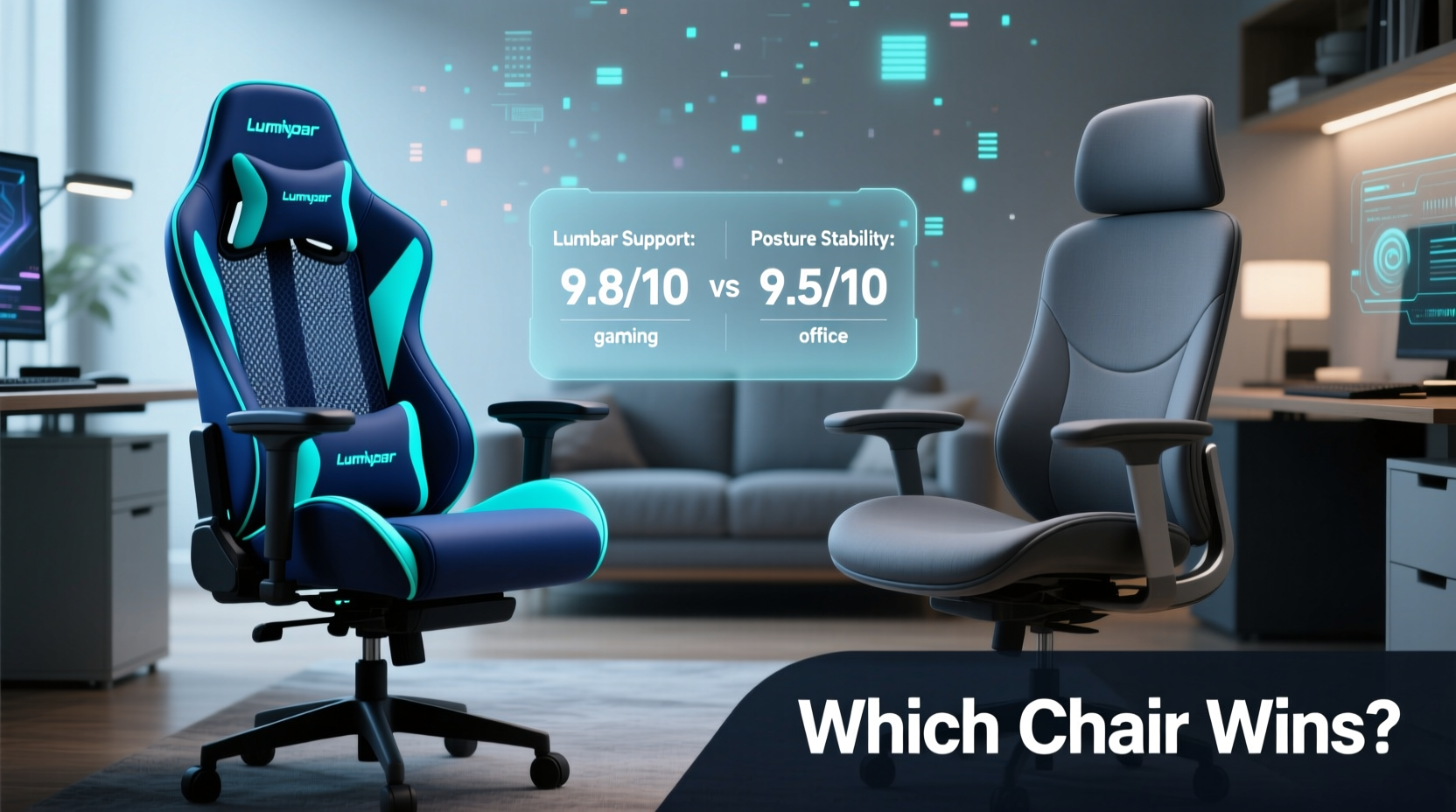
The core distinction between gaming and office chairs lies in their intended use. Gaming chairs are built to impress visually—bold colors, racing-style bucket seats, aggressive branding—and prioritize dynamic sitting: reclining, swiveling, and leaning back during intense gameplay. Office chairs, by contrast, are engineered for productivity. Their focus is neutral posture, lumbar alignment, and adjustability that accommodates a wide range of body types and tasks.
Gaming chairs typically feature high backs with integrated lumbar pillows and headrests. However, many rely on add-on cushions rather than built-in, anatomically contoured support. These pillows often shift or compress over time, reducing their effectiveness. Office chairs, especially premium models from brands like Herman Miller or Steelcase, integrate dynamic lumbar systems that adapt to spinal curvature and maintain consistent pressure distribution.
“Ergonomics isn’t about how a chair looks—it’s about how it responds to the human body over time. A fixed lumbar pillow can’t match a self-adjusting lumbar mechanism.” — Dr. Lena Tran, Ergonomics Researcher at Cornell University’s Human Factors Lab
Back Support Comparison: Lumbar, Spine Alignment, and Pressure Distribution
During marathon sessions, your lower back (lumbar region) bears the brunt of static loading. Poor support leads to muscle fatigue, disc compression, and chronic pain. Let’s break down how each chair type handles this:
Gaming Chairs: Style Over Substance?
Most gaming chairs use a bucket seat design inspired by car racing seats. This shape wraps around the hips and mid-back but often forces users into a slightly reclined position. While this may feel immersive during short bursts of play, prolonged use can lead to slouching or “perching” at the edge of the seat.
- Lumbar support: Usually a separate foam or memory foam pillow attached via straps. It provides initial relief but tends to sag or drift out of position.
- Seat depth: Often too shallow for taller users, leading to inadequate thigh support and increased pressure on the lower back.
- Material: PU leather is common—durable-looking but prone to cracking and poor breathability, contributing to discomfort over time.
Office Chairs: Built for Endurance
High-end office chairs are developed with clinical ergonomics in mind. They emphasize neutral posture—hips slightly higher than knees, spine in natural S-curve, shoulders relaxed. Key features include:
- Dynamic lumbar support: Adjustable mechanisms that move with your spine as you sit, lean, or recline.
- Synchronized tilt: Allows backrest and seat pan to recline together, maintaining pelvic stability and reducing disc pressure.
- Seat depth adjustment: Critical for proper thigh support across different body types, preventing pressure behind the knees.
- Breathable mesh: Found in premium models, enhances airflow and reduces heat buildup during long sessions.
Side-by-Side Comparison: Features That Matter
| Feature | Gaming Chairs | Office Chairs |
|---|---|---|
| Lumbar Support Type | Add-on cushion or basic adjustable knob | Integrated, height- and depth-adjustable mechanism |
| Seat Depth Adjustment | Rarely available | Common in mid-to-high-end models |
| Recline Function | Wide range, often up to 180° | Moderate recline with tension control |
| Material Breathability | Polyurethane leather (low breathability) | Mesh or fabric (high breathability) |
| Weight Capacity | Typically 250–300 lbs | Often 300+ lbs, some up to 400 lbs |
| Average Price (Premium Tier) | $250–$450 | $400–$1,500+ |
| Durability (Long-Term Use) | Moderate; stitching and foam degrade faster | High; industrial-grade components and warranties |
While gaming chairs offer flashy aesthetics and deep recline options, office chairs consistently outperform them in sustained spinal support and adaptive ergonomics.
Real-World Case Study: The 12-Hour Streamer
Consider Alex, a full-time Twitch streamer who averages 10–12 hours daily on air. Initially drawn to a popular $350 gaming chair with RGB lighting and a 160° recline, Alex reported lower back pain after just three weeks. Despite adjusting armrests and using the included lumbar pillow, he found himself shifting constantly to relieve pressure.
After consulting an occupational therapist, Alex switched to a used Herman Miller Aeron (size B). Within days, his posture improved. The mesh back allowed airflow, eliminating sweat buildup. The PostureFit SL system cradled his sacrum, maintaining pelvic tilt. Most importantly, he no longer needed to \"find\" a comfortable position—the chair adapted to him.
“I didn’t realize how much energy I was wasting just trying to stay comfortable,” Alex said. “Now I can focus on content, not my back.”
This case illustrates a broader trend: aesthetic appeal often masks functional shortcomings. For marathon sitting, consistency of support matters more than dramatic recline angles.
Choosing the Right Chair: A Step-by-Step Guide
Selecting the ideal chair for long sessions requires more than brand loyalty or influencer endorsements. Follow this practical sequence to make a data-driven decision:
- Assess Your Sitting Habits: Track how many hours you sit daily. Are you leaning forward (work), reclined (gaming), or switching positions frequently?
- Measure Your Body Dimensions: Note your height, weight, and thigh length. Seat depth should leave 1–2 inches between the edge of the seat and the back of your knees.
- Test Lumbar Support: Sit in potential chairs (or review detailed user feedback). Does the support align with your natural curve without pressing too hard?
- Evaluate Adjustability: Prioritize chairs with independent controls for seat height, depth, armrests, and lumbar position.
- Check Material Quality: Avoid PU leather if you run hot. Mesh or breathable fabric prevents overheating and skin irritation.
- Review Warranty & Build: Look for at least a 5-year warranty. Metal bases, class-4 gas lifts, and reinforced joints signal durability.
- Try Before You Buy—or Rent First: Consider renting a high-end office chair for 30 days. Many companies offer trial programs.
Expert-Recommended Checklist for Back-Friendly Seating
Use this checklist when evaluating any chair for long-duration use:
- ✅ Lumbar support hits the natural inward curve of your lower back
- ✅ Seat depth allows 1–2 inches of space behind the knees
- ✅ Armrests support elbows at 90° without raising shoulders
- ✅ Backrest reclines slightly (100°–110°) with tension control
- ✅ Material is breathable (mesh preferred over synthetic leather)
- ✅ Chair base is five-point with smooth-rolling casters
- ✅ Gas lift is class 4 or higher (supports heavier loads and lasts longer)
- ✅ Warranty covers frame and mechanism for at least 5 years
Frequently Asked Questions
Can a gaming chair be good for my back?
Some high-end gaming chairs now incorporate true ergonomic designs, such as the Secretlab Titan Evo or Noblechairs Epic. These models feature adjustable lumbar systems and deeper seat pans. However, most budget and mid-tier gaming chairs still fall short in long-term spinal support compared to equivalent office chairs.
Is it worth spending $1,000 on an office chair?
If you sit for 6+ hours daily, yes. Premium chairs like the Herman Miller Mirra 2 or Steelcase Leap are engineered using biomechanical research and often last 10–15 years with proper care. When amortized over time, the cost per hour of healthy sitting becomes negligible—especially compared to medical bills from chronic back pain.
What if I need a chair for both gaming and work?
Choose versatility over specialization. A high-quality mesh office chair with moderate recline, excellent lumbar support, and durable construction will serve both purposes better than a flashy gaming model. Brands like Haworth, Humanscale, and Knoll offer professional-grade chairs with understated designs suitable for hybrid setups.
Final Verdict: Function Wins Over Form
When it comes to protecting your back during marathon sessions, office chairs—particularly premium ergonomic models—consistently outperform gaming chairs in lumbar support, adjustability, breathability, and long-term durability. Gaming chairs may win on aesthetics and recline range, but they often compromise the very thing users need most: consistent, anatomically correct spinal alignment.
This isn’t to say all gaming chairs are flawed. The market is evolving, and some brands are bridging the gap between style and science. But for those prioritizing health, productivity, and endurance, the evidence is clear: invest in a chair designed by ergonomists, not marketers.
Your spine doesn’t care about RGB lights or racing stripes. It responds to pressure distribution, pelvic tilt, and micro-movements throughout the day. Choose a chair that respects those needs—not one that merely looks impressive in a YouTube thumbnail.
💬 Have you made the switch from a gaming to an office chair—or vice versa? Share your experience and help others find lasting comfort during long sessions.