
In the competitive world of mobile apps, getting discovered on the App Store is a challenge. With over 2 million apps available, even high-quality products can easily get buried. Apple Search Ads (ASA) offers a powerful solution—placing your app at the top of search results when users look for relevant keywords. But simply launching an ASA campaign isn’t enough. To maximize return on ad spend (ROAS), increase conversion rates, and scale sustainably, you need a strategic approach grounded in proven best practices.
Unlike broad-reach platforms like social media ads, Apple Search Ads operate in a high-intent environment. Users are actively searching for solutions, making them more likely to install. This intent-driven model rewards precision, relevance, and optimization. When executed well, ASA delivers some of the highest conversion rates in digital advertising.
Understand the Two Campaign Types: Basic vs. Advanced
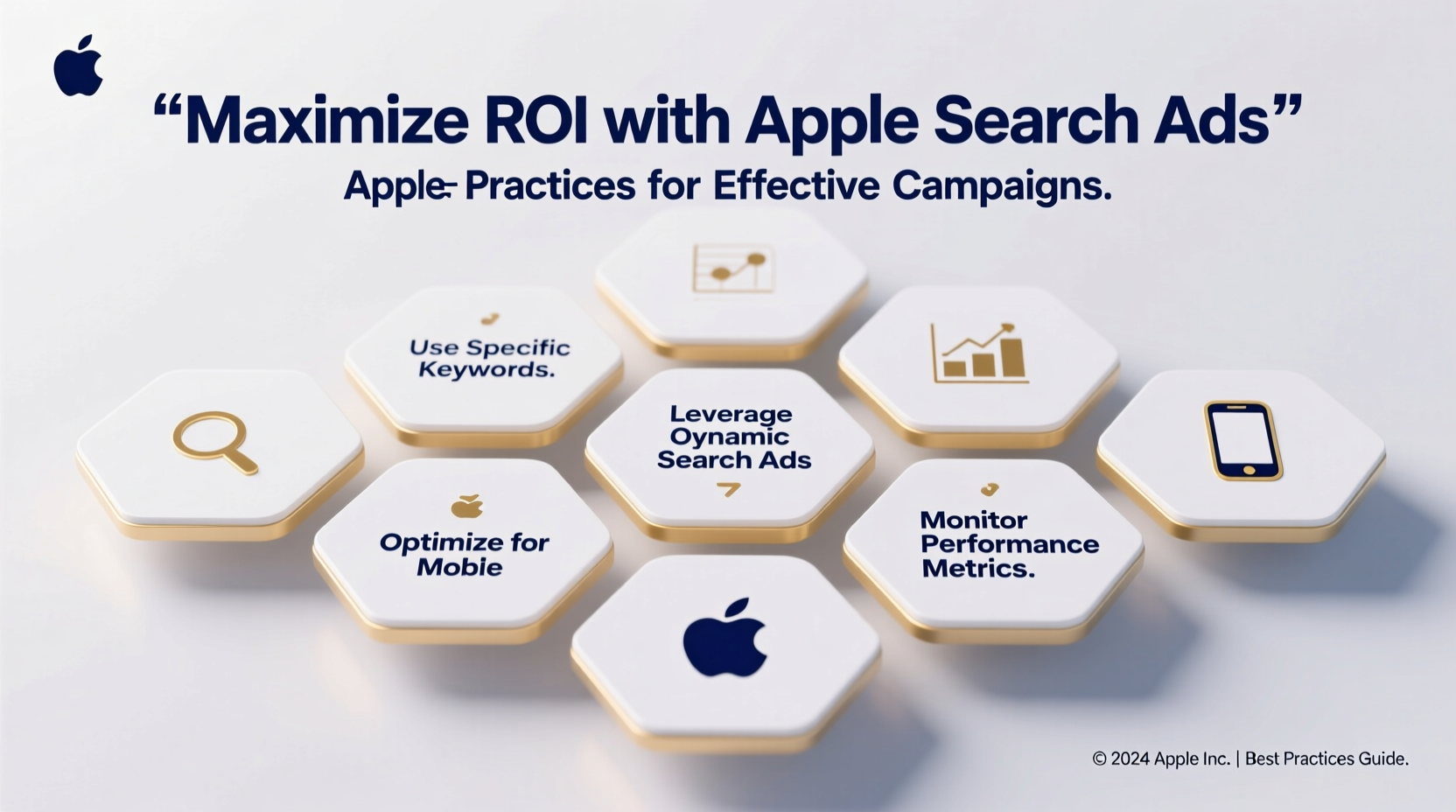
Apple Search Ads offers two primary campaign structures: Basic and Advanced. Each serves different goals and requires distinct strategies.
- Basic Campaigns: Ideal for beginners or those seeking simplicity. You set a daily budget, choose a country, and Apple automatically targets relevant keywords based on your app’s metadata. While easy to launch, this hands-off approach limits control over keyword selection and bidding.
- Advanced Campaigns: Designed for granular control. You manually select keywords, set individual bids, define negative keywords, and organize campaigns by theme (e.g., feature sets, audience segments). This structure is essential for scaling and optimizing performance.
For serious growth, transition to Advanced campaigns as soon as possible. They allow data-driven decisions, better attribution, and deeper insights into what drives installs.
Tip: Start with a Basic campaign to gather initial keyword data, then use that insight to build targeted Advanced campaigns.Conduct Strategic Keyword Research
Keyword selection is the foundation of any successful Apple Search Ads campaign. Since ASA appears when users type queries into the App Store search bar, choosing the right terms directly impacts visibility and relevance.
Begin by analyzing your app’s core functionality, target audience, and competitive landscape. Use tools like Apple’s Search Match reports, third-party platforms (e.g., Sensor Tower, AppTweak), and competitor analysis to identify high-performing keywords.
Categorize keywords into three buckets:
- Broad Terms: Generic phrases like “fitness app” or “photo editor.” High volume but often highly competitive.
- Specific Features: Function-based terms such as “calorie tracker” or “blur background photo.” These attract users with clear intent.
- Branded Keywords: Competitor names or variations of your own brand. Bidding on competitor terms can capture users comparing options.
Prioritize long-tail keywords with moderate competition and high relevance. They typically yield lower costs and higher conversion rates.
Do’s and Don’ts of Keyword Targeting
| Do’s | Don’ts |
|---|---|
| Use exact and broad match types strategically | Overload campaigns with irrelevant keywords |
| Add negative keywords to filter out unrelated searches | Ignore search term reports after launch |
| Group keywords by theme into tightly focused ad groups | Bid aggressively on ultra-competitive generic terms without testing |
| Monitor impression share to identify missed opportunities | Set and forget keyword bids |
Optimize Creative Sets for Higher Conversion
Your app’s icon, subtitle, and preview video are not just branding elements—they’re critical conversion assets in Apple Search Ads. These components appear directly in the ad unit above organic results, influencing tap-through and install rates.
Apple allows up to three creative sets per campaign, enabling A/B testing directly within ASA. Treat each set as a unique messaging variant. Test different value propositions, visuals, and emotional appeals.
- App Subtitle: Use this 30-character space to highlight a key benefit. For example, “Track Workouts Offline” speaks directly to user needs.
- Preview Video: Showcase the app in action. Focus on solving a pain point within the first 3 seconds.
- Screenshots: Align with the search intent. If targeting “budget planner,” show the budget dashboard prominently.
Apple reports conversion rate (CVS) for each creative set—use this metric to iterate and scale winning combinations.
“Creative optimization is no longer optional in ASA. The difference between a 25% and 45% conversion rate often comes down to subtle messaging shifts.” — Lena Torres, Mobile Growth Lead at AppFuel
Implement a Step-by-Step Optimization Workflow
Running Apple Search Ads effectively requires ongoing refinement. Follow this structured workflow every week to maintain momentum and efficiency.
- Review Search Term Reports: Identify new converting keywords and add them as exact matches. Add irrelevant terms as negatives.
- Analyze Bid Performance: Lower bids on underperforming keywords; increase bids on high-CVS terms with strong ROAS.
- Test Creative Sets: Rotate in new variations every 7–10 days. Measure impact on conversion rate and cost per install (CPI).
- Adjust Budget Allocation: Shift spend toward top-performing campaigns and geographies.
- Monitor Trends: Watch for seasonal changes in search behavior or competitor activity that may require strategy pivots.
This cycle ensures your campaigns remain agile and responsive to real-world performance.
Leverage Real Data: A Mini Case Study
A mid-sized meditation app was struggling with high CPIs and low retention from Apple Search Ads. Their initial campaign used broad keywords like “relaxation” and “mindfulness,” resulting in $4.20 CPI and 28% conversion rate.
The team restructured their approach:
- Switched to Advanced campaigns with themed ad groups (sleep, anxiety, focus).
- Added long-tail keywords like “fall asleep fast app” and “guided breathing for stress.”
- Launched three creative sets with sleep-focused videos and subtitles like “Sleep Better Tonight.”
- Implemented weekly bid adjustments based on CVS and ROAS.
Within six weeks, their average CPI dropped to $2.60, conversion rate rose to 41%, and 30-day retention increased by 18%. The key? Aligning keyword intent with tailored creatives and consistent optimization.
Essential Checklist for Launching a High-Performing Campaign
Checklist:- ✅ Choose Advanced campaigns for full control
- ✅ Conduct keyword research using App Store insights and competitor analysis
- ✅ Group keywords into thematic ad groups (e.g., fitness, nutrition, workouts)
- ✅ Set initial bids based on category benchmarks
- ✅ Create at least two distinct creative sets for A/B testing
- ✅ Enable negative keywords to block irrelevant traffic
- ✅ Schedule weekly review of search terms and performance metrics
- ✅ Track post-install events (via SKAdNetwork or MMP integration) to measure ROI
Frequently Asked Questions
How much should I budget for Apple Search Ads?
Start with a test budget of $50–$100 per day across a few countries. Monitor CPI and conversion rate closely. Scale only after identifying profitable keywords and creatives. Enterprise apps in competitive categories may spend $10k+/month, but most succeed with disciplined, incremental scaling.
Can Apple Search Ads work for new apps with no reviews?
Yes, but conversion rates will be lower initially. Compensate with stronger creatives and precise keyword targeting. Focus on high-intent, low-competition terms. As you gain installs and ratings, performance will improve organically and in paid channels.
How do I measure ROI from Apple Search Ads?
Integrate a mobile measurement partner (MMP) like Adjust, AppsFlyer, or Branch. Use SKAdNetwork for privacy-compliant attribution. Track post-install events such as registration, purchase, or subscription. Calculate ROAS by comparing lifetime value (LTV) of ASA users against CPI.
Final Thoughts: Build Momentum with Discipline
Apple Search Ads is one of the most reliable channels for acquiring high-intent users—but only if managed with precision. Success doesn’t come from big budgets or lucky keywords. It comes from consistent optimization, deep understanding of user intent, and alignment between keywords, creatives, and app experience.
The best campaigns evolve over time. They start with research, launch with focus, and grow through iteration. Whether you're driving awareness for a new app or scaling a mature product, these best practices provide the framework for sustainable success.
🚀 Ready to refine your Apple Search Ads strategy? Audit your current campaigns using the checklist above, run your first creative test, and track the impact on conversion rate. Small changes compound into major gains.