For homeowners diving into DIY projects, choosing the right power tool can mean the difference between a clean, efficient job and a frustrating struggle. Two of the most common tools found in modern toolkits are the cordless drill and the impact driver. While they may look similar at first glance—both compact, battery-powered, and capable of driving screws—their functions, performance, and ideal applications differ significantly. Understanding these distinctions helps you avoid buying redundant tools or using the wrong one for the job.
This guide breaks down the mechanics, strengths, and limitations of each tool, offering practical advice on when to use which—and whether you might need both in your garage.
How They Work: Core Mechanics Explained
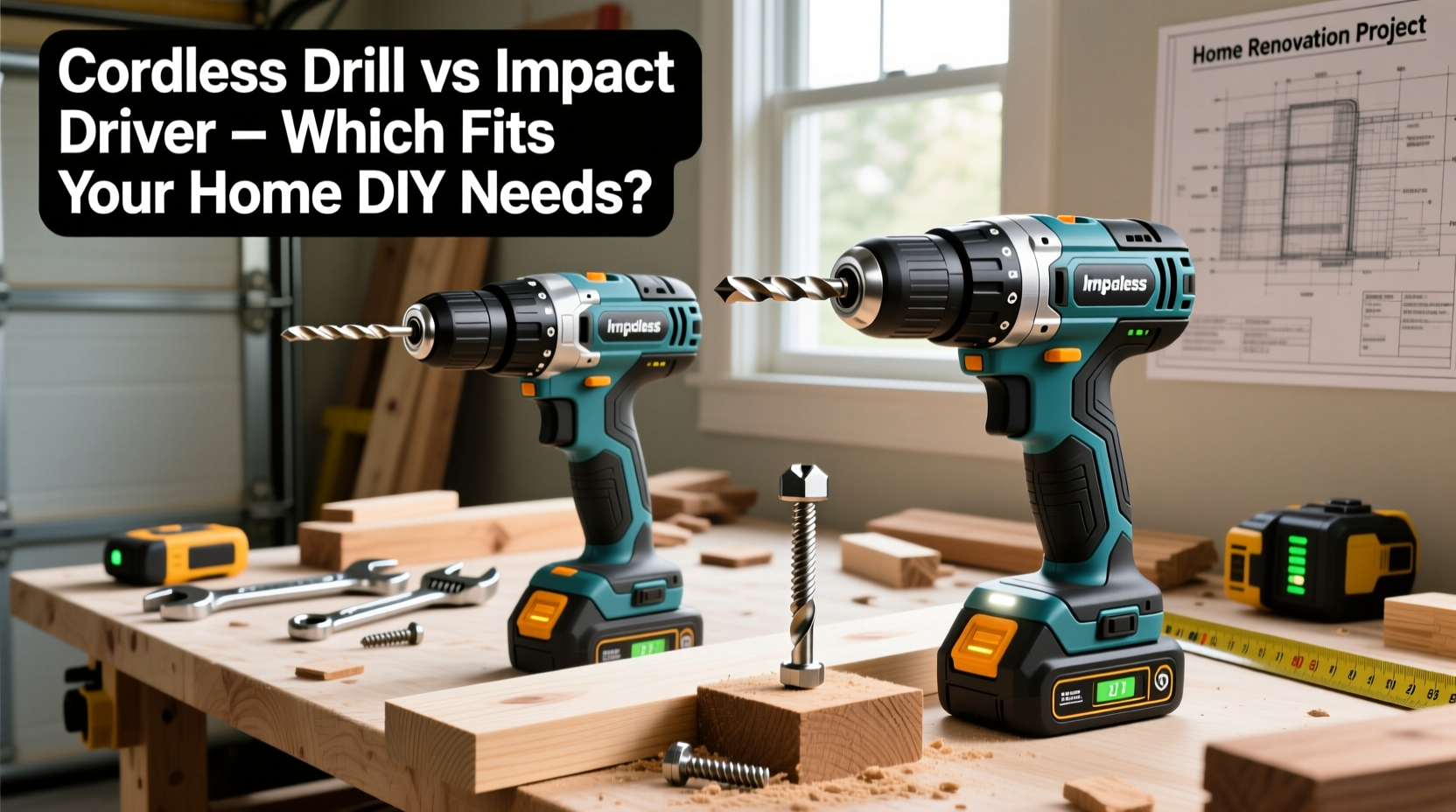
The fundamental difference between a cordless drill and an impact driver lies in how they deliver force.
A **cordless drill** operates through continuous rotational torque. When you pull the trigger, the motor spins the chuck (the part that holds the bit) steadily. Most models offer variable speed control and adjustable clutch settings, allowing you to limit the amount of torque applied. This is especially useful when driving screws into delicate materials like drywall or softwood, where overdriving can strip screw heads or damage surfaces.
In contrast, an **impact driver** combines rotational force with sudden bursts of concussive power. As it spins, it delivers rapid hammer-like blows downward along the axis of the bit. This action generates significantly higher torque—often 3–5 times more than a standard drill—without requiring excessive pressure from the user. The result is superior performance when dealing with tough fasteners, long lag bolts, or rusted screws.
“An impact driver isn’t just a stronger drill—it’s a different beast altogether. It excels where brute force matters more than finesse.” — Mark Reynolds, Residential Construction SupervisorTip: Always match your bit to the tool. Impact drivers require 1/4-inch hex shank bits designed to withstand repeated shock; regular drill bits may crack under stress.
Performance Comparison: Torque, Speed, and Control
To understand which tool performs better in various situations, consider three key factors: torque output, speed, and user control.
- Torque: Measured in inch-pounds (in-lbs) or Newton-meters (Nm), torque determines how much rotational force a tool can apply. Cordless drills typically range from 300 to 600 in-lbs. Impact drivers start around 1,000 in-lbs and can exceed 1,800 in-lbs on high-end models.
- Speed (RPM): Drills often reach 1,500–2,000 RPM with two-speed gear settings. Impact drivers run faster—up to 3,000 RPM—but also deliver 3,000–4,000 impacts per minute (IPM), amplifying their effectiveness.
- Control: Drills offer greater precision thanks to clutch settings and forward/reverse modes. Impact drivers lack clutches, making them prone to overdriving unless carefully managed by hand.
If you're hanging shelves on wood studs, a drill gives you consistent, controlled results. But if you’re assembling a deck frame with 3-inch structural screws, the impact driver will drive those fasteners flush without straining your wrist.
Tool Comparison Table
| Feature | Cordless Drill | Impact Driver |
|---|---|---|
| Torque Range | 300–600 in-lbs | 1,000–1,800+ in-lbs |
| Max RPM | 1,500–2,000 | 3,000+ |
| Impacts Per Minute (IPM) | 0 | 3,000–4,000 |
| Chuck Type | Keyless (holds round & hex shanks) | Hex collet (1/4\" only) |
| Clutch Setting | Yes (adjustable) | No |
| Best For | Drilling holes, light screwdriving, precision work | Heavy-duty fastening, long screws, tight spaces |
| Weight & Size | Moderate length, balanced grip | Compact, shorter nose |
When to Use Each Tool: Real-World Applications
The best way to decide between a cordless drill and an impact driver is to assess the type of project you're undertaking.
Cordless Drill: Your Go-To for Precision and Versatility
The cordless drill shines in tasks that require accuracy, adaptability, and moderate power. Common home uses include:
- Drilling pilot holes in wood, plastic, or metal
- Installing drywall anchors or mounting TV brackets
- Driving small-to-medium screws into cabinetry or trim
- Using specialty bits for mixing paint, sanding, or polishing (with attachments)
Because drills accept a wide variety of bit types—including twist bits, spade bits, countersinks, and even hole saws—they serve as multi-functional tools. Their adjustable clutch prevents overtightening, which is crucial when working with brittle materials.
Impact Driver: Power Where You Need It Most
An impact driver becomes indispensable when raw driving force is required. It’s not designed for drilling holes (except pilot holes with appropriate bits), but it dominates in fastening scenarios such as:
- Building decks or outdoor structures with lag screws
- Assembling furniture with long self-tapping screws
- Removing stubborn or corroded fasteners (especially with reverse mode)
- Working in tight corners where the compact design offers better access
Due to its inline shape and lightweight build, the impact driver reduces wrist fatigue during extended use. However, because it lacks a clutch, beginners may accidentally sink screws too deep or strip heads if they don’t modulate pressure carefully.
Tip: Use an impact driver with a depth stop collar or practice on scrap material first to avoid damaging finished surfaces.Mini Case Study: Renovating a Basement Workshop
Take the example of Sarah, a homeowner converting her basement into a storage and hobby space. Her project involved installing wall-mounted shelving units, securing plywood panels to concrete walls using toggle bolts, and assembling a heavy-duty workbench.
She started with her cordless drill. It worked well for drilling pilot holes and attaching lighter shelf brackets. But when she moved to anchor 1/4-inch lag bolts into ceiling joists for overhead racks, the drill struggled. The motor whined, the screws wobbled, and two stripped out before reaching full depth.
Frustrated, she borrowed an impact driver from a neighbor. With the same battery platform, she swapped tools and tried again. The impact driver drove each bolt smoothly and securely in seconds, with minimal effort. Later, she used it to dismantle an old metal shelving unit held together by seized screws—something her drill couldn't budge.
Sarah realized that while the drill handled 70% of her tasks, the impact driver was essential for the remaining 30% that demanded real muscle. She eventually purchased both, storing them side-by-side for future projects.
Do You Need Both Tools? A Practical Checklist
Many DIYers wonder whether owning both tools is necessary. The answer depends on the scope and frequency of your projects. Use this checklist to evaluate your needs:
- You frequently install cabinets, shelves, or fixtures indoors. → A cordless drill is essential.
- You plan outdoor construction like decks, pergolas, or playsets. → An impact driver is highly recommended.
- You work with metal framing or masonry anchors regularly. → Consider both, plus a hammer drill function.
- You value compactness and reduced arm strain. → The impact driver’s ergonomics give it an edge.
- You want one tool for everything. → Start with a drill; upgrade to an impact driver as projects grow in complexity.
- You already own one tool and are considering adding the other. → Yes—owning both expands capability without overlap.
Modern battery platforms from brands like DeWalt, Milwaukee, Makita, and Ryobi allow you to share batteries across drills and impact drivers, reducing long-term cost and clutter.
Step-by-Step Guide: Choosing the Right Tool for Your Next Project
Follow this decision-making process before picking up either tool:
- Assess the Material: Is it wood, metal, drywall, or composite? Soft materials favor drills; dense materials benefit from impact drivers.
- Evaluate Fastener Type: Small screws (under 2 inches)? Use a drill. Long structural screws or lag bolts? Reach for the impact driver.
- Determine Required Torque: If hand-screwdrivers fail or drills stall, you need impact-level force.
- Check Access Space: Tight spots? The shorter body of an impact driver often provides better maneuverability.
- Consider Finish Quality: Finishing work requires control. Drills with clutch settings prevent damage to visible surfaces.
- Select the Correct Bit: Double-check compatibility. Never use standard bits in an impact driver unless labeled “impact-rated.”
By walking through these steps, you’ll consistently choose the optimal tool—and complete jobs faster, safer, and with better results.
Frequently Asked Questions
Can I use an impact driver to drill holes?
Not effectively. While some users attach drill bits to impact drivers for pilot holes, they aren’t designed for clean hole drilling. The hammering action can cause bits to wander or break, especially in hard materials. Always use a cordless drill—or a hammer drill for masonry—for accurate boring.
Is an impact driver safer than a drill?
Safety depends on usage. Impact drivers generate strong reactive torque when encountering resistance, which can twist the tool in your hand if not gripped firmly. Drills offer more predictable feedback. Always wear safety glasses, secure loose clothing, and maintain a stable stance regardless of tool choice.
Can I replace my drill with an impact driver?
No—not entirely. While impact drivers can handle many screwdriving tasks, they lack the versatility of a drill. You lose the ability to adjust clutch settings, use a wide bit range, or perform non-fastening tasks like sanding or mixing. Think of the impact driver as a specialist, not a substitute.
Final Recommendation: Build Smart, Not Redundant
For most homeowners, the ideal setup includes both a cordless drill and an impact driver. The drill serves as your everyday utility tool—reliable, precise, and adaptable. The impact driver acts as your go-to for heavy lifting, delivering unmatched efficiency when strength matters most.
If you're just starting out, begin with a quality cordless drill and a set of durable bits. As your DIY ambitions grow—whether building backyard furniture, upgrading fixtures, or tackling structural repairs—add an impact driver to your kit. Thanks to interchangeable battery systems, expanding your collection doesn’t mean doubling your investment.
Understanding the distinction between these tools isn’t about technical jargon; it’s about matching the right solution to the problem at hand. When you do, every project becomes less about struggle and more about satisfaction.
🚀 Ready to upgrade your toolkit? Evaluate your last three projects—did you struggle with stubborn screws or wish for more control? Share your experience below and help fellow DIYers make smarter tool choices!