If you're trying to catch your favorite football game on ESPN and the stream won’t load, buffers endlessly, or shows an error message, you’re not alone. Millions of fans rely on ESPN’s digital platforms—ESPN.com, the ESPN app, and connected devices—to stream live sports. But technical issues, authentication problems, or regional restrictions can suddenly cut off access. The good news: most of these problems have clear, actionable solutions. Understanding the root cause is the first step toward getting back in the game.
Common Reasons You Can’t Watch Football on ESPN
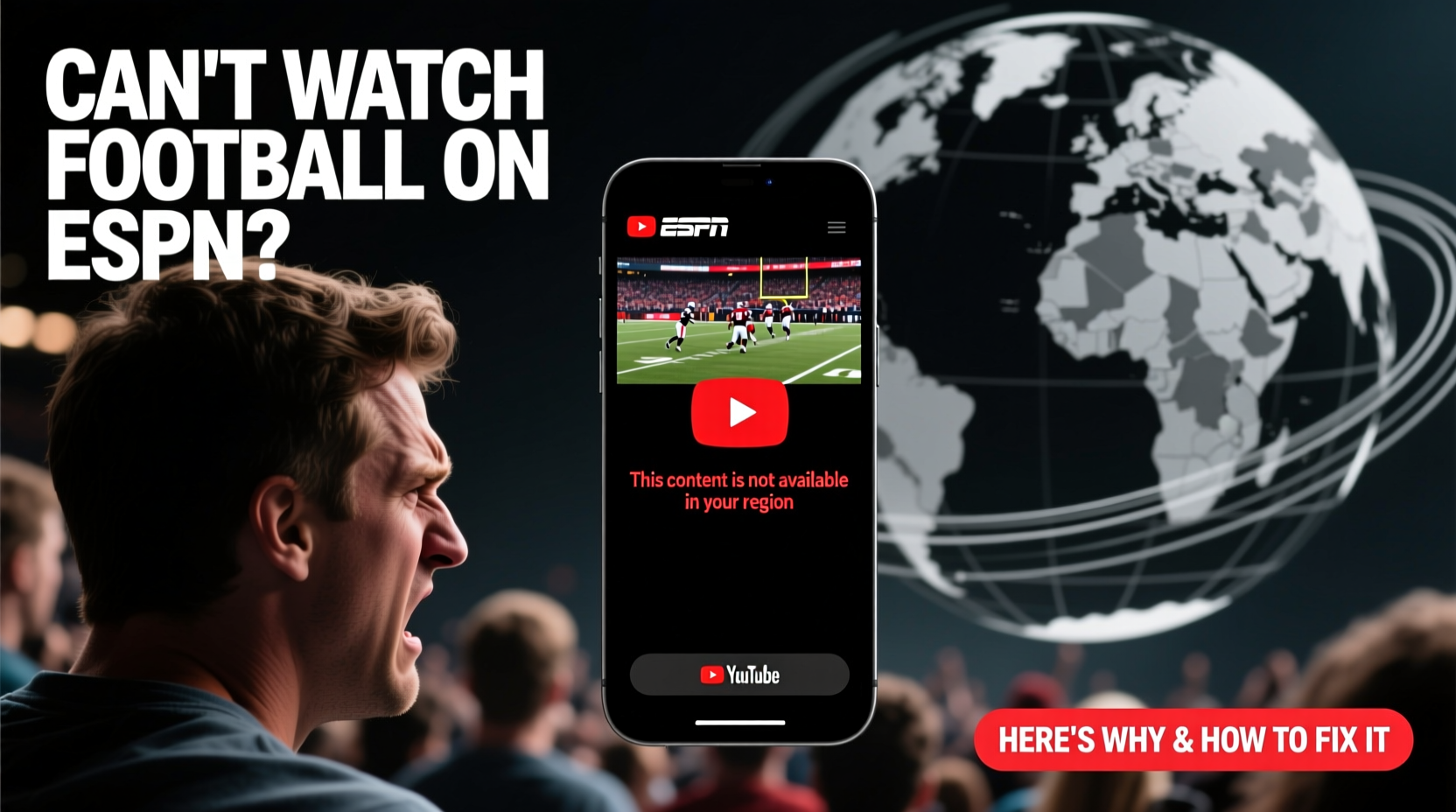
Before jumping into fixes, it helps to identify what’s actually going wrong. ESPN delivers content through a mix of live streaming, on-demand replays, and authenticated access via cable or streaming subscriptions. Issues typically fall into one of several categories:
- Authentication failure: ESPN requires users to log in with a participating TV provider or streaming service.
- Geographic restrictions: Some games are blacked out based on location due to broadcasting rights.
- Device compatibility: Older apps or unsupported devices may not support current streams.
- Internet connectivity: Poor bandwidth leads to buffering or failed playback.
- Service outages: ESPN occasionally experiences server-side disruptions during high-traffic events.
Each issue demands a different approach. Jumping straight to “restart your router” might help with connection problems but won’t solve a login error from an expired subscription.
Tip: Always check ESPN.com directly before assuming the problem is device-specific. If the website works, the issue is likely with your app or device setup.Step-by-Step Guide to Fix Streaming Issues
Follow this systematic process to diagnose and resolve your ESPN access problem efficiently.
- Verify the game is being broadcast on ESPN. Not all football games air on ESPN. Check the official schedule to confirm the matchup is listed for ESPN, ESPN2, or ABC (which uses the same authentication system).
- Check your internet connection. Run a speed test (use sites like speedtest.net). For HD streaming, you need at least 5 Mbps. Lower speeds cause constant buffering.
- Restart your streaming device. Whether it’s a smart TV, Roku, Fire Stick, or mobile phone, power cycling clears temporary glitches.
- Log out and back into your ESPN account. Go to settings in the ESPN app, sign out, then re-enter your TV provider credentials.
- Update the ESPN app. Outdated versions may lack support for new security protocols or video codecs.
- Try a different device. Attempt to stream the game on a smartphone, tablet, or laptop to isolate whether the issue is device-specific.
- Contact your TV provider. If login fails repeatedly, your package may no longer include ESPN, or your authentication token has expired.
When the Problem Isn’t on Your End
Sometimes, ESPN itself has technical difficulties. During major events like Monday Night Football or College GameDay, server demand spikes can cause slowdowns. Visit Downdetector.com to see if other users are reporting similar outages. If so, there’s little you can do except wait or try alternative viewing methods.
“During peak NFL weeks, we see a 300% increase in traffic. While our infrastructure scales automatically, brief disruptions can occur under extreme load.” — Brian White, Senior Engineer at ESPN Digital Platforms
Authentication & Login Fixes That Work
One of the top reasons fans can’t access ESPN is failing the TV provider login. Even if you pay for ESPN through a streaming bundle like Hulu + Live TV, YouTube TV, or DIRECTV Stream, the ESPN app doesn’t always recognize your access automatically.
To fix this:
- Ensure you’re selecting the correct provider from the list in the ESPN app.
- Double-check your username and password. Try logging into your provider’s website separately to confirm they work.
- If using a cable provider, call customer service to verify ESPN is active on your account.
- For cord-cutters, ensure your streaming service includes ESPN in its current lineup (some packages exclude it).
| Streaming Service | Includes ESPN? | Authentication Notes |
|---|---|---|
| Hulu + Live TV | Yes | Use “Hulu” as provider in ESPN app |
| YouTube TV | Yes | Select “Google Fiber” or “YouTube TV” option |
| fuboTV | Yes | Log in with fubo credentials directly |
| Sling TV (Orange) | Yes | Must have Orange package; Blue does not include ESPN |
| Netflix, Amazon Prime | No | Do not support ESPN authentication |
Real Example: Why Sarah Missed Sunday’s Game
Sarah subscribes to YouTube TV and usually watches NFL games on her Roku. One Sunday, she opened the ESPN app and got an error: “Your provider isn’t recognized.” She tried restarting the device and re-entering her login, but nothing worked.
After checking Downdetector, she saw no widespread outage. Then she remembered she’d changed her YouTube password the week before. The ESPN app was still using the old credentials. She logged out completely, selected “YouTube TV” as her provider again, and entered her updated password. The stream loaded instantly.
Sarah’s case highlights how simple credential mismatches can block access—even when you’re paying for the service.
Blackouts and Regional Restrictions Explained
Even with perfect login and internet, you might still see: “This game is not available in your region.” This is due to broadcasting rights. Local games are often reserved for regional sports networks (RSNs), while national broadcasts like *Monday Night Football* are free to stream on ESPN across the U.S.
College football adds another layer: some conferences restrict streaming in certain markets to protect local TV ratings.
Unfortunately, there’s no workaround that complies with ESPN’s terms of service. Using a VPN to bypass geo-restrictions violates ESPN’s user agreement and may result in account suspension.
Your best alternatives:
- Watch on a local affiliate station (ABC, CBS, FOX) if the game is airing there.
- Check if your provider offers ESPN3, which sometimes carries alternate feeds.
- Wait for the replay—many games are available on-demand within hours.
Essential Checklist: Get Back to Watching Fast
Keep this checklist handy the next time ESPN won’t stream:
- ✅ Confirm the game is airing on ESPN/ABC
- ✅ Test your internet speed (minimum 5 Mbps)
- ✅ Restart your device and router
- ✅ Log out and back into the ESPN app
- ✅ Update the ESPN app to the latest version
- ✅ Verify your TV provider subscription includes ESPN
- ✅ Try streaming on a different device or browser
- ✅ Check for service outages at downdetector.com
Frequently Asked Questions
Why does ESPN say I need a TV provider to watch football?
ESPN is a cable network, and its digital content is funded by subscriber fees. To maintain those revenue streams, access to live games requires verification of a paid subscription through a TV provider or live-streaming service that includes ESPN in its package.
Can I watch ESPN without a cable subscription?
Yes. You don’t need traditional cable. Services like Hulu + Live TV, YouTube TV, fuboTV, and Sling TV offer ESPN as part of their live TV bundles and allow full access to the ESPN app with login.
The game started but now it’s frozen. What should I do?
First, check your Wi-Fi signal strength. Switch to a wired Ethernet connection if possible. Close unused apps or devices consuming bandwidth. If the problem persists, exit the app, restart your device, and reopen the stream. Consider lowering video quality in the app settings if available.
Final Thoughts: Stay in the Game
Missing a crucial football game because of a preventable tech hiccup is frustrating. But most ESPN streaming issues stem from a small set of common causes—and nearly all are fixable with the right steps. From verifying your login to troubleshooting your network, taking a methodical approach saves time and gets you back to what matters: the game.
💬 Did these tips help you fix your ESPN access? Share your experience or ask questions in the comments—your insight could help another fan catch the next touchdown!