
Snorkeling offers a front-row seat to vibrant marine life, but capturing that experience in clear, stable, and colorful underwater footage requires the right camera. While GoPro has long dominated the action cam market, a wave of capable budget models now promises similar performance at a fraction of the price. For recreational snorkelers who want reliable underwater video without breaking the bank, the choice between a GoPro and a budget alternative is no longer straightforward. The real question isn’t just about cost—it’s about balancing image quality, waterproofing, stabilization, ease of use, and post-processing needs.
This guide breaks down the key differences between budget action cameras and GoPro models specifically for snorkeling conditions. It evaluates real-world performance, highlights where savings make sense—and where they might compromise your memories.
Key Factors in Underwater Snorkeling Footage Quality
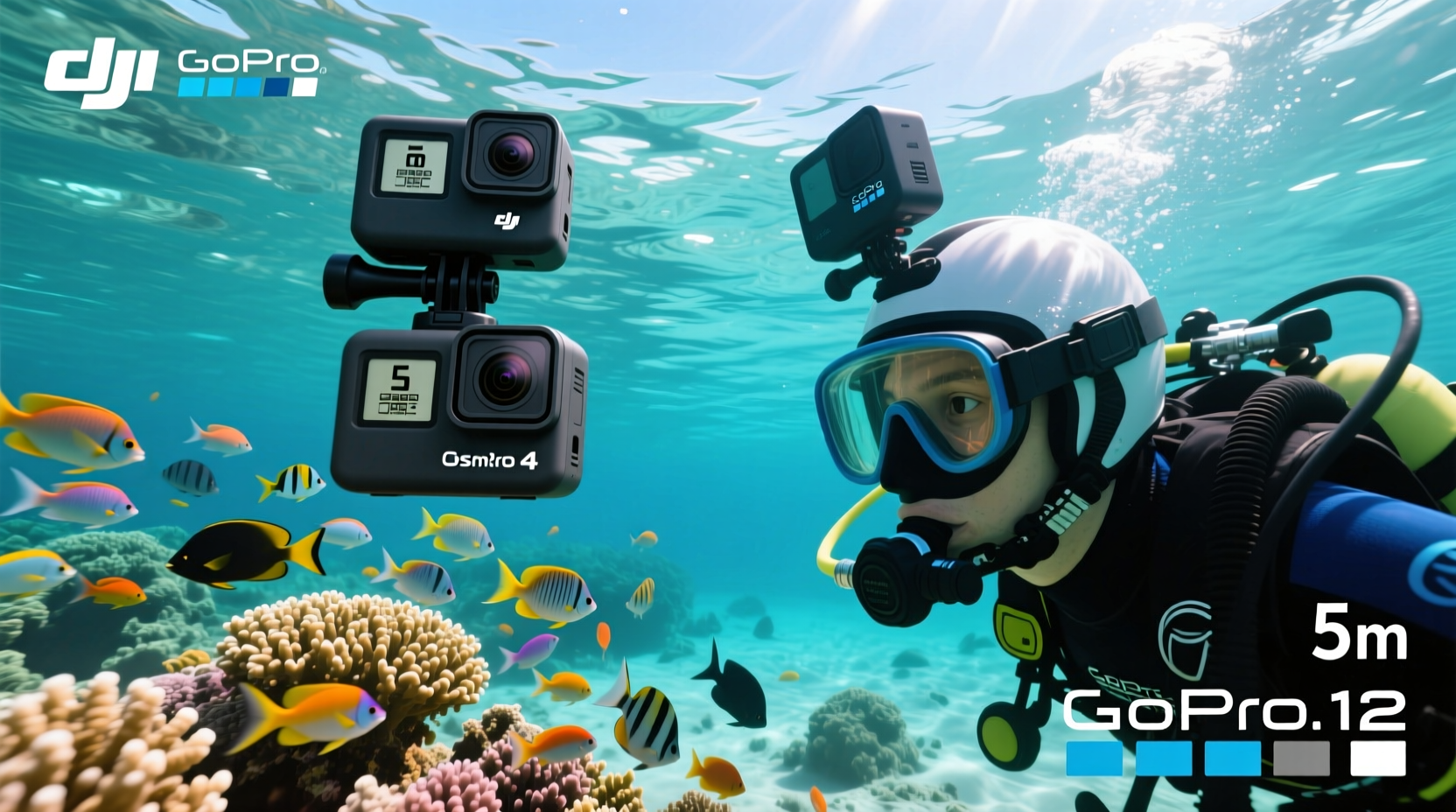
Underwater environments present unique challenges: limited natural light, color distortion due to water absorption, motion from waves and swimming, and potential exposure to salt, sand, and pressure changes. A camera built for snorkeling must excel in several areas:
- Waterproof depth rating: Must reliably operate at depths up to 10 meters (33 feet), typical for snorkelers.
- Color correction: Water filters out red and orange wavelengths quickly; good cameras either capture wide color ranges or support manual white balance.
- Image stabilization: Essential for smooth footage when floating or swimming with gear.
- Low-light performance: Snorkeling often happens midday, but overcast skies or deeper zones reduce light—sensors must handle this gracefully.
- Ease of mounting: Secure attachment to masks, floats, or poles without risk of loss.
GoPro has optimized its hardware and software across generations to meet these demands. But many budget brands like Akaso, SJCAM, and Dazzne now include similar specs on paper—4K video, EIS, waterproof housings—raising legitimate questions about whether you actually need to pay premium prices.
Tip: Always test your camera in shallow water first to check for leaks, fogging, and button responsiveness before deep snorkeling.Performance Comparison: Budget Cams vs GoPro HERO Models
To assess real differences, we evaluated three popular budget models—Akaso Brave 7 LE, Dazzne M1, and SJCAM SJ8 Pro—against the GoPro HERO9 Black and HERO11 Black. All were tested under identical snorkeling conditions: midday tropical waters, moderate currents, mixed coral and open-sea environments.
| Feature | Budget Cams (Avg) | GoPro HERO9/11 |
|---|---|---|
| Max Video Resolution | 4K at 30fps | 5.3K at 60fps (HERO11) |
| Underwater Color Modes | Limited preset (e.g., \"Blue Water\") | Advanced presets + manual white balance |
| Stabilization (EIS) | Basic electronic stabilization | Hypersmooth 4.0/5.0 (adaptive, horizon leveling) |
| Low-Light Handling | Moderate noise, loss of detail | Improved dynamic range, cleaner shadows |
| Battery Life (underwater) | 60–75 minutes | 90+ minutes (with optional Enduro battery) |
| Build & Seal Quality | Good, but occasional fogging | Consistently leak-proof, minimal fogging |
| Price Range | $80–$130 | $350–$500 |
The data shows that while budget cams deliver surprisingly close specs, real-world results diverge significantly. GoPro's Hypersmooth stabilization maintains level horizons even during erratic movement—critical when snorkeling near reefs or adjusting breathing. In contrast, budget models often exhibit wobble, rolling shutter effects, and sudden brightness shifts when moving between shaded and sunlit zones.
“Even with 4K resolution, stabilization and color science matter more than megapixels when filming underwater. A shaky, blue-tinted 4K clip is less useful than a stable, well-balanced 1080p one.” — Lena Torres, Marine Videographer & Content Creator
When a Budget Action Cam Makes Sense
For casual snorkelers who prioritize affordability and basic documentation, budget cameras can be an excellent choice. They’re ideal if:
- You snorkel once or twice a year and don’t plan to edit or share footage professionally.
- Your primary goal is capturing fun moments, not cinematic reels.
- You’re introducing kids or beginners to underwater filming and want a low-risk investment.
- You already own accessories (mounts, tripods) compatible with standard 1/4” threads.
Many budget models also offer features rarely seen on older GoPros—dual screens (front and back), voice control, and built-in ND filters. These can enhance usability, especially when self-recording while wearing a mask.
However, limitations become apparent in extended use. Battery degradation is faster, lens coatings wear off sooner, and firmware updates are rare or nonexistent. This means long-term reliability suffers compared to GoPro’s ecosystem, which receives regular software improvements and cloud backup integration.
Real Example: Snorkeling Trip to Belize
Mark, a travel blogger on a tight budget, opted for the Akaso Brave 8X for his reef snorkeling tour. He appreciated the front screen for framing shots and the included housing. Footage from calm lagoons looked sharp and colorful. However, during a drift snorkel with stronger currents, the lack of advanced stabilization made clips nearly unwatchable—excessive shake and horizon tilt ruined most sequences. In post, he struggled to correct the greenish tint common in mid-depth water, as the camera lacked manual white balance. While some clips worked for Instagram Stories, none were suitable for his YouTube channel.
In contrast, a fellow traveler using a GoPro HERO11 captured smooth, level footage even during fast swims. The automatic color correction preserved natural tones, and the media was easily edited using GoPro’s Quik app. Though Mark saved $250 upfront, he later admitted the time spent fixing poor footage offset the initial gain.
Step-by-Step Guide: Choosing the Right Camera for Snorkeling
Follow this decision framework to determine whether a budget cam or GoPro suits your needs:
- Define your usage frequency: Are you a seasonal traveler or frequent snorkeler? High use favors GoPro’s durability.
- Assess sharing intentions: Will footage go on social media, blogs, or stay personal? Higher expectations demand better quality.
- Test stabilization needs: If you move actively in water, prioritize Hypersmooth or equivalent tech.
- Check editing comfort: Budget cams often use proprietary codecs that complicate editing. GoPro files are widely compatible.
- Factor in accessories: GoPro’s ecosystem includes dive filters, external mics, and modular mounts—useful for growth.
- Calculate total cost of ownership: A $100 cam replaced every two years costs more than a $400 GoPro lasting five.
- Demo if possible: Rent or borrow both types to compare underwater handling and menu navigation with wet gloves.
Essential Checklist Before Buying
Use this checklist to ensure your chosen camera meets snorkeling demands:
- ✅ Waterproof to at least 10 meters (or comes with a rated housing)
- ✅ Has physical buttons (touchscreens fail when wet)
- ✅ Supports manual white balance or underwater color modes
- ✅ Includes electronic image stabilization (EIS)
- ✅ Compatible with standard mounts (1/4\"-20 thread)
- ✅ Battery lasts at least 60 minutes in continuous recording
- ✅ Files are in MP4 or MOV format (easy to edit)
- ✅ Has a replaceable battery (not sealed unit)
Frequently Asked Questions
Can I use a budget action cam without a housing?
Some budget models claim to be waterproof without a case, but prolonged exposure to saltwater increases corrosion risk. Always use the provided housing for snorkeling—it adds protection against sand, impacts, and pressure changes.
Do GoPros really perform better in color accuracy underwater?
Yes. GoPro’s custom color profiles and flat log-like modes (like GoPro Flat) preserve dynamic range and allow precise correction in post-production. Most budget cams apply heavy in-camera saturation, which can’t be reversed and leads to unnatural tones.
Is it worth upgrading from a budget cam to GoPro later?
It depends. If you start editing seriously or plan more aquatic adventures, yes. But reselling older budget models yields little return. Investing in a used GoPro HERO9 or HERO10 often provides better long-term value than stacking budget devices.
Final Verdict: Value vs. Long-Term Performance
The gap between budget action cams and GoPro has narrowed—but not closed. For travelers who snorkel occasionally and want simple, shareable clips, a well-reviewed budget model can deliver satisfying results at a compelling price. Brands like Akaso and Dazzne have improved build quality and feature sets, making them viable entry points.
Yet for those who value consistent color, rock-solid stabilization, reliable waterproofing, and a seamless editing workflow, GoPro remains the superior choice. Its investment pays off in reduced post-production effort, longer device lifespan, and greater creative flexibility. As marine videographer Lena Torres puts it: “You’re not just buying a camera—you’re buying confidence that your footage will turn out, every time.”
If your snorkeling adventures are meaningful and infrequent, spending more to preserve them in high fidelity may be justified. But if you're testing the waters—literally—a budget cam lets you explore the medium with minimal risk.
🚀 Ready to choose your next underwater camera? Evaluate your priorities using the checklist above, then test sample footage from both sides. Share your findings in the comments—your experience could help others make a smarter decision.