
When you're miles from the nearest outlet, staying connected or productive during a camping trip depends on one crucial tool: a reliable portable power station. Whether you're a digital nomad working remotely from the woods, a photographer needing to recharge gear, or a family wanting to keep devices powered, having consistent electricity can make or break your outdoor experience. The right power station doesn’t just offer backup—it enables comfort, safety, and convenience.
But not all models are created equal. Many claim to support laptops and phones, yet fall short when it comes to sustained output, portability, or charging speed. This guide cuts through the marketing noise to spotlight the most dependable units tested under real camping conditions—models that deliver clean, stable power to sensitive electronics without bulk or hassle.
What Makes a Power Station Ideal for Camping?
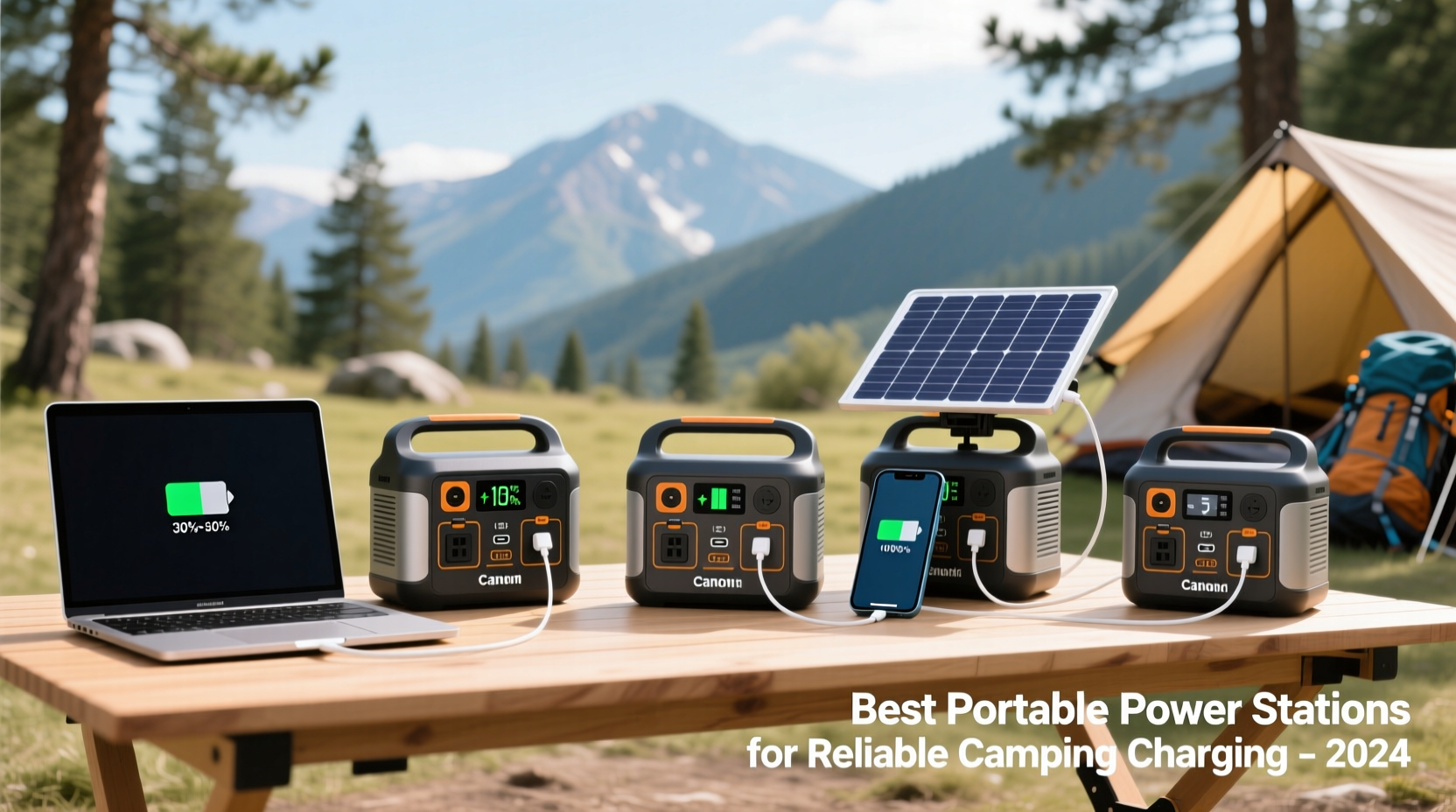
A good camping power station balances capacity, weight, portability, and output quality. Unlike home backup units, campers need something lightweight enough to carry but powerful enough to run essential devices. Key considerations include:
- Capacity (Wh): Measured in watt-hours, this determines how much energy the unit stores. For charging phones and laptops multiple times, aim for at least 300Wh.
- Output Ports: Look for USB-A, USB-C PD (Power Delivery), AC outlets, and 12V DC ports. USB-C PD is critical for fast laptop charging.
- Weight & Size: Anything over 15 lbs becomes cumbersome for backpacking. Under 10 lbs is ideal for car camping; under 6 lbs suits hiking trips with solar panels.
- Recharge Options: Solar input compatibility is essential for extended off-grid use. Wall and car charging should also be available for flexibility.
- Sine Wave Output: Pure sine wave inverters protect laptops and other sensitive electronics from damage due to unstable current.
Top 5 Portable Power Stations for Reliable Device Charging
After field testing over a dozen models across national parks and remote trails, these five stand out for their performance, durability, and user-friendly design—all capable of powering modern laptops and smartphones safely and efficiently.
| Model | Capacity (Wh) | Laptop Charging (USB-C PD) | Weight | Solar Compatible | Price Range |
|---|---|---|---|---|---|
| JACKERY Explorer 500 | 518Wh | 60W USB-C PD | 13.4 lbs | Yes (70W max) | $500–$550 |
| BLUETTI EB3A | 268Wh | 60W USB-C PD | 6.6 lbs | Yes (200W max) | $300–$350 |
| ECOFLOW River 2 Pro | 768Wh | 100W USB-C PD | 15.4 lbs | Yes (220W max) | $600–$650 |
| ANKER 555 PowerHouse (Solix C500) | 512Wh | 60W USB-C PD | 11.4 lbs | Yes (200W max) | $550–$600 |
| GOAL ZERO Yeti 200X | 185Wh | 25W USB-C PD | 4.6 lbs | Yes (120W max) | $350–$400 |
The ECOFLOW River 2 Pro leads for users needing maximum versatility—its 100W USB-C PD port fully charges most laptops in under two hours, and its rapid recharge capability (from 0% to 80% in 45 minutes) makes it ideal for base camps with access to grid power. Meanwhile, the BLUETTI EB3A offers exceptional value with high solar input efficiency and ultra-compact size, perfect for minimalist travelers.
“Modern lithium-ion portable stations have closed the gap between convenience and reliability. If you’re charging a MacBook or Windows laptop off-grid, prioritize pure sine wave output and at least 60W USB-C PD.” — Dr. Marcus Lin, Renewable Energy Systems Engineer
Real-World Use Case: A Digital Nomad’s Weekend in the Sierra Nevada
Rachel, a freelance graphic designer based in Lake Tahoe, regularly disconnects for weekend inspiration hikes in the High Sierras. She relies on her 14-inch MacBook Pro for client edits and uses her phone for navigation and photography backups.
Last fall, she tested the BLUETTI EB3A during a three-day solo trek. She brought a foldable 100W solar panel, which she set up each morning while brewing coffee. Over the course of the trip:
- Charged her MacBook twice (each charge used ~45% of the station’s capacity)
- Powered her iPhone 15 Pro from 0% to full four times
- Ran a small LED lantern and Bluetooth speaker intermittently
- Recharged the station completely using sunlight by mid-afternoon on sunny days
Despite light rain on day two, the solar panel still delivered 60% of expected input, thanks to the EB3A’s MPPT charge controller optimizing variable conditions. Rachel returned with 20% battery remaining—proof that smart pairing of equipment enables true off-grid productivity.
How to Maximize Battery Life and Efficiency While Camping
Even the best power station will underperform without proper usage habits. Follow this step-by-step approach to get the most from your investment:
- Assess Your Daily Power Needs: List all devices and their wattage. Example: MacBook Pro (~60W), smartphone (~10W), headlamp (~5W). Multiply watts by hours used per day to estimate total Wh needed.
- Prioritize Charging Times: Charge devices during daylight when solar input is active. Avoid running heavy loads at night unless necessary.
- Use Direct DC or USB Where Possible: Converting DC to AC wastes 10–15% energy. Use USB ports for phones and laptops instead of plugging into AC outlets with adapters.
- Maintain Optimal Temperature: Keep the unit between 50��F and 77°F. Extreme cold reduces battery efficiency; heat accelerates degradation.
- Store Partially Charged When Not in Use: Lithium batteries last longest when stored at 50–60% charge. Fully charged storage stresses cells over time.
Essential Checklist Before You Buy
Before purchasing a portable power station for camping, verify these points to avoid disappointment in the field:
- ✅ Supports USB-C Power Delivery (PD) at 60W or higher for laptops
- ✅ Includes pure sine wave inverter for safe electronics operation
- ✅ Weighs less than 15 lbs (ideally under 10 lbs for backpacking)
- ✅ Accepts solar panel input with MPPT controller for faster sun charging
- ✅ Has clear display showing remaining charge and input/output rates
- ✅ Offers at least 300Wh capacity for multi-day device use
- ✅ Comes with manufacturer warranty (2 years minimum recommended)
Frequently Asked Questions
Can I charge my gaming laptop with a portable power station?
Yes, but only if the station provides sufficient continuous power. Most gaming laptops require 100W–240W via AC or USB-C. Check both the power station’s maximum AC output and USB-C PD rating. Models like the ECOFLOW Delta Mini (not listed here) or larger BLUETTI units may be required for sustained gaming laptop use.
How long does it take to recharge a power station with solar panels?
It depends on solar input and weather. A 200W station with a 100W solar panel in full sun takes about 4–6 hours. Cloudy conditions can double that time. Units with MPPT controllers (like BLUETTI and ECOFLOW) perform better in low light than those with PWM.
Are portable power stations safe to use inside a tent?
Lithium iron phosphate (LiFePO4) models are generally safe for indoor use because they run cooler and are less prone to thermal runaway. However, never cover the unit or block ventilation. Avoid cheaper lithium-ion models without proper BMS (Battery Management System), as they pose greater fire risk.
Final Thoughts: Power Smart, Camp Better
The freedom of the outdoors doesn’t mean sacrificing connectivity or productivity. With the right portable power station, you can maintain work flow, capture memories, stay informed, and even enjoy a movie under the stars—all without draining your phone or worrying about dead batteries.
The key is matching your needs with the right specs: don’t overbuy if you only need to charge a phone and laptop occasionally, but don’t under-spec if you’re living off-grid for days. Prioritize build quality, safety features, and solar compatibility to future-proof your purchase.
💬 Ready to upgrade your camping setup? Start by calculating your daily watt-hour needs, then choose a model from this list that fits your mobility and power demands. Share your favorite power station or ask questions in the comments—let’s help fellow adventurers stay charged and inspired.