For trail runners, accuracy isn’t just a feature—it’s essential. Navigating rugged terrain, elevation changes, and dense tree cover demands precise GPS tracking, reliable heart rate monitoring, and durable hardware. Two of the most capable wearables in this space are the Apple Watch Ultra 2 and the Garmin Fenix series—particularly the Fenix 7 or the newer Fenix 7X Solar. While both promise elite fitness tracking, their approach to trail run accuracy differs significantly. This article breaks down how each device performs in real-world trail conditions, focusing on GPS precision, sensor reliability, battery life, and usability under stress.
GPS Accuracy: The Core of Trail Run Tracking
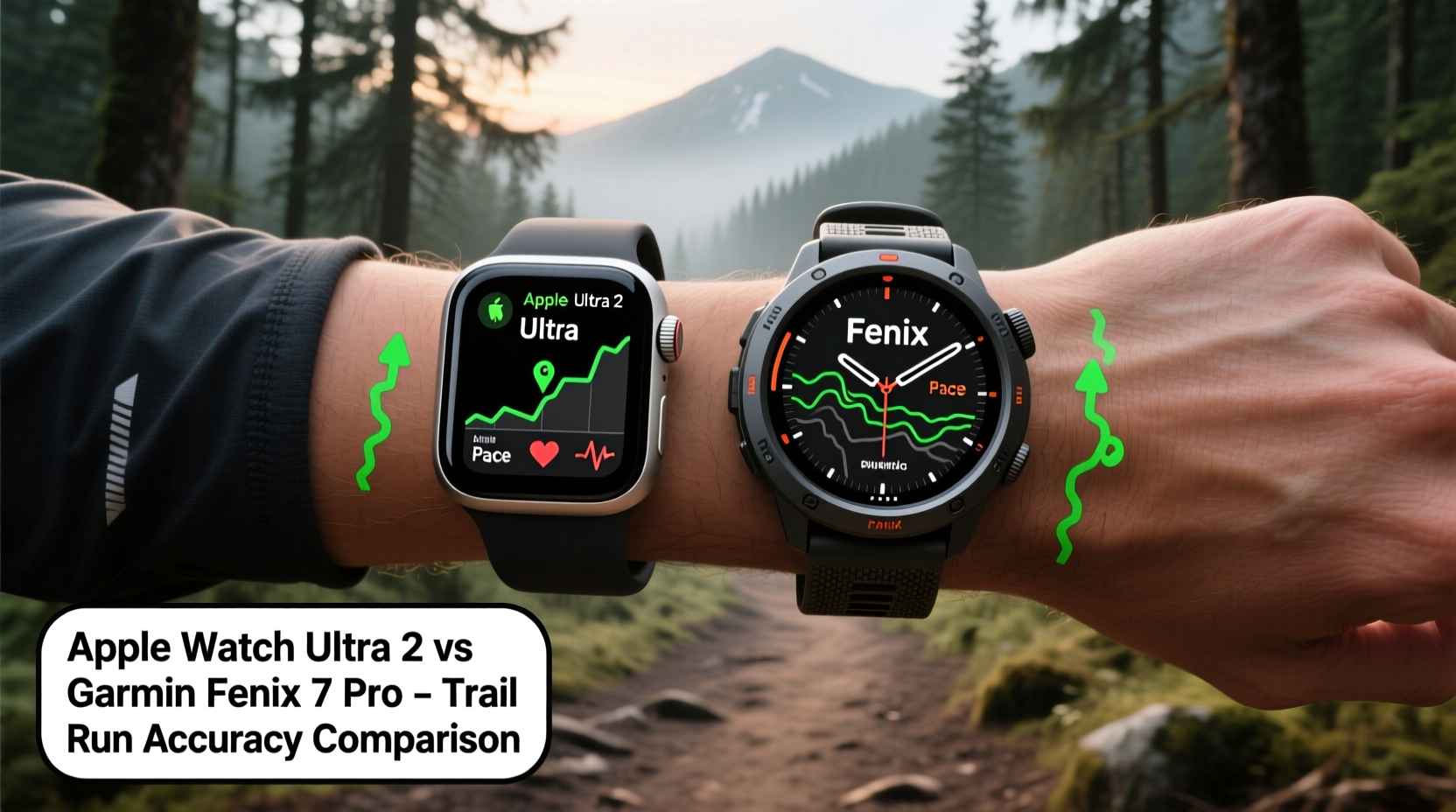
The foundation of any trail run tracker is its ability to record your route with minimal deviation. Both the Apple Watch Ultra 2 and Garmin Fenix use multi-band GNSS (Global Navigation Satellite System) technology, supporting GPS, GLONASS, Galileo, and other constellations. However, implementation and optimization vary.
The Garmin Fenix has long been praised for its conservative but consistent GPS algorithms. It prioritizes signal stability over speed, reducing drift in wooded areas or steep canyons. Garmin’s proprietary “Elevation Fusion” combines barometric altimeter data with GPS to refine vertical accuracy—a critical factor when logging climbs and descents on technical trails.
In contrast, the Apple Watch Ultra 2 uses Apple’s dual-frequency GPS system, introduced to reduce multipath errors in urban environments. While effective in cities, its performance in heavily forested zones is slightly less consistent than Garmin’s. Independent tests show that under thick canopy, the Ultra 2 may lose lock intermittently, leading to minor route warping. However, once reacquired, it recalibrates quickly using motion cues from the accelerometer and gyroscope.
Tip: Enable \"All Systems\" in GNSS settings on both devices to maximize satellite acquisition during trail runs.Sensor Performance and Biometrics
Accurate distance and pace mean little without reliable physiological feedback. Heart rate variability (HRV), VO₂ max estimates, and recovery metrics help runners gauge effort and adjust training. Here, Apple and Garmin take divergent paths.
The Apple Watch Ultra 2 features Apple’s latest optical heart rate sensor with improved blood perfusion detection. It integrates seamlessly with the Workout app and provides second-by-second HR updates. During steady-state running, it performs well. However, rapid elevation changes and arm-swing variations common in trail running can introduce noise into optical readings. Wrist-based HR struggles most during steep ascents where cardiac response spikes faster than the sensor can capture.
Garmin counters this with Elevate v4, its fourth-generation optical sensor, optimized for dynamic movement. More importantly, Garmin allows pairing with external chest straps like the HRM-Pro or Running Dynamics Pod, which deliver ECG-grade accuracy. For serious trail runners analyzing lactate threshold or anaerobic efforts, this compatibility is a game-changer.
“Optical sensors have improved, but chest straps remain the gold standard for high-intensity off-road efforts.” — Dr. Lena Torres, Sports Physiologist at Boulder Performance Lab
Additionally, Garmin offers advanced metrics such as ground contact time, stride length, and cadence—all derived from accelerometers calibrated specifically for uneven terrain. These insights help identify inefficiencies in gait caused by fatigue or slope adaptation.
Battery Life Under Real Trail Conditions
No amount of accuracy matters if your watch dies mid-run. Battery endurance directly impacts data completeness, especially on long alpine routes or multi-day traverses.
The Apple Watch Ultra 2 advertises up to 36 hours in normal mode and 72 hours in Low Power Mode. In practice, continuous GPS + heart rate + music playback drains it in about 18–22 hours. That limits its usefulness for ultramarathons or overnight adventures unless you carry a portable charger.
Garmin Fenix models outperform here dramatically. The Fenix 7X lasts up to 57 hours in full GPS mode and extends to 14 days in smartwatch mode. With solar charging enabled, field reports confirm week-long expeditions without needing a recharge. This longevity ensures uninterrupted tracking across extended backcountry missions.
| Feature | Apple Watch Ultra 2 | Garmin Fenix 7X |
|---|---|---|
| Max GPS Battery | ~22 hours (real-world) | ~57 hours (full GPS) |
| Solar Charging | No | Yes (Fenix 7X Solar) |
| External HR Support | Limited (Bluetooth only) | Full ANT+ & Bluetooth |
| Topo Map Storage | Basic offline maps | Full-color topo with routing |
| Durability (MIL-STD-810) | No | Yes |
Navigation and Route Planning Tools
Trail running often involves following pre-planned routes or navigating back after deviating. On-trail confidence hinges not just on recording where you’ve been—but knowing where you’re going.
The Apple Watch Ultra 2 includes Compass app integration and supports third-party apps like Komoot and ViewRanger via the App Store. You can download offline maps and receive turn-by-turn directions through haptic alerts. However, map detail is limited compared to dedicated outdoor platforms, and touchscreen responsiveness degrades with wet or gloved hands.
Garmin excels in built-in navigation. Its topographic maps include contour lines, trail names, water sources, and even pitch gradients. The “Back to Start” and “Navigate to Waypoint” functions work independently of phone connectivity. Combined with the barometric altimeter, it provides elevation profile previews before descents—critical for avoiding dangerous drop-offs.
A real example illustrates the difference: A runner in the Wasatch Range used the Fenix 7X to reroute around a snowfield blocking the original path. Using the breadcrumb trail and elevation overlay, they found an alternate descent safely. Meanwhile, another runner relying solely on the Apple Watch lost GPS signal briefly and had no contour reference, resulting in a 20-minute detour.
Data Analysis and Post-Run Insights
Accuracy doesn���t end when the run does. How well a device contextualizes performance data determines long-term training value.
Apple Health aggregates metrics into clean summaries but lacks depth in sport-specific analytics. While it shows pace, heart rate, and calories, it doesn’t calculate trail-specific load scores or terrain-adjusted VO₂ max. Third-party apps like Strava or TrainingPeaks must be used to extract deeper meaning.
Garmin Connect goes further with tools like Recovery Time, Training Effect, and Grade Adjusted Pace (GAP). GAP accounts for incline and decline, translating your actual pace into what it would equate to on flat ground. This normalization helps compare workouts across vastly different terrains—an indispensable tool for periodized training.
Moreover, Garmin’s Incident Detection and assistance features are more robust. If a fall is detected during a solo trail run, it automatically sends location coordinates to emergency contacts—even without cellular service, provided you have an inReach module paired.
Tip: Always enable incident detection and sync emergency contacts before heading into remote areas.Step-by-Step Guide to Optimizing Trail Run Accuracy
To get the most accurate results from either device, follow this setup process before hitting the trail:
- Charge fully and verify battery level – Ensure at least 80% charge for runs over 3 hours.
- Enable all satellite systems – On Apple Watch: Settings > Privacy & Security > Location Services > System Services > Enable “Compass Calibration.” On Garmin: Menu > Settings > System > Sensors & Accessories > GNSS > Select “Multi-Band” or “All Systems.”
- Pair external sensors if available – Use a chest strap HR monitor for higher fidelity biometrics.
- Download offline maps – Preload key trails and waypoints to avoid reliance on signal.
- Start GPS acquisition early – Turn on the workout and wait 30–60 seconds outdoors before moving to allow satellite lock.
- Wear the watch snugly – Position 1–2 finger widths above the wrist bone to minimize motion artifacts.
- Review post-run corrections – Check for gaps or jumps in the recorded track; edit manually if needed.
Frequently Asked Questions
Can the Apple Watch Ultra 2 match Garmin’s GPS accuracy on technical trails?
It comes close in open terrain but tends to exhibit more drift under heavy canopy or deep valleys. Garmin’s firmware prioritizes positional consistency, making it slightly more reliable for complex routes.
Is the Apple Watch Ultra 2 suitable for ultrarunners?
Only for shorter ultras (under 50K). Its battery life limits viability for longer events unless supplemented with charging solutions. For 100-milers or multi-day stage races, the Fenix remains the better choice.
Does Garmin work well with iPhone users?
Absolutely. The Garmin Connect app is fully functional on iOS. You can receive notifications, sync data, and control music seamlessly, preserving core functionality regardless of phone platform.
Final Verdict: Who Wins for Trail Run Accuracy?
If raw GPS fidelity, battery endurance, and rugged dependability are your priorities, the Garmin Fenix line holds a clear edge. Its specialized algorithms, superior power management, and outdoor-first design make it the go-to for serious trail athletes. The integration of advanced biometrics, detailed mapping, and emergency safety features cements its status as a field-proven instrument.
The Apple Watch Ultra 2 shines in user experience, interface polish, and health ecosystem integration. It’s ideal for runners who prioritize daily wellness tracking, seamless iPhone synergy, and modern aesthetics—but it trades some precision and resilience for those comforts.
In direct competition, **the Garmin Fenix tracks trail runs more accurately**, particularly in prolonged, remote, or technically demanding environments. That said, for weekend trail enthusiasts logging sub-3-hour runs near civilization, the Ultra 2 offers compelling performance with fewer compromises.
“Choose Garmin when the trail demands certainty. Choose Apple when lifestyle integration matters most.” — Mark Delgado, Outdoor Tech Reviewer, TrailGear Digest
Take Action: Match Your Watch to Your Mission
Your wearable should serve your goals—not define them. If you're pushing boundaries in the backcountry, investing in a Garmin Fenix ensures every footstep is captured with integrity. If you split time between trail sessions and urban life, the Apple Watch Ultra 2 balances versatility with capability.
Test both if possible. Run the same loop with each device side-by-side. Compare the tracks, elevation profiles, and heart rate curves. Let empirical evidence guide your decision.
🚀 Ready to upgrade your trail tracking? Share your experience with Apple or Garmin in the comments—help fellow runners choose wisely.