Aquariums are more than just decorative features—they’re living ecosystems that require careful balance. If you’ve ever cleaned your tank thoroughly only to return a few hours later to a hazy, foggy water column, you're not alone. This frustrating phenomenon is common among both beginner and experienced fishkeepers. The root cause? Usually an invisible surge of microscopic algae or bacterial bloom triggered by the cleaning process itself. Understanding why this happens—and how to stop it—is essential for maintaining a clear, healthy environment for your aquatic life.
Fogging doesn’t mean you failed during cleaning. In fact, it often means you succeeded too well—disturbing the biological equilibrium in a way that invites rapid microbial growth. The good news: with targeted strategies, you can resolve the issue quickly and prevent recurrence.
The Science Behind Post-Cleaning Fogging
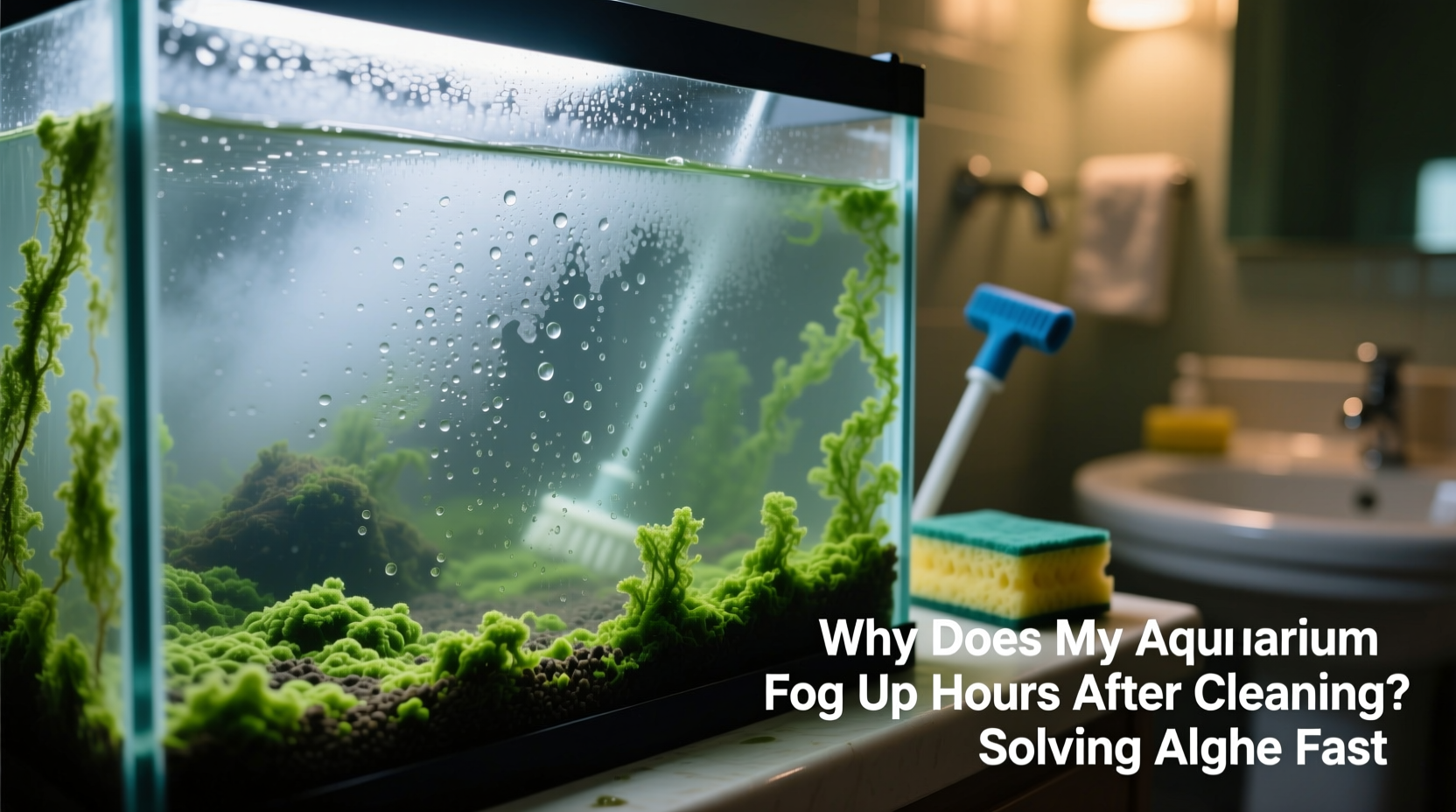
When your aquarium water turns cloudy shortly after a clean, the culprit is typically one of two things: a bacterial bloom or a sudden algae resurgence. Both thrive under specific conditions that are often unintentionally created during maintenance.
Bacterial blooms occur when organic debris—such as uneaten food, fish waste, or decaying plant matter—is disturbed during cleaning. This releases nutrients into the water column, fueling heterotrophic bacteria that multiply rapidly, turning the water milky or grayish. These blooms usually appear within 4–6 hours post-cleaning and may last several days if unchecked.
Algae-related fogging, on the other hand, stems from photosynthetic microorganisms like green water algae (mainly *Chlorella* species). These single-celled organisms explode in population when exposed to excess light and elevated phosphate or nitrate levels—conditions often worsened by aggressive scrubbing that dislodges biofilm without removing underlying nutrient sources.
“Cleaning can reset your tank’s nutrient cycle temporarily, but if lighting and feeding aren’t adjusted accordingly, you’re setting the stage for rapid microbial regrowth.” — Dr. Lena Park, Aquatic Biologist & Aquarium Health Consultant
Why Algae Returns So Quickly After Cleaning
Many aquarists make the mistake of treating symptoms rather than causes. Scrubbing glass, rinsing filters, and changing water address visible algae but rarely eliminate the conditions that allowed it to grow in the first place. Here’s what commonly goes wrong:
- Nutrient imbalance: High nitrates and phosphates from overfeeding or inadequate filtration feed algae even after mechanical removal.
- Excessive lighting: More than 8–10 hours of light per day, especially unregulated sunlight, accelerates algal reproduction.
- Disrupted biofilm: Aggressive cleaning removes beneficial bacterial colonies that compete with algae for resources.
- Filter media rinsed in tap water: Chlorine kills beneficial bacteria, weakening biological filtration and allowing opportunistic microbes to dominate.
Without addressing these root issues, algae will reappear—sometimes within hours—as surviving spores exploit the sudden availability of light and nutrients in a less competitive environment.
Tip: Always rinse mechanical filter media in old tank water, not tap water, to preserve beneficial bacteria.Step-by-Step: Clear Your Tank Within 24 Hours
If your aquarium has already fogged up, follow this immediate action plan to restore clarity fast:
- Turn off the lights for 48 hours. Depriving algae of light halts photosynthesis and weakens its hold.
- Test water parameters. Use a liquid test kit to check ammonia, nitrite, nitrate, and phosphate. High readings indicate nutrient overload.
- Perform a 30% water change using dechlorinated water. Remove surface scum and suspended particles. Vacuum the substrate gently to lift detritus without stirring deep sediment.
- Clean filter intake and impeller. Ensure optimal flow; poor circulation creates dead zones where debris accumulates.
- Add activated carbon or phosphate remover. Place in filter compartment to absorb dissolved organics and reduce available nutrients.
- Introduce algae-eating allies. Nerite snails, Amano shrimp, or Siamese algae eaters help consume residual film.
- Resume lighting gradually. After 48 hours, restart lights for only 4 hours daily, increasing slowly over a week.
This protocol disrupts the algae lifecycle while stabilizing water chemistry. Most tanks show noticeable improvement within 12–24 hours, with full clarity returning in 2–3 days.
Preventative Maintenance Checklist
To avoid recurring fogging episodes, integrate these practices into your weekly routine:
- ✅ Test water weekly for nitrates and phosphates
- ✅ Limit lighting to 6–8 hours per day with a timer
- ✅ Feed fish once daily; remove uneaten food after 2 minutes
- ✅ Clean filter mechanically every 4 weeks (using tank water)
- ✅ Replace chemical media (carbon, GFO) monthly
- ✅ Wipe interior glass weekly with algae magnet or pad
- ✅ Maintain live plants to outcompete algae for nutrients
- ✅ Conduct 20–30% water changes every 7–10 days
Do’s and Don’ts of Algae Control
| Do | Don't |
|---|---|
| Rinse filter media in used tank water | Rinse filters in chlorinated tap water |
| Use a UV sterilizer for persistent green water | Overclean the substrate and destroy biofilm |
| Install floating plants to shade lower areas | Scrub all surfaces bare every time |
| Vacuum substrate during water changes | Change all filter media at once |
| Feed measured portions based on fish size | Leave lights on overnight or near windows |
Real Example: How Sarah Fixed Her 55-Gallon Tank
Sarah, a hobbyist in Portland, Oregon, struggled with recurring green water in her planted 55-gallon aquarium. She cleaned it every Sunday, only to find it murky by Tuesday afternoon. Despite using an algae scraper and changing 40% of the water weekly, the problem persisted.
After testing her water, she discovered phosphate levels at 2.5 ppm—well above the recommended 0.5 ppm. She was also leaving the LED lights on for 12 hours daily and feeding her tetras and dwarf cichlids twice a day.
She implemented the 48-hour blackout method, reduced feeding to once daily, cut lighting to 6 hours with a timer, and installed a phosphate-removing pad in her canister filter. Within three days, the water cleared completely. Over the next month, she introduced six nerite snails and began weekly 25% water changes. Nine months later, her tank remains consistently clear with minimal maintenance.
Tip: Floating plants like duckweed or frogbit reduce light penetration and absorb excess nutrients, naturally suppressing algae.Long-Term Strategies for Crystal-Clear Water
Fast fixes work in emergencies, but long-term clarity depends on consistent ecosystem management. Consider integrating one or more of the following advanced solutions:
- UV Sterilizers: These units pass water through a UV-C chamber, killing free-floating algae and bacteria. Ideal for chronic green water issues, they require bulb replacement every 6–12 months.
- Protein Skimmers (for saltwater): Though primarily marine tools, some freshwater setups benefit from foam fractionators that remove organic compounds before they break down into nutrients.
- Automated Dosing Systems: For planted tanks, precise dosing of fertilizers prevents nutrient spikes that trigger algae.
- Reverse Osmosis (RO) Water Changes: Using RO water reduces input of phosphates and silicates found in tap water, especially in areas with hard water.
Additionally, consider planting fast-growing species such as hornwort, water wisteria, or stem plants. These consume nitrogen and phosphorus aggressively, starving algae of essential resources. A densely planted tank is inherently more stable and resistant to algal outbreaks.
“An aquarium isn’t dirty because of algae—it’s unbalanced. The goal isn’t sterility, but harmony between light, nutrients, and biology.” — Rafael Mendez, Professional Aquascaper & IAPLC Judge
FAQ: Common Questions About Aquarium Fogging
Is cloudy water dangerous for my fish?
Not immediately. Bacterial blooms are generally harmless to healthy fish, though they can reduce oxygen levels slightly. However, persistent cloudiness often signals poor water quality, which stresses fish over time. Address the root cause promptly.
Can I use hydrogen peroxide to kill algae?
In small, controlled doses, yes—but with caution. Hydrogen peroxide (3%) can be applied directly to stubborn algae patches at 1 ml per gallon, but must be done when fish are present only under expert guidance. Overuse harms beneficial bacteria and sensitive invertebrates.
How long does a bacterial bloom last?
Typically 3–7 days. It resolves as nutrients are consumed and oxygen levels stabilize. Frequent water changes and improved aeration speed recovery.
Conclusion: Clarity Starts With Consistency
An aquarium that fogs up after cleaning isn’t broken—it’s communicating. The haze is a symptom of imbalance, not failure. By understanding the triggers behind rapid algae regrowth and bacterial blooms, you gain the power to create a self-sustaining, visually stunning aquatic environment.
Start today: test your water, audit your lighting schedule, and refine your cleaning technique. Small adjustments compound into dramatic improvements. Whether you’re managing a nano tank or a large display, the principles of balance—nutrients, light, and biology—are universal.
💬 Have you solved a stubborn algae problem? Share your experience in the comments and help fellow aquarists keep their tanks crystal clear!