In an era of rising tech prices and growing environmental awareness, many consumers are turning to thrifted electronics as a budget-friendly and sustainable alternative. From vintage turntables to gently used laptops, secondhand gadgets can offer impressive value—if you know what you're doing. But with potential pitfalls like hidden damage, outdated software, and no warranty protection, is buying used electronics truly worth the gamble? The answer isn’t a simple yes or no. It depends on the device, your technical knowledge, and how much risk you’re willing to accept.
This article examines the real trade-offs between new and secondhand electronics, equipping you with practical strategies to make informed decisions—whether you're hunting for a bargain or trying to avoid costly mistakes.
When Thrifting Electronics Makes Financial Sense
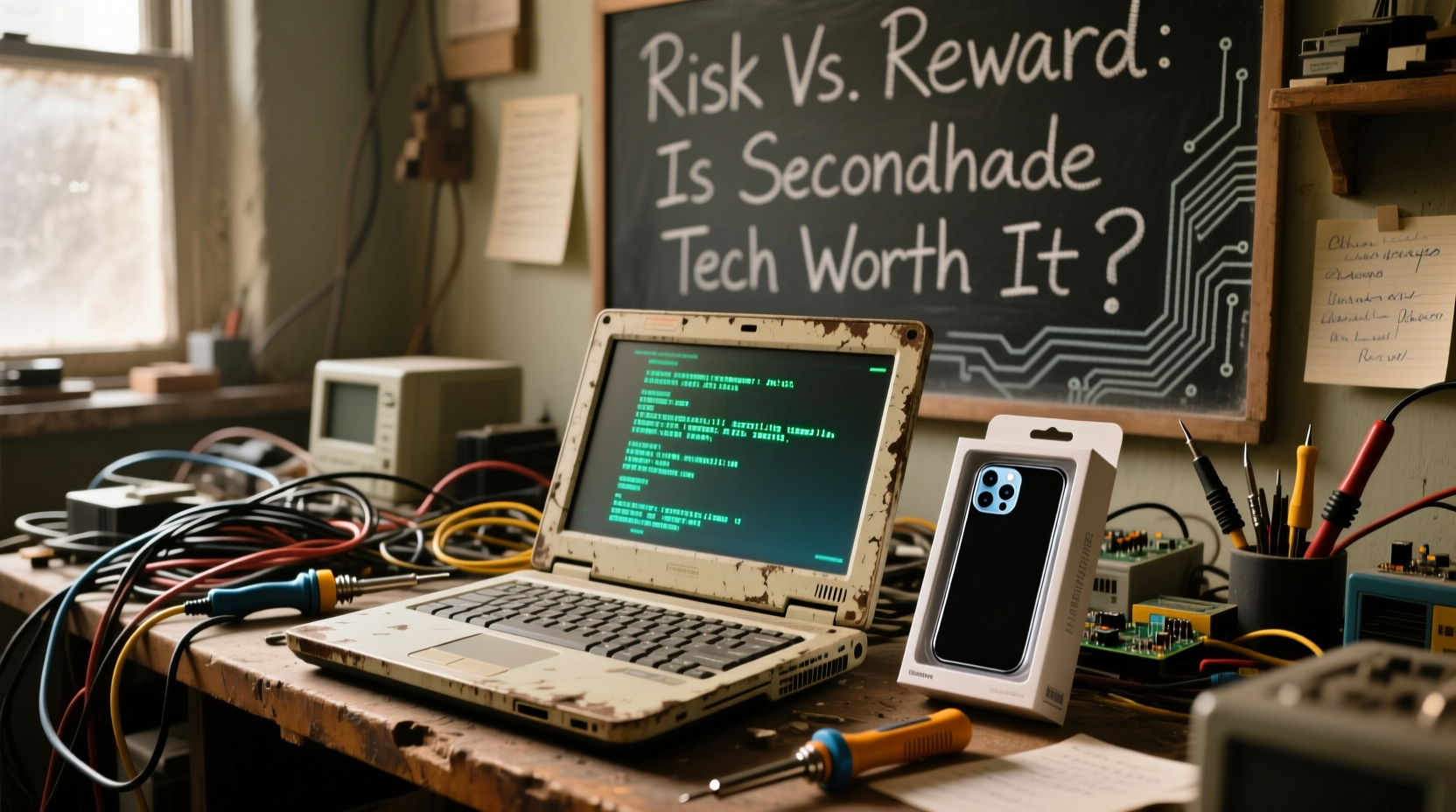
For many, the appeal of secondhand electronics lies in the price. A high-end smartphone, gaming console, or camera that retails for hundreds—or even thousands—can often be found at 30% to 70% off its original cost when purchased used. This discount is especially valuable for fast-depreciating items like smartphones and laptops, which lose significant value within the first year.
Consider this: a flagship smartphone released last year might now sell for half its original price on the secondhand market, while still offering performance nearly identical to the current model. For users who don’t need the latest features, this represents substantial savings without sacrificing functionality.
Additionally, niche or discontinued electronics—such as professional audio gear, film cameras, or retro gaming consoles—are often only available through resale channels. In these cases, thrifting isn't just economical; it's the only viable option.
Tip: Focus on devices with long software support cycles (e.g., iPhones, recent MacBooks) when buying used—they tend to remain functional and secure longer.Risks and Hidden Costs of Used Electronics
While the upfront savings can be compelling, secondhand electronics come with several risks that can quickly erase any financial benefit.
- No warranty coverage: Most used devices are sold “as-is,” meaning repairs fall entirely on the buyer.
- Battery degradation: Lithium-ion batteries degrade over time. A phone or laptop may look pristine but suffer from poor battery life after years of charging cycles.
- Software obsolescence: Older models may no longer receive security updates, making them vulnerable to malware and incompatible with modern apps.
- Hidden damage: Water damage, screen burn-in, or internal component wear aren’t always visible during a quick inspection.
- Fraud and scams: Counterfeit accessories, cloned phones, or misrepresented conditions are common in online marketplaces.
These issues are particularly prevalent when purchasing from unverified sellers on platforms like Facebook Marketplace or Craigslist. Even reputable resale sites like eBay or Swappa can’t eliminate all risk—especially if return policies are limited.
“Buying used electronics is inherently speculative. You’re betting that the remaining lifespan exceeds the price difference compared to a new unit.” — David Lin, Consumer Tech Analyst at GadgetWatch Weekly
Comparison: New vs. Used Electronics
| Factor | New Electronics | Used/Thrifted Electronics |
|---|---|---|
| Price | Higher (full retail) | Lower (30–70% off) |
| Warranty | Standard 1-year (often extendable) | Rarely included; third-party options limited |
| Reliability | High (factory tested) | Variable (depends on history and care) |
| Software Support | Guaranteed for several years | May be near end-of-life |
| Environmental Impact | Higher carbon footprint | Lower (extends product lifecycle) |
| Availability of Parts | Widely available | Limited or obsolete |
The table illustrates that while new electronics offer peace of mind and longevity, used ones win on affordability and sustainability. The key is identifying where your priorities lie—and whether the risks align with your tolerance for uncertainty.
Smart Strategies for Buying Secondhand Tech
If you decide to explore the secondhand market, doing so wisely can minimize risk and maximize value. Follow these steps to increase your chances of a successful purchase.
1. Buy from Reputable Sources
Stick to platforms that offer buyer protection, verified listings, and return windows. Recommended sources include:
- Apple Certified Refurbished (direct from Apple)
- Best Buy Outlet (refurbished section)
- Amazon Renewed
- Swappa (peer-to-peer, but with strong seller ratings)
- Back Market (specializes in refurbished electronics)
2. Inspect Thoroughly Before Purchase
If buying in person, bring a checklist. Test the following:
- Power on/off function
- Screen for dead pixels or burn-in
- Charging port and battery health (use diagnostic tools if possible)
- Speakers, microphone, and camera
- Wi-Fi, Bluetooth, and GPS connectivity
3. Verify Authenticity
For high-value items like iPhones or Samsung Galaxy devices, check the serial number against the manufacturer’s database. Ensure the device isn’t locked to a carrier or reported stolen.
4. Prioritize Devices with Replaceable Components
Some electronics, like certain Dell laptops or modular desktops, allow easy upgrades to RAM, storage, or batteries. These are ideal candidates for secondhand purchases because their lifespan can be extended affordably.
5. Factor in Repair Costs
Before finalizing a deal, research common failure points for the model. For example, older MacBook Pros are known for GPU issues, while some Android phones have fragile OLED screens. If replacement parts are expensive or hard to find, reconsider the purchase.
Tip: Use free tools like CoconutBattery (Mac) or AccuBattery (Android) to check actual battery wear before buying.Real Example: A Calculated Gamble on a Used Laptop
Sophia, a freelance graphic designer based in Portland, needed a powerful laptop for photo editing but couldn’t justify spending $2,000 on a new MacBook Pro. After researching, she found a 2021 M1 MacBook Pro with 16GB RAM and 512GB SSD listed on Back Market for $1,100—nearly 40% below retail.
The unit was certified refurbished, came with a one-year warranty, and had passed 32-point diagnostics. She confirmed the serial number with Apple and checked reviews of the refurbisher. After two months of daily use, the laptop continues to perform flawlessly, saving her hundreds without compromising reliability.
Sophia’s success wasn’t luck—it was due diligence. She didn’t buy the cheapest option; she bought the best value backed by trust signals.
When to Stick with New Electronics
Despite the advantages of secondhand shopping, there are clear scenarios where buying new is the smarter move.
- Critical-use devices: If you rely on a device for work, healthcare, or business operations, downtime can be costly. A new laptop or tablet with full warranty support reduces that risk.
- Security-sensitive devices: Phones and computers handling personal data, banking, or passwords should be up-to-date with security patches. Older models may not receive updates, leaving them exposed.
- New technology standards: Devices using Wi-Fi 6E, USB4, or Bluetooth 5.3 may not be backward compatible. If future-proofing matters, go new.
- Family or shared use: When buying for children or less tech-savvy users, simplicity and reliability outweigh cost savings.
- Lack of repair access: Products like modern iPads or ultra-thin laptops are difficult and expensive to repair. If something breaks, replacement may be the only option.
In these cases, the premium paid for new hardware buys more than just the latest specs—it buys predictability, support, and peace of mind.
Checklist: Is This Used Electronic Worth Buying?
Before clicking “Buy Now” on any secondhand gadget, run through this checklist:
- ✅ Is the seller reputable or platform-protected?
- ✅ Does the listing include clear photos from multiple angles?
- ✅ Is there a return window or warranty?
- ✅ Has the device been tested for core functions (screen, battery, ports)?
- ✅ Is the model still receiving software updates?
- ✅ Are replacement batteries or parts available and affordable?
- ✅ Is the price difference significant enough to justify the risk?
If you can answer “yes” to most of these, the purchase is likely sound. If several are red flags, walk away.
FAQ
Can I trust refurbished electronics from big retailers?
Yes, factory-refurbished or retailer-certified devices (like Apple Refurbished or Best Buy Outlet) are typically reliable. They undergo rigorous testing, are reset to factory settings, and often include warranties. These are far safer than private-party used sales.
How do I know if a used phone has water damage?
Check the Liquid Contact Indicator (LCI), usually located near the SIM tray or inside the charging port. On iPhones, it turns red when exposed to moisture. Also, test speakers, microphone, and charging function thoroughly. Unusual sounds or intermittent charging can indicate prior water exposure.
Are older electronics less secure?
Yes. Devices that no longer receive operating system updates are vulnerable to newly discovered exploits. For example, an Android phone running version 9 (released in 2018) won’t get security patches, making it risky for sensitive tasks like online banking. Always verify update status before purchasing.
Conclusion: Balance Risk, Reward, and Responsibility
Thrifting electronics isn’t inherently risky—but it does require strategy. For tech-savvy buyers willing to research and inspect, secondhand gadgets can deliver exceptional value and reduce electronic waste. However, for mission-critical tools or users prioritizing reliability, new devices remain the safer investment.
The smartest approach lies in balance: reserve secondhand purchases for non-essential, durable, or collectible electronics, and invest in new hardware when performance, security, and support matter most. By applying careful judgment and using trusted sources, you can enjoy the benefits of both worlds—saving money without sacrificing quality.
🚀 Ready to shop smarter? Start your next electronics search with a clear goal: define your budget, acceptable risk level, and must-have features. Then, choose the path—new or used—that truly fits your needs.