The Samsung Galaxy S8 was a landmark device in 2017—slim, powerful, and ahead of its time with an edge-to-edge display and IP68 rating. For users still holding onto their S8, the question isn’t just about upgrading; it’s about whether modern budget phones like the Samsung A14 offer enough meaningful improvements to justify letting go of a trusted device.
The Samsung Galaxy A14, released in 2023, sits at the entry-level end of Samsung’s current lineup. It promises longer software support, improved battery life, and modern connectivity—but does it deliver enough real-world benefits for someone coming from a five-year-old flagship?
Performance: From Flagship Power to Entry-Level Reality
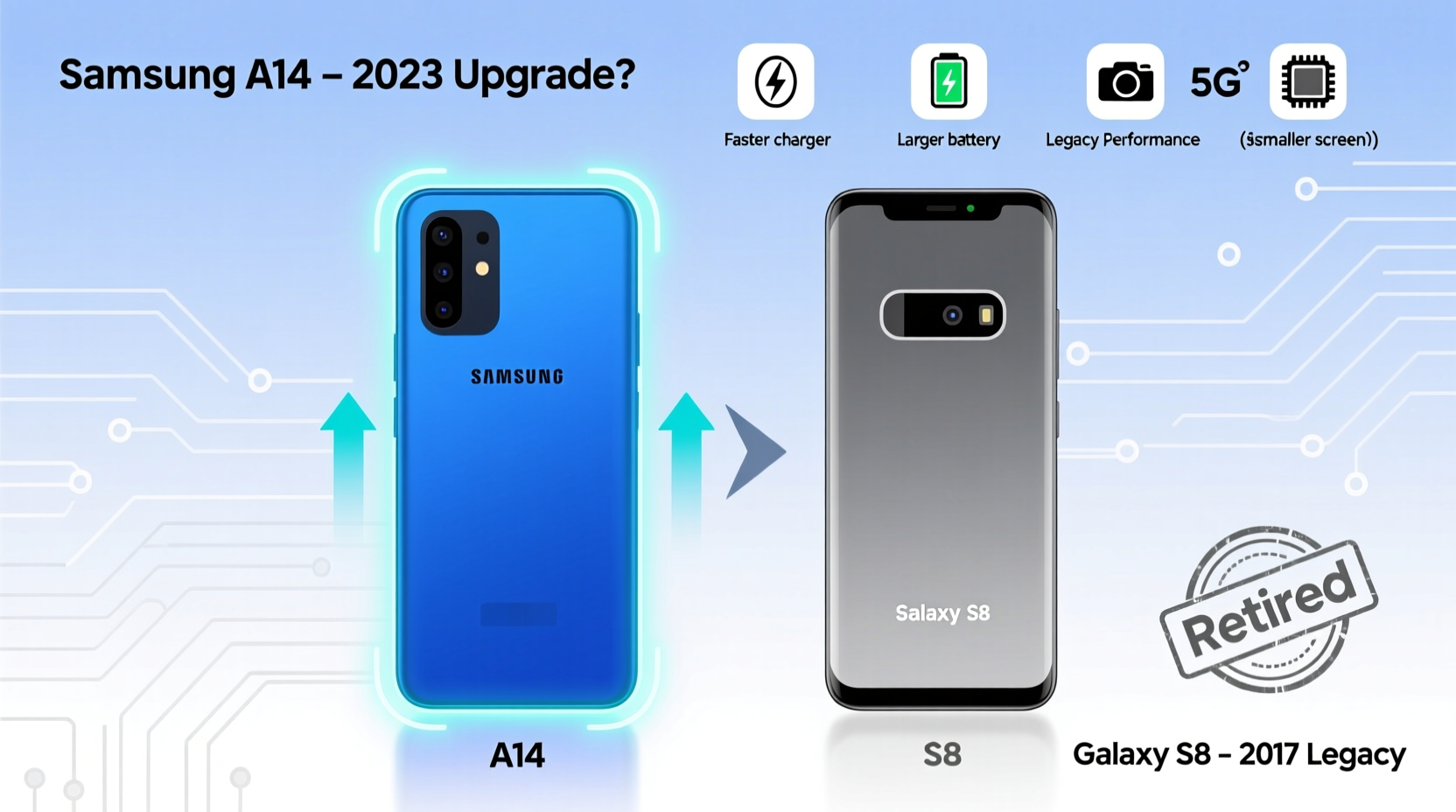
The Galaxy S8 ran on either the Qualcomm Snapdragon 835 or Exynos 9810 (depending on region), both of which were top-tier chips in their day. Even by today’s standards, the S8 handles basic tasks surprisingly well. However, newer apps, heavier web pages, and multitasking expose its limitations, especially with only 4GB of RAM.
In contrast, the A14 uses the MediaTek Dimensity 700—a modest chip designed for efficiency over raw power. It has 4GB or 6GB RAM options and runs Android 13 out of the box. While not a powerhouse, it supports smoother app launches, faster app switching, and better background performance thanks to more memory and a newer OS.
Tip: If you frequently use navigation, messaging, and social media but rarely play high-end games, the A14 will feel snappier than your aging S8.However, don’t expect lightning-fast speeds. The A14 stutters under heavy loads, and app cold starts can be sluggish. But for light users, this is less of an issue—and a noticeable step up from the S8’s lag when opening multiple Chrome tabs.
Battery Life and Charging: A Clear Win for the A14
The S8 had a 3000mAh battery, respectable in 2017 but insufficient by today’s standards. After years of charging cycles, most surviving S8 batteries hold significantly less charge, often requiring midday top-ups even with minimal usage.
The A14 comes with a massive 5000mAh battery. In real-world testing, it consistently lasts 1.5 to 2 days with moderate use. This alone may be reason enough to upgrade—especially if you’ve grown tired of carrying a power bank or hunting outlets.
Charging is another area of improvement. The S8 supported fast charging at 15W, but required a compatible charger. The A14 supports 15W fast charging too, though it ships with a 10W charger. Still, full recharges happen much faster due to higher charging efficiency and battery chemistry advancements.
“Battery degradation is the silent killer of older smartphones. Once capacity drops below 80%, daily usability plummets.” — David Lin, Mobile Repair Technician, TechFix LA
Camera Comparison: Evolution Over Revolution
The S8 featured a single 12MP rear sensor with excellent dynamic range and low-light performance for its era. Its photos still hold up in good lighting, but lack modern computational photography enhancements like Night Mode, HDR fusion, or AI scene optimization.
The A14 offers a triple-camera setup: 50MP main, 2MP macro, and 2MP depth. On paper, this sounds impressive, but in practice, the main sensor uses pixel binning to produce 12.5MP images. Image quality varies—bright scenes look sharp, but low-light shots suffer from noise, poor autofocus, and inconsistent processing.
That said, the A14 includes features the S8 never had: Night Mode, Portrait Mode, and improved front-facing video stabilization. If capturing family moments or sharing on social media matters, these tools add convenience—even if image fidelity isn’t superior across the board.
| Feature | Samsung Galaxy S8 | Samsung Galaxy A14 |
|---|---|---|
| Rear Camera | 12MP f/1.7, OIS | 50MP f/1.8 + 2MP macro + 2MP depth |
| Front Camera | 8MP f/1.7 | 13MP f/2.0 |
| Video Recording | 4K@30fps | 1080p@30fps |
| Night Mode | No | Yes |
| Portrait Mode | No native support | Yes (software-based) |
Software, Security, and Longevity
This is where the A14 pulls decisively ahead. The S8 launched with Android 7 and received updates up to Android 9. No further security patches have been issued since 2020, leaving it vulnerable to emerging threats and incompatible with many new apps that require updated APIs.
The A14 ships with Android 13 and is promised four years of security updates and two major OS upgrades (up to Android 15). That means continued access to Google Play protections, banking apps, secure messaging platforms, and future feature rollouts.
If you rely on mobile banking, two-factor authentication, or health apps, staying on an unsupported device poses real risks. Modern encryption standards, biometric security, and sandboxed app environments are simply not available on the S8.
Real Example: Maria’s Upgrade Dilemma
Maria used her S8 daily for six years—calling her daughter, tracking prescriptions, and checking email. Last winter, her bank app stopped working. Customer service explained it required Android 10 or higher. She tried sideloading older APKs, but faced constant crashes and security warnings.
She bought the A14 for $220. Though disappointed by the plastic build, she praised the larger screen, louder speaker, and peace of mind knowing her phone receives monthly updates. “It’s not fancy,” she said, “but now I can pay my bills without fear.”
Should You Upgrade? A Practical Checklist
Before making the switch, consider your actual needs. Use this checklist to evaluate whether the A14 makes sense for you:
- ✅ Is your S8 battery dying before noon?
- ✅ Have you noticed increasing app crashes or slowdowns?
- ✅ Are key apps (banking, messaging, health) no longer supported?
- ✅ Do you want longer software support and security updates?
- ✅ Can you live with a lower-resolution display (60Hz, 720p+) and plastic body?
- ✅ Is budget a concern? (A14 retails around $200–$250 new)
If you answered “yes” to three or more of the first five questions, the A14 is likely a worthwhile upgrade—not because it’s exciting, but because it restores reliability.
Step-by-Step: Transitioning from S8 to A14
- Back up your S8: Use Samsung Smart Switch over Wi-Fi or cable to transfer contacts, messages, photos, and app data.
- Check compatibility: Ensure your favorite apps are available and functional on Android 13.
- Insert SIM and SD card: The A14 supports microSD expansion up to 1TB—ideal for storing old photos and music.
- Set up security: Enable fingerprint unlock and two-factor authentication for critical accounts.
- Customize display: Adjust font size and enable Dark Mode to improve readability on the HD+ screen.
- Test core functions: Make a call, send a message, take a photo, and verify banking app access.
Frequently Asked Questions
Can the A14 really last longer than my S8?
Yes, assuming normal usage. The A14 has a fresh battery, ongoing software support, and better component durability. With care, it should remain functional for 3–4 years, compared to the S8’s declining performance after year five.
Is the display better on the A14?
In size and brightness, yes—the A14 has a larger 6.6-inch LCD screen ideal for reading and videos. But it lacks the S8’s vibrant AMOLED panel and curved glass design. Colors appear flatter, and blacks aren’t as deep.
Will my S8 accessories work with the A14?
Most won’t. The A14 uses USB-C (like the S8), so chargers and cables are compatible. However, cases, screen protectors, and wireless charging pads designed for the S8 won’t fit due to different dimensions and flat back design.
Final Verdict: Upgrade for Functionality, Not Flash
The Samsung A14 isn’t a glamorous phone. It won’t impress tech enthusiasts or rival the sleekness of the S8. But for long-time S8 users facing battery decay, security gaps, and app incompatibility, it offers a practical, affordable lifeline into the modern smartphone ecosystem.
Think of it not as a luxury upgrade, but as essential maintenance—like replacing worn tires on a reliable car. You’re not chasing excitement; you’re restoring function, safety, and peace of mind.
🚀 Ready to make the switch? Back up your data today and test the A14 in-store or via a returnable online purchase. Sometimes, the best upgrade isn’t the fastest phone—it’s the one that just works.