The virtual reality landscape has evolved rapidly over the past five years, and few companies have shaped it as directly as Meta. With each new release in the Quest line, the bar for standalone VR is raised—higher resolution, better tracking, lighter design, and smarter software. But for those already invested in earlier models like the Quest 2 or even the original Quest, a pressing question arises: Is upgrading to the latest model truly worth it, or are the improvements incremental enough to justify staying put?
This isn’t just about specs on a spreadsheet. It’s about real-world usability, comfort during extended sessions, long-term value, and whether the newest features actually enhance your daily VR experience. Whether you're a casual user who enjoys fitness apps and social hangouts or a dedicated enthusiast diving into immersive games and productivity tools, understanding what’s changed—and what hasn’t—is essential before making a decision.
Understanding the Generational Leap
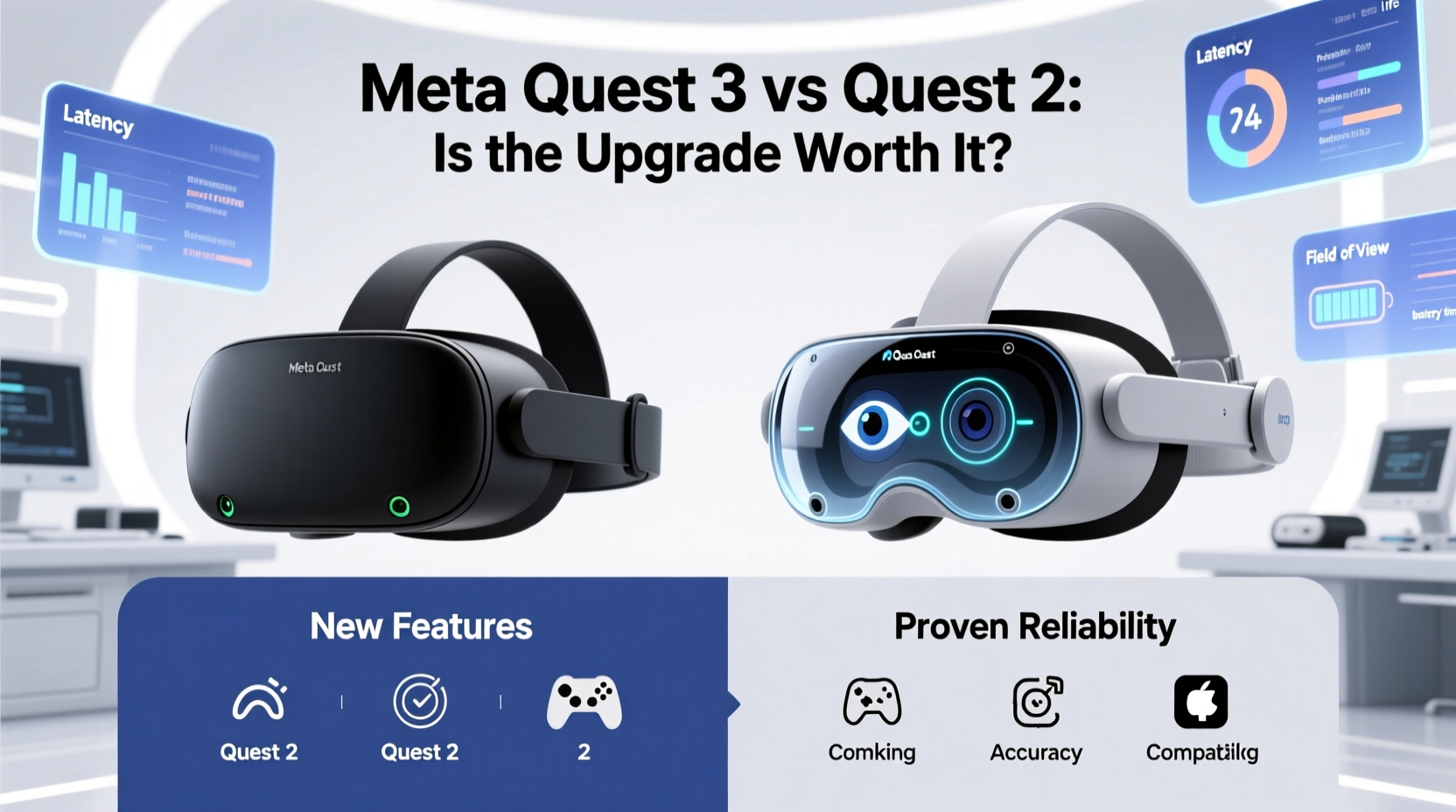
Meta's latest headset—commonly referred to as the Quest 3—introduces several key upgrades over its predecessors. The most noticeable change is the shift toward mixed reality (MR), enabled by high-resolution passthrough cameras and depth sensors that allow digital objects to convincingly interact with your physical space. This isn’t just a gimmick; it opens up entirely new use cases, from placing virtual monitors in your living room to playing AR-enhanced games where enemies hide behind your actual furniture.
The display also sees a meaningful improvement. The Quest 3 uses pancake lenses, which allow for a slimmer profile and better light efficiency compared to the Fresnel lenses in the Quest 2. Resolution jumps to 2064 x 2208 per eye, delivering sharper visuals and reducing screen-door effect—a common complaint among early adopters of mobile-based VR displays.
Under the hood, the switch from the Qualcomm XR2 platform in the Quest 2 to the more powerful Snapdragon XR2 Gen 2 brings faster processing, smoother rendering, and better multitasking. For gamers, this means higher frame rates in demanding titles like *Lone Echo* or *Resident Evil 4 VR*. For developers and creators, it enables more complex simulations and interactive environments.
Tip: If you frequently play graphically intensive VR games, the improved GPU performance of the Quest 3 can make a noticeable difference in immersion and comfort.Comfort and Design Improvements
Ergonomics matter—especially when you’re wearing a device on your face for hours at a time. The Quest 3 is slightly heavier than the Quest 2, but its weight distribution is significantly better thanks to an adjustable IPD slider and a redesigned facial interface. Many users report less pressure on the nose bridge and longer comfortable wear times.
The new headset also features a modular strap system, allowing easy attachment of third-party accessories like the Elite Strap or battery-powered variants for extended play. While these add cost, they improve stability during active gameplay—important for rhythm games like *Beat Saber* or full-body experiences like *The Walking Dead: Saints & Sinners*.
One often-overlooked upgrade is audio. The Quest 3 includes spatial audio with built-in speakers positioned closer to the ears, reducing sound leakage while enhancing directional cues. You still have the option to plug in headphones, but the default setup is now good enough for most users not needing isolation.
Comparing Key Models: What Changed?
| Feature | Quest (Gen 1) | Quest 2 | Quest 3 |
|---|---|---|---|
| Release Year | 2019 | 2020 | 2023 |
| Display Resolution | 1440 x 1600 per eye | 1832 x 1920 per eye | 2064 x 2208 per eye |
| Processor | Snapdragon 835 | Snapdragon XR2 | Snapdragon XR2 Gen 2 |
| RAM | 4GB | 6GB | 8GB |
| Storage Options | 64GB / 128GB | 64GB / 128GB / 256GB | 128GB / 512GB |
| Passthrough Quality | Low-res grayscale | Mono color (mediocre) | Fully color + depth sensing (high-res) |
| Mixed Reality Support | No | Limited | Full MR with occlusion |
| Starting Price (Launch) | $399 | $299 | $499 |
As the table shows, the progression from Quest 1 to Quest 3 is substantial—not just in raw power, but in foundational capabilities. The inclusion of depth-sensing cameras and full-color passthrough fundamentally changes how users interact with their environment. Where previous models treated mixed reality as an afterthought, the Quest 3 treats it as a core feature.
“Mixed reality isn’t just the future—it’s becoming the present. Devices like the Quest 3 are bridging the gap between digital and physical worlds in ways we couldn’t imagine five years ago.” — Dr. Lena Torres, AR/VR Research Lead at Stanford HAI
Real-World Use Case: Upgrading for Productivity
Consider Sarah, a freelance designer based in Portland, who bought a Quest 2 in 2021 primarily for relaxation and occasional gaming. Over time, she began using VR workspaces like *Immersive Connect* and *Spatial* for client meetings and brainstorming sessions. She found the experience liberating—spreading out multiple virtual screens without cluttering her small apartment.
But limitations became apparent. Text rendering was blurry at distance, and switching between apps felt sluggish. When she upgraded to the Quest 3, the difference was immediate. Crisper text allowed her to read documents comfortably across a virtual boardroom. The improved passthrough let her glance at her physical keyboard without removing the headset. And the extra RAM made multitasking between design tools seamless.
For Sarah, the $200 price jump wasn’t just about better games—it was about transforming VR from a novelty into a reliable part of her workflow. Her ROI came not in entertainment value alone, but in saved time and reduced mental fatigue from managing multiple devices.
When Sticking with Older Models Makes Sense
Despite the advancements, upgrading isn’t universally beneficial. The Quest 2 remains one of the best-selling VR headsets for good reason: it offers excellent performance at a budget-friendly price point. At $299 (and often discounted lower), it continues to deliver access to thousands of apps and games in the Meta ecosystem.
If your primary use is fitness (*Supernatural*, *FitXR*), social VR (*Horizon Worlds*, *Rec Room*), or watching movies in virtual theaters, the visual and processing gains of the Quest 3 may be imperceptible. Similarly, if you already own a library of compatible accessories—like prescription lens inserts or premium straps—the added cost of re-equipping can diminish the upgrade’s appeal.
Moreover, many users report that the Quest 2 still receives regular software updates and bug fixes. Meta has committed to supporting it through at least 2025, meaning you won’t be left behind technologically anytime soon.
Tip: Before upgrading, try borrowing or demoing the new headset at a retail store. Physical comfort and visual clarity are highly subjective and best judged firsthand.Checklist: Should You Upgrade?
- ✅ Do you want sharper visuals and reduced screen-door effect?
- ✅ Are you interested in mixed reality applications (e.g., virtual workspaces, AR games)?
- ✅ Do you play CPU/GPU-intensive VR games regularly?
- ✅ Is your current headset showing signs of wear (fading lenses, degraded tracking)?
- ✅ Can you take advantage of the improved passthrough for productivity or navigation?
- ❌ Are you mainly using VR for passive activities like video viewing or light gaming?
- ❌ Is budget a major constraint?
- ❌ Have you recently invested in Quest 2-specific accessories?
If three or more of the first five apply, the upgrade likely makes sense. If you answered yes to any of the last three, holding off could be the smarter move.
Longevity and Ecosystem Considerations
Another factor is forward compatibility. Meta has increasingly focused on building a unified metaverse vision, with interoperability between devices and platforms. The Quest 3 is designed to support upcoming features like avatar realism, hand-tracking enhancements, and AI-driven interactions that rely on greater computational power.
In contrast, older models may struggle to run future software updates efficiently. While backward compatibility ensures existing apps will continue working, newer experiences optimized for Gen 2 chipsets might either underperform or exclude older hardware altogether. This mirrors smartphone trends, where flagship models receive cutting-edge features first, leaving older devices behind after a few years.
Additionally, resale value drops quickly. A used Quest 2 in good condition sells for around $150–$200 today, down from its original $299. In another year, that could fall further, especially if Meta announces a Quest 4. Timing your upgrade strategically can help maximize return on investment.
Frequently Asked Questions
Can I use my Quest 2 accessories with the Quest 3?
Some accessories are compatible, including certain charging docks and Bluetooth headphones. However, the facial interface and touch controllers are not interchangeable due to design differences. Third-party manufacturers are releasing updated versions, but expect additional costs.
Is the passthrough good enough for full mixed reality tasks?
Yes—for consumer-level applications. The color passthrough is sharp and responsive, enabling realistic placement of virtual objects in physical spaces. However, professionals requiring millimeter precision (e.g., architects or engineers) may still prefer dedicated enterprise solutions like Microsoft HoloLens.
Will Meta discontinue support for older headsets soon?
Not immediately. Meta has stated ongoing support for the Quest 2 through 2025, including security patches and app compatibility. However, new experimental features may launch exclusively on newer hardware.
Final Verdict: Who Should Buy the New Meta Quest?
The answer depends on your usage pattern and expectations. For newcomers entering VR for the first time, the Quest 3 is the clear recommendation. It offers the most future-proof experience, with strong mixed reality capabilities, superior optics, and robust performance. Paying $499 for a state-of-the-art standalone headset is reasonable given the breadth of functionality.
For existing Quest 2 owners, the calculus shifts. If you're satisfied with your current setup and don’t need advanced MR features, keeping your headset is both economical and practical. The ecosystem remains vibrant, and most popular apps perform well within its limits.
However, if you’ve been pushing the boundaries of what VR can do—if you’re experimenting with productivity tools, developing content, or craving the most immersive possible experience—the Quest 3 delivers tangible benefits. It’s not merely an iteration; it’s a step toward a world where digital and physical realities blend seamlessly.
“The next era of computing won’t be defined by screens, but by spatial interaction. Headsets like the Quest 3 are paving the way.” — Benedict Evans, Tech Analyst and Former Partner at Andreessen Horowitz
Conclusion
Deciding whether to upgrade to the new Meta Quest isn't just about comparing specs—it's about aligning technology with your lifestyle. The Quest 3 excels where presence, clarity, and mixed reality matter most. But the Quest 2 remains a capable, affordable gateway to VR for millions.
Instead of chasing the latest model out of habit, assess your actual needs. Try the device if possible. Evaluate your use cases honestly. And remember: the best VR headset is the one you’ll actually use, consistently and joyfully.
🚀 Ready to make your move? Share your thoughts below—whether you're upgrading, holding steady, or exploring alternatives. Your experience could help others navigate the evolving world of VR.