For digital artists, choosing the right iPad isn't just about screen size or price—it's about how the device integrates into your creative process. The latest iPad mini and iPad Air sit at opposite ends of Apple’s tablet spectrum: one prioritizes compactness and mobility, the other balances power and usability. With both supporting the Apple Pencil and a robust suite of drawing apps, the decision is no longer clear-cut. Artists must now weigh portability against screen real estate, processing power, and long-term comfort.
This article breaks down every critical factor—from pressure sensitivity response to battery life under heavy app use—so you can make an informed choice based on how you actually work, not just specs on paper.
Portability vs. Workspace: The Core Trade-Off
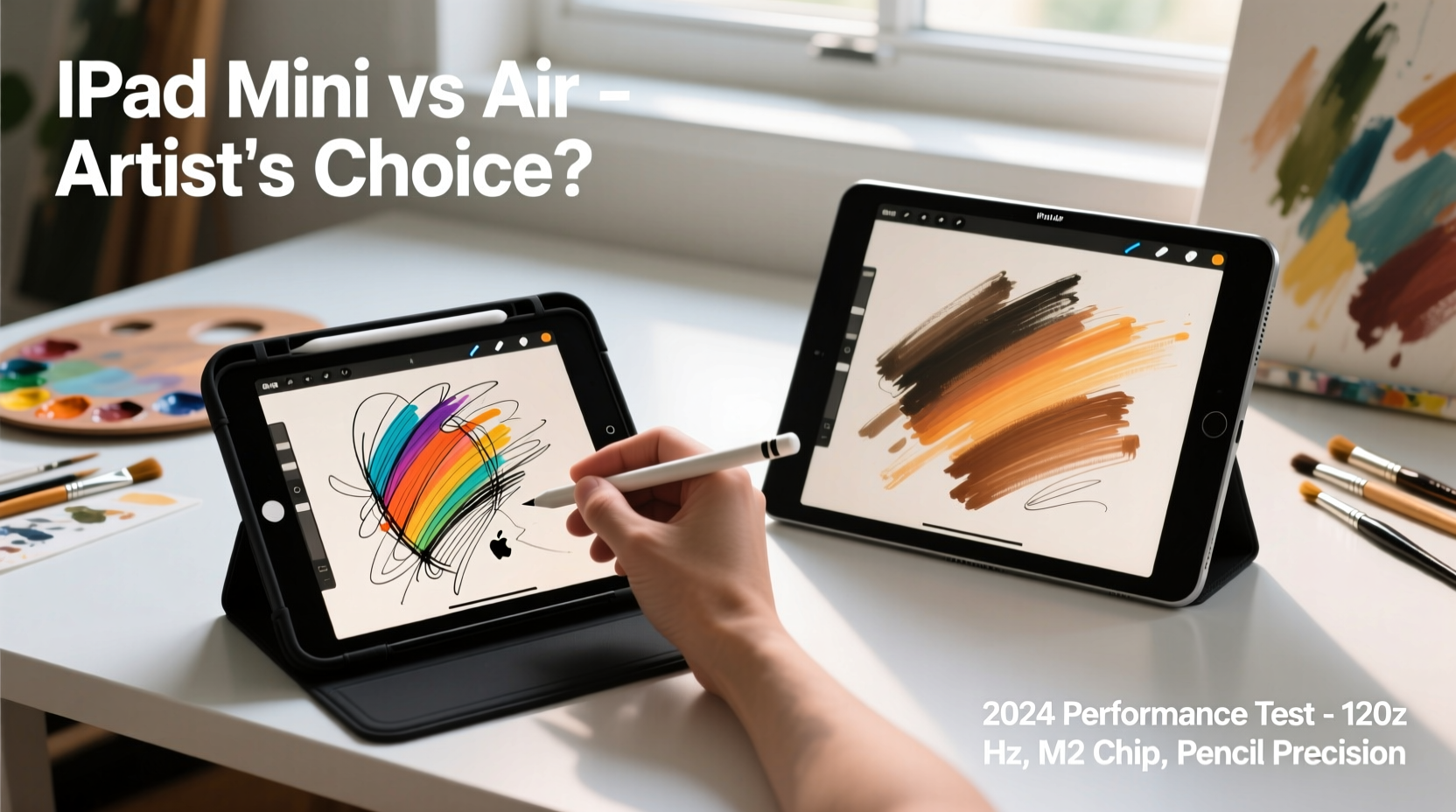
The most immediate difference between the iPad mini (6th generation) and the iPad Air (5th generation) lies in their physical dimensions. The mini measures 7.7 inches tall and 5.3 inches wide, making it the smallest full-featured iPad Apple offers. In contrast, the Air stretches across 9.7 inches by 7.1 inches with a significantly larger display area.
This size gap directly impacts artistic workflow. Drawing on the mini’s 8.3-inch screen can feel cramped during detailed illustration work, especially when tool palettes, layers, and color wheels consume valuable real estate. Artists using Procreate or Adobe Fresco often find themselves constantly panning or zooming, disrupting flow.
Yet, the mini’s compact form shines in mobility. It slips easily into a jacket pocket or small sketchbook bag. For urban sketchers, travelers, or those who draw during commutes, the ability to pull out a capable drawing tablet anywhere is invaluable. One freelance illustrator noted she uses her mini exclusively for outdoor café sessions because “it doesn’t draw attention or take up half the table.”
Tip: If you frequently draw in tight spaces or on the move, prioritize the mini. If you work primarily at a desk or need room for complex compositions, the Air’s larger canvas is worth the bulk.Performance and Creative Software Demands
Both devices are powered by Apple’s high-efficiency chips—the iPad mini runs the A15 Bionic, while the iPad Air uses the more advanced M1 chip. While both handle basic drawing tasks smoothly, the distinction becomes apparent under load.
Artists working with large canvases (above 4K resolution), multiple layers, or animation timelines will notice faster brush responsiveness, quicker layer rendering, and smoother zooming on the Air. The M1 chip also supports external storage expansion via USB-C, allowing direct access to cloud-synced project folders or backup drives—something the mini lacks.
In practice, this means the Air handles multitasking better. You can run Procreate while referencing Pinterest boards in Safari, have Discord open for client calls, and still maintain stable stylus tracking. The mini, while snappy for single-app use, occasionally stutters when switching between memory-heavy applications.
“Processing headroom matters more than people think. When you're animating frame-by-frame or editing vector paths, even minor lag disrupts muscle memory.” — Daniel Ruiz, Digital Art Instructor at SF Media Academy
Display Quality and Drawing Experience
Apple uses Liquid Retina displays on both models, but the implementation differs. The iPad Air features full lamination, meaning there’s no air gap between the glass and the LCD layer. This results in a more paper-like feel when using the Apple Pencil—your strokes appear exactly where the tip touches.
The iPad mini, despite its smaller size, also uses a laminated display, which was a major upgrade from earlier models. However, due to its curved edges and slightly more reflective coating, glare can be an issue in bright environments. Some artists report a subtle “floating” sensation when drawing near the screen edges, likely due to parallax distortion.
Color accuracy is excellent on both, covering P3 wide color gamut and True Tone support. But the Air’s larger surface allows for better hand placement without accidental palm rejection issues. On the mini, left-handed users may struggle to rest their hand comfortably, forcing awkward wrist angles during long sessions.
Pressure Sensitivity and Latency Comparison
Both iPads support the second-generation Apple Pencil with tilt and pressure sensitivity. Latency is rated at 20ms on the mini and 18ms on the Air—an almost imperceptible difference in real-world use.
However, user feedback suggests the Air delivers a more consistent experience over extended drawing periods. Some mini users report occasional input lag after 45+ minutes of continuous use, likely due to thermal throttling in the smaller chassis. The Air’s larger body dissipates heat more efficiently, maintaining peak performance longer.
Comparison Table: iPad Mini vs. iPad Air for Artists
| Feature | iPad mini (6th Gen) | iPad Air (5th Gen) |
|---|---|---|
| Screen Size | 8.3 inches | 10.9 inches |
| Chip | A15 Bionic | M1 |
| Apple Pencil Support | Pencil 2 (magnetic attach & charge) | Pencil 2 (magnetic attach & charge) |
| Battery Life (drawing use) | ~7 hours (Procreate, max brightness) | ~9 hours (same conditions) |
| Storage Options | 64GB / 256GB | 64GB / 256GB / 512GB |
| External Storage Support | No | Yes (via USB-C) |
| Weight | 293g | 461g |
| Best For | On-the-go sketching, quick concepts | Detailed illustrations, animation, professional work |
Real-World Use Case: Urban Sketcher vs. Studio Illustrator
Lena Torres is a concept artist who splits her time between fieldwork and studio projects. She owns both the iPad mini and iPad Air and uses them differently.
During morning commutes, she pulls out the mini to capture street scenes, jotting down character ideas or environmental sketches. “It fits in my coat pocket, and I can start drawing within seconds,” she says. “I don’t need precision—I need speed and spontaneity.”
Back at home, she switches to the Air for refining those sketches into polished artwork. “The extra screen space lets me keep my layers panel open without hiding my canvas. I can zoom into a face and still see the whole body for proportion checks. That kind of context is impossible on the mini.”
Lena’s dual-device approach highlights a growing trend: many artists aren’t choosing between the mini and Air—they’re using both. The mini acts as a portable idea notebook; the Air serves as the primary production machine.
Charging, Accessories, and Long-Term Usability
Both tablets use USB-C, but the implications differ. The iPad Air charges faster and can power external accessories like card readers or MIDI controllers—useful for illustrators who also compose soundtracks or manage client files. The mini, limited by its size, has a smaller battery and slower charging cycle.
Case options are plentiful for both, but the Air benefits from a wider ecosystem of studio stands and drafting tables. Third-party clamp mounts that hold the iPad at an ergonomic angle are more commonly designed for the Air’s footprint. The mini’s compact shape makes it harder to stabilize in angled positions without custom solutions.
Apple Pencil storage is another consideration. Both models allow magnetic attachment, but the mini’s narrow side edge increases the risk of the Pencil sliding off if placed on a slanted surface. Several artists have reported losing pencils this way during train rides.
Tip: Use a braided cable loop or third-party Pencil leash if you frequently travel with the mini to prevent accidental drops.Actionable Checklist: Choosing Your Artist iPad
- ✅ Assess your primary workspace: Do you draw mostly at home or on the go?
- ✅ Test screen size with your usual app layout—can you see your canvas and tools simultaneously?
- ✅ Consider future needs: Will you animate, design comics, or work in 3D?
- ✅ Evaluate battery demands: How long are your typical drawing sessions?
- ✅ Budget for accessories: Pencil, case, possible stand or keyboard.
- ✅ Think long-term: Are you investing in a device that will last 4+ years?
Frequently Asked Questions
Can I do professional illustration work on the iPad mini?
Yes, but with limitations. The mini excels at quick sketches, storyboarding, and light edits. For high-resolution final art, complex layering, or animation, the screen size and processing power may hinder efficiency. Many professionals use it as a secondary device rather than a primary workstation.
Does the iPad Air justify its higher price for artists?
If you create regularly and treat art as income-generating work, yes. The M1 chip, larger screen, and external storage support provide tangible productivity gains. Over time, reduced rendering waits and fewer crashes translate into saved hours—especially valuable for freelancers billing by the project.
Is the Apple Pencil experience the same on both?
Nearly identical in latency and pressure response. However, the Air’s larger screen reduces hand fatigue and improves palm rejection accuracy. Left-handed users generally report a better experience on the Air due to more space for hand placement.
Final Verdict: Who Should Choose Which?
The iPad mini is ideal for artists who value mobility above all. If you sketch in parks, cafes, or transit, and your work stays conceptual or low-detail, the mini delivers exceptional capability in a tiny package. Its affordability also makes it a compelling entry point for students or hobbyists testing digital art.
The iPad Air, meanwhile, is the smarter investment for serious creators. Whether you’re illustrating children’s books, designing characters for games, or creating digital paintings for print, the Air provides the breathing room—both visually and technically—to work efficiently and comfortably. The M1 chip ensures it remains relevant for software updates and demanding apps for years to come.
Ultimately, the question isn’t just about specs—it’s about matching the tool to your habits. The best iPad for an artist is the one they’ll actually use consistently, without friction or frustration.
“The right tool removes barriers between imagination and execution. Sometimes that’s power. Sometimes it’s simply having it with you when inspiration strikes.” — Maya Lin, Digital Painting Mentor
Take Action Today
Don’t let analysis paralysis stall your creativity. If you’re already using an older iPad, try borrowing or renting both models for a weekend. Sketch, paint, and navigate your favorite apps on each. Notice where you feel constrained or empowered. Your body and workflow will tell you more than any review ever could.
🚀 Ready to upgrade your creative toolkit? Share your experience below—what’s your go-to iPad for art, and why? Let’s build a community guide based on real use, not just benchmarks.