Choosing between a 55-inch and a 65-inch Samsung TV isn’t just about screen size—it’s about how that extra space affects your viewing experience, budget, room layout, and long-term satisfaction. While both sizes dominate living rooms across the country, the jump from 55 to 65 inches is more significant than it sounds. This isn’t just an incremental upgrade; it changes immersion, perceived image quality, and even furniture requirements. After reviewing dozens of user experiences, technical specs, and professional insights, here’s a no-nonsense breakdown of whether the larger Samsung model truly earns its premium.
The Real Difference in Viewing Experience
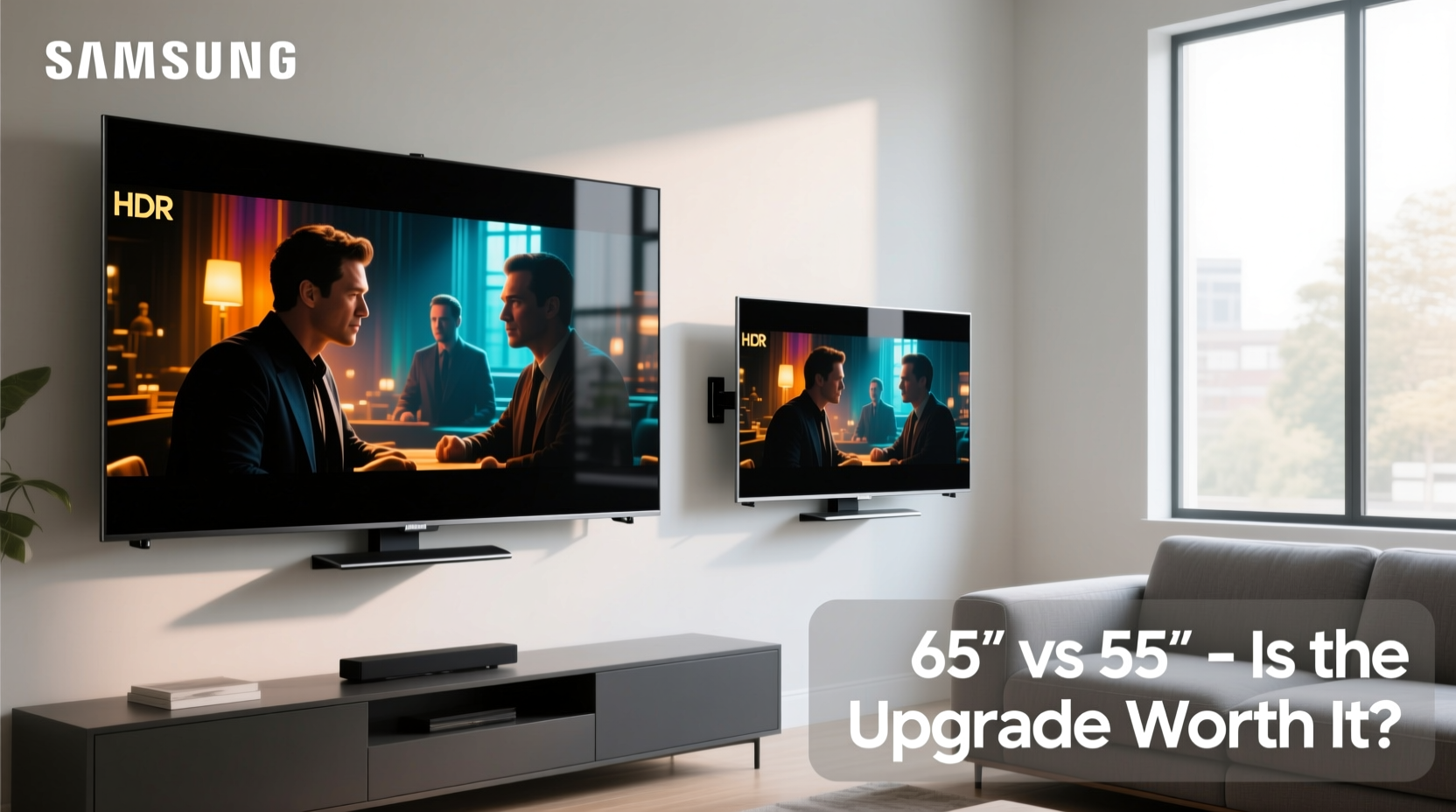
At first glance, a 10-inch diagonal difference might seem modest. But screen area increases exponentially with size. A 65-inch TV has nearly 36% more screen surface than a 55-inch model. That translates to a dramatically more immersive feel, especially for movies, sports, and gaming. When seated within 8 to 10 feet—a common distance in most homes—the 65-inch display fills more of your peripheral vision, creating a theater-like effect.
Samsung’s QLED and Neo QLED models at 65 inches often include slightly upgraded hardware—better dimming zones, higher peak brightness, or enhanced sound systems—though core panel technology may remain similar. However, the increased screen size alone can make HDR content appear more vibrant and shadows deeper, not because the panel is better, but because your eyes perceive contrast more intensely on larger displays.
Tip: Sit no closer than 1.5 times the screen’s diagonal for optimal comfort. For a 65-inch TV, that’s about 8 feet.Price vs. Value: Is the Premium Justified?
A 65-inch Samsung TV typically costs $200–$400 more than its 55-inch counterpart, depending on the model (e.g., Q70C vs. Q80C). The question isn't just \"Can you afford it?\" but \"Does the added cost deliver proportional value?\"
In smaller rooms—under 150 square feet or with seating under 7 feet away—the 65-inch screen can feel overwhelming. Text may appear too large, menus harder to navigate, and fast motion more jarring due to increased visual input. In such cases, the 55-inch remains the smarter choice, offering excellent 4K clarity without sacrificing comfort.
However, in open-concept spaces, home theaters, or rooms where multiple people watch from varied angles, the 65-inch shines. Its larger canvas improves off-axis viewing, making it easier for side-seaters to enjoy consistent color and brightness—especially on Samsung’s Ultra Viewing Angle models.
“Size impacts engagement more than resolution beyond 4K. A well-placed 65-inch TV can elevate casual viewing into an event.” — David Lin, Home Theater Consultant, AudioVision Labs
Physical and Practical Considerations
Before upgrading, assess your space realistically. A 65-inch TV measures approximately 57 inches wide and 32 inches tall—about 4 inches wider and 3 taller than a 55-inch set. That may not fit your existing entertainment center, wall mount, or alcove. Many users report having to rearrange furniture or purchase new stands after switching up a size.
Weight is another factor. A 65-inch Samsung QLED weighs around 40–45 lbs, compared to 30–35 lbs for a 55-inch. If wall-mounting, ensure your studs align properly and use heavy-duty anchors. Improper installation risks damage or injury.
What You Need to Accommodate a 65-Inch TV
- Minimum viewing distance: 8 feet
- Wall or stand space: At least 60 inches wide
- Clearance above and below: 4+ inches for ventilation and aesthetics
- Stronger HDMI cables (longer runs may require active or fiber optic)
Feature Comparison: 55 vs. 65 Inch Samsung Models
While Samsung often uses similar internal components across sizes, there are subtle differences. Higher-end features sometimes debut on larger models before trickling down. Here's a realistic comparison based on current 2023–2024 Q80C series models:
| Feature | 55-Inch Samsung Q80C | 65-Inch Samsung Q80C |
|---|---|---|
| Screen Size (Diagonal) | 55 inches | 65 inches |
| Screen Area | ~1,200 sq in | ~1,630 sq in |
| Full Array Local Dimming | Limited zones (16–20) | More zones (24–32) |
| Peak Brightness (HDR) | 800 nits | 900–1,000 nits |
| Bezel Design | Narrow | Slightly thicker to support structure |
| Sound Output | 40W | 60W with improved bass response |
| Average Price (MSRP) | $799 | $1,099 |
Note the upgrades in local dimming and brightness—key for high dynamic range content. These aren’t guaranteed across all models, but they’re common enough to consider when comparing like-for-like.
Real-World Example: The Martinez Family Upgrade
The Martinez family owned a 55-inch Samsung TU8000 in their 16x12 ft living room. They enjoyed streaming and occasional gaming but felt movies lacked impact. After researching, they upgraded to a 65-inch Q80C during a holiday sale, spending $1,050 after trade-in.
They moved their couch back 18 inches to maintain an 8.5-foot viewing distance. The change was immediate: sports felt more dynamic, black levels improved noticeably during night scenes, and their kids preferred movie nights at home over the theater. However, they had to replace their glass TV stand with a sturdier console and re-cable behind the wall to hide longer connections.
“It wasn’t just bigger,” said Maria Martinez. “It felt more *real*. Like we were part of the scene.” Their only regret? Not measuring the space earlier—they’d temporarily blocked a doorway during setup.
Step-by-Step: How to Decide Which Size Is Right for You
Follow this practical process before purchasing:
- Measure your room: Note the distance from primary seating to the intended TV location.
- Calculate ideal size: Multiply viewing distance (in inches) by 0.84 for 4K content. Example: 96 inches (8 feet) × 0.84 = 80-inch recommendation. Since 80-inch TVs are expensive, 65 inches is the next best option.
- Check furniture dimensions: Ensure your stand or wall space can accommodate width, depth, and weight.
- Test visibility: Stand where viewers usually sit and visualize a 65-inch frame. Does it dominate or complement the room?
- Budget for accessories: Include mounts, soundbars, extended HDMI cables, and possible furniture changes.
- Compare specific models: Don’t assume all 65-inch TVs are equal. Check reviews for the exact Samsung model you're considering.
Frequently Asked Questions
Does a 65-inch TV use significantly more power than a 55-inch?
Yes, but not excessively. A 65-inch Samsung QLED consumes about 120–150 watts during typical use, compared to 90–110 watts for a 55-inch. Over a year, that’s roughly $10–$15 more in electricity, assuming average usage.
Will I notice a big difference in picture quality?
On paper, resolution is identical (4K), but the larger screen enhances perceived sharpness and immersion. Combined with better backlighting in larger models, the image feels more refined—especially in dark rooms or with HDR content.
Can I wall-mount a 65-inch TV myself?
If you have drywall and wooden studs, yes—with proper tools and a VESA-compatible mount. However, due to weight and risk, many professionals recommend hiring a technician, which costs $100–$200 but ensures safety and clean cable management.
Final Verdict: Who Should Upgrade?
The 65-inch Samsung TV is worth the extra cost if:
- You sit 8 feet or farther from the screen.
- Your room is medium to large (over 200 sq ft).
- You prioritize cinematic experiences over compact design.
- Your budget allows for potential furniture or accessory upgrades.
The 55-inch remains ideal for:
- Small apartments, bedrooms, or offices.
- Viewing distances under 7 feet.
- Budget-conscious buyers who still want 4K and smart features.
- Tight spaces where a 65-inch would overwhelm the room.
Conclusion: Make the Choice That Fits Your Life
The decision between a 55-inch and 65-inch Samsung TV isn’t about which is objectively better—it’s about alignment with your space, habits, and expectations. A 65-inch model offers a bolder, more engaging experience, but only if your environment supports it. Oversizing can lead to eye strain and imbalance in room aesthetics. Undersizing might leave you wishing for more immersion.
Take measurements, test layouts, and prioritize real-world usability over specs alone. Whether you choose the compact elegance of the 55-inch or the expansive presence of the 65-inch, Samsung delivers strong performance in both. The right choice isn’t the bigger one—it’s the one that fits seamlessly into your life.
💬 Have you made the jump from 55 to 65 inches? Share your experience, setup tips, or regrets in the comments—your insight could help someone avoid a costly mistake.