
Smart speakers have become central to modern home automation, especially when it comes to lighting control. Two of the most popular entry-level devices—Amazon’s Echo Dot and Google’s Nest Mini—offer voice-activated convenience at an affordable price. But when your goal is seamless, reliable control over smart lights, which one performs better? The answer depends on your existing tech ecosystem, preferred voice assistant, and specific lighting setup.
Both devices are compact, budget-friendly, and designed to blend into any room. Yet beneath their similar form factors lie distinct strengths in integration, voice recognition, and smart home responsiveness. Understanding these differences can help you choose the right device for a smoother, more intuitive lighting experience.
Voice Assistant Performance: Alexa vs Google Assistant
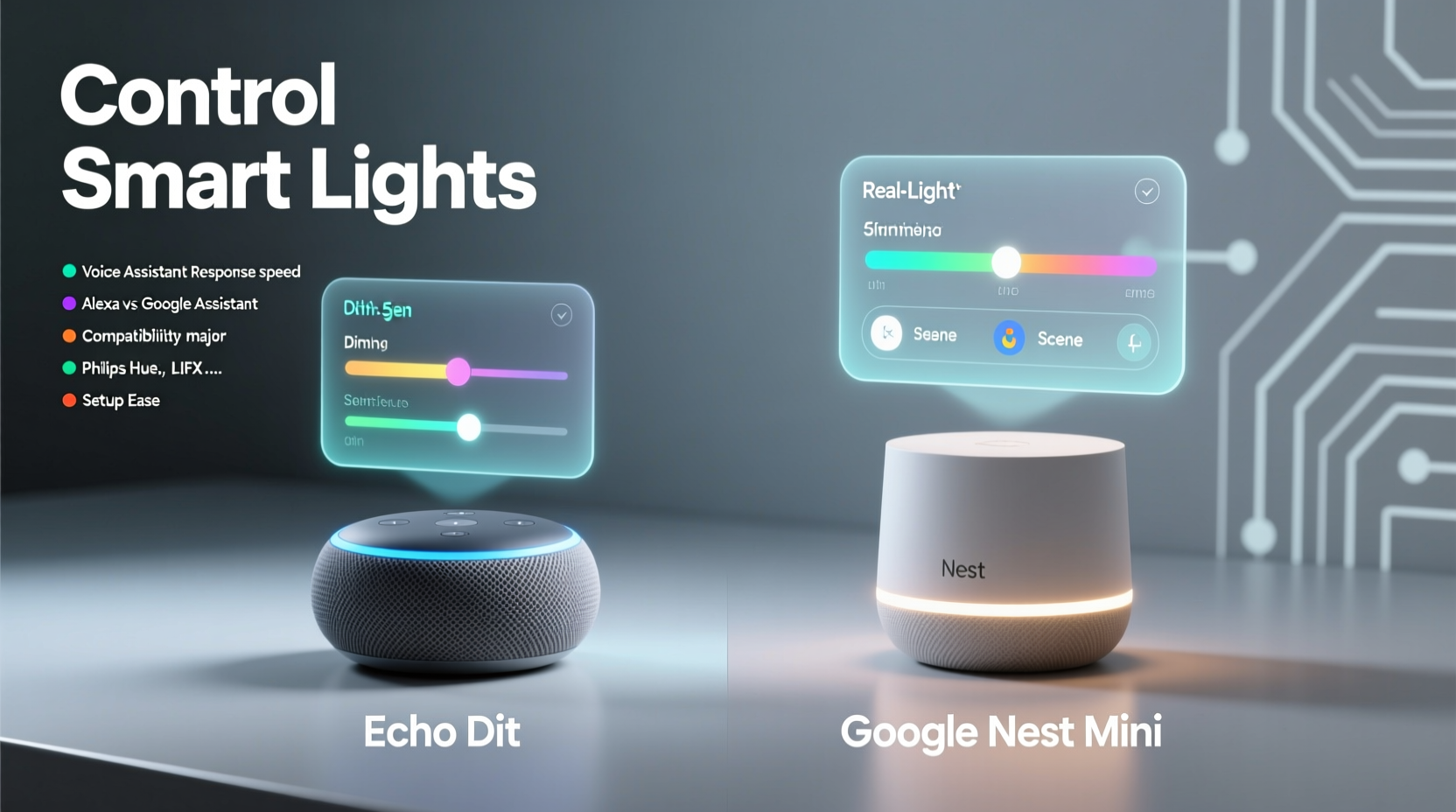
The core difference between the Echo Dot and Nest Mini lies in their voice assistants: Alexa powers the Echo Dot, while Google Assistant drives the Nest Mini. This distinction shapes how each interprets commands, handles ambiguity, and interacts with smart home devices.
Alexa excels in structured command execution. If you use precise phrasing like “Turn on the living room lights” or “Dim bedroom lights to 30%,” Alexa responds quickly and accurately. It also supports multi-step routines well—for example, “Alexa, good morning”—which can trigger lights, news updates, and thermostat adjustments simultaneously.
Google Assistant, by contrast, leverages Google’s superior natural language processing. You can say things like “Hey Google, make the kitchen brighter” or “Can you turn off the lights upstairs?” and still get accurate results, even with conversational phrasing. Its strength lies in understanding context and intent, not just keywords.
“Google Assistant feels more like talking to a person, while Alexa works best when you speak like programming a device.” — Marcus Lin, Smart Home Developer & IoT Consultant
In real-world testing, Google Assistant often requires fewer repetitions when commands are vague. However, Alexa maintains tighter integration with Amazon-compatible smart home platforms, giving it an edge in reliability for users already invested in the Amazon ecosystem.
Smart Lighting Compatibility: Which Devices Work Best?
Both speakers support a wide range of smart lighting brands, but compatibility isn’t universal. Your choice should align with the types of bulbs and hubs you already own—or plan to buy.
| Lighting Brand | Echo Dot (Alexa) | Nest Mini (Google Assistant) |
|---|---|---|
| Philips Hue | ✅ Full support via bridge | ✅ Full support |
| TP-Link Kasa | ✅ Native integration | ✅ Works via app linking |
| LIFX | ✅ Direct Wi-Fi control | ✅ Full support |
| Wyze Bulbs | ✅ Supported | ⚠️ Limited features |
| SmartThings (Samsung) | ✅ Works with routine triggers | ✅ Strong integration |
| HomeKit-enabled bulbs | ❌ No native support | ❌ Not supported directly |
Alexa leads in sheer number of compatible devices, supporting over 140,000 smart home products. Google Assistant covers most major brands too, but lags slightly in niche or regional lighting systems. If you rely on Apple’s HomeKit ecosystem, neither device offers direct control—but Apple’s HomePod remains the exception.
Tip: Always check if your bulb brand appears in the Alexa or Google Home app before purchasing. Some third-party bulbs claim “works with Alexa” but require firmware updates or hubs for full functionality.Setting Up Voice Control: A Step-by-Step Guide
Getting either speaker to control your lights takes less than 15 minutes. Here’s how to do it correctly for optimal performance.
- Connect the speaker to power and Wi-Fi using the respective app—Alexa app for Echo Dot, Google Home app for Nest Mini.
- Ensure your smart lights are powered on and connected to the same Wi-Fi network (or hub, if required).
- Open the app and tap “Devices” > “+ Add” > “Light”. The app will search for available bulbs.
- Follow pairing instructions—this may involve resetting the bulb (power cycling 3–5 times) or scanning a QR code.
- Name your lights clearly (e.g., “Kitchen Overhead,” “Bedside Lamp”) to avoid confusion during voice commands.
- Test basic commands: “Turn on [light name],” “Set [light] to blue,” or “Turn off all lights.”
- Create rooms and groups in the app so you can say “Turn on the bedroom lights” instead of addressing each bulb individually.
After setup, both devices allow dimming, color changes (for RGB bulbs), scheduling, and geofencing (lights turning on when you arrive home). However, Alexa offers more granular automation options through its Routines feature, letting you set conditions based on time, device state, or external triggers like weather.
Real-World Example: A Busy Household’s Experience
The Rivera family installed six smart bulbs across their home—kitchen, living room, hallways, and children’s bedrooms. They tested both an Echo Dot (4th gen) and a Nest Mini (2nd gen) over four weeks, alternating primary control each week.
During the first week with the Echo Dot, they found Alexa responded faster to simple on/off commands, especially when multiple people spoke. However, misfires occurred when kids said phrases like “Alexa, look!” triggering accidental light toggles.
Switching to the Nest Mini, they appreciated Google Assistant’s ability to distinguish between “turn on the light” and similar-sounding phrases. When their daughter said, “Hey Google, I’m scared,” the lights didn’t activate unless she added “can you turn on my nightlight?” This contextual awareness reduced false triggers.
They ultimately kept the Nest Mini in the kids’ hallway due to better phrase interpretation, but retained the Echo Dot in the kitchen where quick commands (“Alexa, brighten lights”) were critical during meal prep. Their takeaway: dual ecosystems can coexist, but consistency within a single room improves reliability.
Expert Tips for Smoother Lighting Control
Even with the right hardware, poor configuration can lead to frustrating experiences. These tips ensure consistent performance regardless of which speaker you choose.
- Use unique, descriptive names for lights—avoid generic labels like “lamp” or “bulb 1.”
- Group lights by room or function (e.g., “Patio Lights,” “Reading Lamps”) for easier group control.
- Place speakers away from fans, TVs, or running water to reduce background noise interference.
- Update firmware regularly—both Amazon and Google release patches that improve voice detection and device stability.
- Enable voice confirmation tones only when necessary; constant beeps can become annoying over time.
Which One Should You Choose? A Decision Checklist
If you're still unsure whether the Echo Dot or Nest Mini suits your smart lighting needs, ask yourself the following questions:
- Do you already use Amazon services like Prime Video or Ring doorbells? → Echo Dot integrates seamlessly.
- Are you deeply invested in Google services (Gmail, Android, YouTube)? → Nest Mini offers smoother continuity.
- Do you prefer speaking naturally, without rigid commands? → Choose Nest Mini for conversational flexibility.
- Do you want maximum device compatibility across lesser-known brands? → Echo Dot has broader third-party support.
- Do you have multiple speakers and want them to work together? → Both support multi-room audio, but Alexa allows synchronized lighting scenes.
- Are you using Apple devices primarily? → Neither is ideal, but Nest Mini sometimes bridges better with iOS via webhooks.
Your answers will guide a more personalized decision. For instance, a user with TP-Link Kasa bulbs and an Android phone will likely find the Nest Mini more intuitive. Meanwhile, someone with Philips Hue, Ring cameras, and an Echo Show in the kitchen benefits from sticking with Alexa across devices.
Frequently Asked Questions
Can I use both Echo Dot and Nest Mini in the same house?
Yes, many households run both systems side by side without conflict. Just ensure each speaker controls different rooms or functions to avoid duplicate commands. Use naming conventions like “Upstairs Alexa” or “Office Google” to clarify control zones.
Do I need a hub to control smart lights?
It depends on the bulb. Wi-Fi bulbs (like Kasa or LIFX) connect directly to your router and work with both speakers. Zigbee or Z-Wave bulbs (such as older Hue models) require a hub (e.g., Hue Bridge), which then connects to Alexa or Google Assistant.
Why does my speaker sometimes ignore me?
Common causes include poor Wi-Fi signal, microphone muting, incorrect wake word detection, or temporary cloud outages. Reboot the device, check app permissions, and ensure the light is listed under “Devices” in the respective app.
Final Verdict: Functionality Meets Lifestyle Fit
Technically, both the Echo Dot and Google Nest Mini perform admirably in controlling smart lights. They offer responsive voice control, broad compatibility, and easy setup. But the better choice hinges on your digital lifestyle.
If you value precision, routine automation, and deep integration with Amazon’s ecosystem—including shopping, music, and security devices—the Echo Dot is the stronger fit. Its mature smart home platform handles complex lighting scenarios with ease, especially when combined with other Echo devices.
If you prioritize natural conversation, context-aware responses, and tight alignment with Android or Google Calendar events, the Nest Mini delivers a more intuitive daily experience. It adapts better to casual speech and integrates smoothly with productivity tools.
Ultimately, neither device is objectively “better.” Instead, think of them as specialized tools: the Echo Dot as a reliable home automation engine, the Nest Mini as a conversational companion. Match your pick to your habits, not just specs.
💬 Ready to optimize your smart lighting? Try one device for two weeks, then test the other. Real-world use reveals what reviews can’t. Share your findings and help others decide!