For people with ADHD, staying organized isn’t just about productivity—it’s about survival. Distraction, time blindness, emotional dysregulation, and executive dysfunction make traditional planning tools fall short. That’s why many turn to bullet journaling or digital planners in search of a system that finally works. But when it comes to long-term consistency—what actually sticks?
The answer isn’t one-size-fits-all. It depends on cognitive style, sensory preferences, lifestyle demands, and the nature of ADHD symptoms. Some thrive on the tactile satisfaction of pen-on-paper; others need the automation and reminders only digital tools can offer. This article compares both systems through the lens of ADHD neurology, offering real-world insights, expert perspectives, and practical guidance to help you choose—or combine—the right approach.
The ADHD Brain and Planning: Why Most Systems Fail
ADHD affects the brain’s prefrontal cortex—the area responsible for executive function. This includes task initiation, working memory, prioritization, focus regulation, and emotional control. Traditional calendars and to-do lists assume these functions are intact. They don’t account for:
- Time blindness: Difficulty estimating how long tasks take or perceiving the passage of time.
- Motivation dependency: Tasks without immediate rewards often go undone, regardless of importance.
- Sensory overload: Cluttered interfaces or excessive steps can trigger avoidance.
- Hyperfocus traps: Deep immersion in low-priority tasks while critical ones are ignored.
A successful planning system for ADHD must be flexible, engaging, low-effort to maintain, and ideally, rewarding in the moment. It should reduce cognitive load, not add to it. Both bullet journaling and digital planners attempt this—but in fundamentally different ways.
Bullet Journaling: The Analog Advantage for ADHD Minds
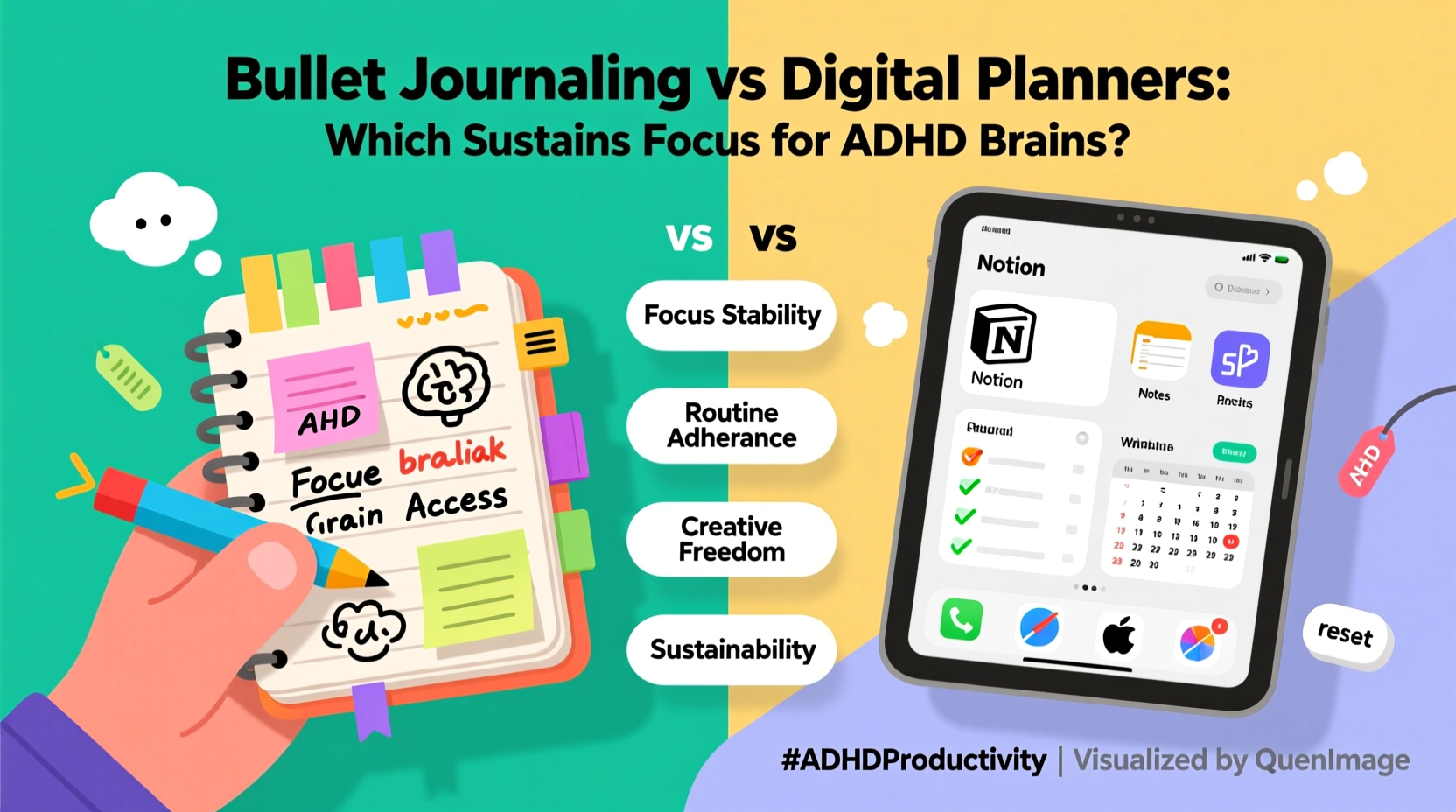
Bullet journaling, created by designer Ryder Carroll, is more than a notebook—it’s a customizable organization system built around rapid logging, migration, and intentionality. For many with ADHD, its physicality becomes its strength.
The act of writing by hand engages motor memory and spatial awareness. Studies show handwriting increases retention and comprehension compared to typing. For an ADHD brain prone to distraction, the deliberate pace of pen-on-paper can create a grounding effect, reducing impulsivity and increasing mindfulness.
Customization is another key benefit. Unlike rigid templates, bullet journals allow users to design pages that match their current needs—habit trackers, mood logs, brain dumps, or weekly spreads. This adaptability means the system evolves with shifting attention spans and life phases.
“Writing things down gives me a sense of closure I don’t get from tapping a checkbox. There’s something about crossing off a task with a thick pen that makes my brain believe it’s done.” — Maya R., diagnosed with ADHD at 28Tip: Use colored pens or highlighters to visually separate task types (e.g., blue for work, green for self-care). Color-coding reduces mental effort when scanning your page.
When Bullet Journaling Works Best
Analog planning shines in scenarios where:
- You struggle with screen fatigue or digital burnout.
- You benefit from tactile feedback and enjoy creative expression.
- Your environment allows quiet time for reflection and journaling.
- You prefer minimalism and want to avoid app overload.
However, bullet journaling requires consistent maintenance. Migration—the process of reviewing and moving unfinished tasks—can become burdensome if skipped. Without routine, the journal turns into a guilt-inducing relic rather than a tool.
Digital Planners: Automation and Accessibility for ADHD
Digital planners—apps like Notion, GoodNotes, Obsidian, or specialized tools like MyLifeOrganized—offer features analog systems can’t match: recurring tasks, push notifications, voice-to-text input, cloud sync, and searchable archives.
For someone with ADHD, these features directly combat core challenges:
- Reminders override time blindness. A notification at 3 PM ensures you don’t forget a doctor’s appointment, even if you’ve been hyperfocused on a podcast since noon.
- Templates reduce decision fatigue. Pre-built daily layouts mean you don’t waste energy designing a new spread each week.
- Search functions rescue lost information. No more flipping through pages trying to find that note from three weeks ago.
- Voice input accommodates restlessness. Dictating tasks while pacing or walking boosts engagement.
Digital tools also integrate with other apps—calendar, email, fitness trackers—creating a centralized hub. This consolidation is crucial for ADHD individuals who often juggle multiple disjointed systems.
When Digital Planners Work Best
Digital planning excels when:
- You’re frequently on the move and need access across devices.
- You respond well to auditory or visual alerts.
- You have coexisting anxiety and need reassurance that nothing is forgotten.
- You rely on assistive tech like text-to-speech or speech recognition.
“Digital planners saved me from missing deadlines. Before, I’d write things down and never look back. Now, my phone buzzes, and even if I ignore it twice, the third alert gets my attention.” — Jordan T., freelance writer with ADHD
Head-to-Head Comparison: Key Factors for ADHD Users
| Feature | Bullet Journaling | Digital Planners |
|---|---|---|
| Setup Effort | High (requires drawing, planning) | Low to medium (templates available) |
| Maintenance | Manual (daily writing, migration) | Automated (reminders, syncing) |
| Flexibility | Extremely high (create any layout) | Moderate to high (depends on app) |
| Distraction Risk | Low (no notifications) | High (other apps nearby) |
| Portability | Medium (carry notebook) | High (on phone/tablet) |
| Sensory Engagement | High (touch, sound, sight) | Low to moderate |
| Backup & Recovery | None (if lost, gone) | Cloud-based (auto-save) |
This table highlights a central tension: bullet journals win in customization and sensory engagement but demand higher upkeep. Digital planners reduce effort and increase reliability but may lack the therapeutic ritual that keeps ADHD users engaged.
Real-World Example: Two People, Two Paths
Case Study 1: Lena, 34, graphic designer
Lena tried digital planners for years but kept abandoning them. “I’d set up beautiful Notion dashboards, then ignore them for weeks. The guilt made me worse.” She switched to a dot-grid bullet journal after seeing a TikTok tutorial. Now, she spends 10 minutes each morning sketching her day. “Drawing the boxes, coloring the headers—it’s like meditation. I don’t do it perfectly, but I do it most days. That’s progress.”
Case Study 2: Dev, 29, software developer
Dev has severe time blindness and works remotely across time zones. He used a paper planner but missed too many meetings. After integrating Google Calendar with Todoist and setting location-based reminders (“Buy groceries when near store”), his follow-through improved by 70%. “I don’t trust my memory. I need my phone to nag me. It’s not glamorous, but it works.”
Both systems succeeded—not because one is inherently better, but because each person aligned the tool with their cognitive style and lifestyle.
Hybrid Approach: Best of Both Worlds
Many ADHD individuals find lasting success not by choosing one over the other, but by combining them strategically. A hybrid model leverages the strengths of both:
- Use a digital planner for time-sensitive tasks, appointments, and recurring habits.
- Keep a bullet journal for brainstorming, emotional processing, and creative planning.
- Sync major deadlines from digital to analog weekly spreads for visual reinforcement.
Step-by-Step: Building Your Hybrid System
- Assess your pain points. What do you consistently forget? Where does your system break down?
- Pick a primary tool. Choose digital or analog based on your dominant need (automation vs. engagement).
- Select a complementary secondary tool. If digital is primary, choose a small notebook for brain dumps. If analog is primary, pick one reminder app for critical alerts.
- Create a weekly sync ritual. Every Sunday, transfer key items between systems. This takes 15 minutes but prevents duplication and oversight.
- Review monthly. Ask: What worked? What felt burdensome? Adjust accordingly.
Expert Insight: What Neuroscience Says
“The ADHD brain responds best to externalization—getting thoughts out of the head and into the world. Whether paper or screen, the medium matters less than the act of offloading. Consistency is driven by perceived reward, so the tool must feel satisfying in use.” — Dr. Alan Chen, Cognitive Behavioral Therapist specializing in ADHD
Dr. Chen emphasizes that no tool guarantees success. The deciding factor is whether the user experiences intrinsic motivation—pleasure, calm, or accomplishment—while using it. A beautifully designed digital dashboard won’t help if opening the app feels like homework. Likewise, a bullet journal fails if filling it triggers perfectionism.
Checklist: Choosing the Right System for You
Answer these questions to determine your best fit:
- Do you enjoy writing by hand, or does it feel slow and tedious?
- Do you respond better to visual cues (colors, drawings) or auditory alerts (notifications)?
- Are you likely to carry a notebook daily, or do you rarely leave home without your phone?
- Do you fear losing data, or are you comfortable with impermanence?
- Does starting a new system feel exciting, or overwhelming?
If you answered yes to the first, second, and fifth questions—you may lean toward bullet journaling. If you resonated with the third, fourth, and digital features—you’re likely better suited for digital planning.
Frequently Asked Questions
Can bullet journaling help with ADHD-related anxiety?
Yes. The ritual of writing, especially brain dumps and gratitude logs, can reduce mental clutter and rumination. Physically crossing off tasks provides a sense of control, which counters the overwhelm common in ADHD.
Are there digital planners specifically designed for ADHD?
While no app is exclusively for ADHD, some are optimized for it. MyLifeOrganized uses priority tagging and adaptive reminders. Tiimo offers visual timelines and step-by-step routines ideal for time blindness. Focus@Will integrates music scientifically designed to improve concentration.
What if I keep abandoning both systems?
Consistency isn’t about willpower—it’s about fit. Instead of restarting from scratch, scale down. Try a one-page weekly spread or a single daily checklist. Lower the barrier to entry. As occupational therapist Samantha Reed says: “Start so small it’s impossible to fail.”
Conclusion: Stickiness Over Perfection
In the debate of bullet journaling vs digital planners for ADHD brains, the winner isn’t the fanciest system—it’s the one you actually use. “Sticking” isn’t about flawless execution. It’s about returning, again and again, even after skipping days or making mistakes.
The right tool meets you where you are: tired, distracted, overwhelmed, or creatively bursting. It doesn’t demand perfection. It offers forgiveness. It turns planning from a chore into a companion.
Experiment. Mix. Adapt. Your brain isn’t broken—it’s different. And your planner should reflect that truth.
🚀 Ready to build a system that sticks? Start today: pick one notebook or download one app. Create just one page or set up three reminders. Small action beats perfect intention every time.