
In an era where technology evolves at breakneck speed and sustainability is more than a buzzword, many consumers are turning to refurbished electronics as a cost-effective and eco-friendly alternative to brand-new devices. From smartphones and laptops to gaming consoles and smartwatches, the market for refurbished tech has exploded. But beneath the appealing price tags lies a critical question: Are these devices genuinely reliable, or are they ticking time bombs waiting to fail?
The answer isn’t binary. Refurbished electronics can be excellent value — or costly disappointments — depending on where you buy them, how they were restored, and what kind of warranty and support accompany them. Understanding the nuances of the refurbished market is essential to making informed decisions that protect both your budget and your digital life.
What Does “Refurbished” Really Mean?
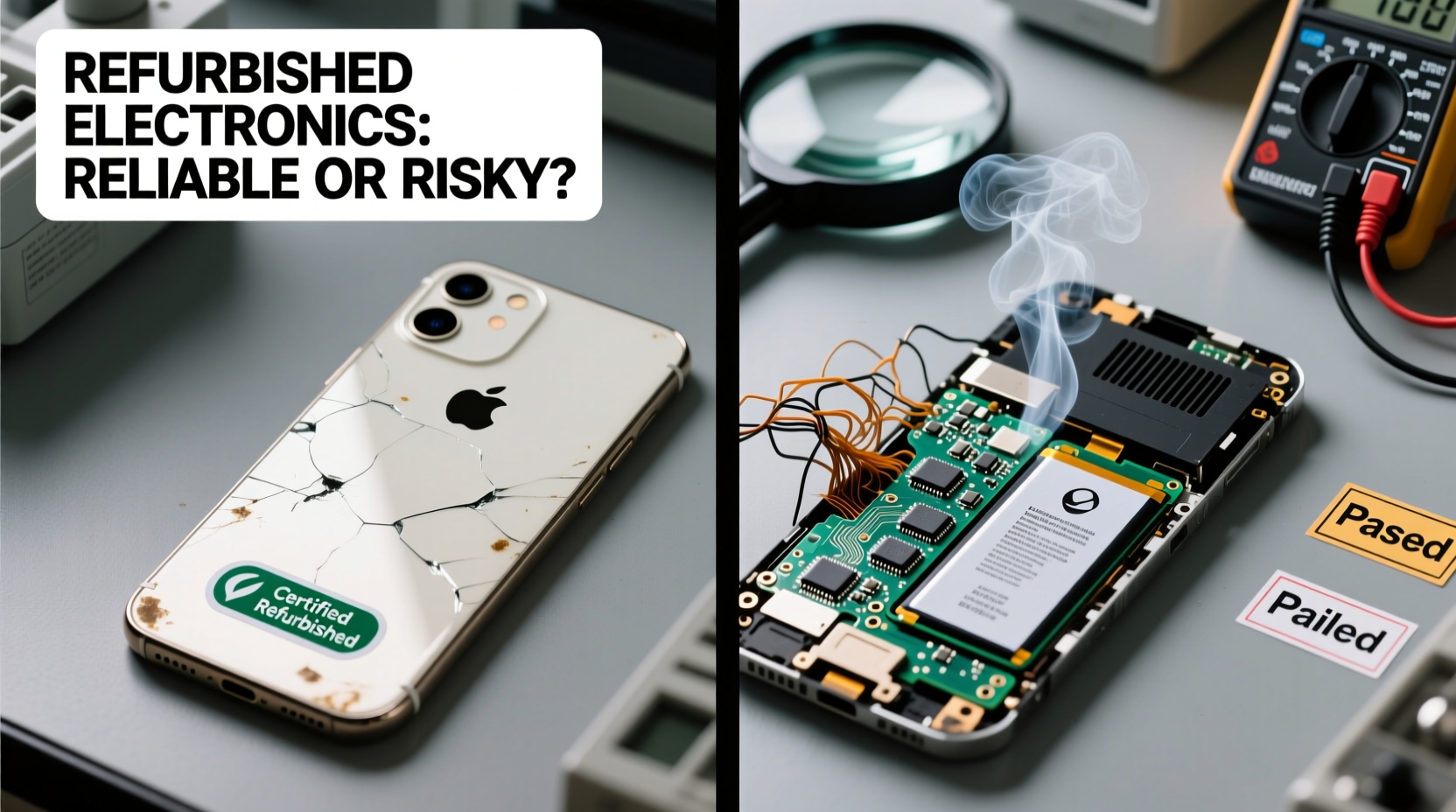
The term “refurbished” is often misunderstood. It doesn’t mean “used and resold.” Instead, it refers to a device that was returned, repaired, tested, and restored to working condition before being resold. However, the standards for refurbishment vary widely across sellers and regions.
There are generally three categories of refurbished electronics:
- Manufacturer-refurbished: Devices restored by the original company (e.g., Apple, Dell, Samsung). These undergo rigorous testing, component replacement if needed, and come with warranties.
- Third-party refurbished: Restored by independent companies. Quality varies significantly based on the vendor’s reputation and processes.
- Open-box or cosmetic returns: Items returned shortly after purchase, often due to buyer’s remorse. They may be in pristine condition but classified as refurbished for inventory reasons.
Not all refurbished items are created equal. A phone with a replaced battery and updated software from the manufacturer is fundamentally different from one hastily cleaned and repackaged by an unknown seller on an online marketplace.
Tip: Always check who performed the refurbishment. Manufacturer-certified units typically offer the highest reliability.Reliability vs. Risk: The Core Debate
The central concern with refurbished electronics is longevity. Can you trust a device that’s already had a first life? The truth is, most modern electronics are built with modular components, meaning failed parts can be replaced without compromising the entire system.
Studies have shown that properly refurbished devices from reputable sources perform nearly as well as new ones. According to a 2022 report by Back Market, a leading refurbished electronics platform, 87% of customers reported satisfaction with their purchases, and failure rates within the first six months were under 5% for certified smartphones.
However, risks do exist:
- Battery degradation: Even if replaced, batteries in older models may not hold charge as effectively.
- Hidden damage: Poorly inspected units might have undetected water or impact damage.
- Limited upgrade paths: Older models may no longer receive software updates, leaving them vulnerable to security threats.
The key is not whether refurbished electronics are inherently risky, but whether the refurbishment process was thorough and transparent.
“Refurbished doesn’t mean defective. When done right, refurbishment extends product lifecycles, reduces e-waste, and delivers real value.” — Dr. Lena Torres, Sustainable Technology Researcher at MIT
How to Spot a Reliable Refurbished Device: A Buyer’s Checklist
To avoid ending up with a dud, follow this practical checklist before purchasing any refurbished electronic:
- Verify the seller: Stick to official manufacturer outlets (e.g., Apple Certified Refurbished, Microsoft Renewed) or trusted retailers with strong return policies.
- Check the warranty: Reputable sellers offer at least a 90-day warranty; some provide full one-year coverage.
- Review grading standards: Look for clear condition descriptions (e.g., “Excellent,” “Good”) that detail cosmetic imperfections and functional status.
- Confirm testing procedures: Ask if the device underwent diagnostics for screen, battery, camera, ports, and connectivity.
- Ensure software reset: The device should be factory reset with original firmware installed, free of previous user data.
- Look for serial number traceability: This helps verify authenticity and check for theft or insurance flags.
- Read customer reviews: Real-world feedback can reveal patterns of reliability or recurring issues.
Skipping even one of these steps increases the chance of disappointment. For example, buying a “like new” laptop from an unverified third party without a warranty could leave you stranded if the hard drive fails a month later.
Comparing Sources: Where You Buy Matters Most
Not all refurbishment channels are equal. The source determines the level of quality control, accountability, and post-purchase support. Below is a comparison of common options:
| Seller Type | Testing Standard | Warranty | Return Policy | Risk Level |
|---|---|---|---|---|
| Manufacturer-Certified (e.g., Apple, Dell) | Rigorous, multi-point inspection | 1 year, same as new | 14–30 days | Low |
| Authorized Resellers (e.g., Best Buy, Amazon Renewed Premium) | Standardized testing | 90 days to 1 year | 15–30 days | Low-Moderate |
| Independent Refurbishers (Reputable) | Varies, often detailed | 30–90 days | 14–30 days | Moderate |
| Marketplace Sellers (eBay, Facebook) | Limited or undisclosed | Rare or none | Varies, often restrictive | High |
This table underscores a crucial point: the lower the price, the higher the risk — especially when warranty and testing transparency are absent. Saving $100 on a laptop might not seem worth it if repairs cost $200 six weeks later.
A Real-World Example: Sarah’s Smart Switch
Sarah, a freelance graphic designer, needed a reliable laptop for remote work but couldn’t justify spending $1,500 on a new MacBook Pro. After researching her options, she purchased an Apple Certified Refurbished 13-inch M1 MacBook Pro directly from Apple’s website. It was graded as “Excellent,” came with a one-year warranty, and cost 27% less than a new model.
Over the next 18 months, the laptop performed flawlessly. She received all software updates, experienced no hardware issues, and even upgraded the storage herself using accessible guides. When she eventually sold it, she recouped 60% of her initial investment — comparable to depreciation on a new device.
Contrast this with her colleague Mark, who bought a “refurbished” Windows laptop from an unknown eBay seller for 40% off retail. Within two months, the battery swelled, the Wi-Fi failed intermittently, and the seller disappeared after the return window closed. The repair estimate exceeded the purchase price.
Sarah’s success wasn’t luck — it was research, source selection, and attention to certification. Mark’s experience reflects the dangers of prioritizing price over provenance.
Step-by-Step Guide to Buying Refurbished Electronics Safely
Follow this sequence to maximize your chances of getting a dependable device:
- Define your needs: Determine which features are essential (e.g., processing power, storage, portability).
- Set a realistic budget: Know how much you’re willing to spend, then compare refurbished vs. new prices.
- Research models: Choose devices known for durability and long software support (e.g., iPhones, ThinkPad laptops).
- Identify certified sellers: Prioritize manufacturer programs or authorized partners.
- Inspect product details: Read condition reports, look for photos, and confirm included accessories.
- Check return and warranty terms: Ensure you have at least 14 days to test the device and a minimum 90-day warranty.
- Purchase and test immediately: Upon arrival, inspect for physical damage, run diagnostics, and verify performance under load.
- Register the device: If possible, register it with the manufacturer to access support and update eligibility.
This methodical approach turns a potentially risky purchase into a calculated, confidence-backed decision.
Frequently Asked Questions
Do refurbished electronics last as long as new ones?
When sourced from reputable providers, yes — many refurbished devices undergo stricter testing than new units leaving the factory. With proper care, they can last just as long, especially if they receive regular software updates and maintenance.
Is buying refurbished good for the environment?
Yes. Extending the life of electronics reduces demand for raw materials, lowers carbon emissions from manufacturing, and keeps devices out of landfills. The United Nations estimates that only 17.4% of global e-waste was recycled in 2023; buying refurbished helps close that gap.
Can I get the latest software on a refurbished phone?
It depends on the model’s age. Manufacturers typically support devices with updates for 3–7 years. A refurbished iPhone from 2020 will likely still receive iOS updates, while a 2016 model won’t. Always check update eligibility before buying.
Conclusion: Smart Choices Over Cheap Deals
Refurbished electronics aren’t ticking time bombs — but they aren’t guaranteed winners either. Their reliability hinges on who refurbished them, how thoroughly they were tested, and what protections you have as a buyer. The stigma around used tech is fading, replaced by a growing recognition that sustainability and savings don’t have to come at the expense of quality.
The smartest consumers don’t just chase low prices; they chase value. That means choosing certified devices, understanding return policies, and treating the purchase like any important investment. With the right approach, a refurbished laptop, phone, or tablet can serve you reliably for years — proving that second lives can be just as powerful as first ones.
🚀 Ready to make your next tech purchase count? Explore manufacturer-certified refurbished sections today and see how much you can save — responsibly.